
Events: sell tickets and run your farm gatherings, start to finish

Your farm is more than a place to buy vegetables — it's dinners in the field, U-pick afternoons, workshops, and farm tours. Until now, selling tickets to all of that meant a second tool: Eventbrite, a Google Form, a one-off shop product, or a stack of manual invoices. Farmhand now runs your events end to end, right alongside the shop your customers already know and trust.
Create an event in minutes
From your dashboard, open the new Events section, give your event a date and time, write a description, and add a cover photo. Set up as many ticket tiers as you need — General Admission, Members Only, Kids Under 12 — each with its own price and capacity. Save it as a draft while you get it right, then publish when you're ready. Farmhand caps sales automatically, so an event can't be oversold even if two people grab the last ticket at the same moment.
Sell tickets through the checkout customers already know
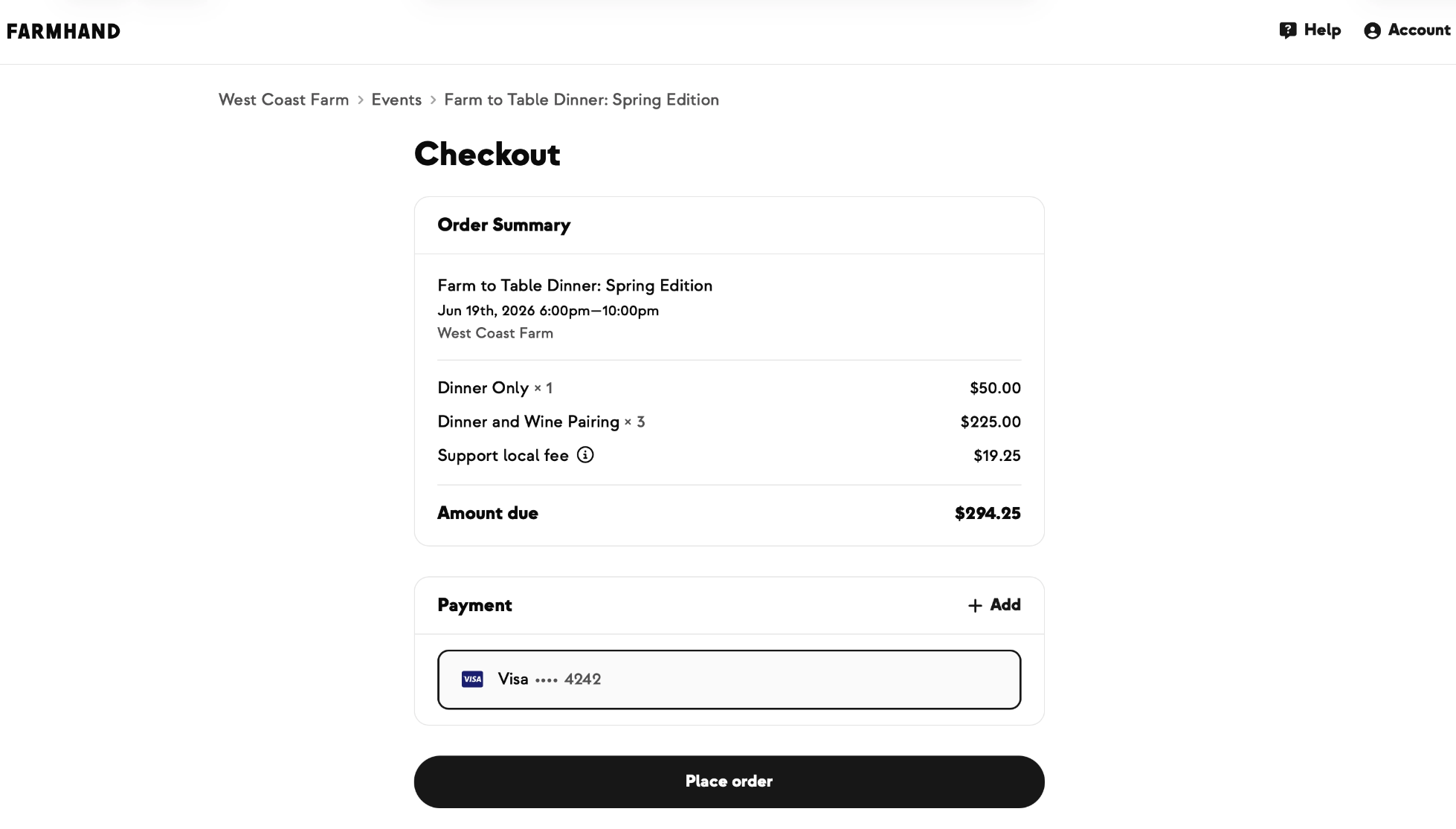
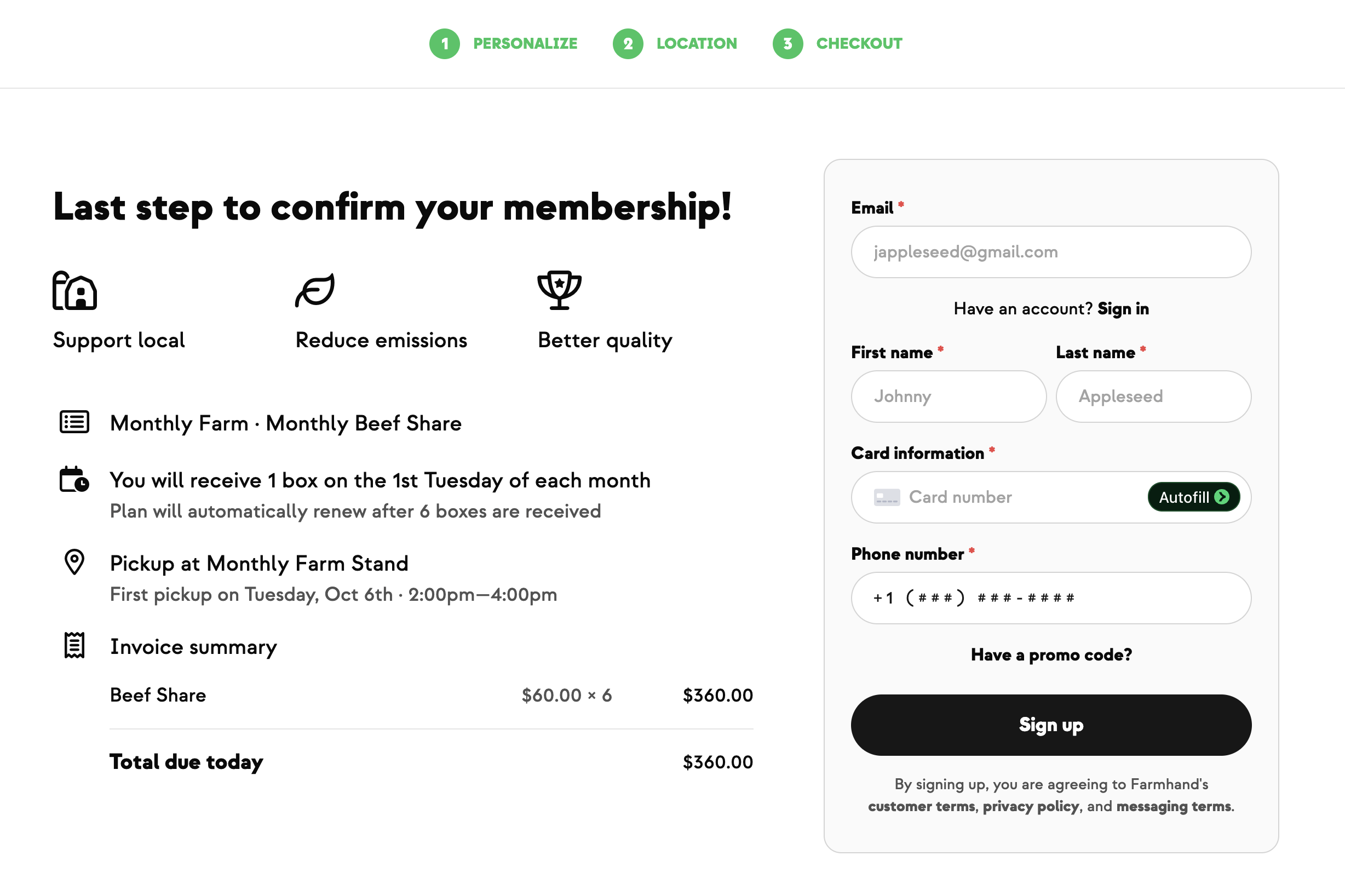
Published events show up on your shop page on their own event card, with the photo, name, and date. Customers pick a ticket tier, choose a quantity, and check out with the same payment methods, store credit, and "support local" options they use for the rest of your shop. The moment they buy, they get an SMS and email confirmation — and you get an alert with their name and ticket count, so your headcount is always current.
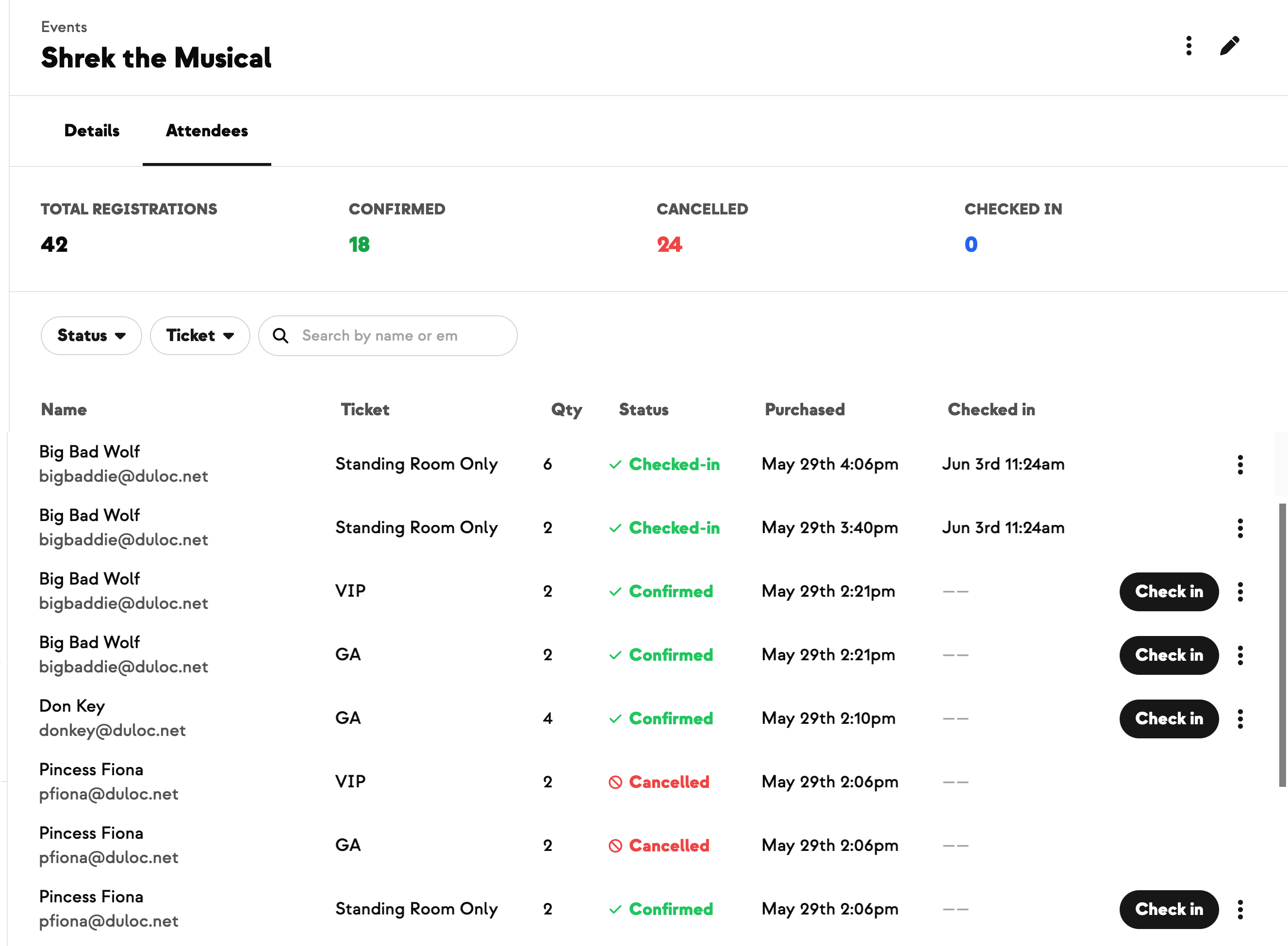
Manage everyone from one Registrations tab
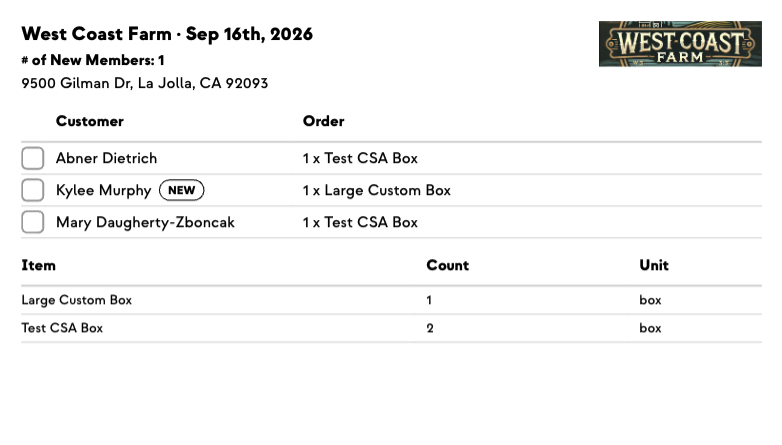
Every event has a Registrations tab with at-a-glance stats, search, and filters by status, ticket, or name. You can see who's confirmed, who's checked in, and who's cancelled without untangling your regular orders — event tickets stay out of your fulfillment lists, pack labels, and order sheets. Need to sign someone up yourself? Add a registration on a customer's behalf — comp it for a VIP or volunteer, or bill the card on file — and even create a brand-new customer right inside the dialog.
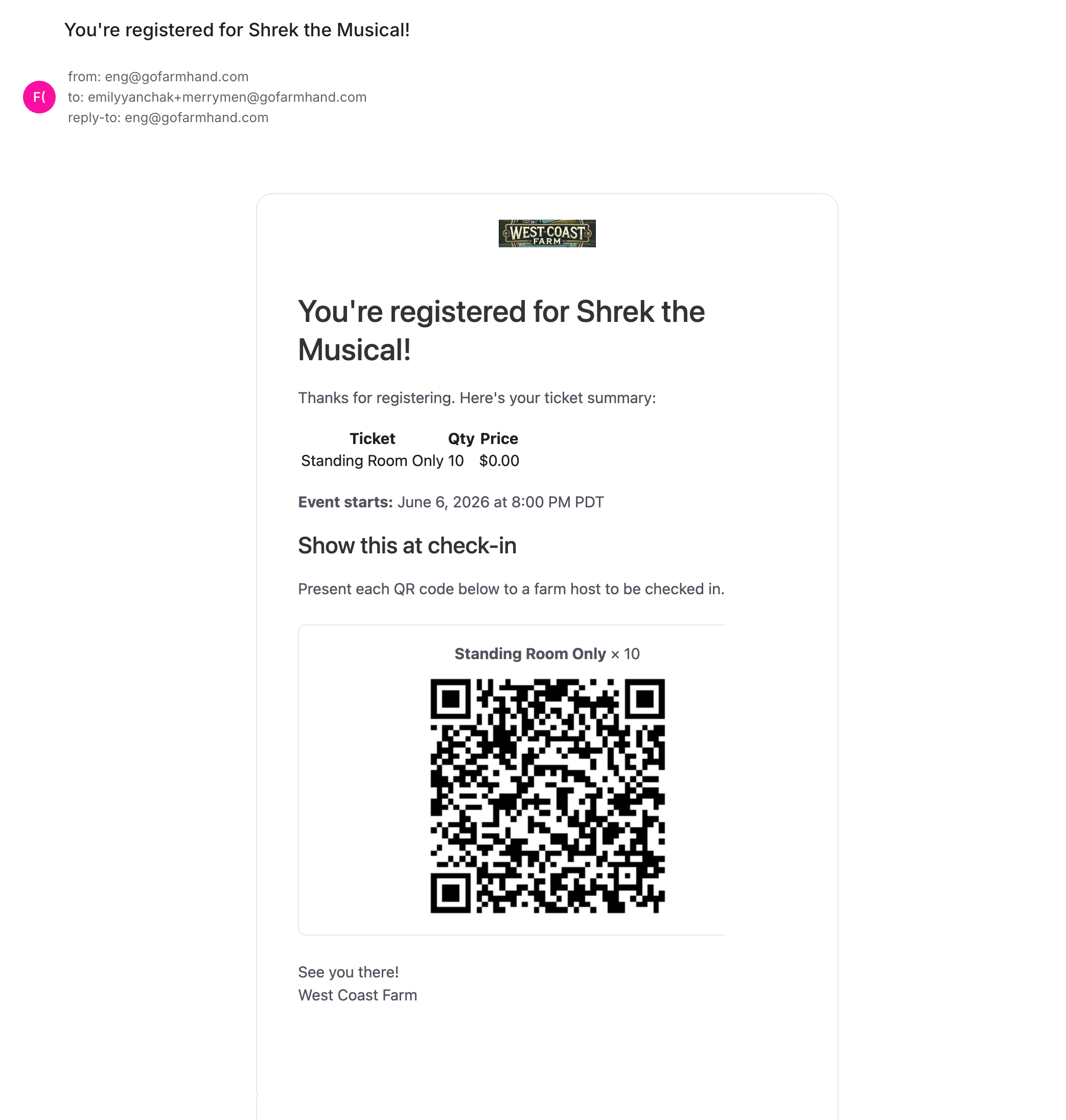
Check guests in with a quick QR scan
Every ticket comes with its own QR code in the confirmation email. At the gate, open your phone camera, scan, and you're on a check-in page that confirms the guest in one tap — green for checked in, blue if they've already been scanned, red for a cancelled ticket. No scanner hardware and no printed lists. When scanning isn't practical, you can check someone in by hand, undo a mistaken check-in, or cancel a registration with a refund to the original card or as account credit.
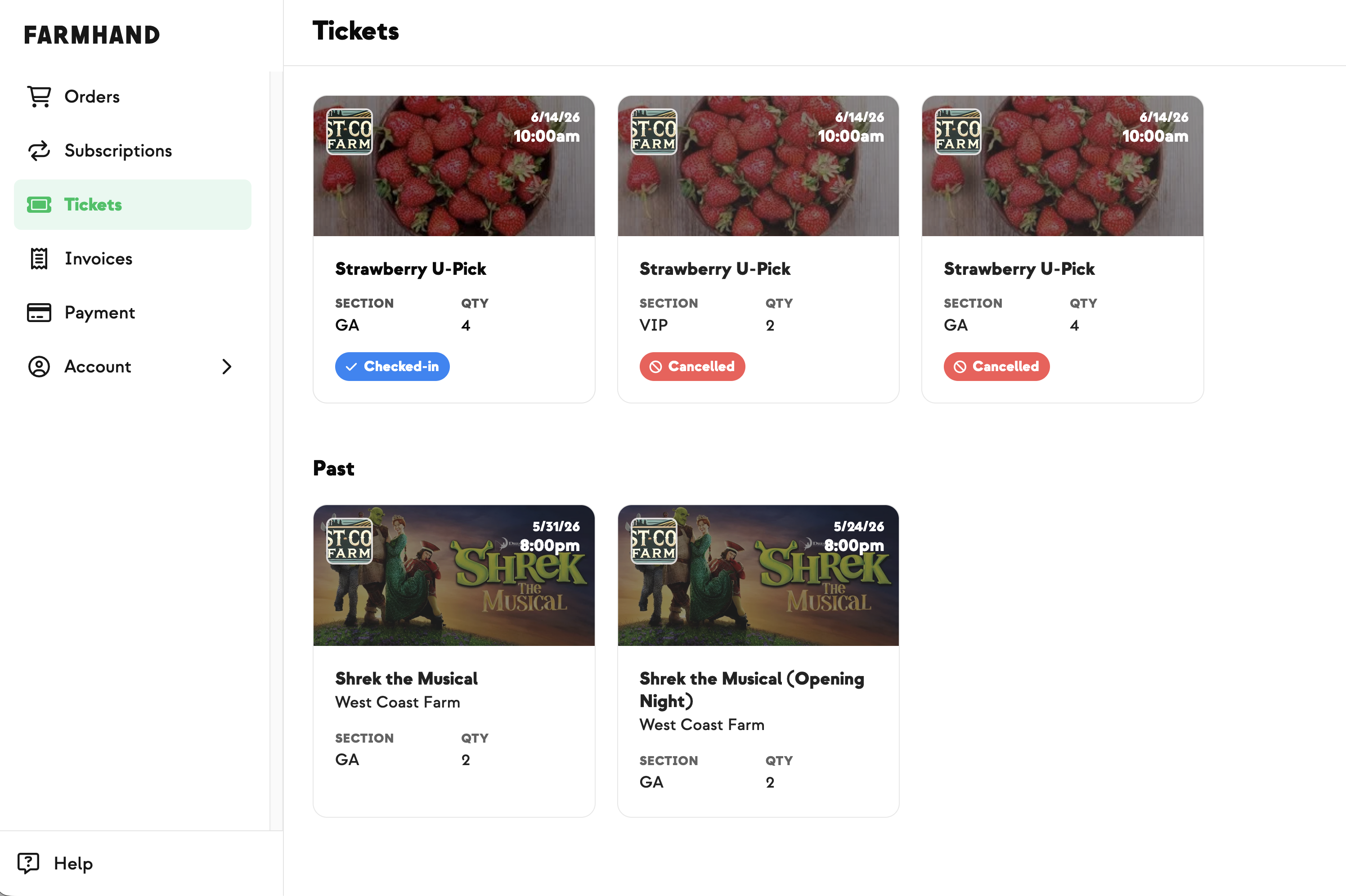
A home for your customers' tickets
Customers get a Tickets page in their dashboard with every event they've signed up for, split into Upcoming and Past, each ticket showing its status and a check-in QR code. If plans change, they can cancel and choose a card refund or account credit themselves — the same options you'd offer from your end.
Reward your CSA members
Give members one more reason to join and renew: turn on a member discount for any ticket tier and your CSA members automatically see and pay the lower price at checkout — discounted price up front, regular price crossed out, no code to enter. Shoppers who aren't members simply see the regular price.

Share it, and take the list with you
Every event has a built-in Share button — grab the link from the events list or the event header and drop it into a text, email, or social post (the link quietly tracks where your sign-ups come from). And when you need the full guest list, export your registrations to a CSV with names, contact info, ticket, status, and check-in times — ready for name tags, check-in sheets, or a follow-up email to everyone who came.
Built With Farmers. Not For.

Curtis Millsap
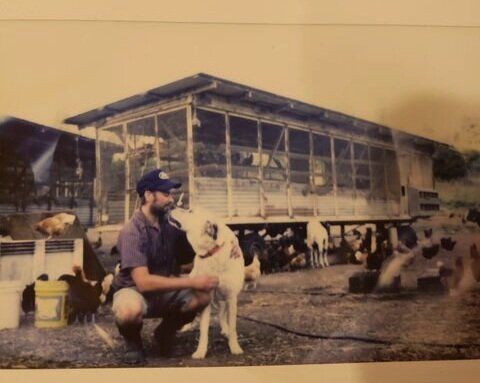
Built with Curtis at Millsap Farms, who hosts frequent on-farm events — dinners, U-picks, workshops, and tours — to keep his customers connected to the farm all season long. He needed a way to list events, sell tickets, and manage who's coming without juggling a separate ticketing tool or a pile of manual invoices. Events grew out of that.
New on Farmhand


Your farm is growing.
Your platform should keep up.
Our roadmap is built from farmer conversations, not corporate planning cycles. You ask. We build. You see it live.