Keep reading
All updates More in this category
Built with farmers.
Shipped in weeks.
Fifteen minutes with Ari. Bring the thing you wish your software did, and he'll tell you if it's already built.
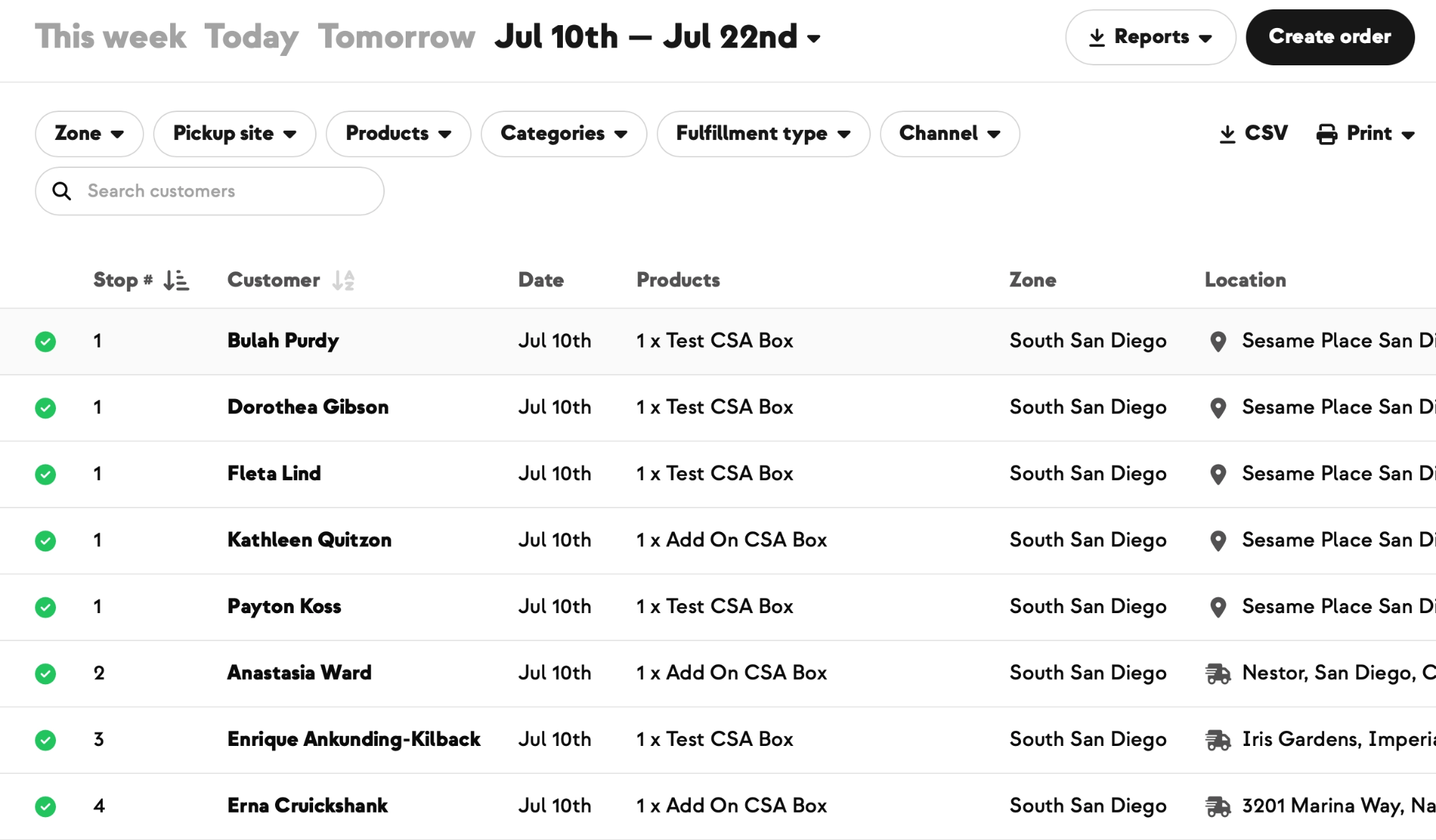

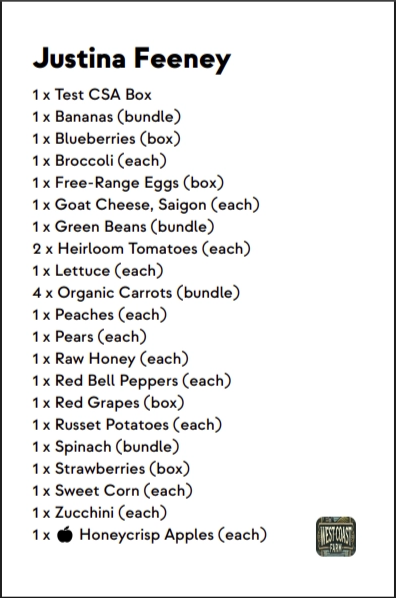
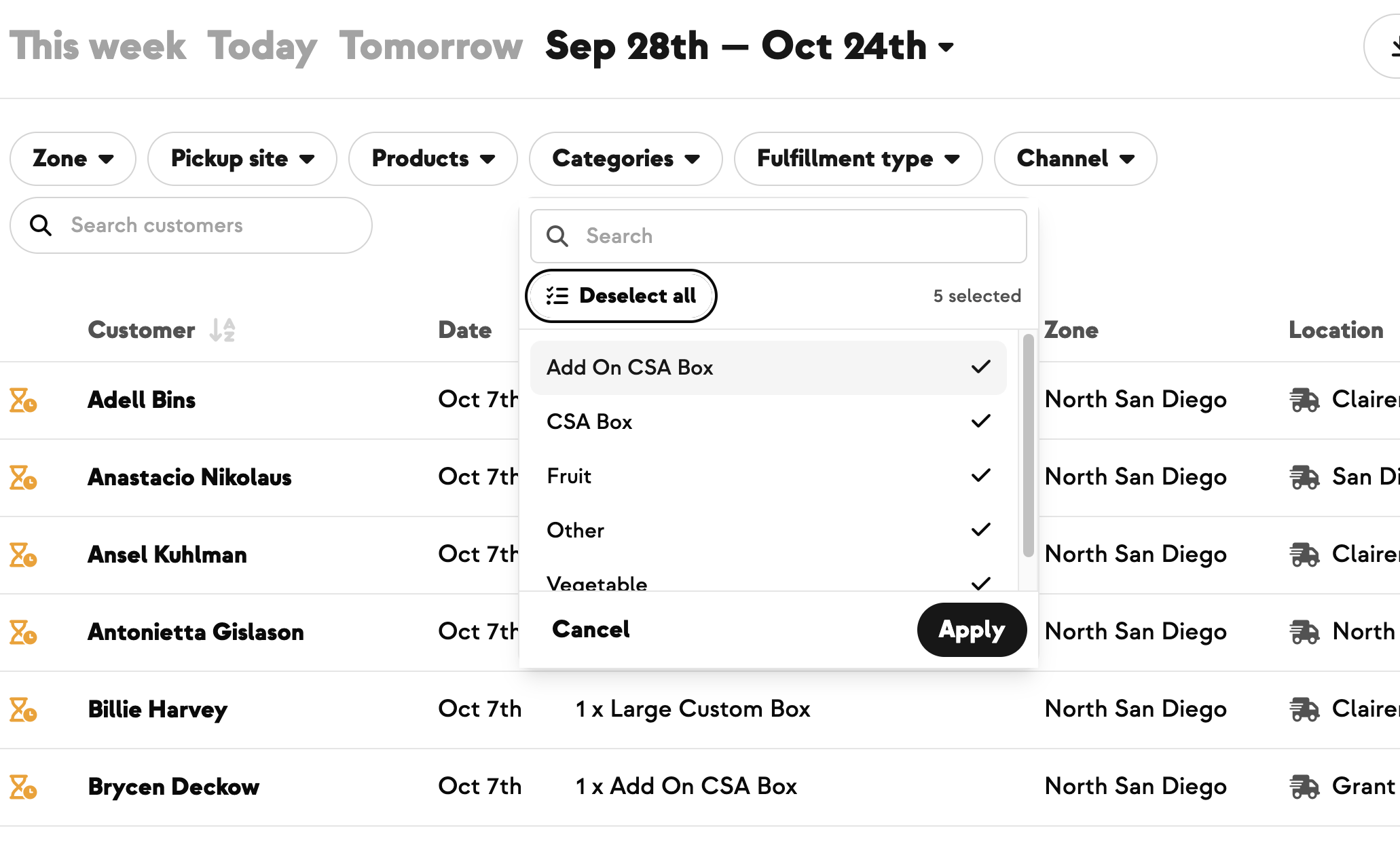
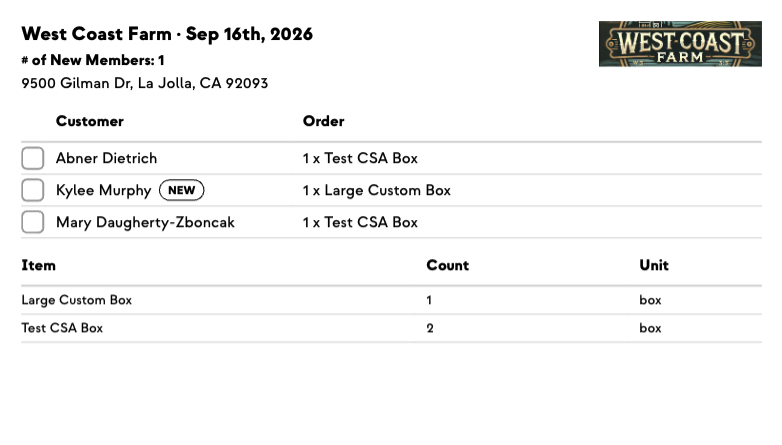
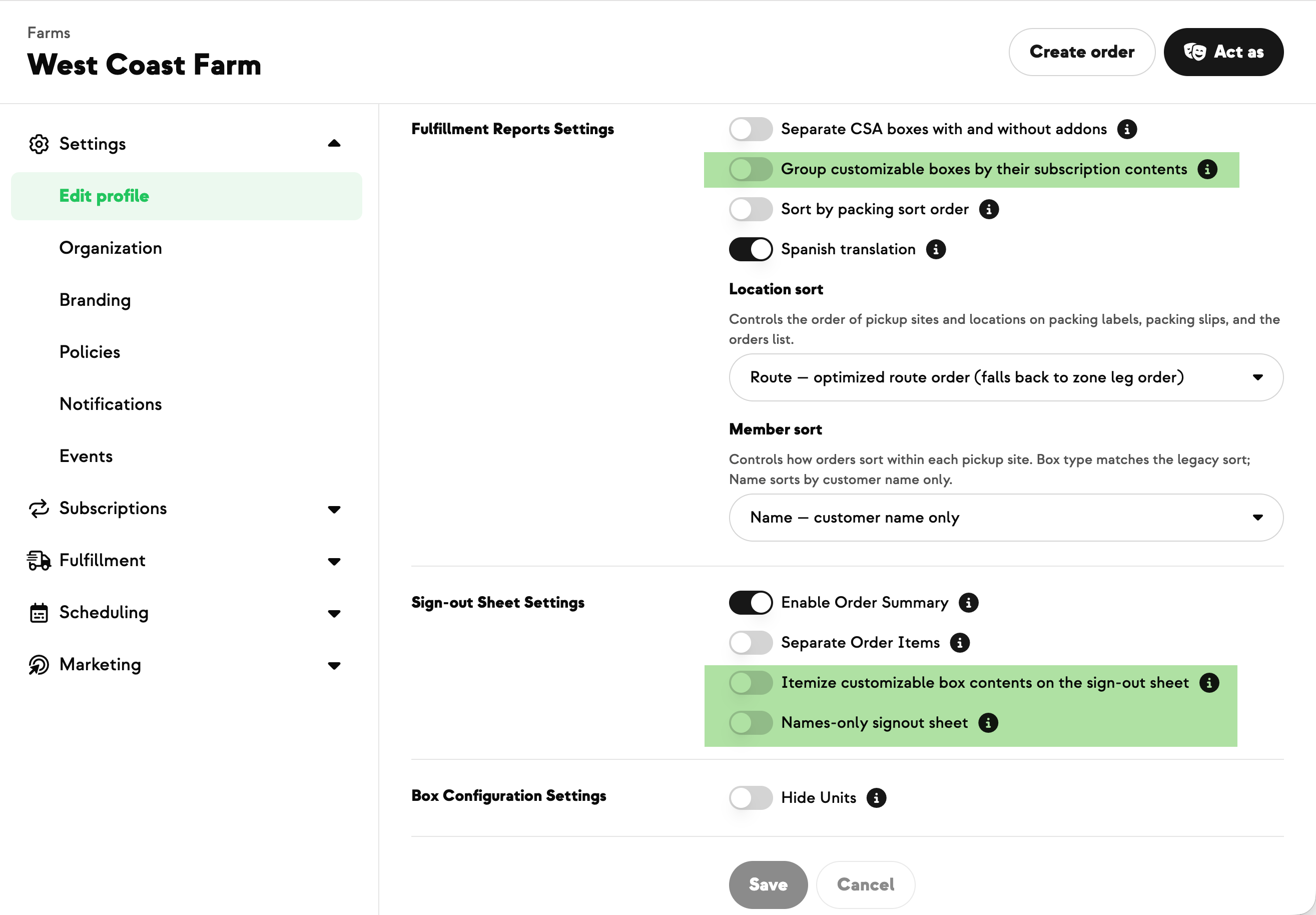
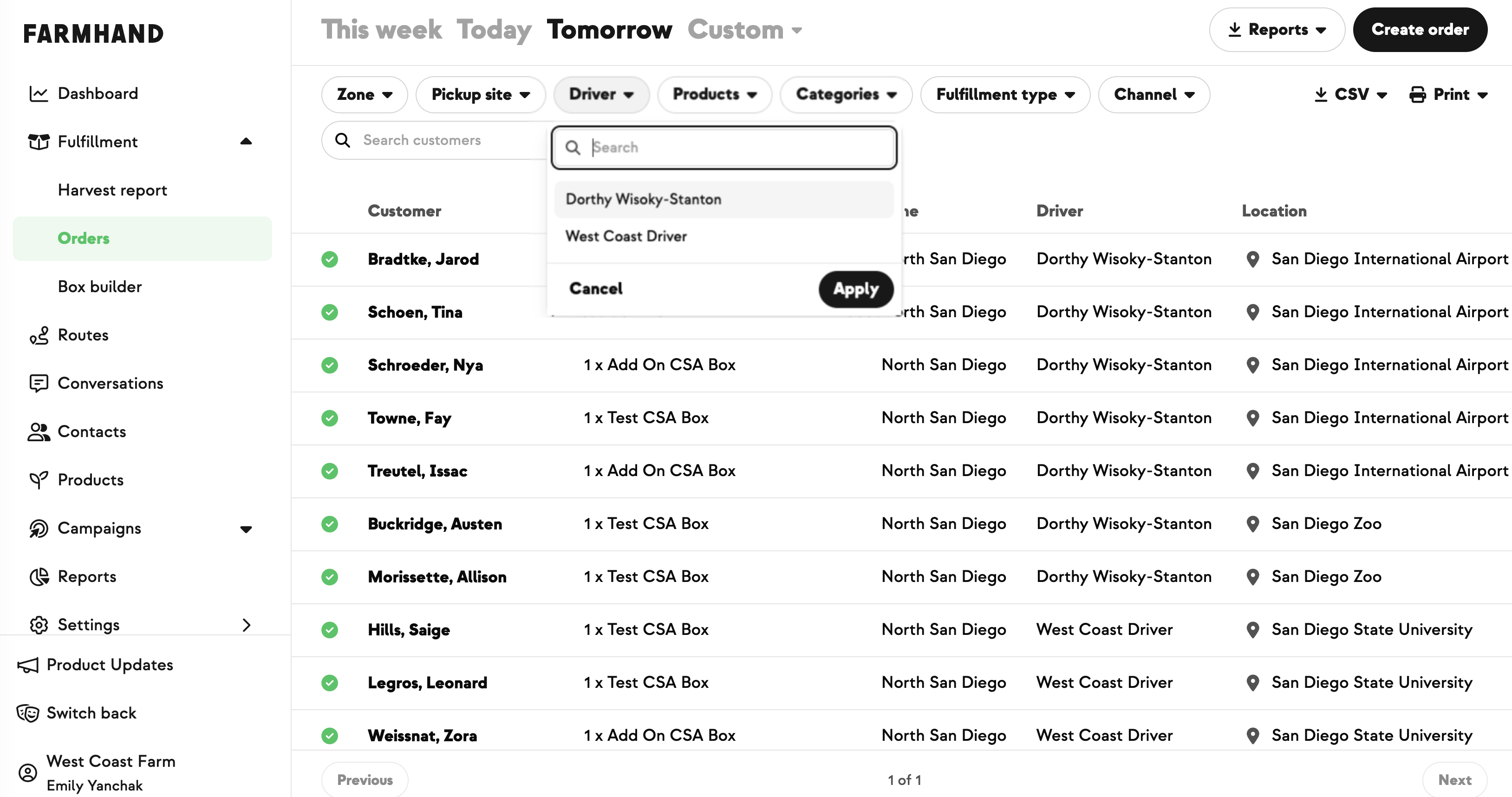
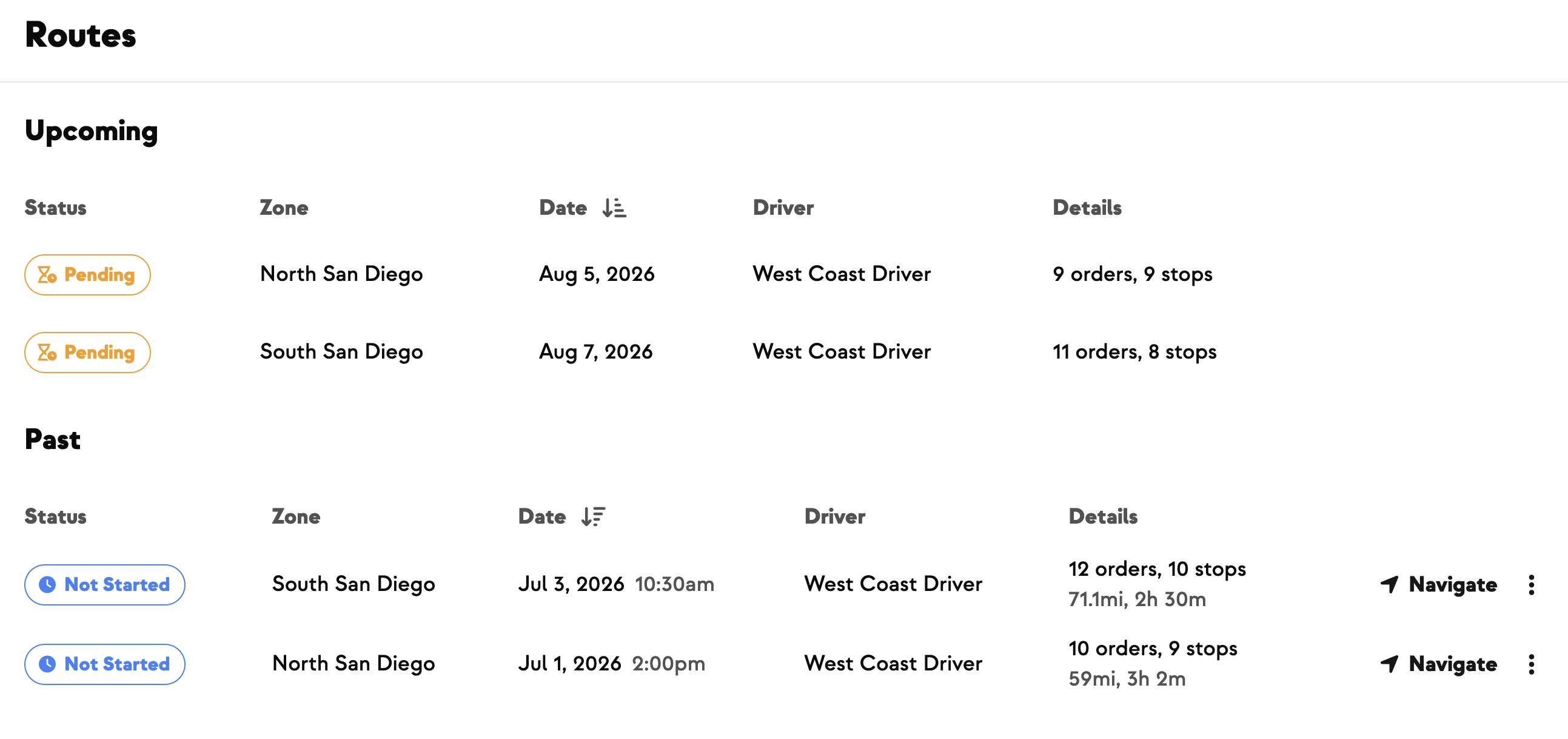
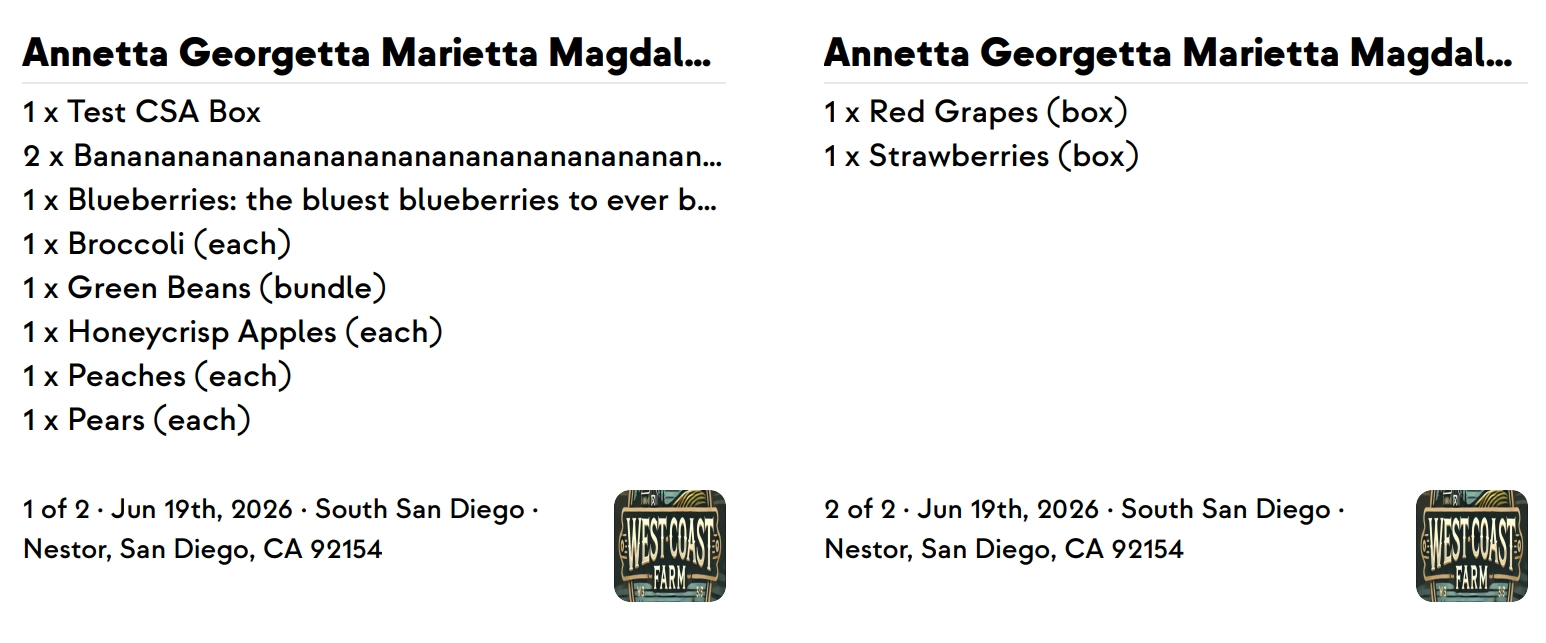
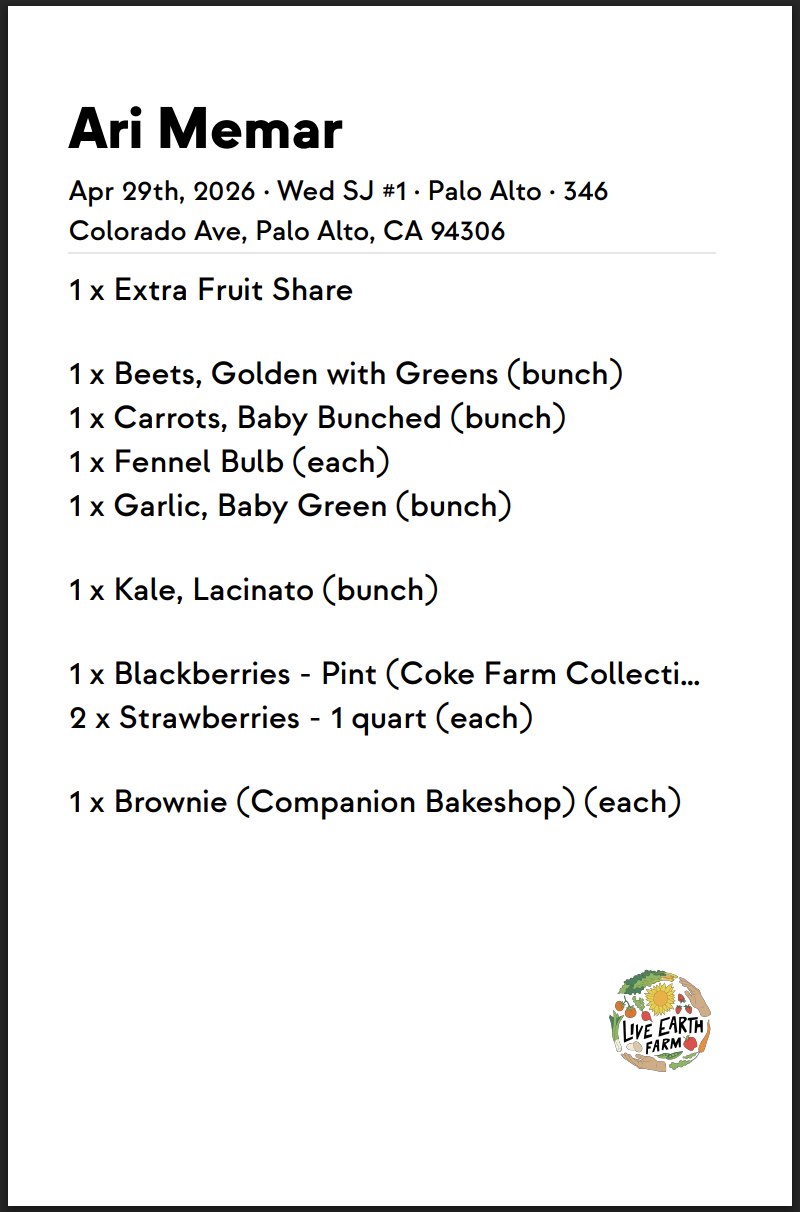
If you run delivery routes, your Orders report can now match the order your drivers actually deliver in — no more rebuilding the pack-and-label sequence by hand in a spreadsheet every fulfillment day. Whenever a route has been generated, a Stop # column appears automatically, showing each delivery's stop number (pickups on a route get one too). Click the Stop # header to switch to the new Zone and Stop sort, which groups orders by zone and puts them in stop-by-stop order; click Customer to sort alphabetically instead. Fulfillment date stays the primary grouping, so multi-day views stay organized by date first. Best of all, the sort you pick carries through everything — the on-screen list, the CSV (now with a Stop # column), and your printed pack labels and pack slips — and it sticks when you switch between the Orders report and the Harvest Report.





.jpeg)






-p-500.png)

















.jpg)








.jpg)
.jpg)
.jpg)
.jpg)



.png)