
How to Set Up Events On Farmhand
We built this because events are one of the best ways to get people out to your farm and keep them coming back. A tractor ride in the fall, a long-table dinner, a workshop on putting up tomatoes — these are the things that turn a customer into a regular. They shouldn't be a hassle to run.
How to Set Up Your Event
There's a new Events tab in your dashboard. Creating an event takes a few steps:
- Add a title, description, and photo
- Set your start and end dates and times
- Set a capacity for the event — or by individual ticket tier
- Add your ticket tiers (ie: $10 for adults, $5 for kids)
- Hit publish
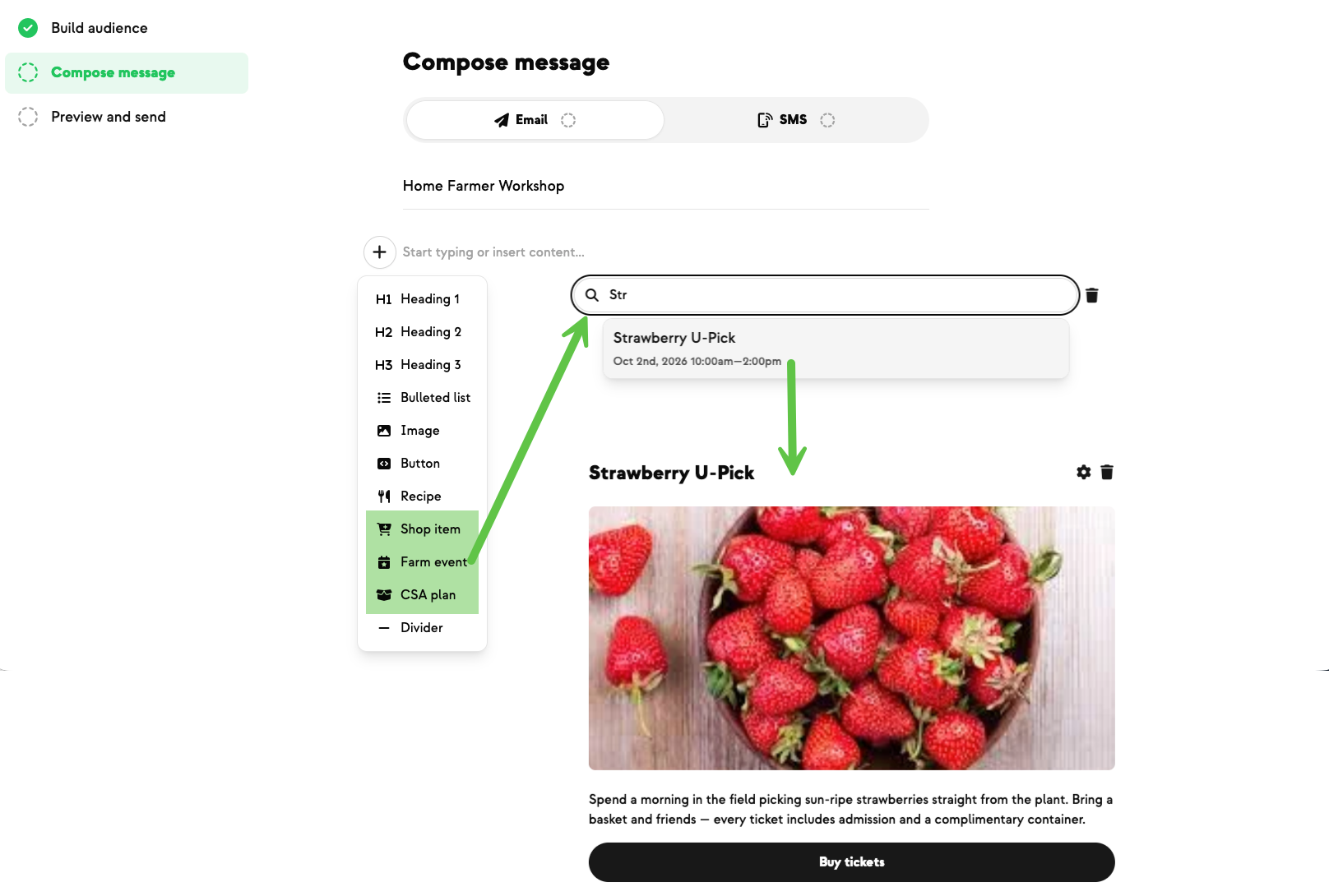
Once it's live, the event shows up in your store in its own section, separate from your regular products. Registrations land in the event's Registrations tab, where you can review who's coming, check folks in with QR codes, cancel tickets, and send updates to everyone signed up.
What customers see
When a customer opens your store, your event is featured right at the top. They click through to a full event page with the date, time, location, description, and every ticket tier available. They pick their tickets, check out (any account balance applies automatically), and they're in.
After they order, they get a confirmation email with a QR code — and they can find all their tickets anytime in the new Tickets page in their dashboard, for both upcoming and past events. On event day, you scan the QR code and let them in.
New on Farmhand


Your farm is growing.
Your platform should keep up.
Our roadmap is built from farmer conversations, not corporate planning cycles. You ask. We build. You see it live.