Keep reading
All updates More in this category
Built with farmers.
Shipped in weeks.
Fifteen minutes with Ari. Bring the thing you wish your software did, and he'll tell you if it's already built.
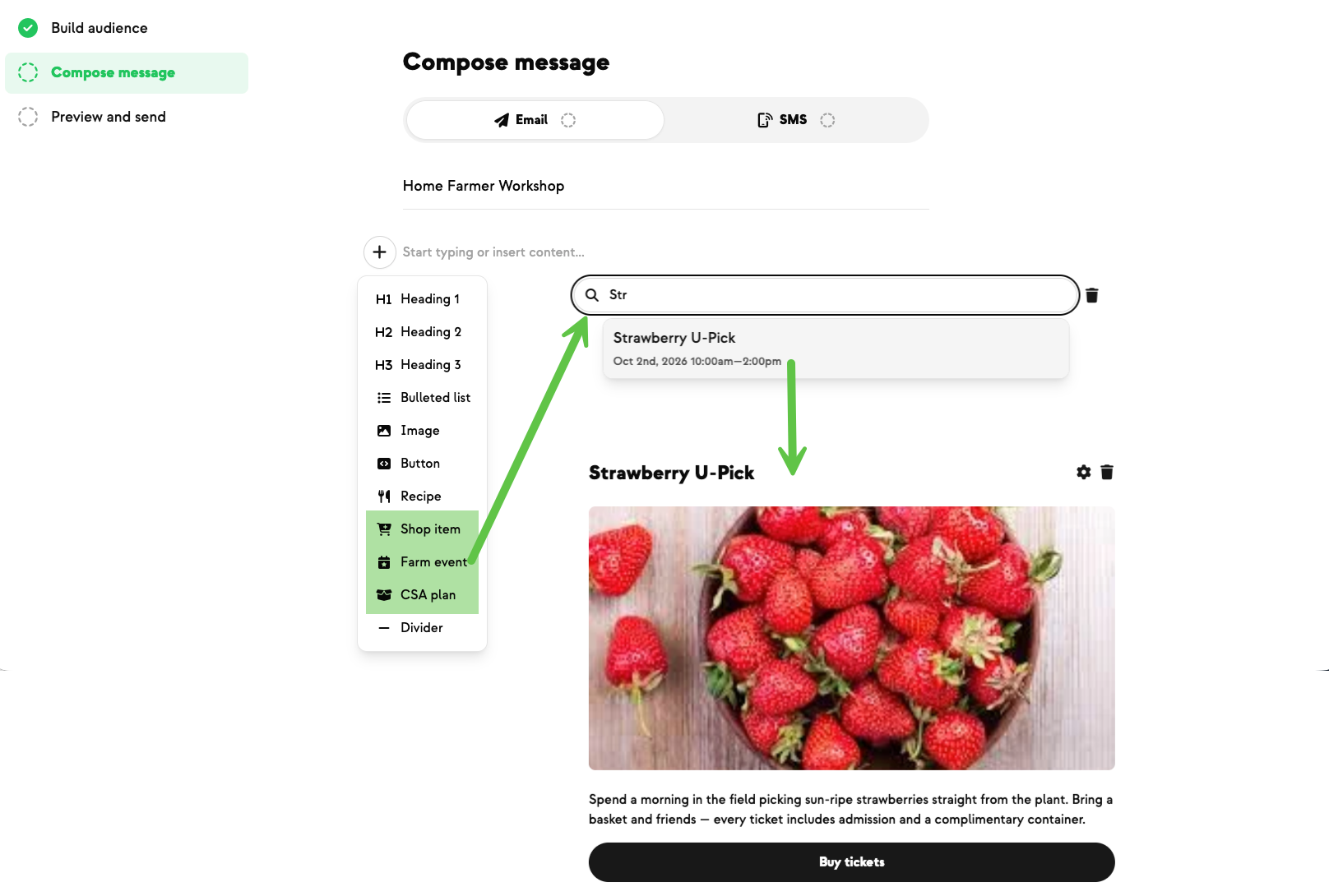
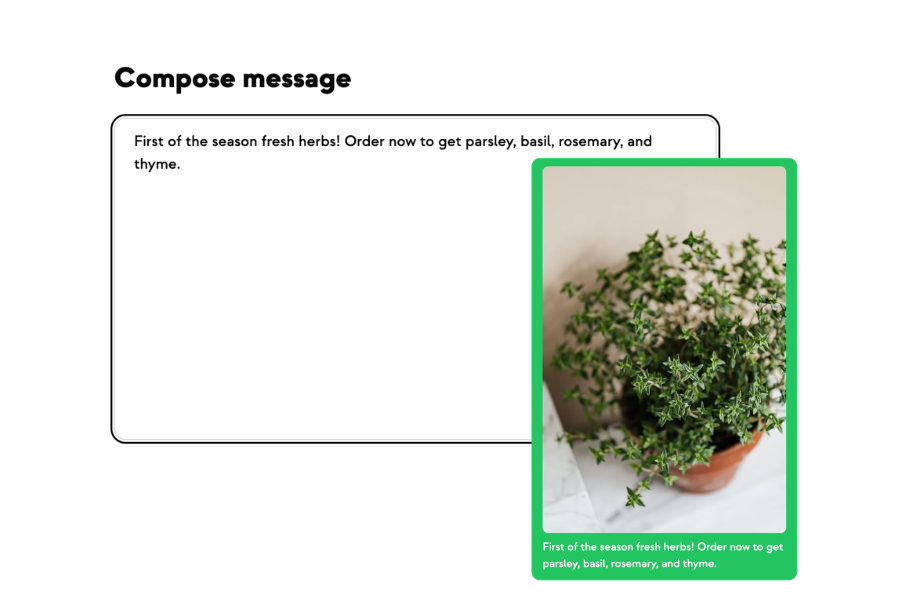
You're writing to your members about the tomatoes, or next month's u-pick, or next season's shares. Until now, pointing them at it meant describing it in plain text and pasting in a link by hand — no clean way to put the actual thing in the email.
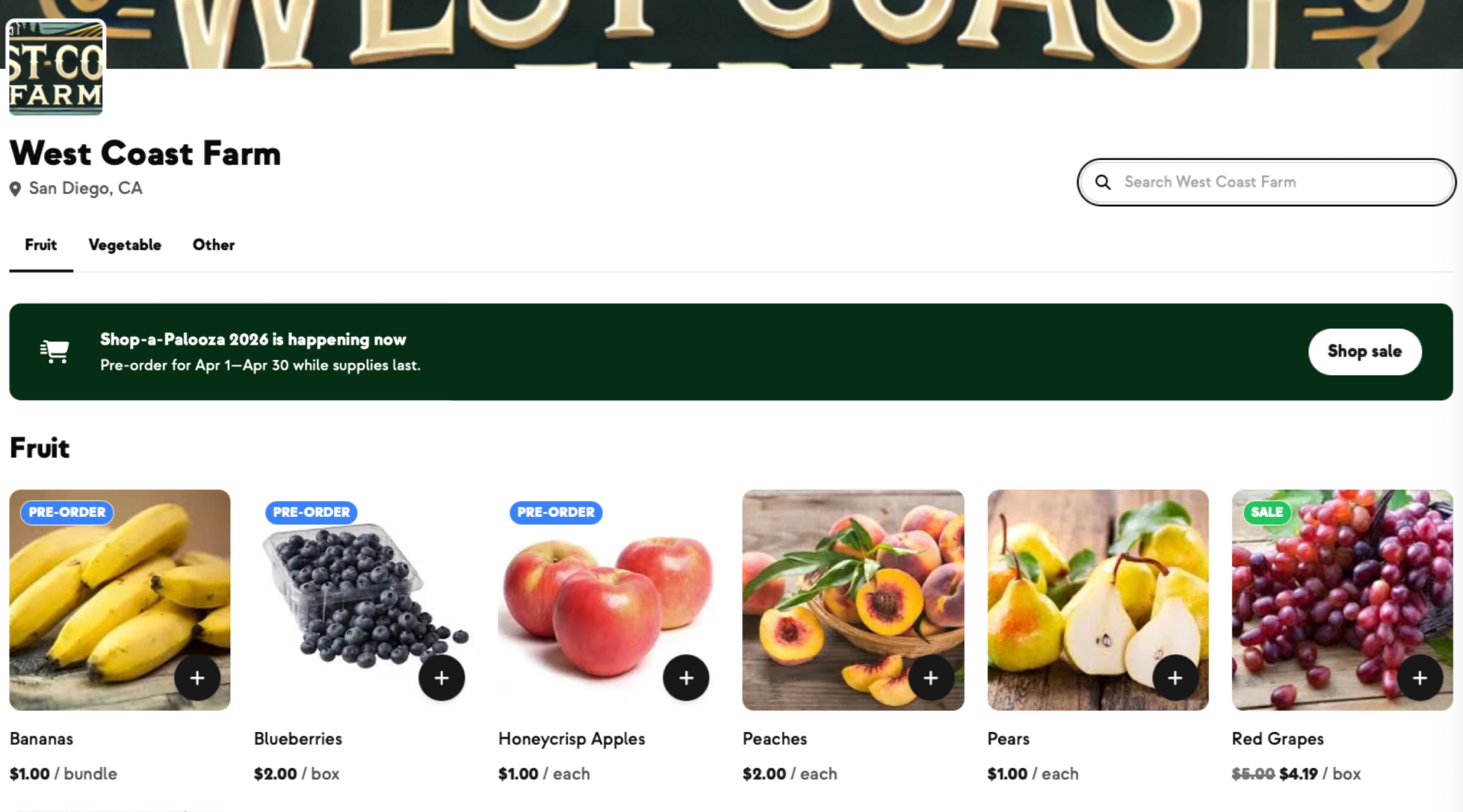
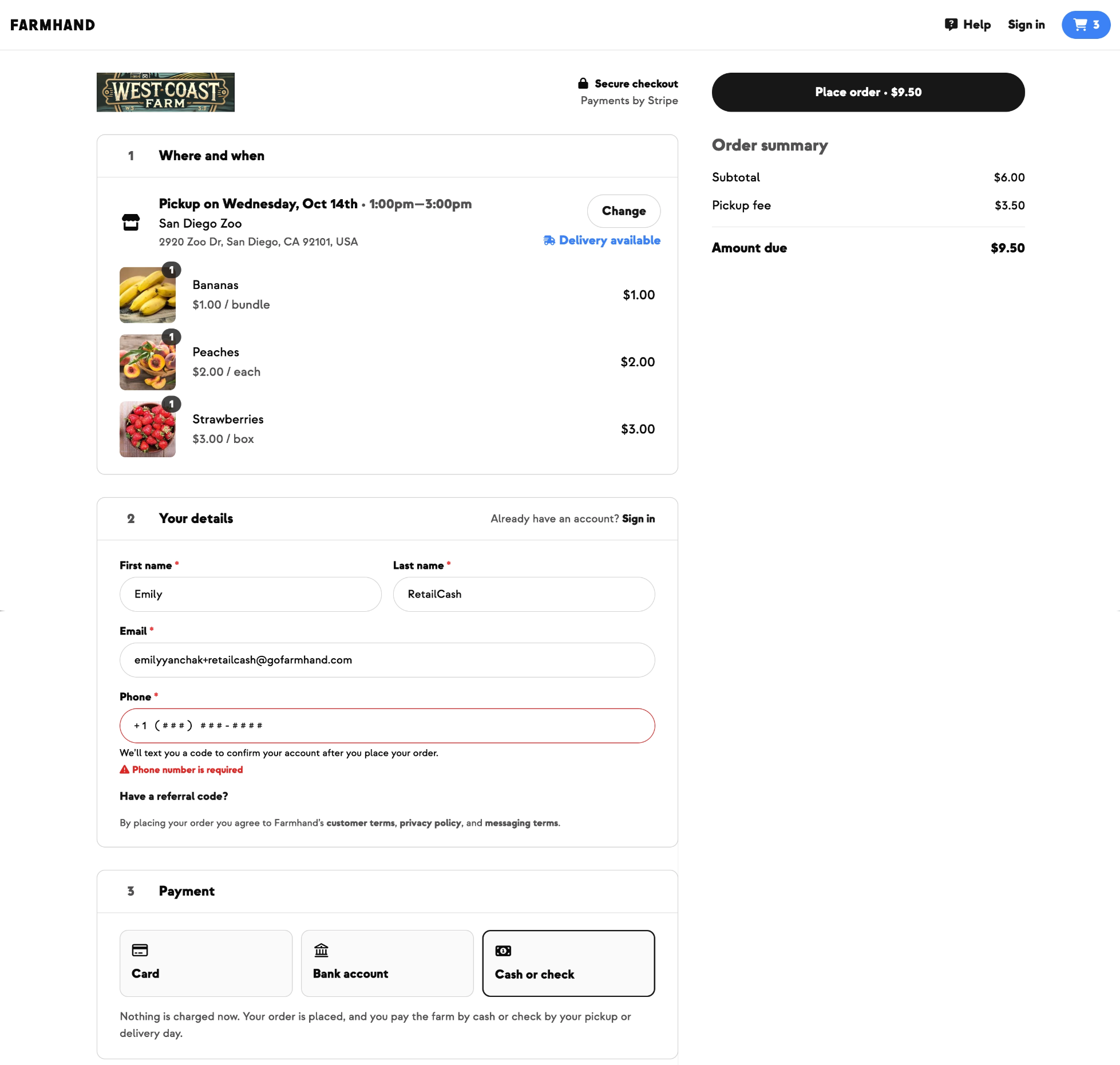
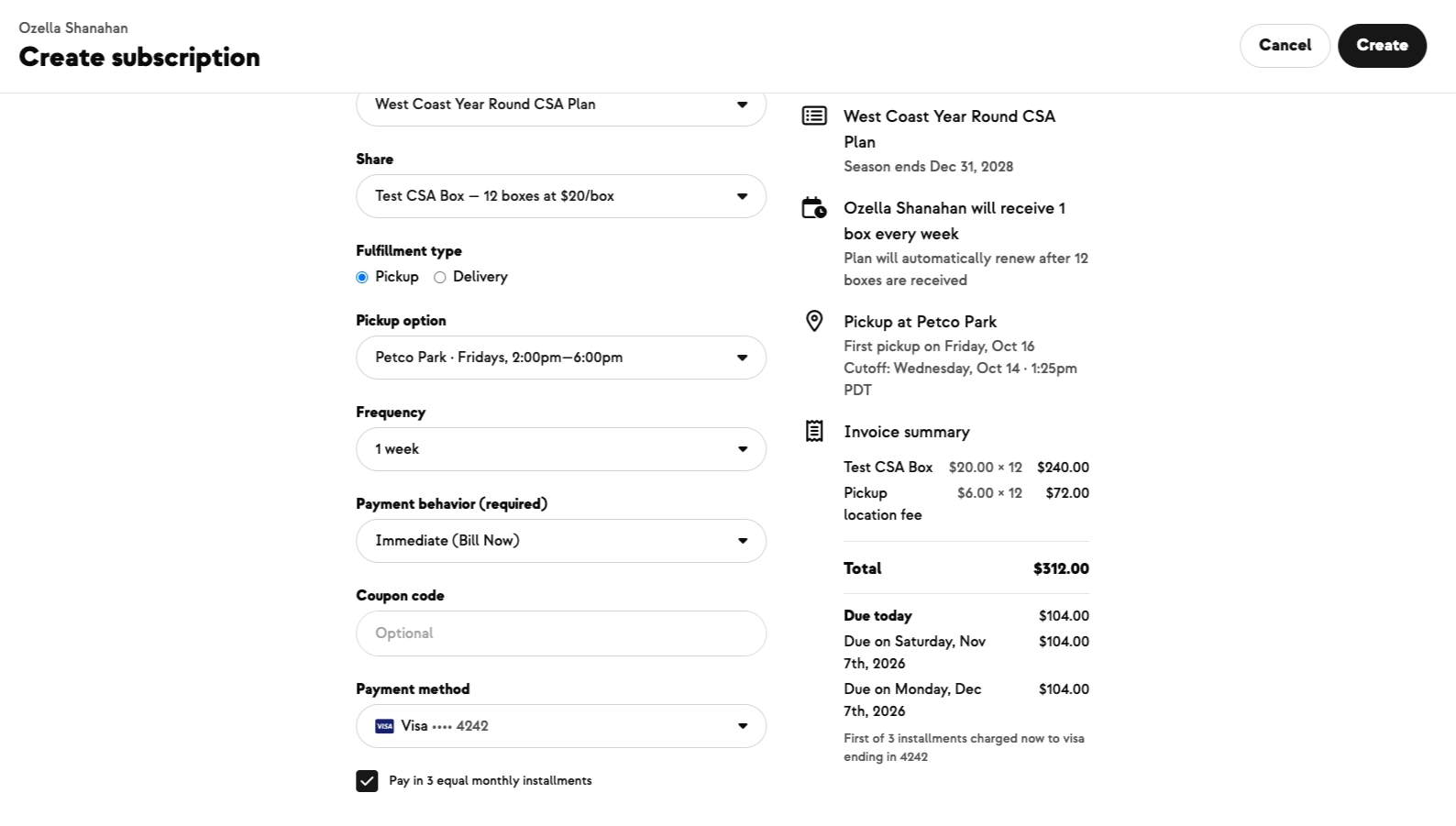
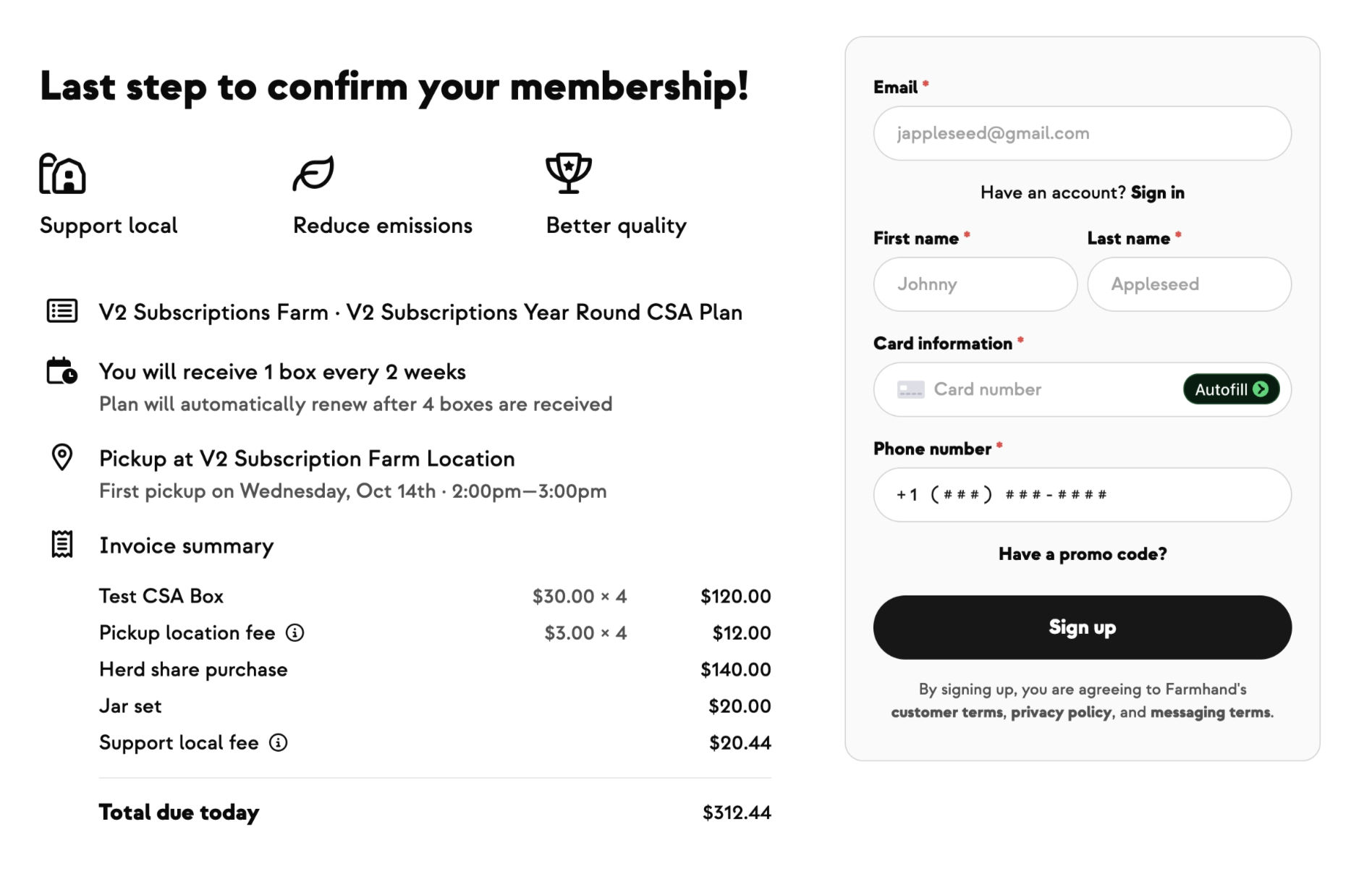
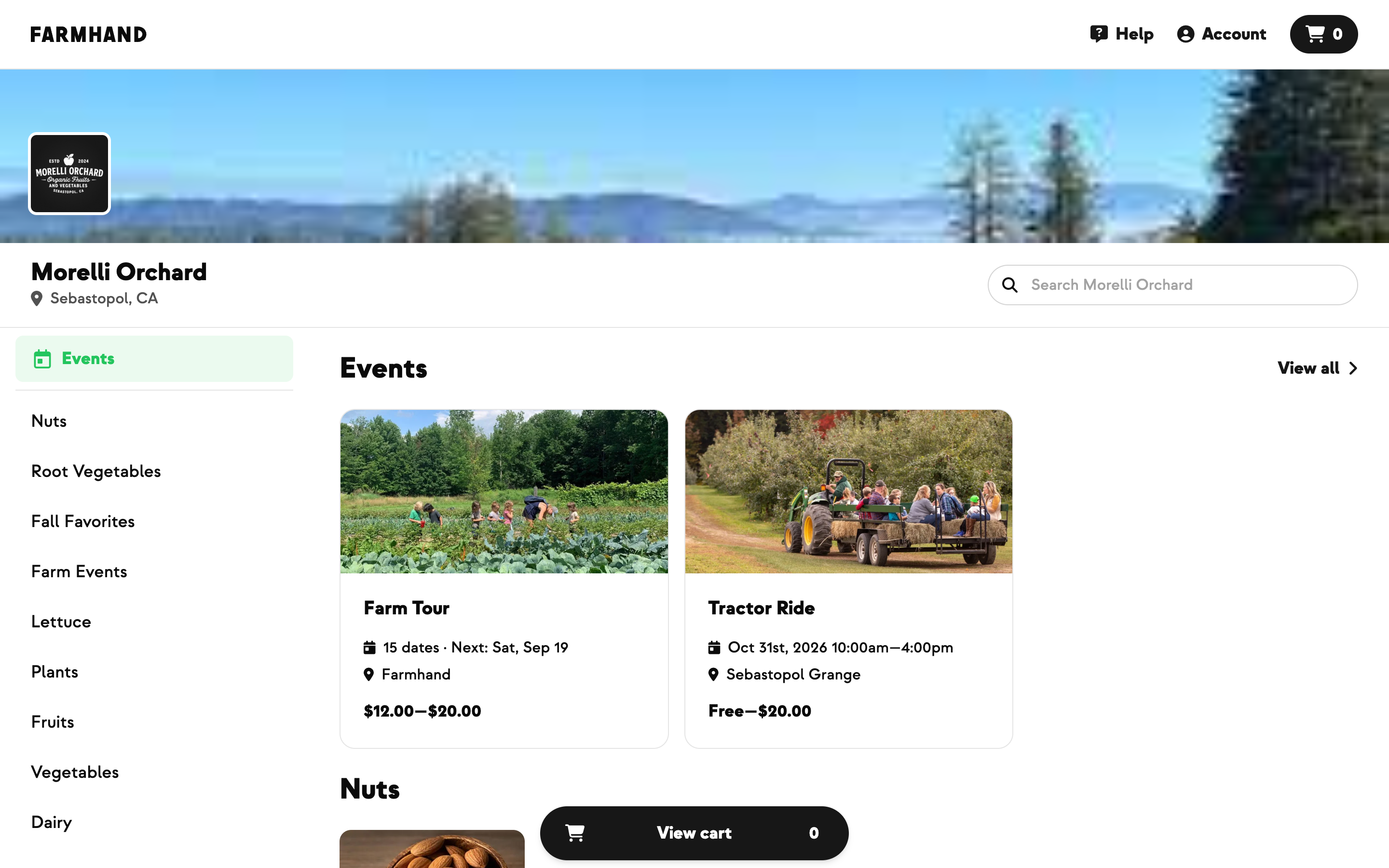
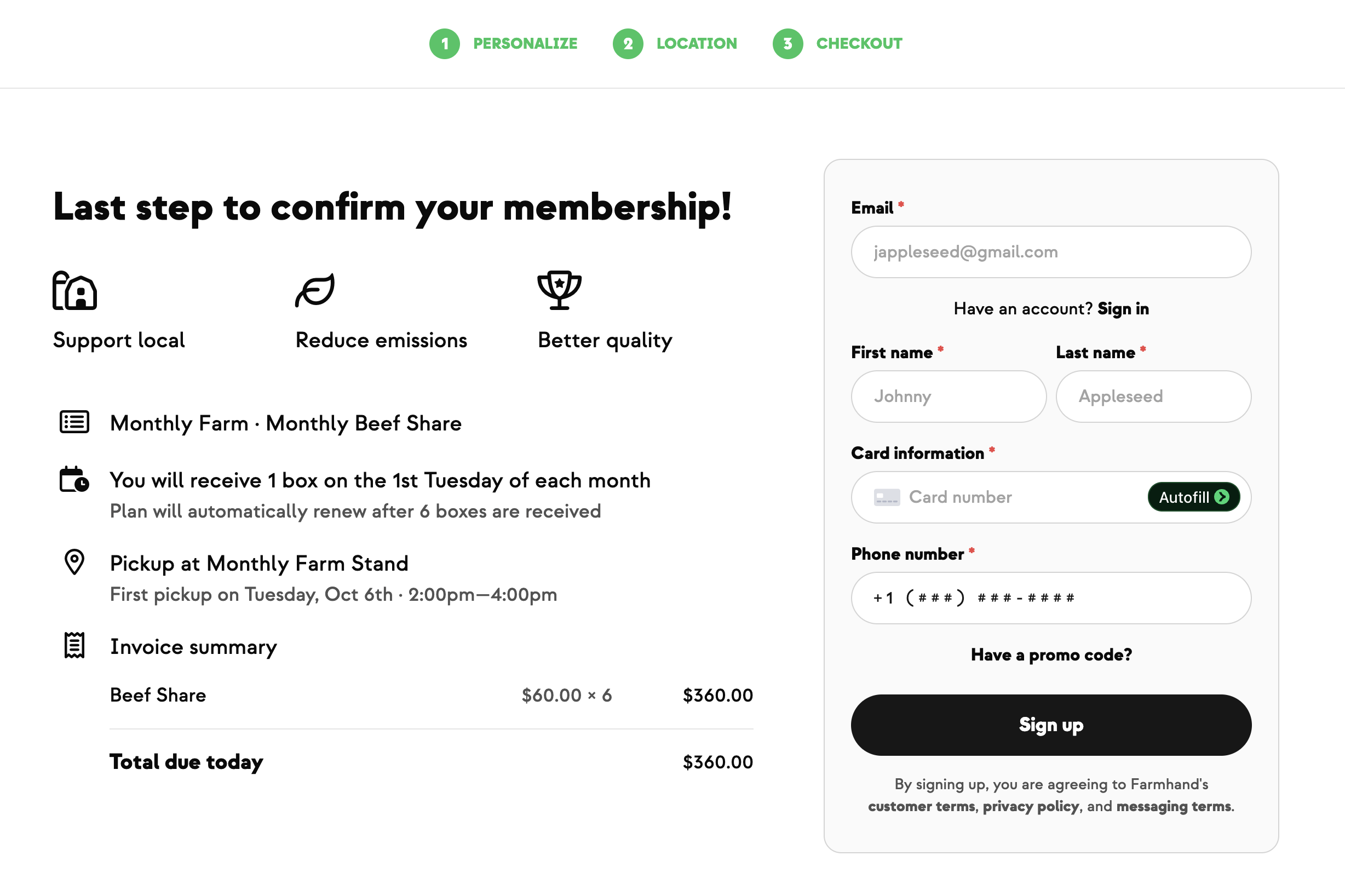
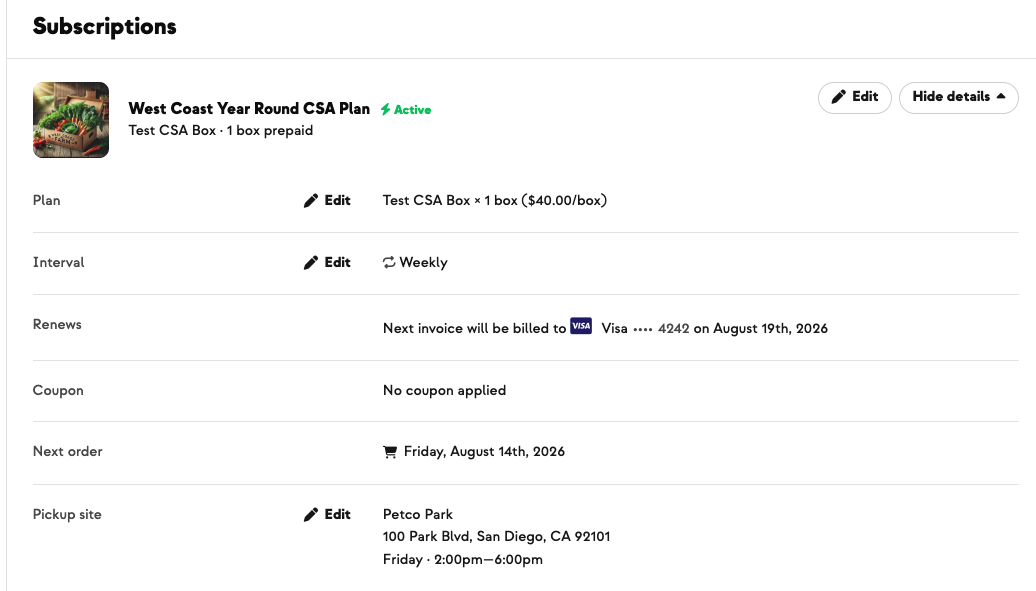
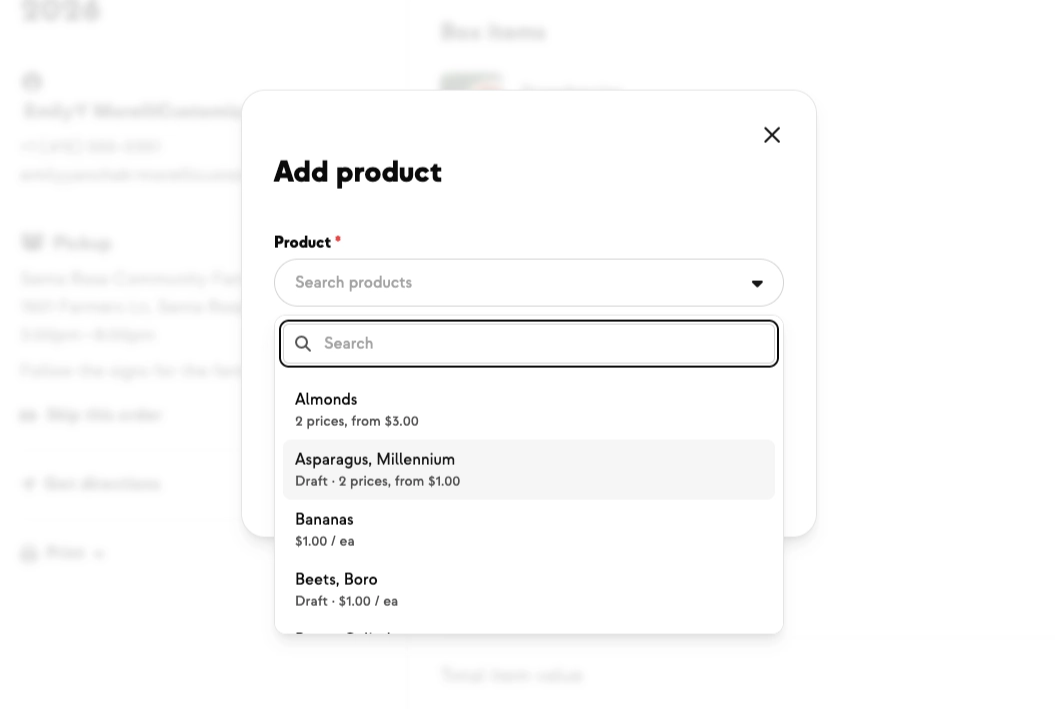
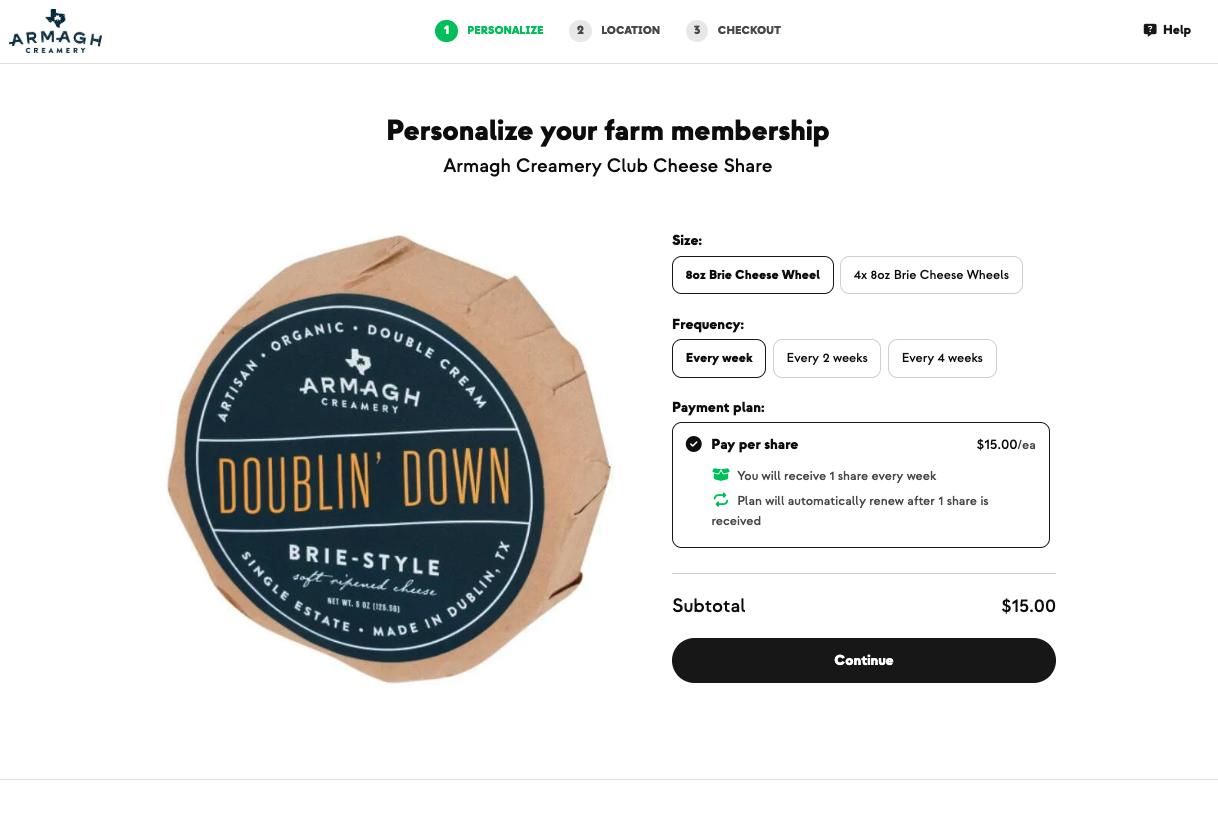
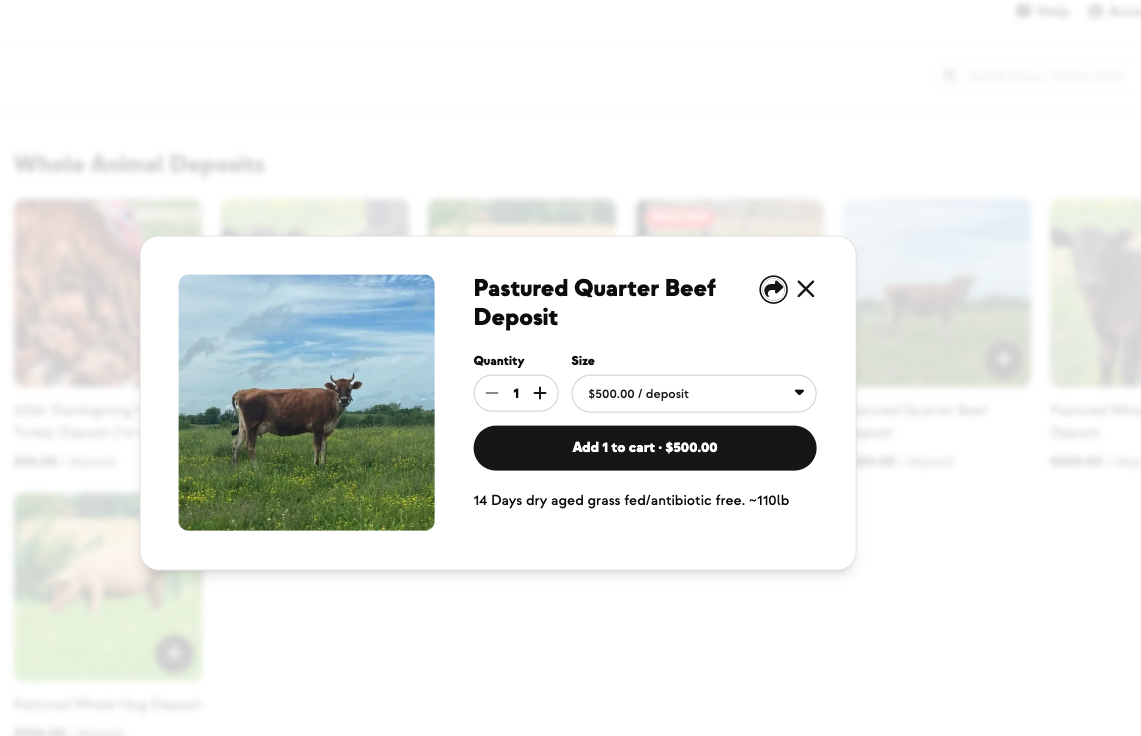
In the Compose message step, the + menu now offers three new blocks alongside headings, images and buttons: Shop item, Farm event, and CSA plan. Search for the item, pick it, and it drops in as a polished card built from the item's real, current details — title, image, description — with the right button already on it: Shop now for a product, Buy tickets for an event (optional), Sign up for a plan.
The editor got easier to work in along the way: the search box focuses itself, and you can keep typing right after inserting a block.
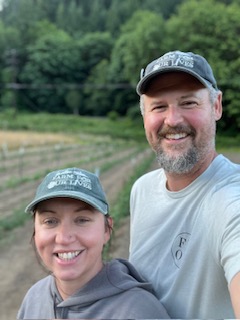
Built with Korrie at Farm For Our Lives, who wanted to keep sending her members something worth opening through the offseason, when there's no box to talk about.
.jpeg)




-p-500.png)















.jpg)







.jpg)
.jpg)
.jpg)
.jpg)



.png)