Keep reading
All updates More in this category
Built with farmers.
Shipped in weeks.
Fifteen minutes with Ari. Bring the thing you wish your software did, and he'll tell you if it's already built.
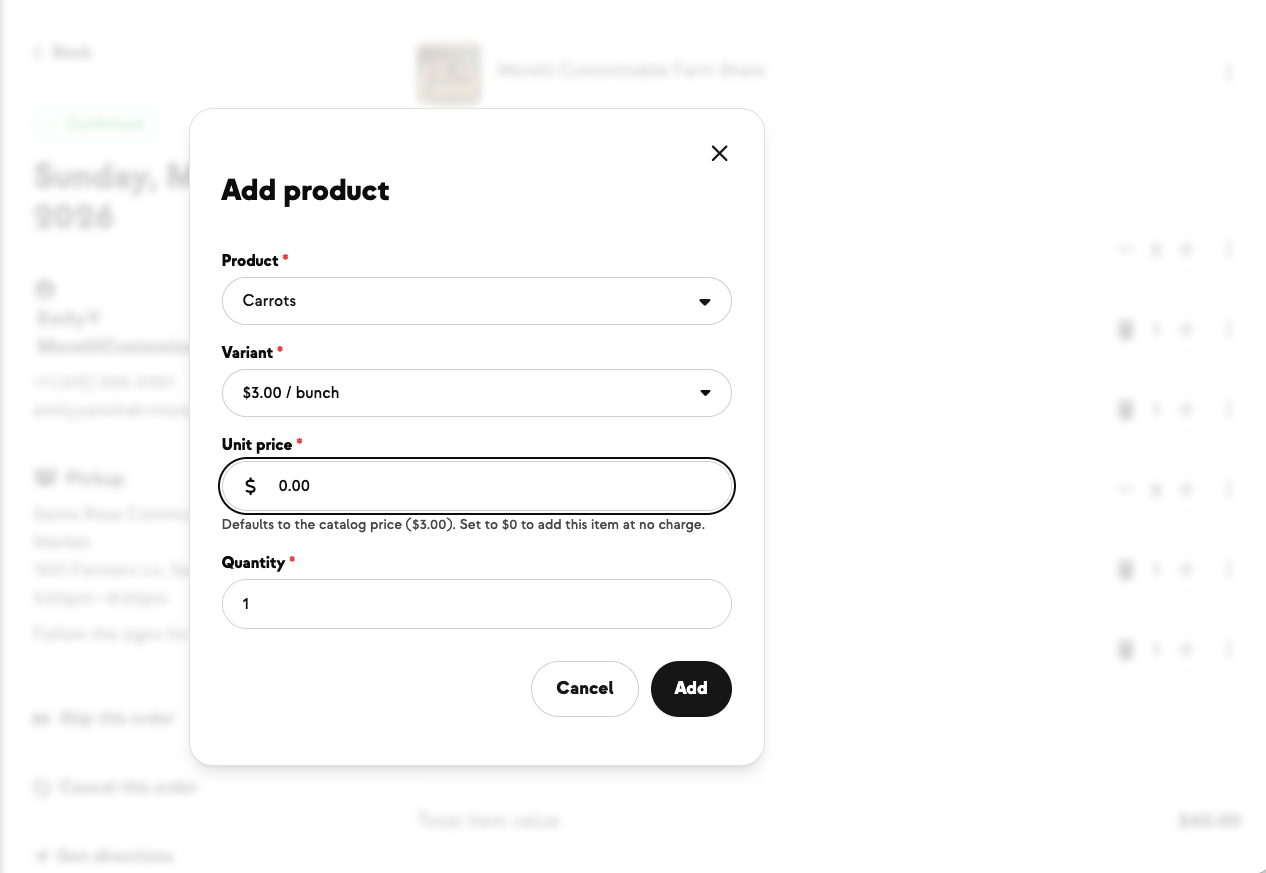

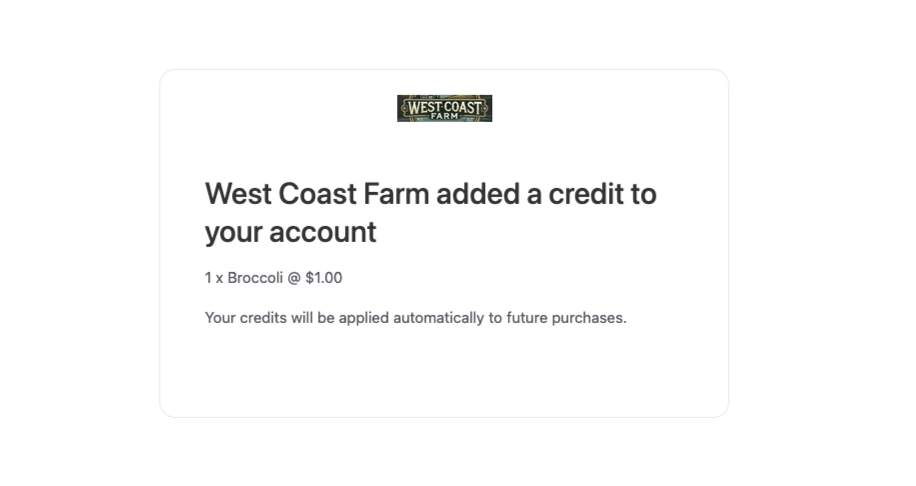
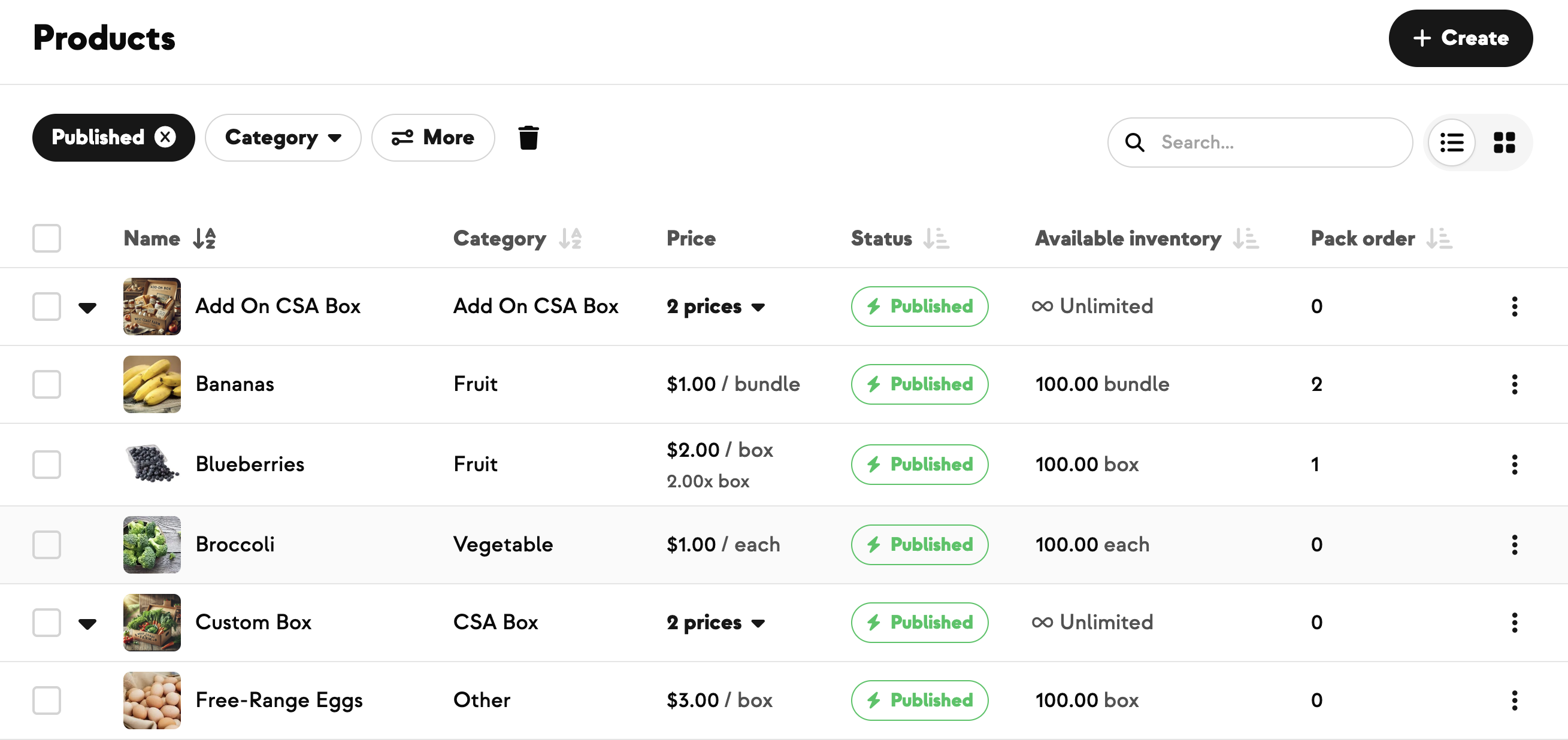
Sometimes you want to put something in a member's box without charging for it. An apology bouquet after a delivery slip-up. A free sample of something new. A make-good for a missing item from last week. A goodwill gesture to a long-time subscriber.
Until now, the only path for customizable CSA orders was to add the item at full price and then issue a manual account credit — two steps, easy to miss, easy to mess up.
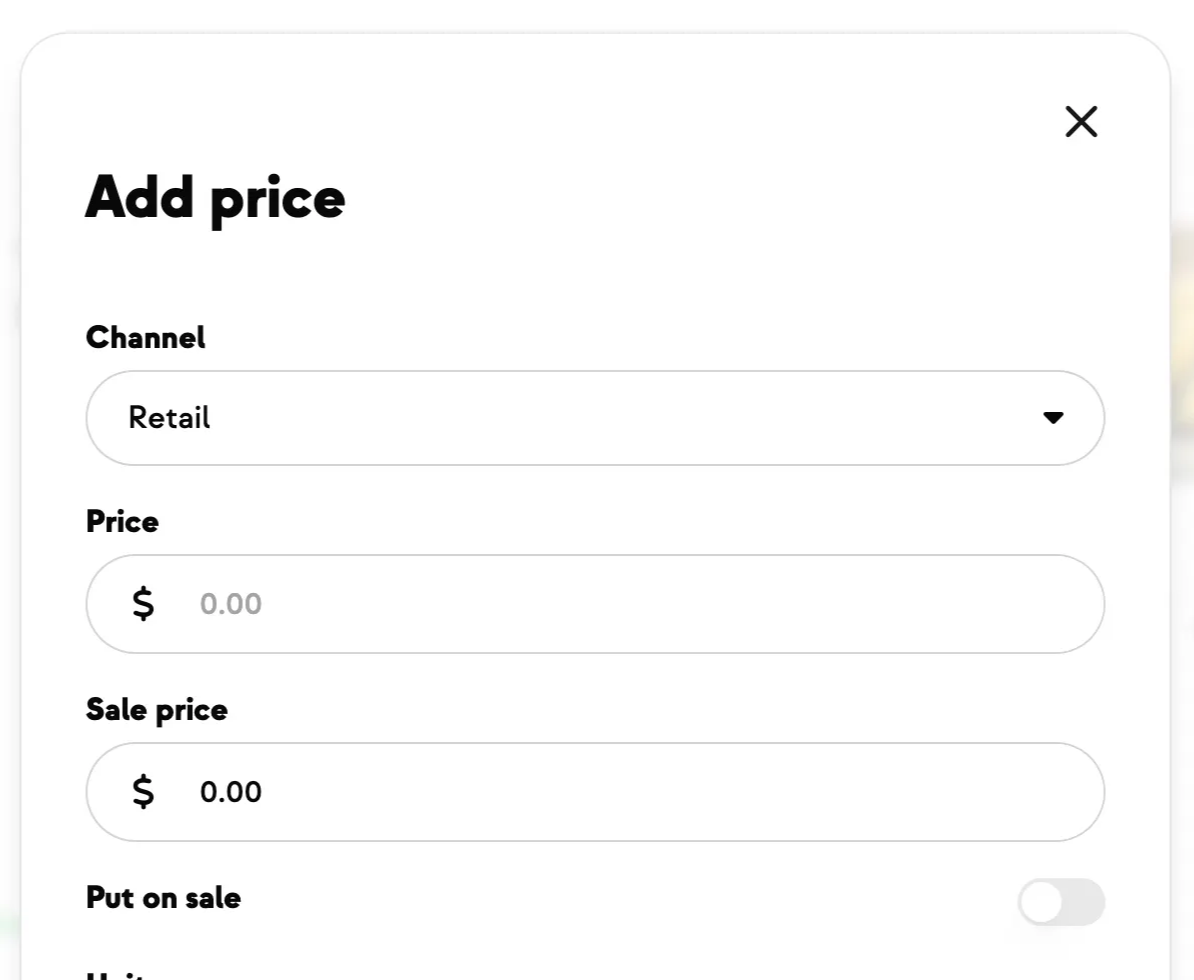
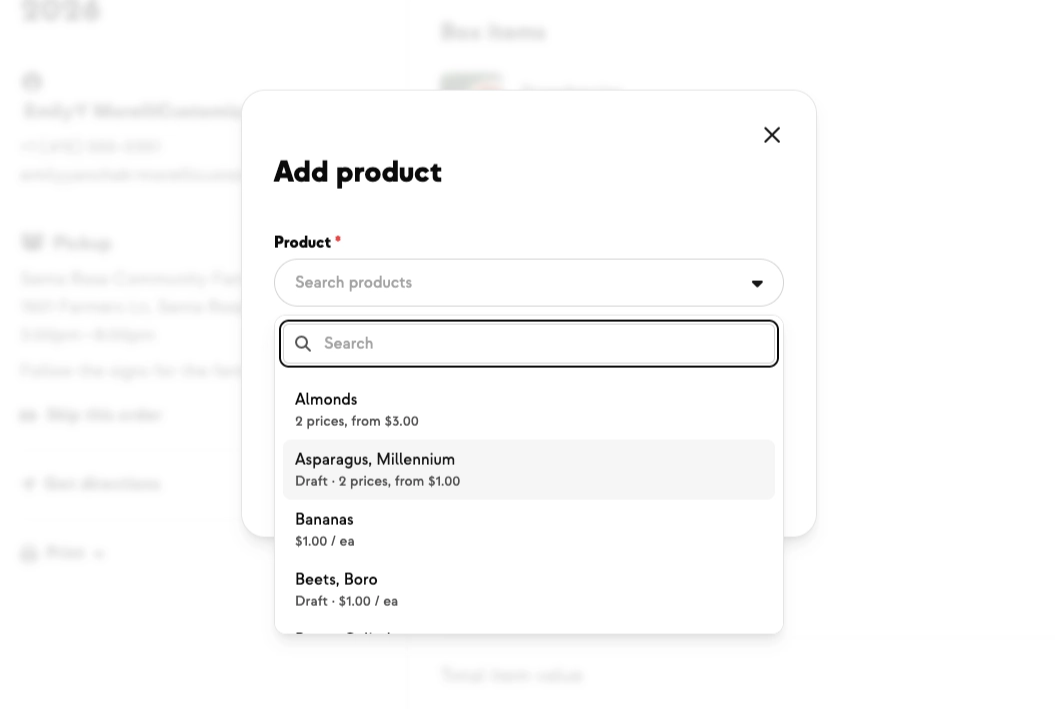
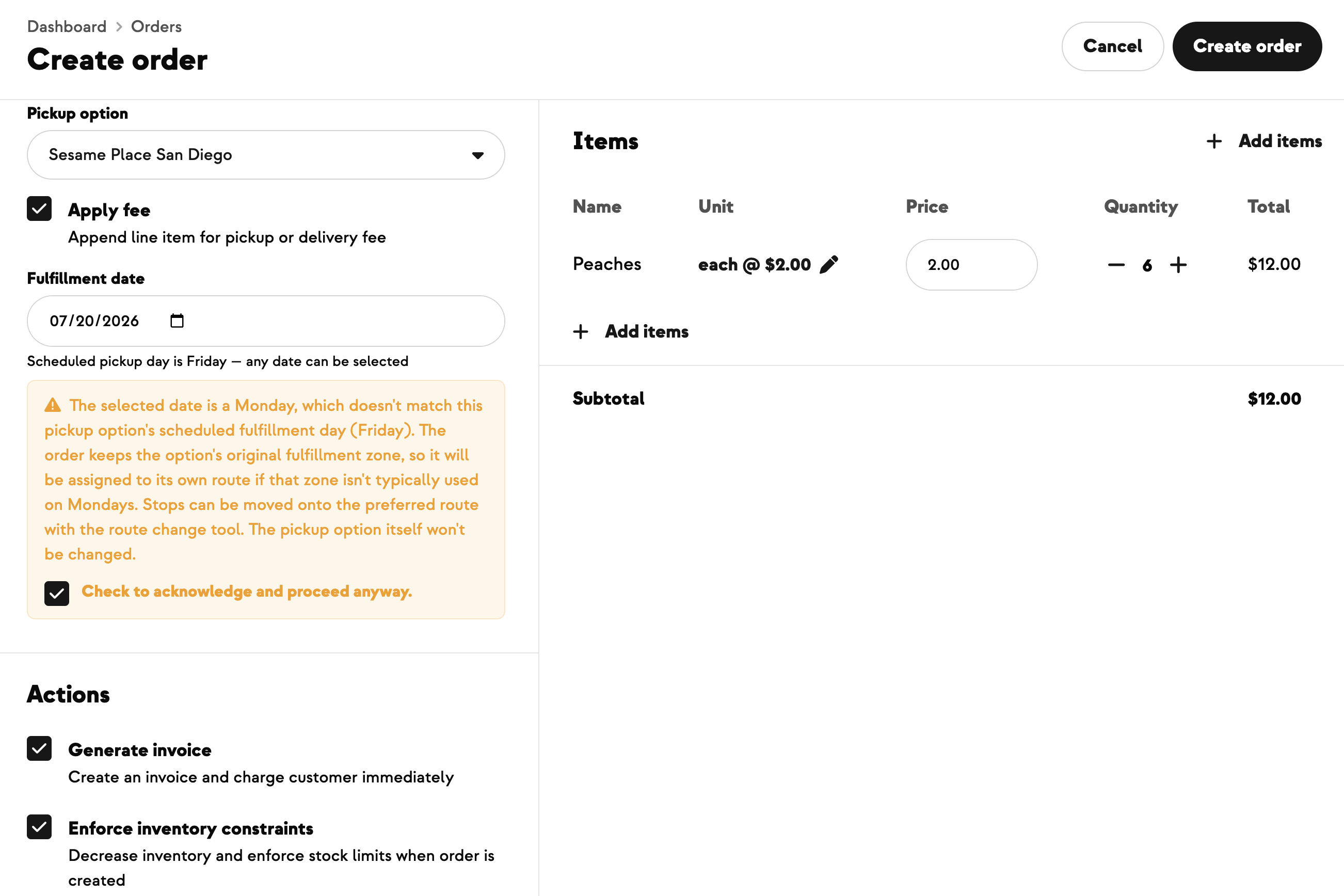
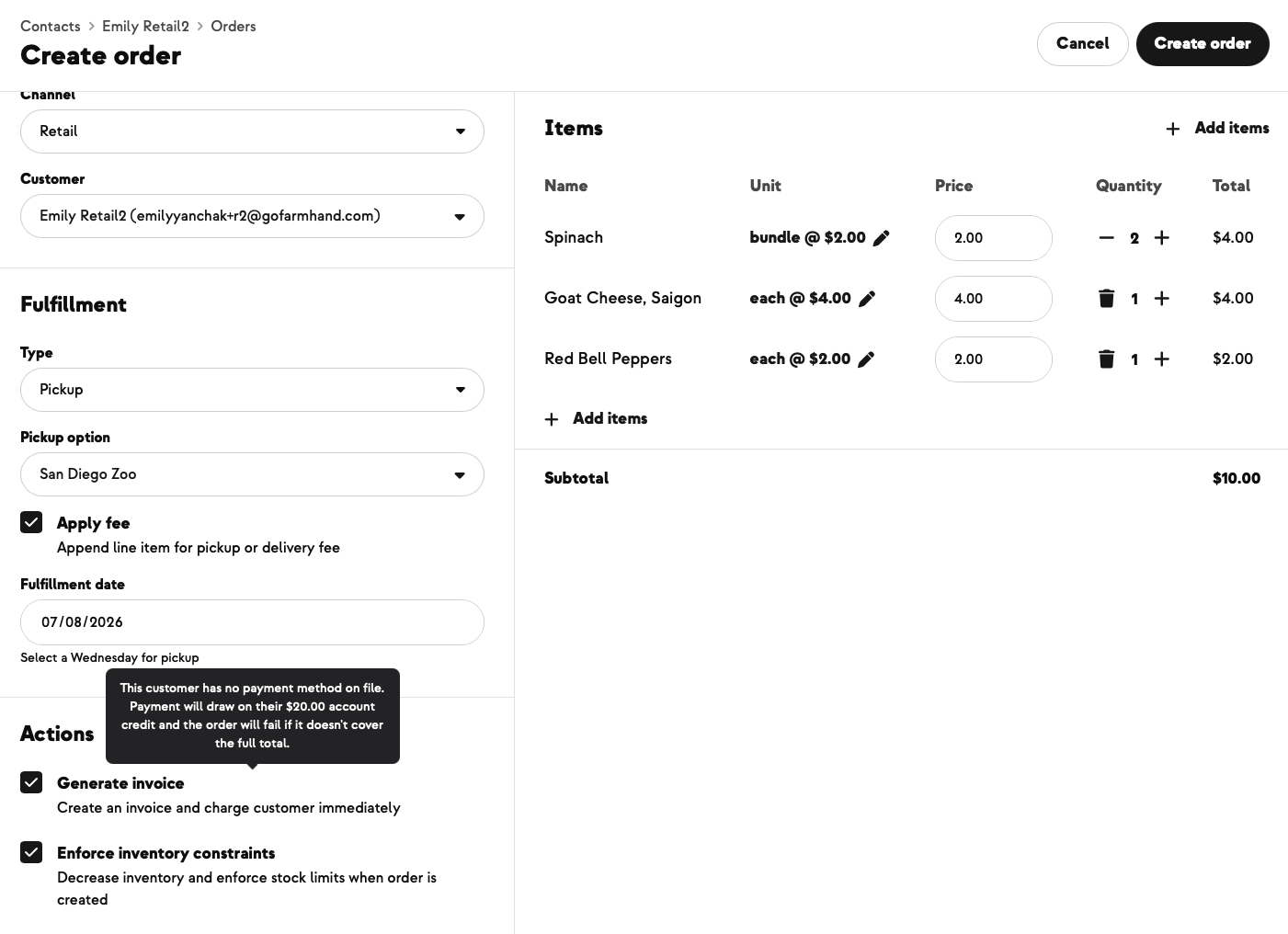
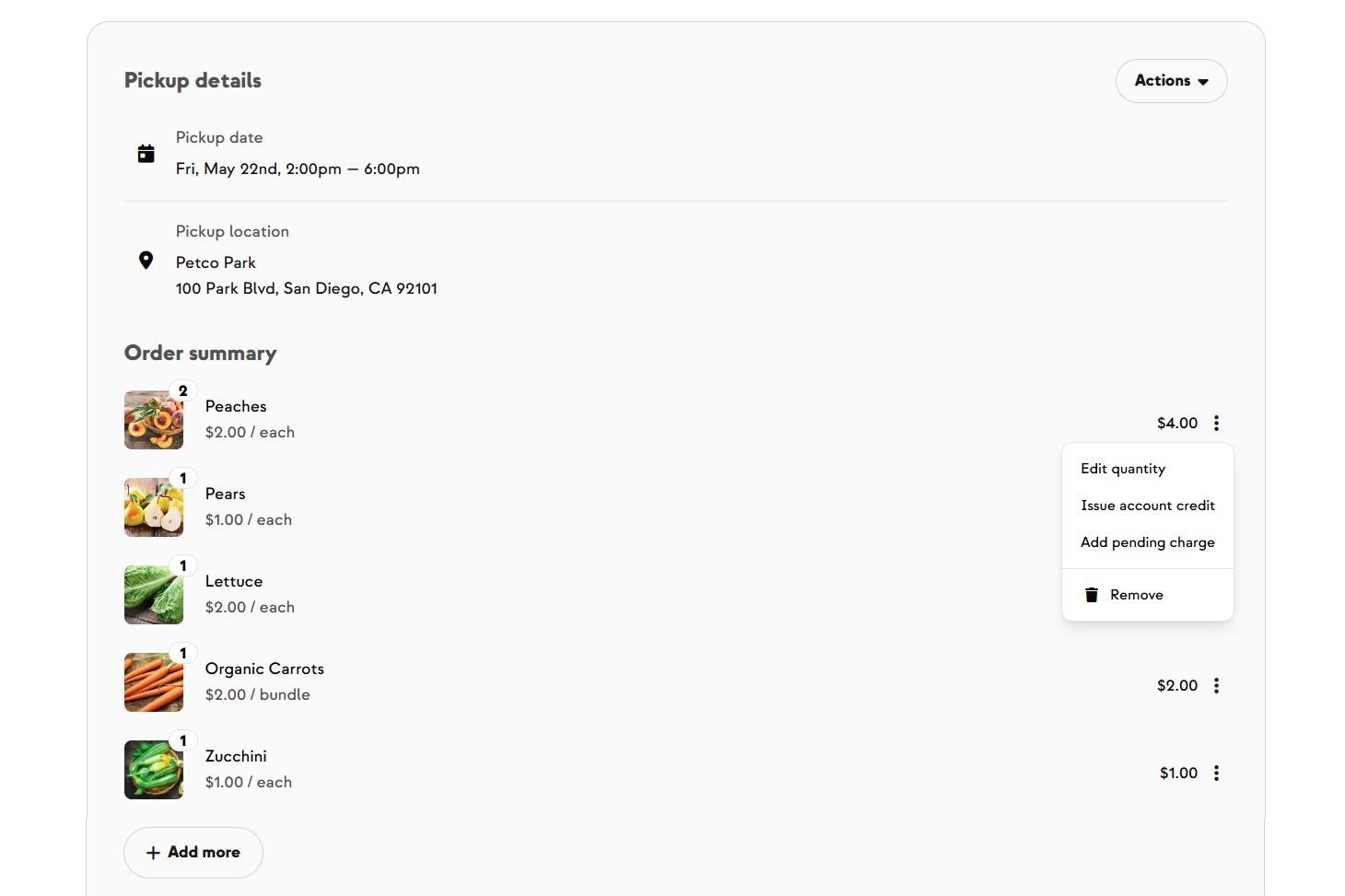
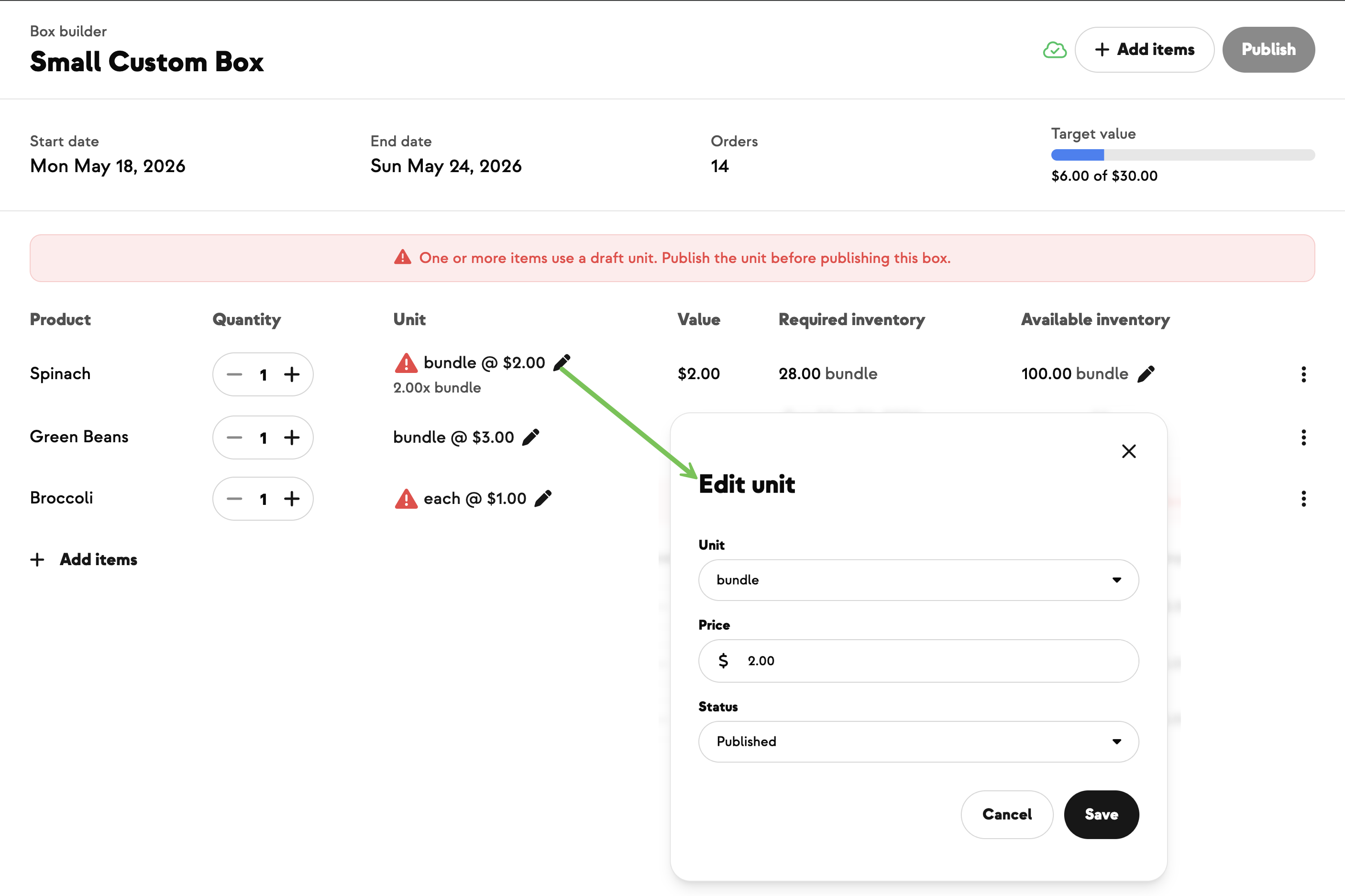
Now, in the Add Product tool for any pending or confirmed customizable CSA order, you can edit the unit price as you add the item. Leave it at the catalog price for a normal add, or override it to \$0 to comp it (or any other amount for a custom discount).
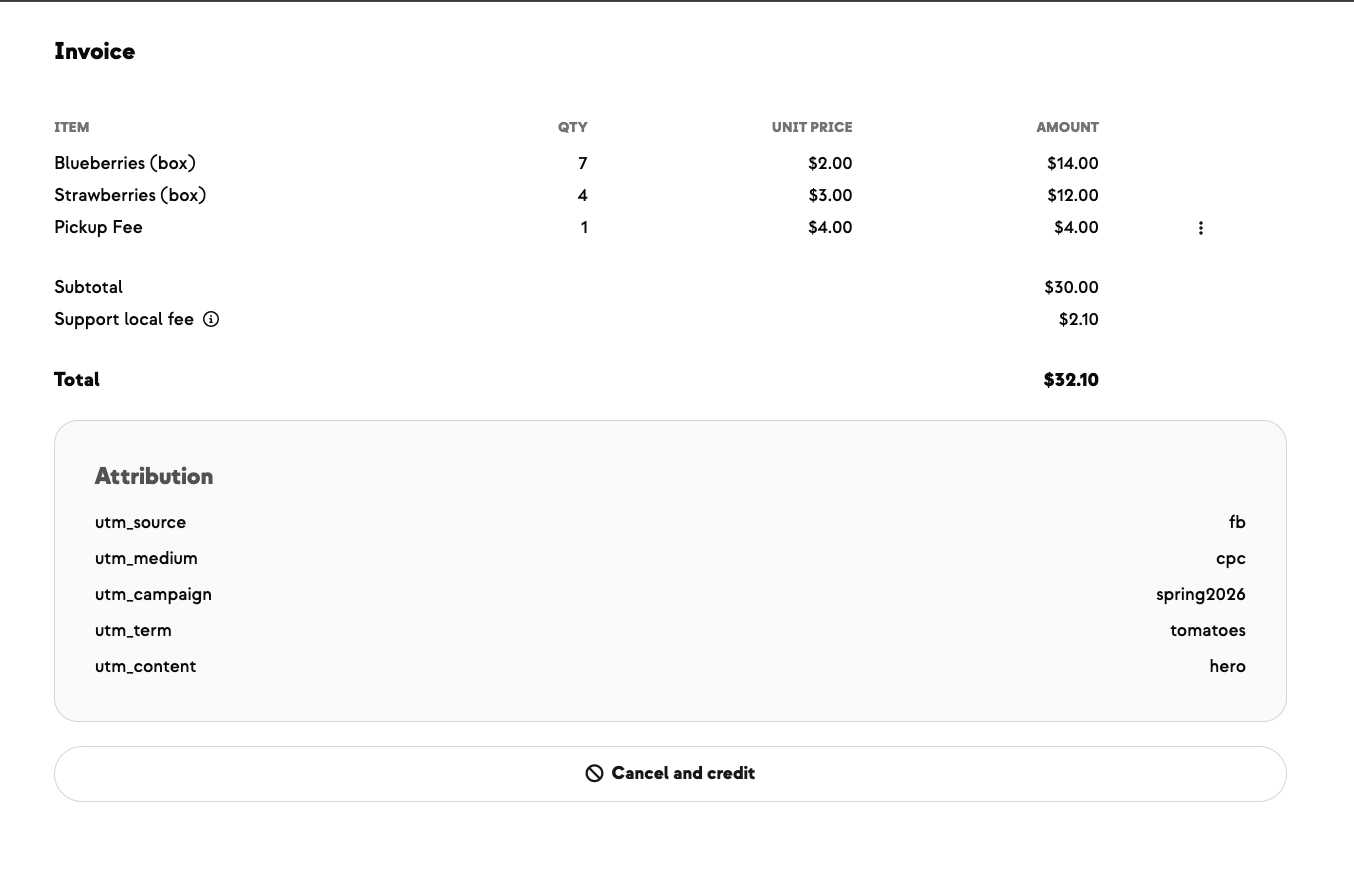
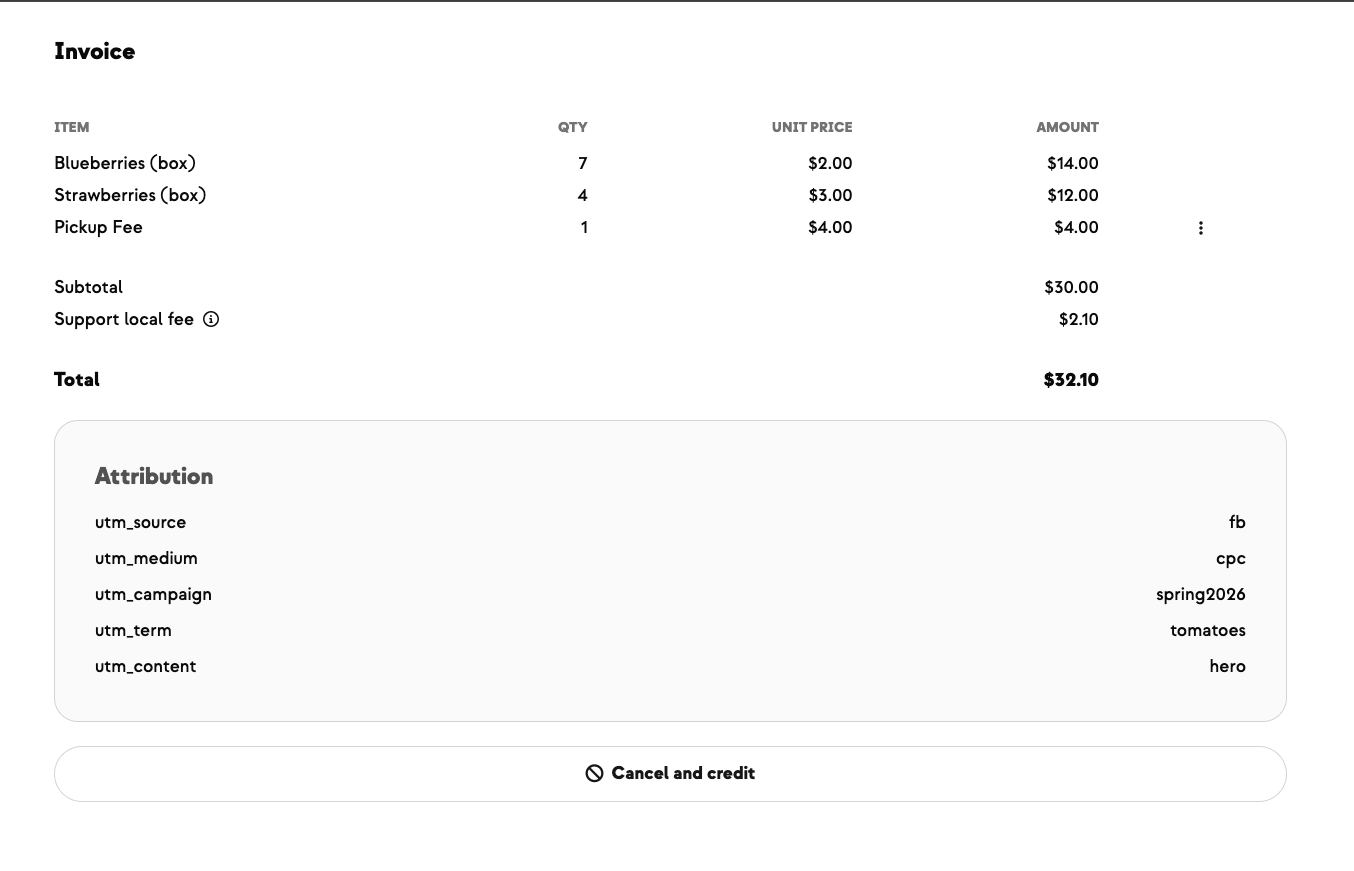
A few things to keep in mind: comped items don't count toward the box's target value, a paid line and a comped line for the same product show up as separate lines on the invoice rather than merging together, and this is admin and farmer only — members can never override a price in their own cart.
Elizabeth at Singing Frogs Farm is committed to making things right when something goes wrong with a delivery — she'd rather send a free apology bouquet with the next box than leave a member feeling shorted. She needed a clean way to drop a comped item into a customizable CSA order without the workaround of charging full price and issuing a manual credit afterward.

.jpeg)










-p-500.png)



























.jpg)












.jpg)
.jpg)
.jpg)
.jpg)




.png)