Keep reading
All updates More in this category
Built with farmers.
Shipped in weeks.
Fifteen minutes with Ari. Bring the thing you wish your software did, and he'll tell you if it's already built.
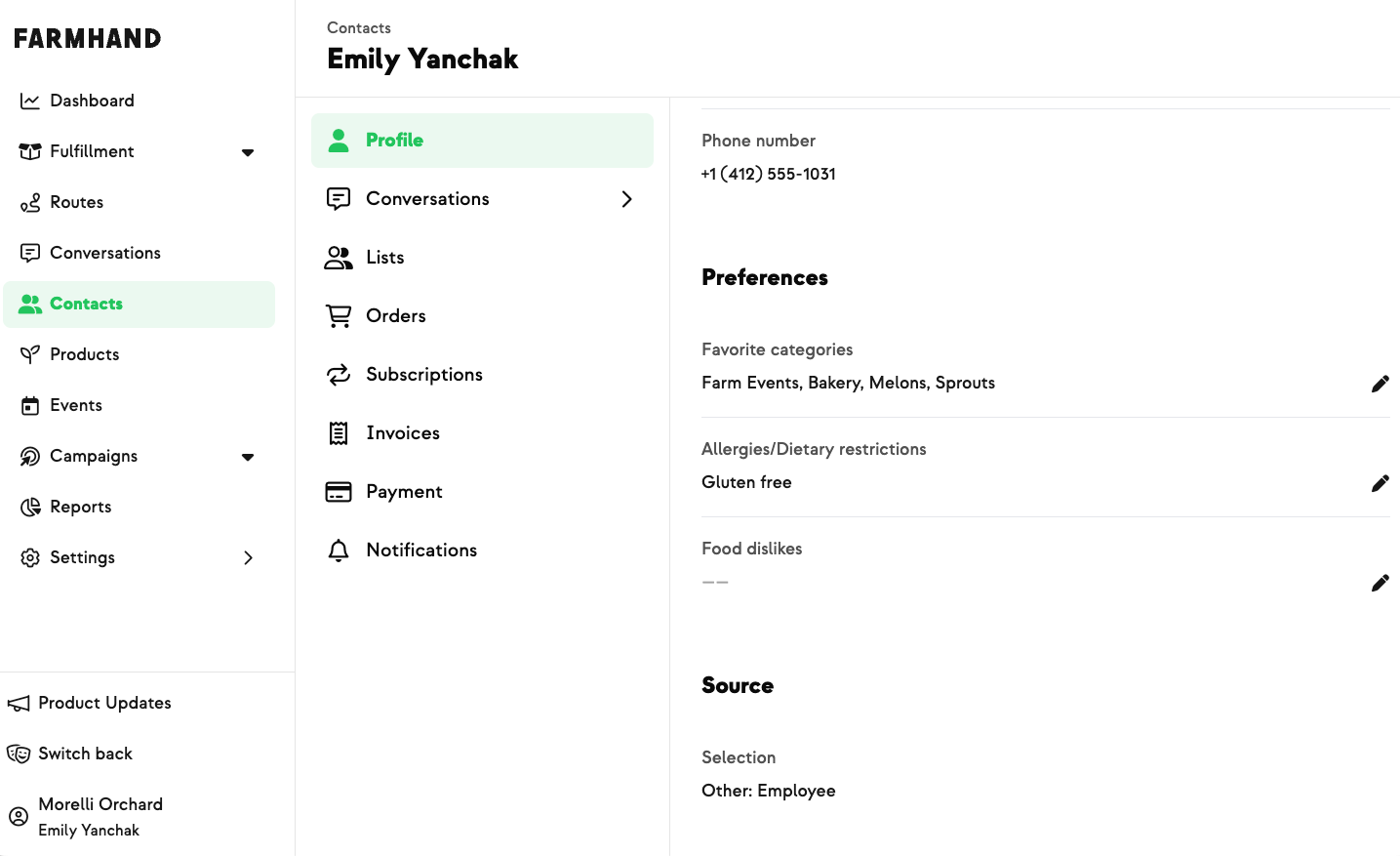

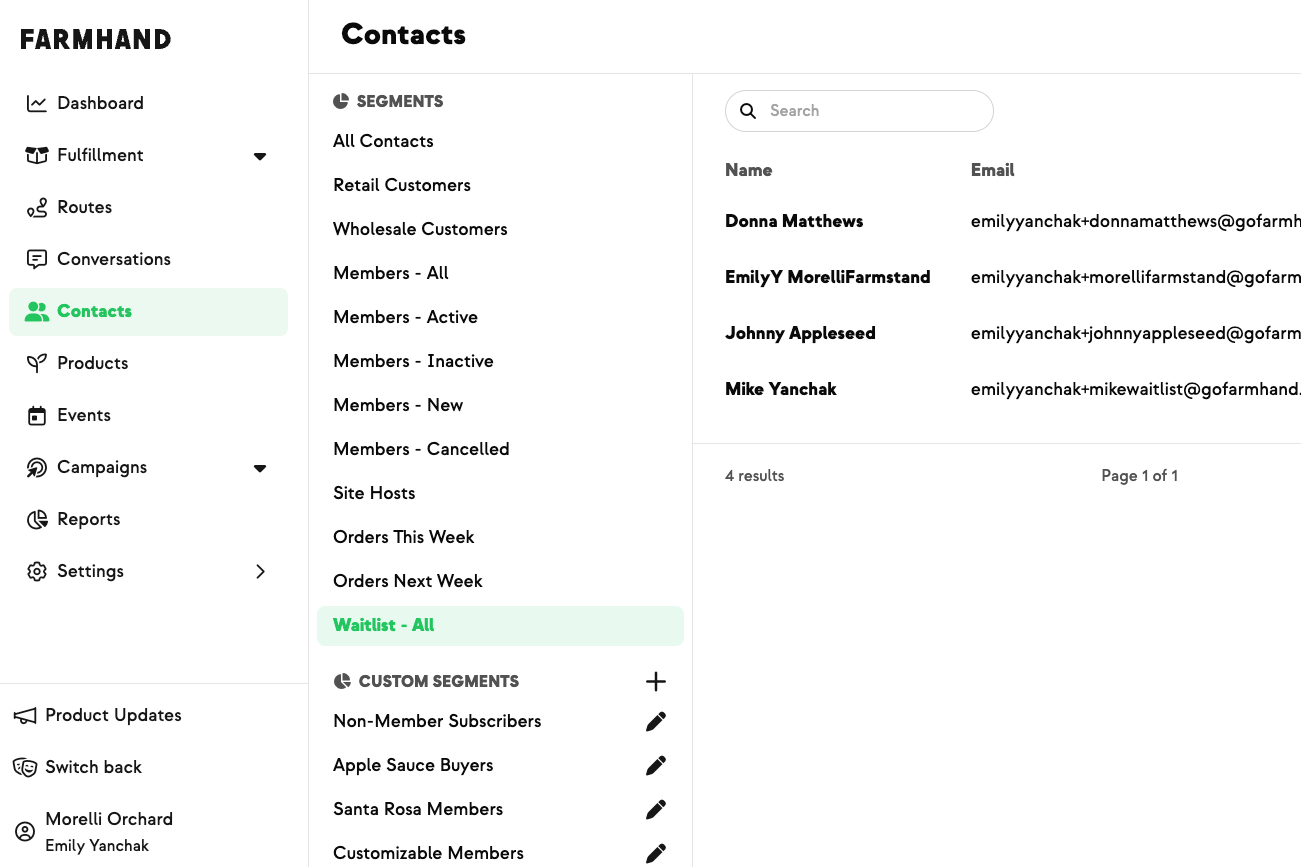
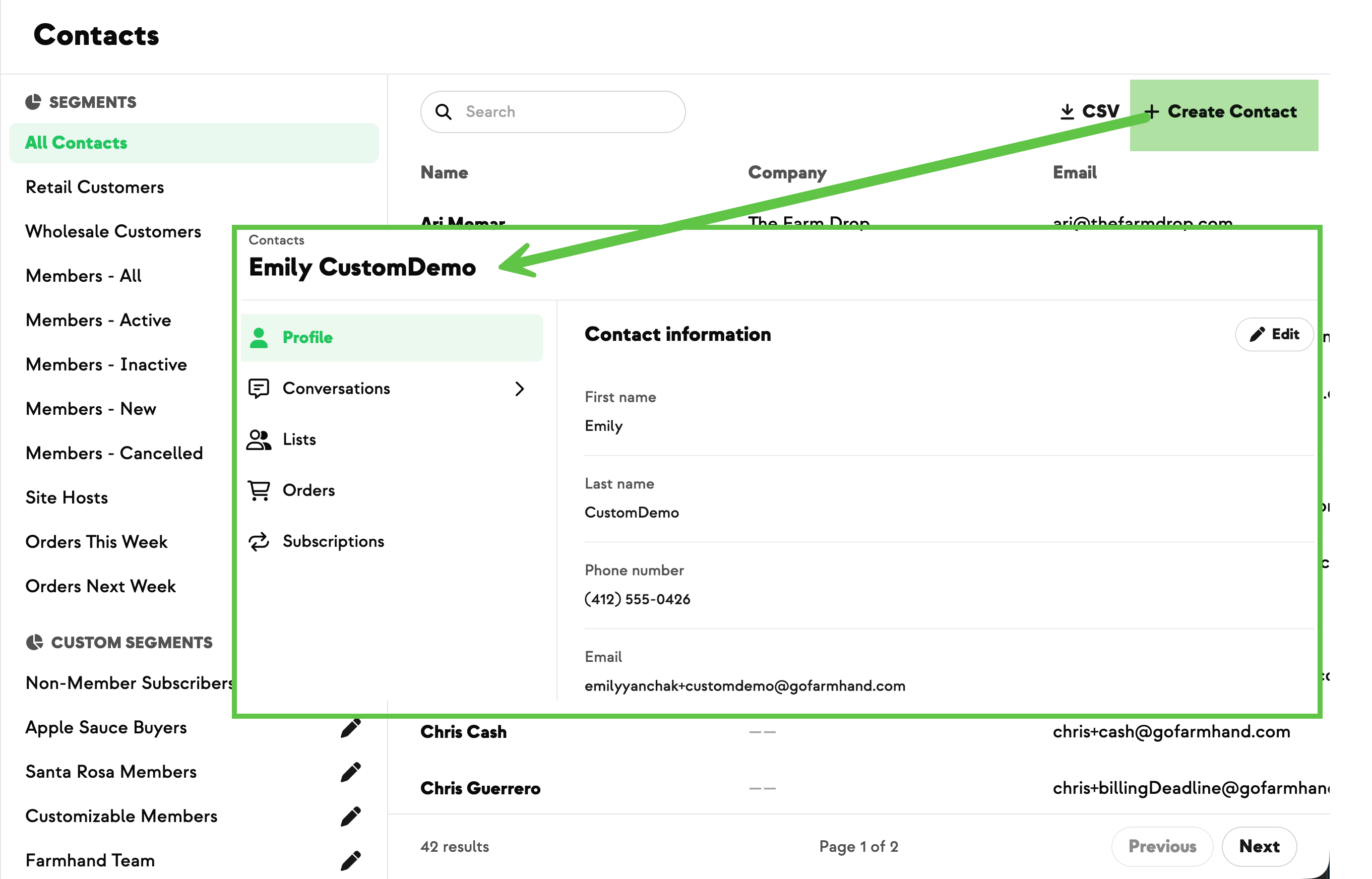
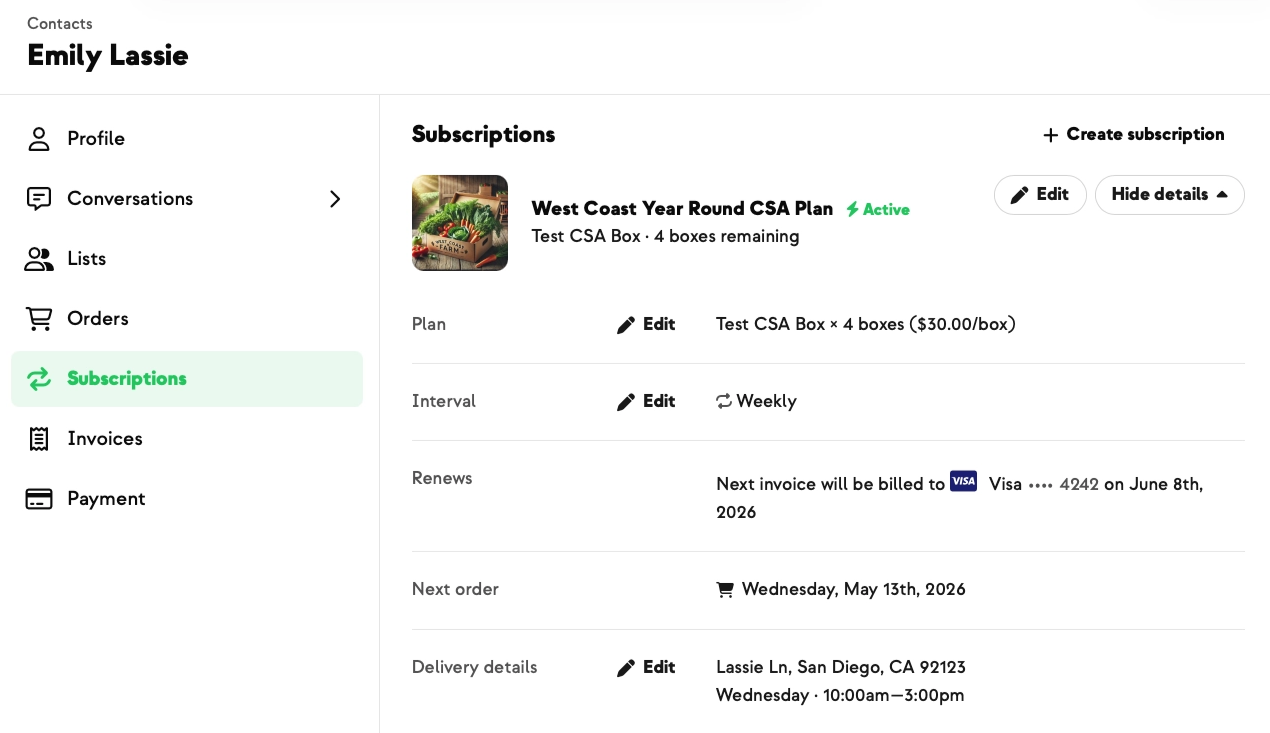
Members have always been able to set their own allergies, food dislikes, and favorite categories. Now you can edit those for them too, straight from the dashboard — no need to write into support to get a change made. From Dashboard → Contacts, open a contact's Profile and each preference row has its own Edit button for allergies and dietary restrictions, dislikes, and favorite categories. One guardrail: if a member belongs to more than one farm, the preferences are read-only for farmers (with a banner explaining why) so one farm can't overwrite another's data — an admin can make the change in those cases.
.jpeg)












-p-500.png)

















.jpg)










.jpg)
.jpg)
.jpg)
.jpg)



.png)