Keep reading
All updates More in this category
Built with farmers.
Shipped in weeks.
Fifteen minutes with Ari. Bring the thing you wish your software did, and he'll tell you if it's already built.
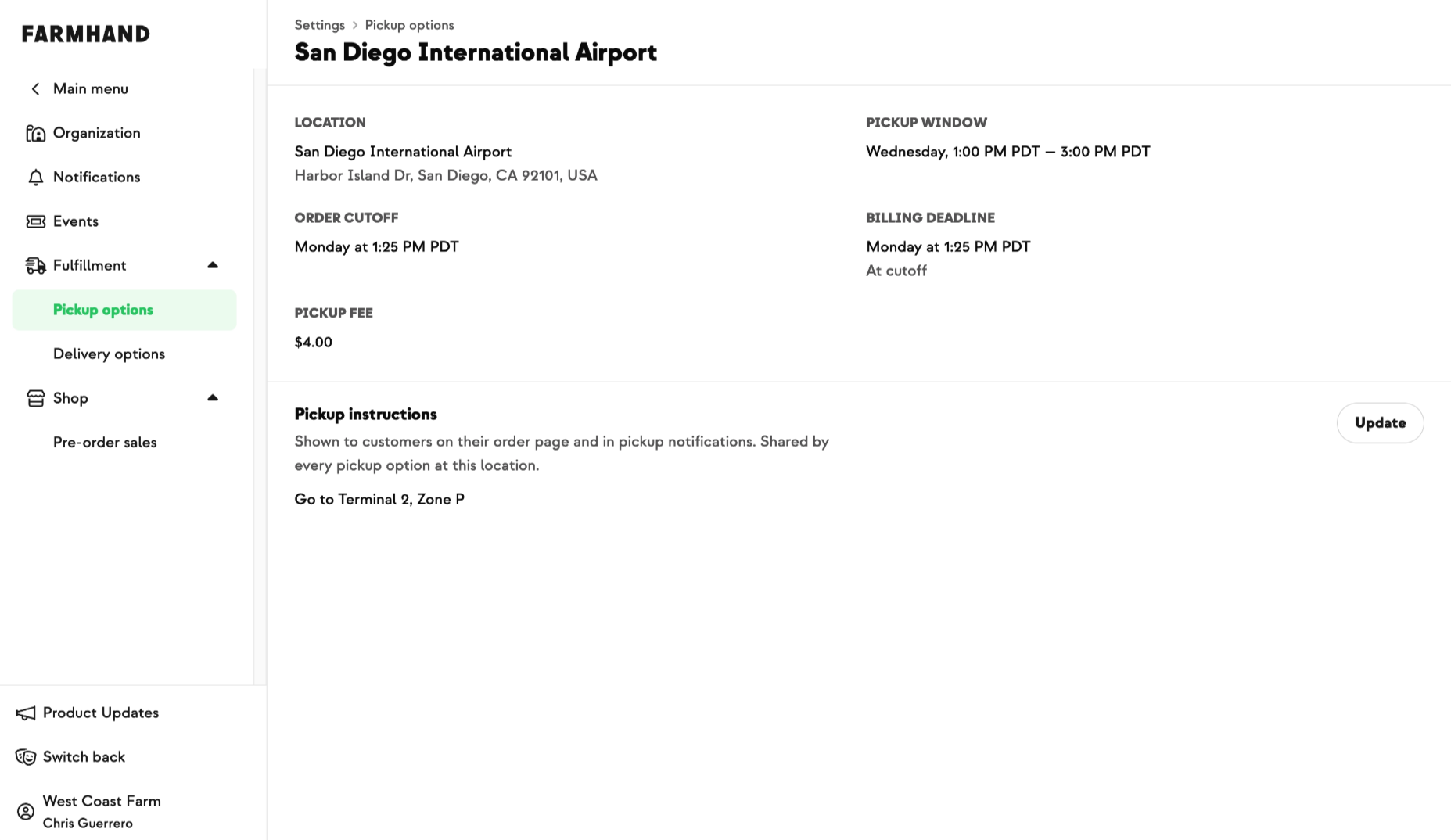
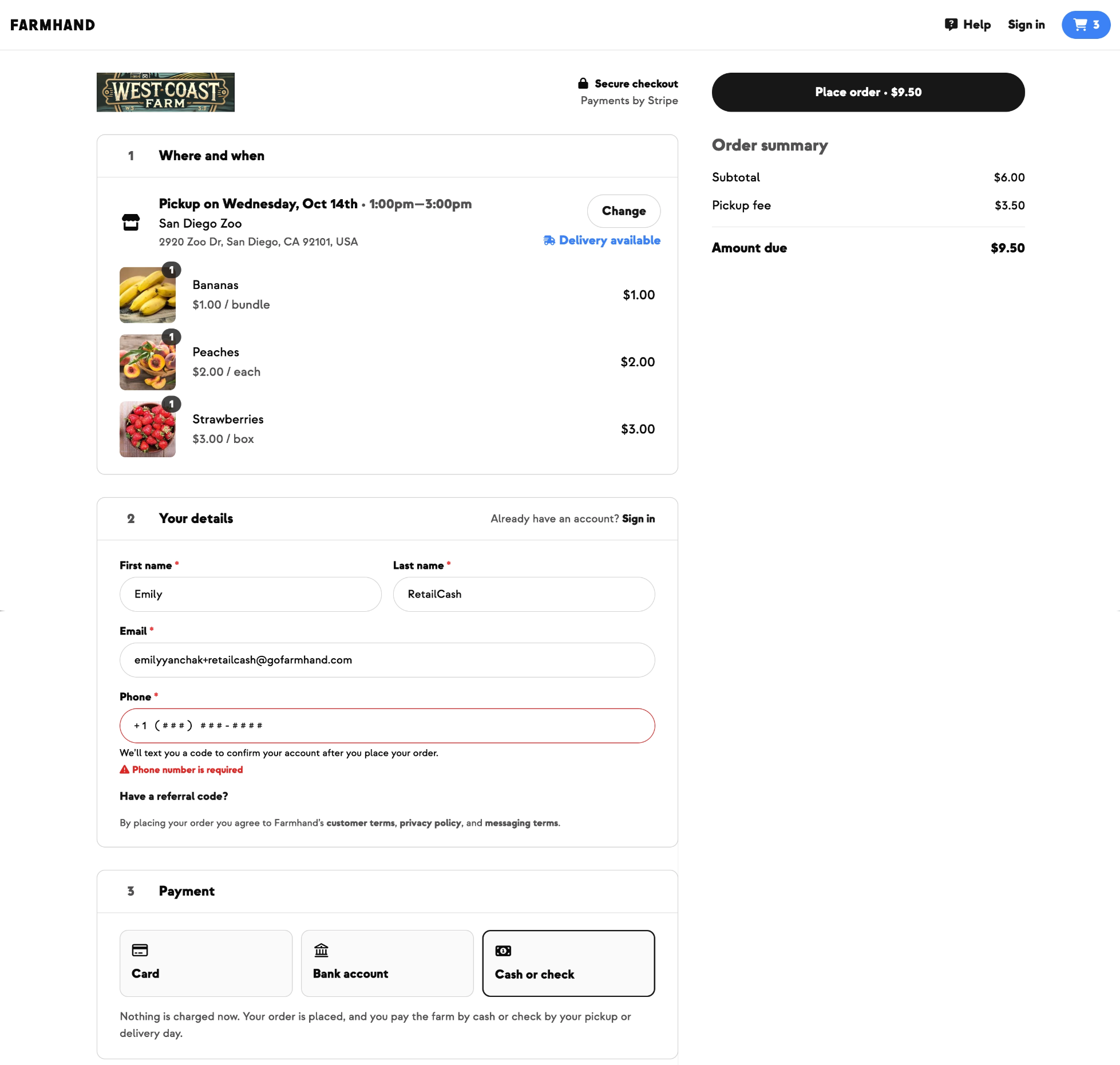
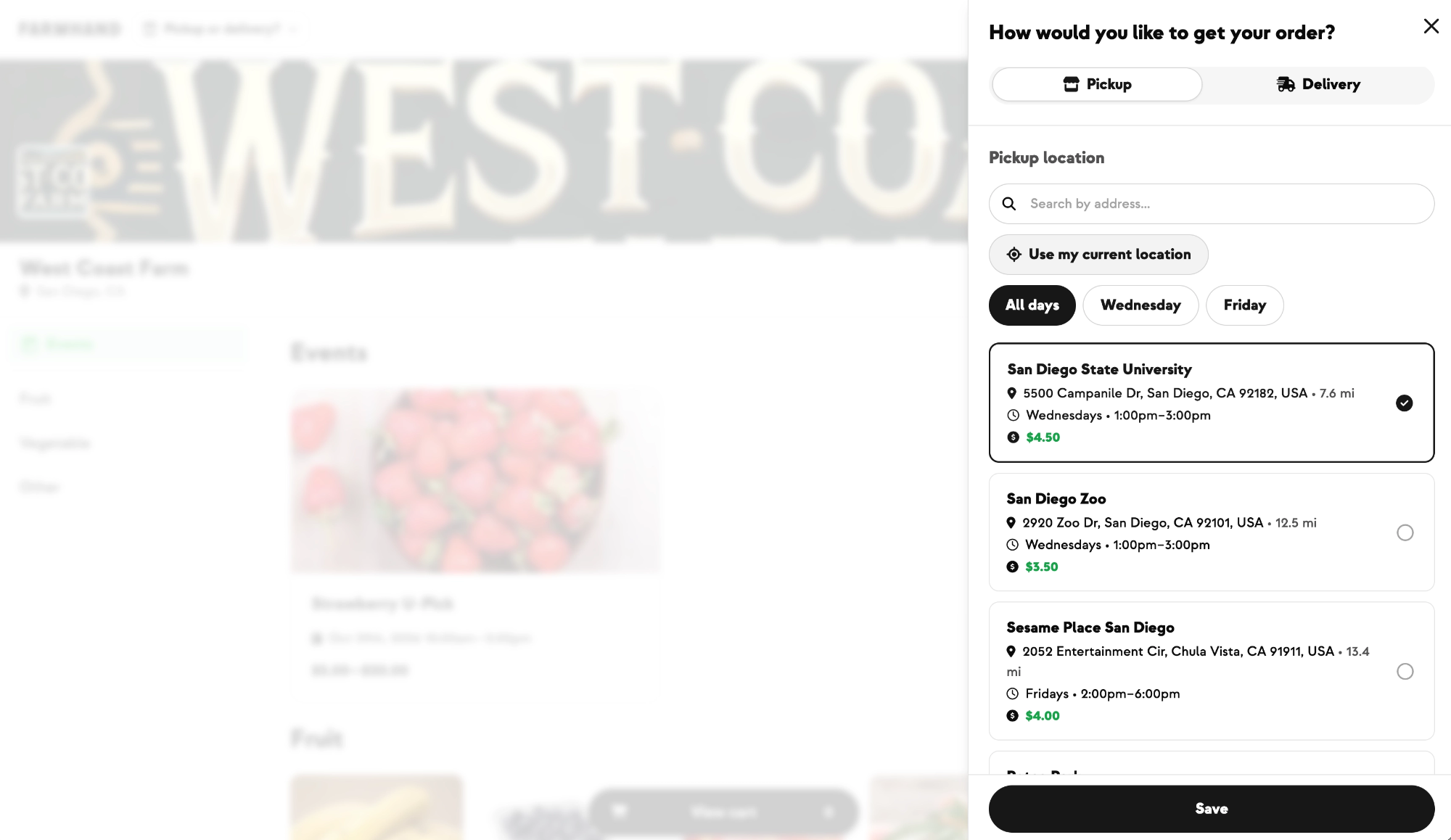
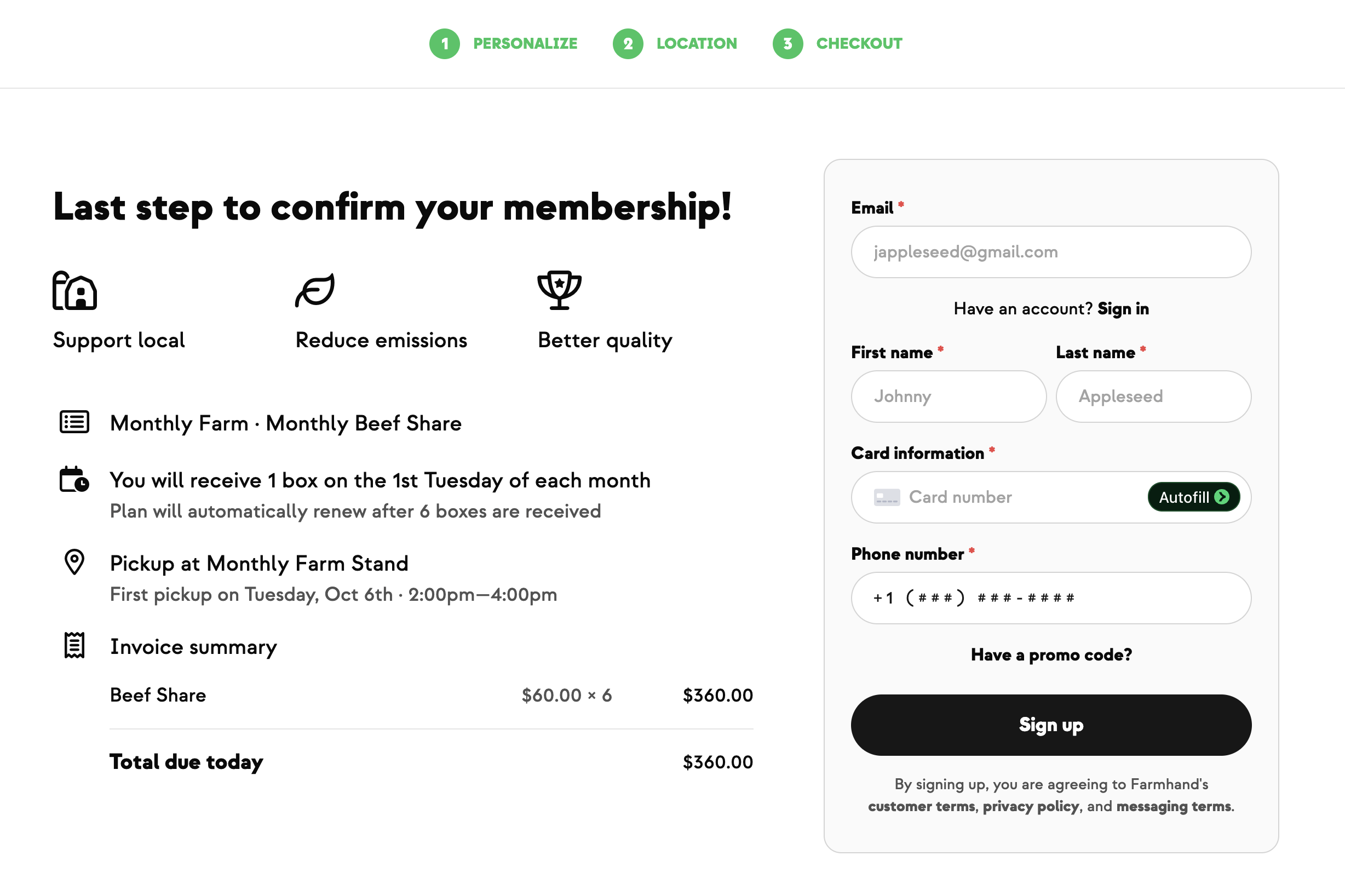
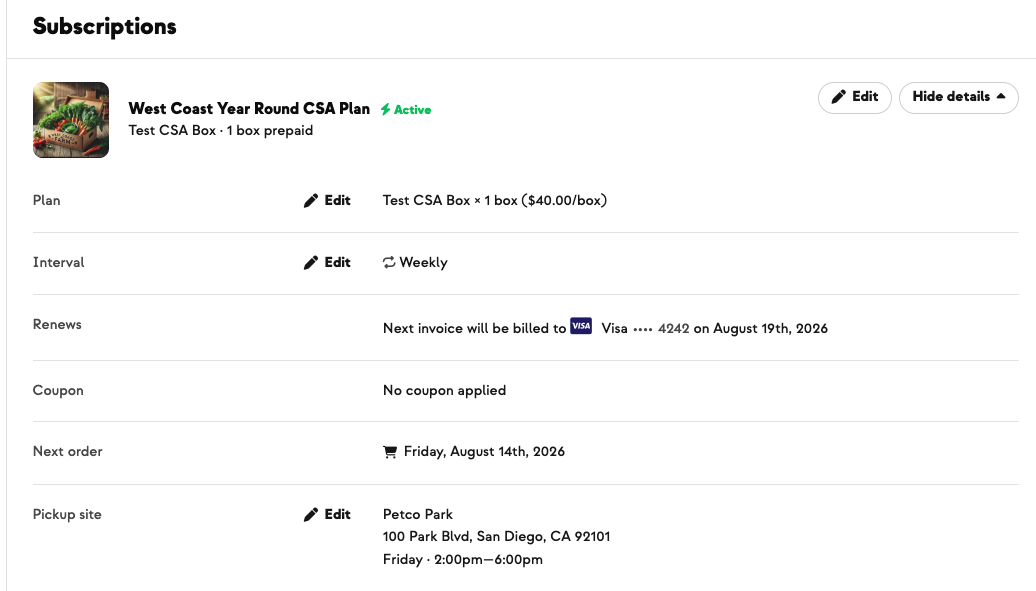
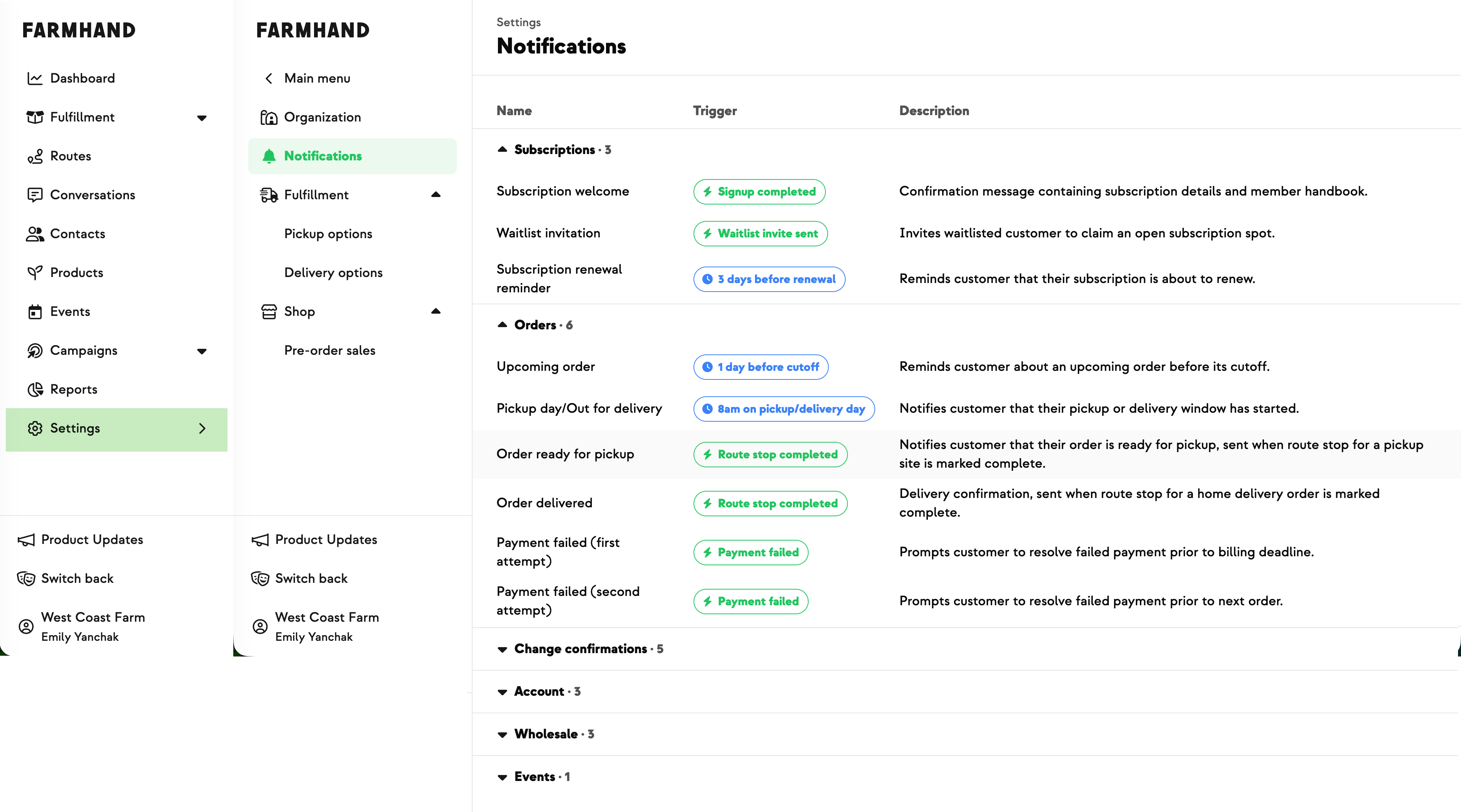
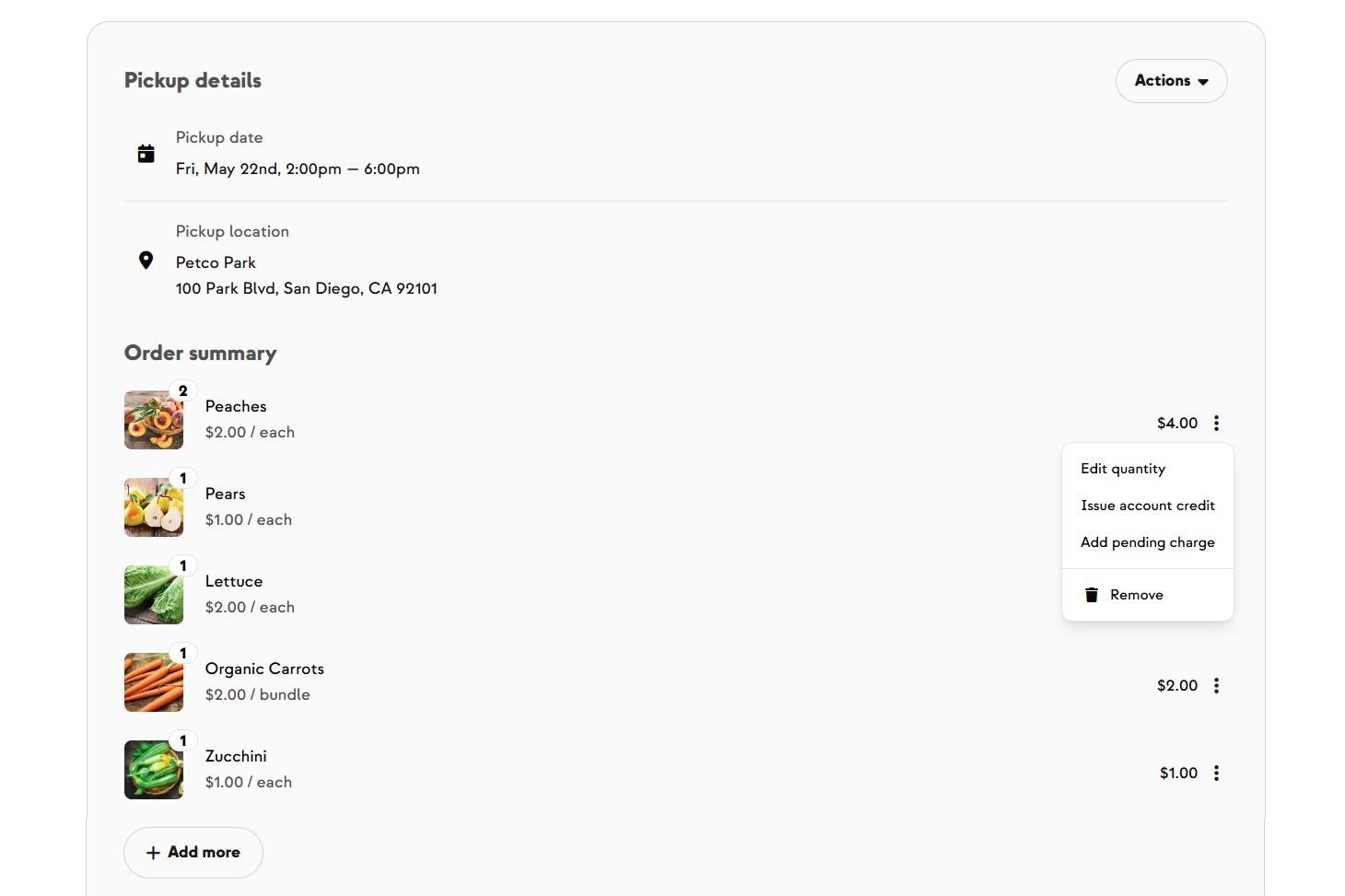
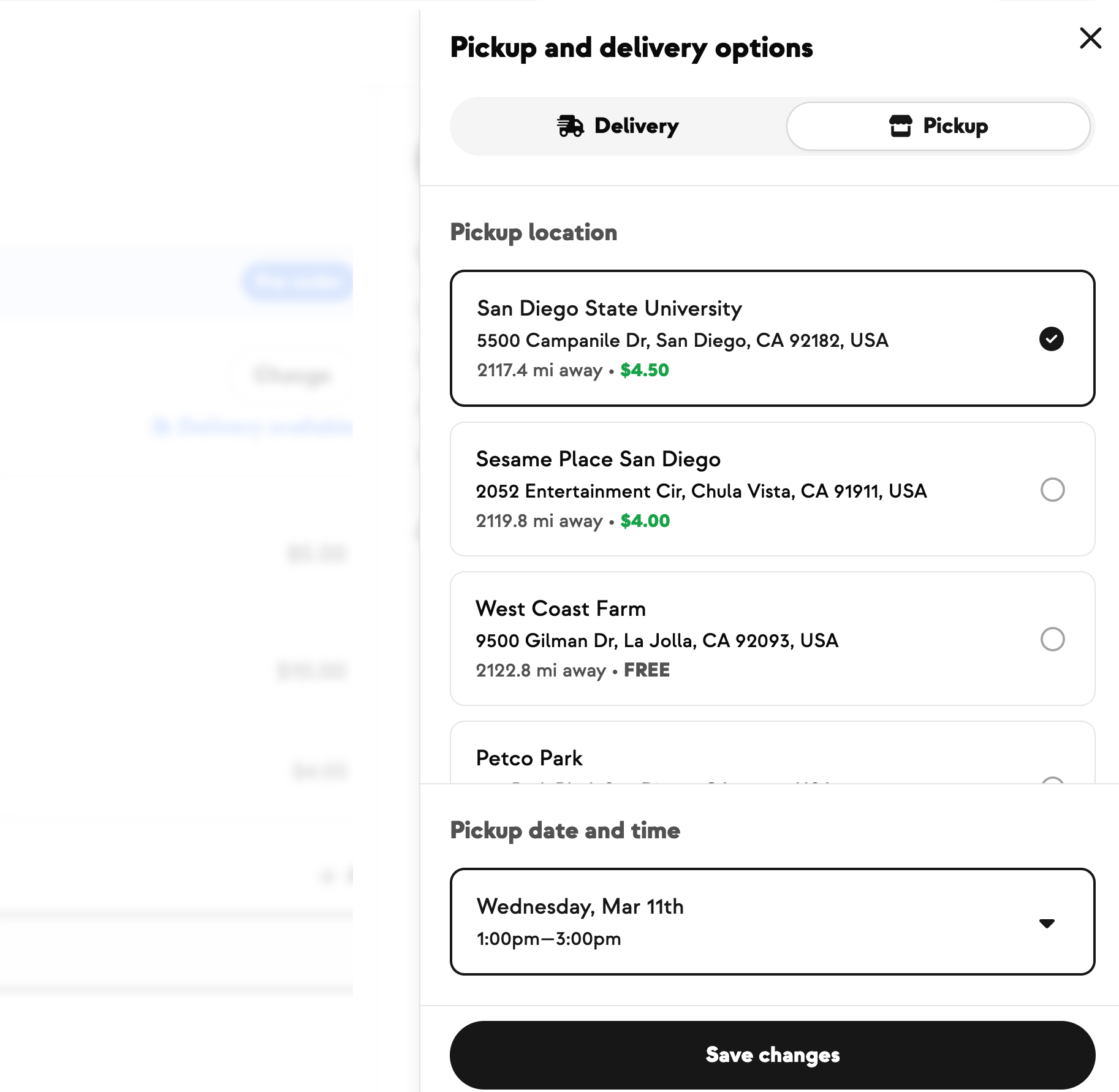
Until now, the settings behind your pickup and delivery options — the address, fees, billing deadline, and the instructions members see — were hidden from your dashboard. Even something routine, like updating pickup instructions for a holiday or bad weather, meant contacting Farmhand support. Now every pickup and delivery option opens to its own detail page: you can see the location and window, the cutoff and billing deadline, any fee attached, and the exact instructions members read. (Delivery options are zone-based, so they show the zone title instead of an address.) Best of all, the instructions field is now yours to edit — update it for seasonal changes, holidays, temporary closures, or weather, and members see the change immediately on their order pages and in pickup notifications. Everything that affects billing — address, fees, the billing deadline — stays read-only and admin-managed, so nothing important can change by accident. One thing to know: pickup instructions are shared by every option at the same location, so updating one updates them all.




.jpeg)






-p-500.png)



















.jpg)











.jpg)
.jpg)
.jpg)
.jpg)



.png)