Keep reading
All updates More in this category
Built with farmers.
Shipped in weeks.
Fifteen minutes with Ari. Bring the thing you wish your software did, and he'll tell you if it's already built.
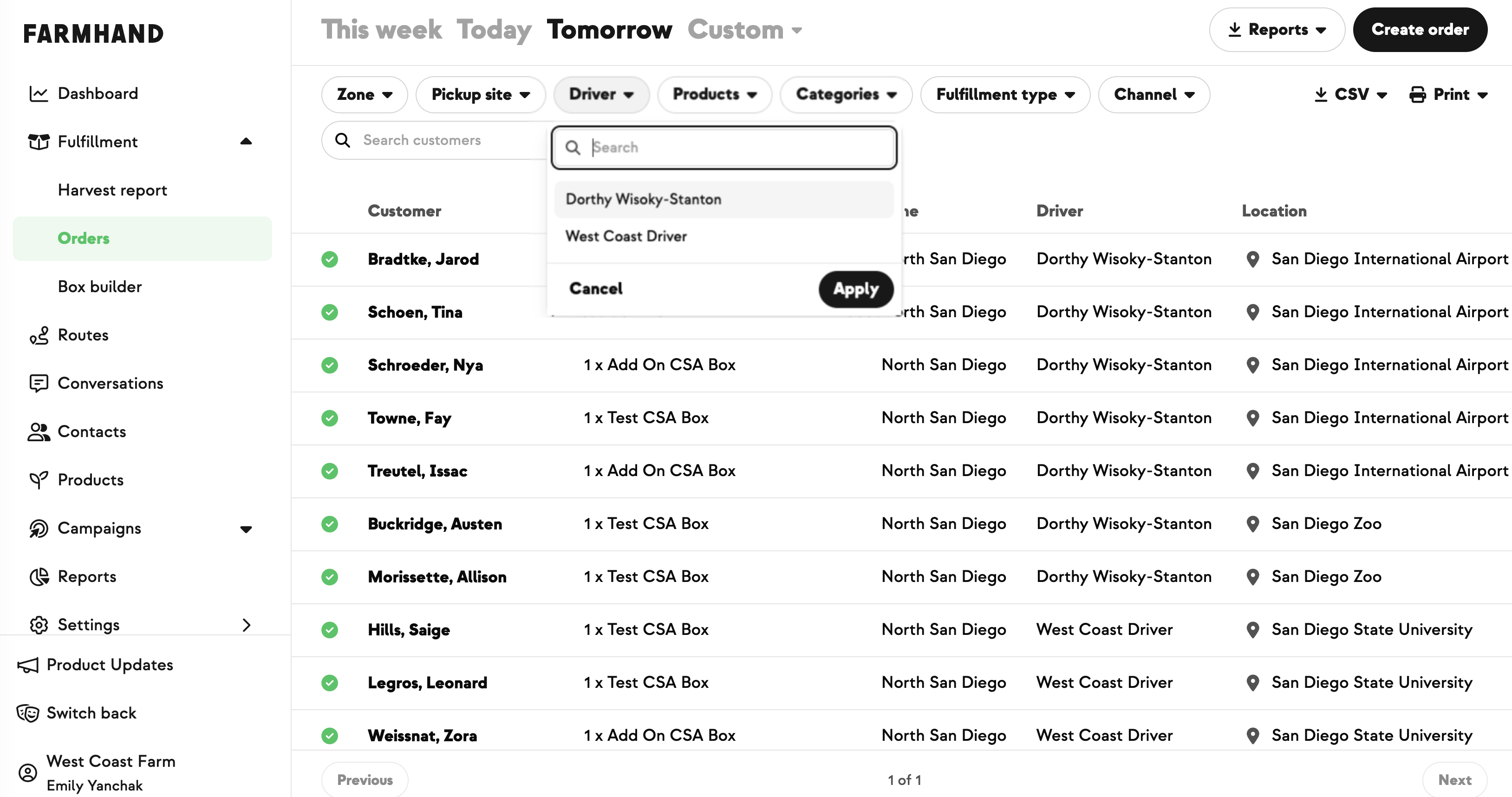

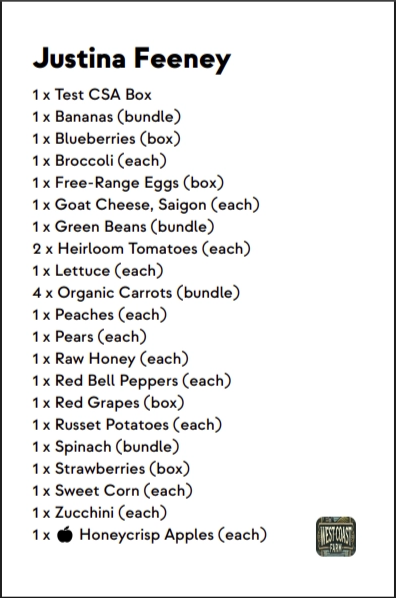
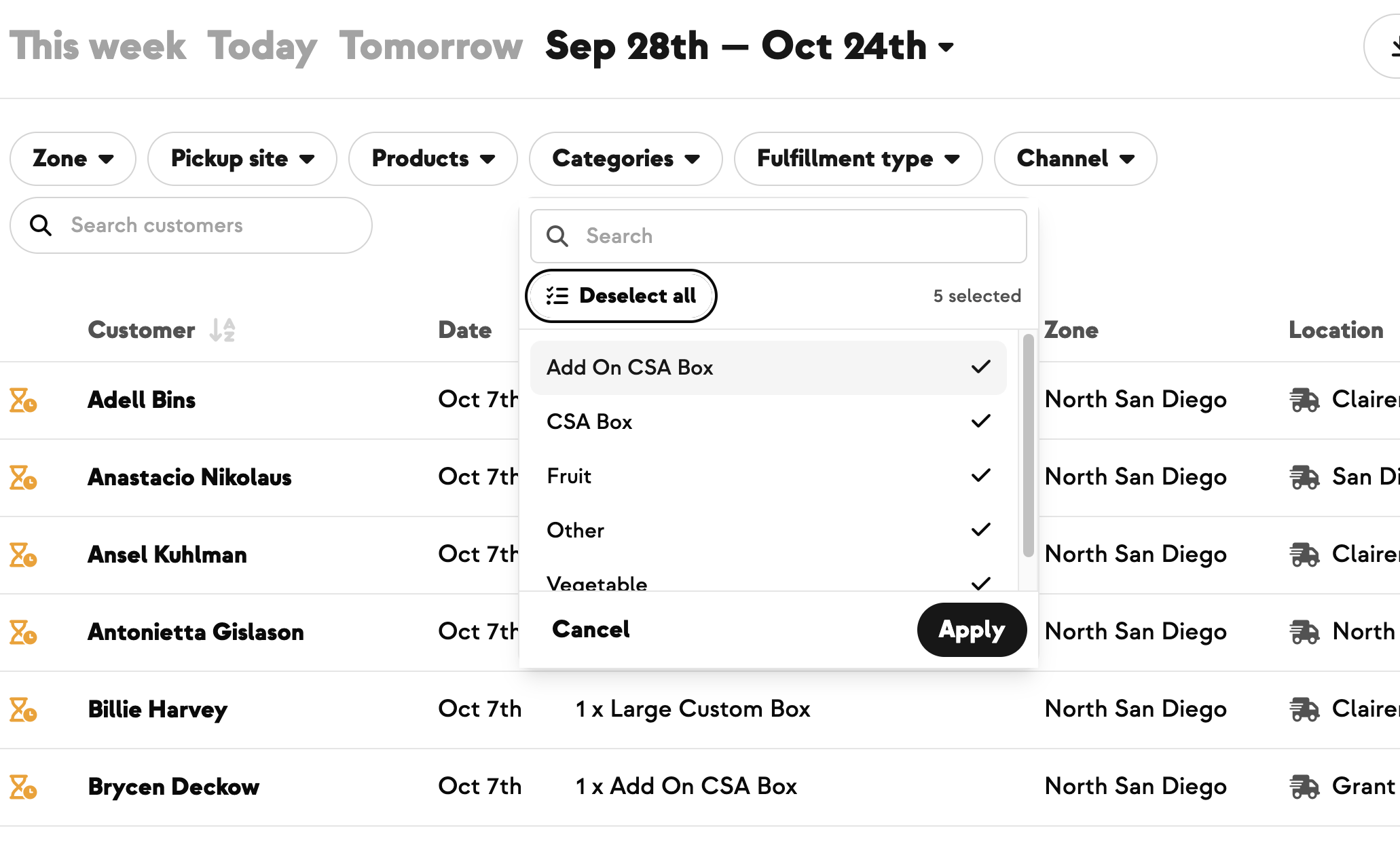
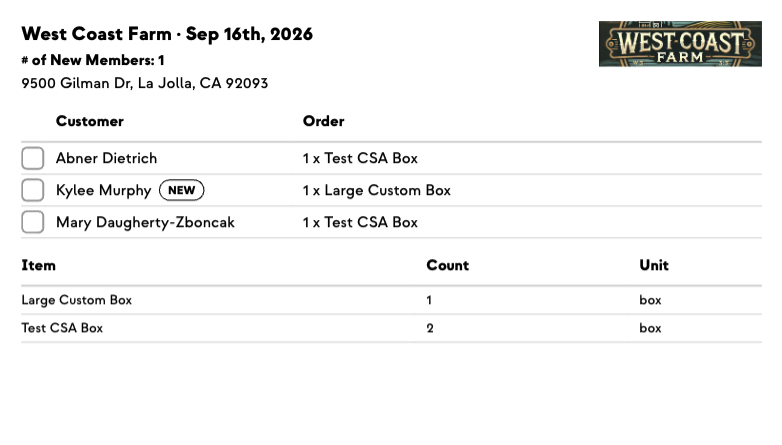
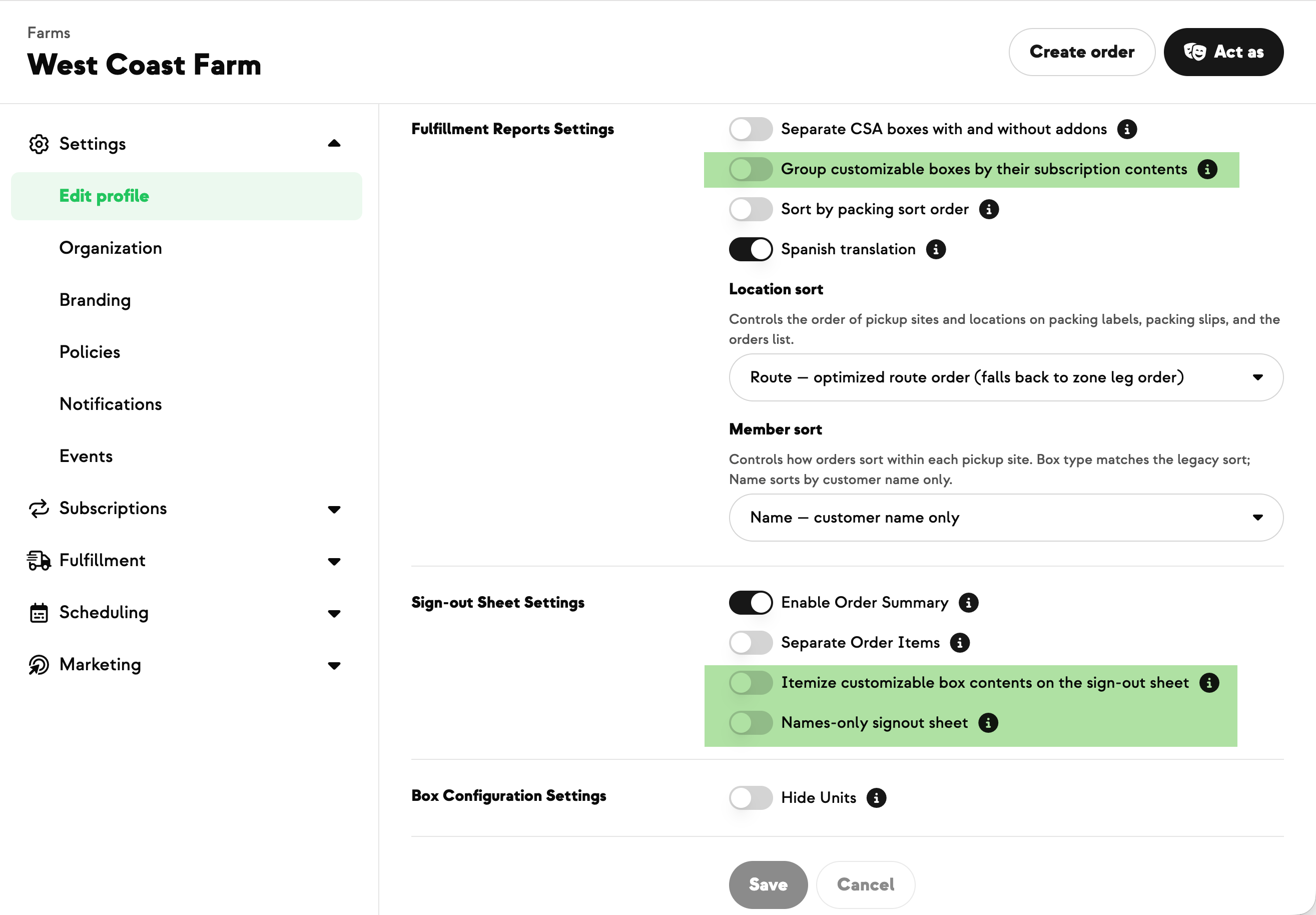
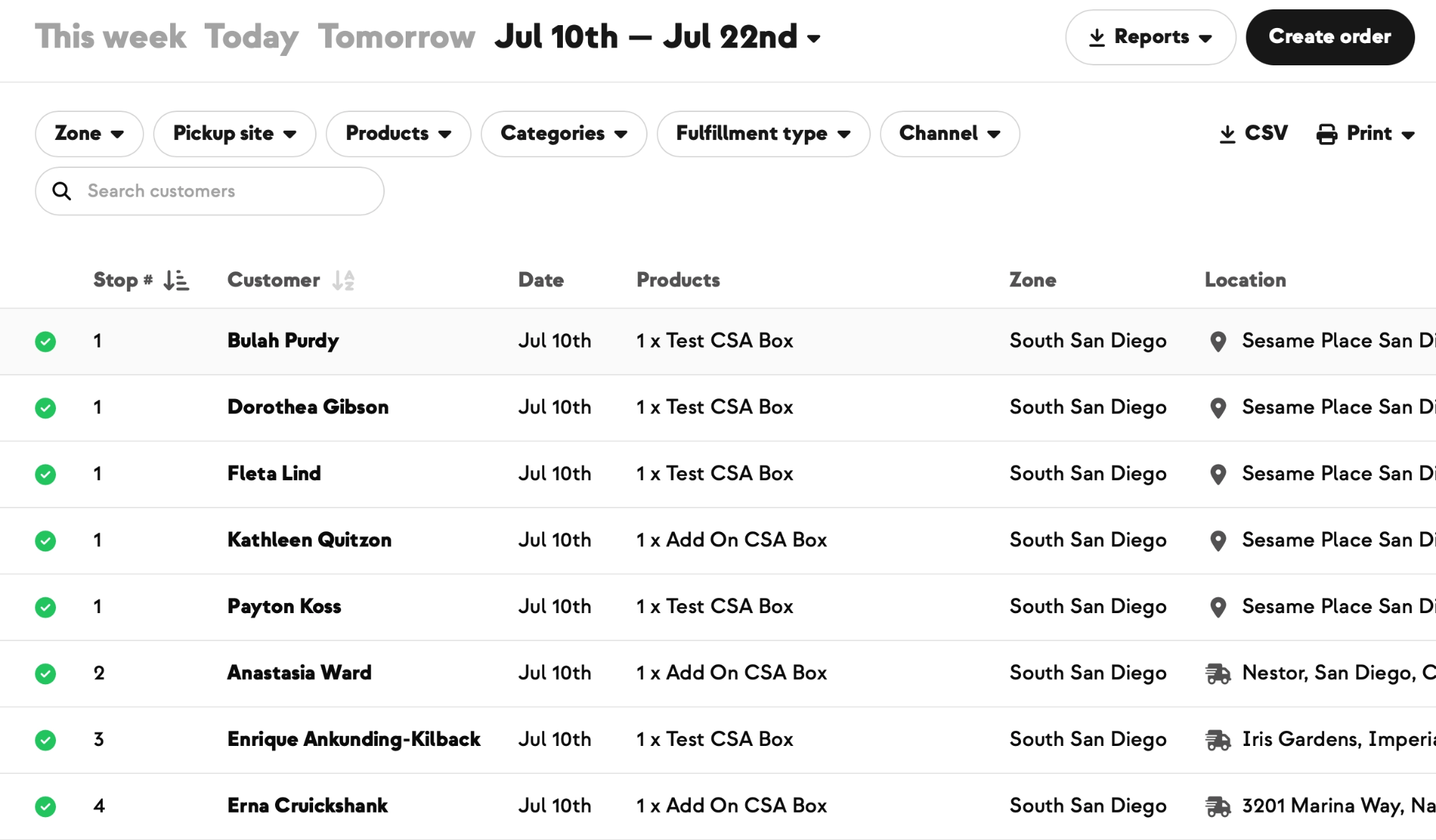
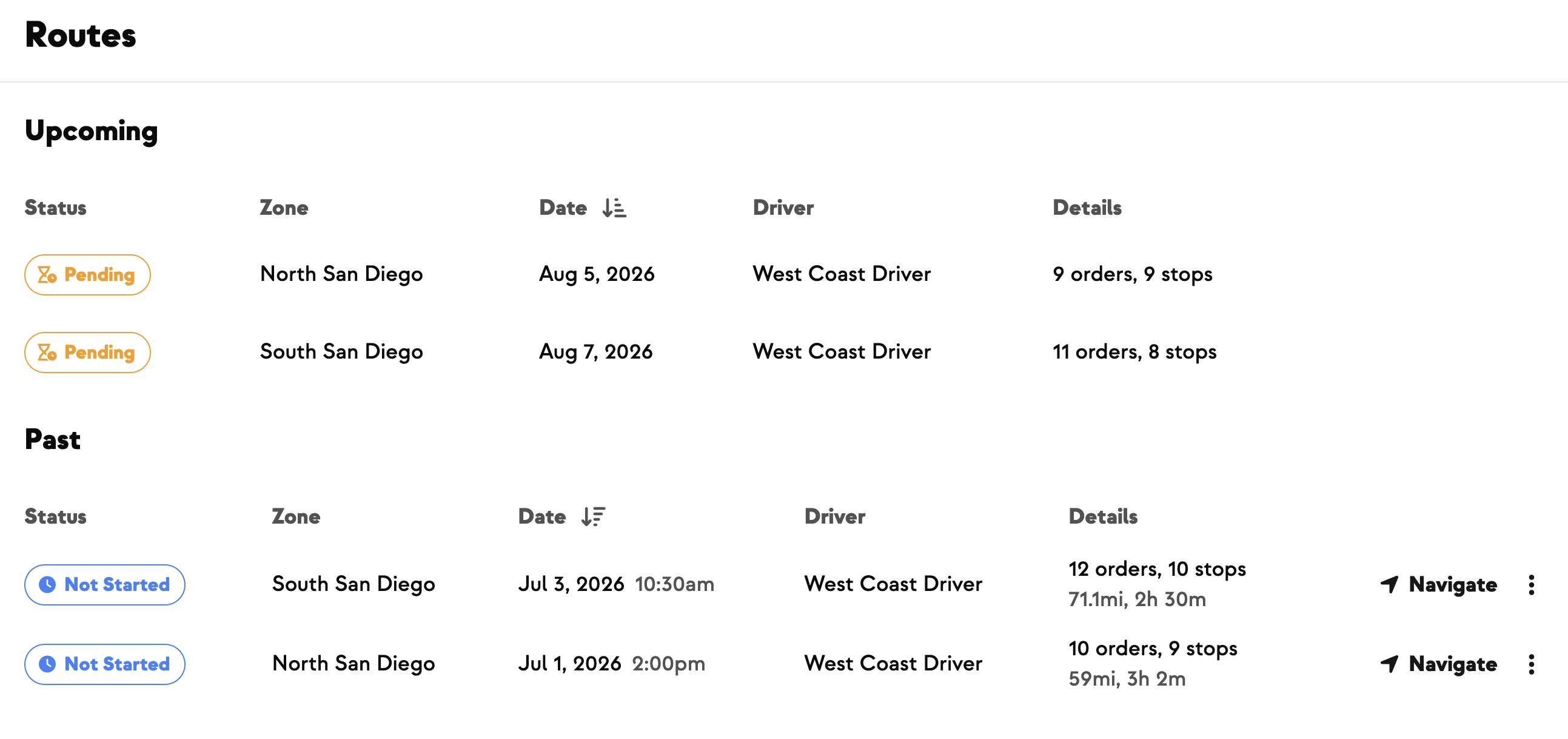
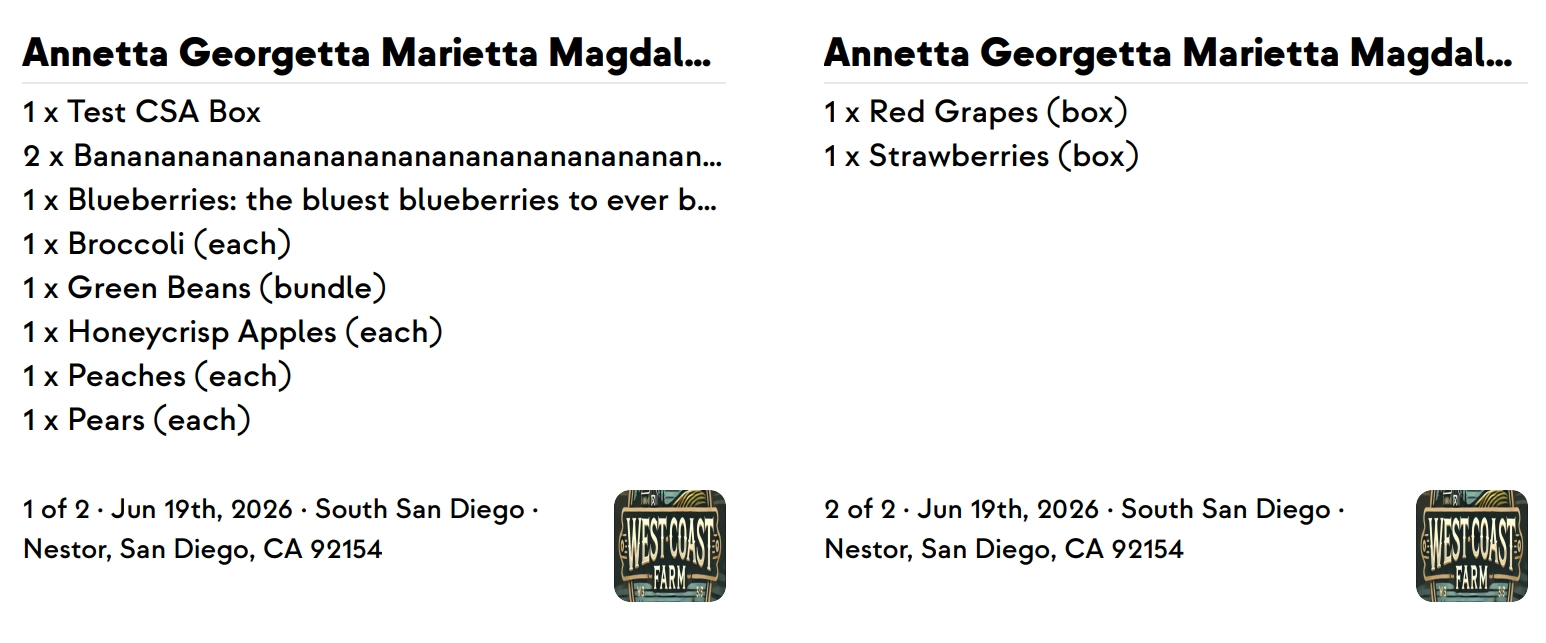
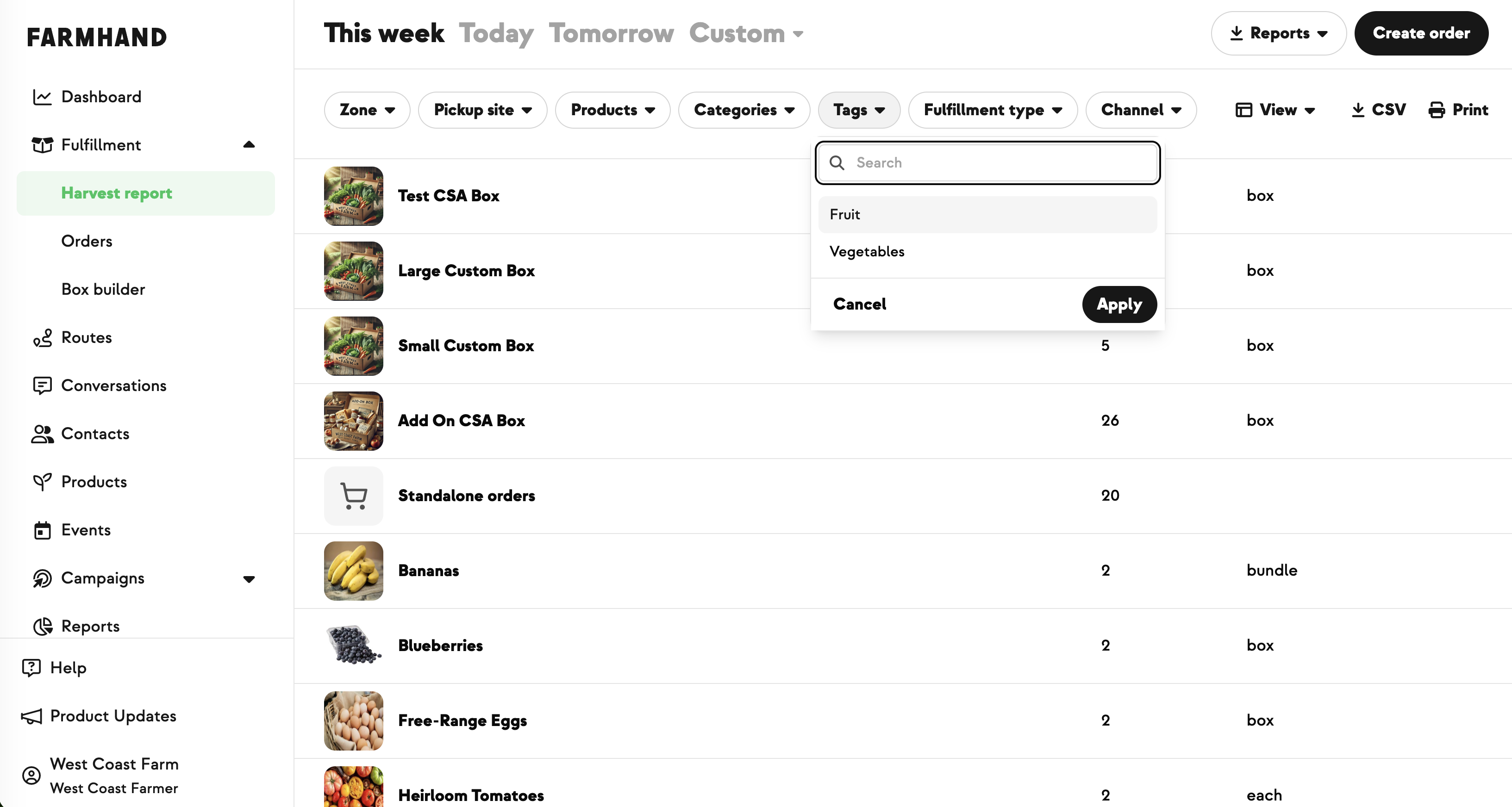
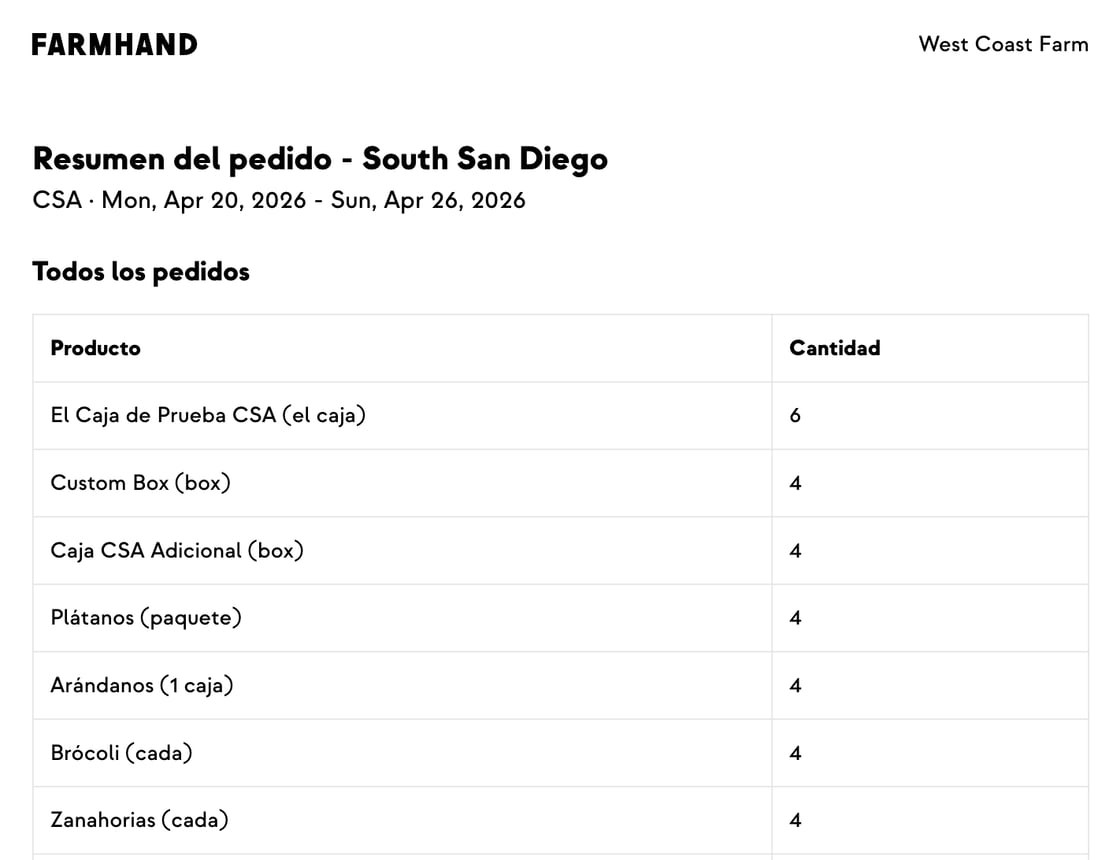
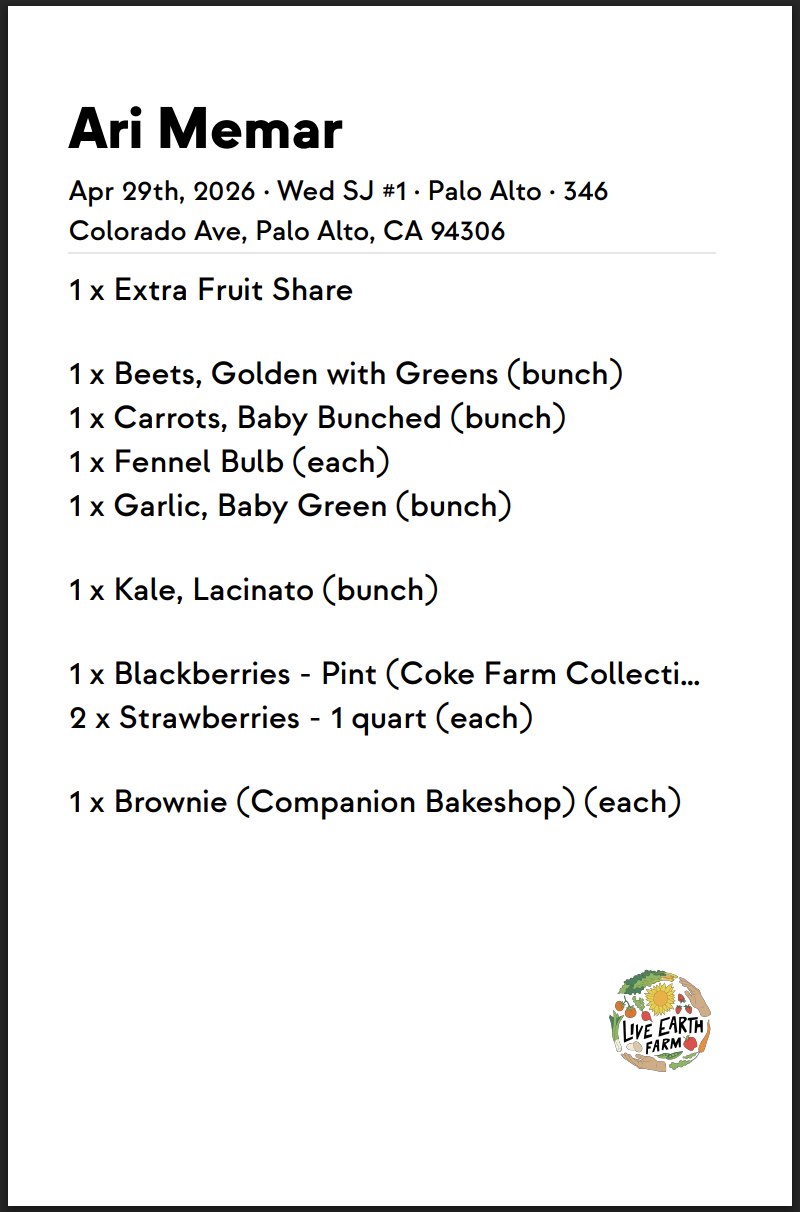
When two or more drivers share a delivery zone, your fulfillment reports used to lump all their orders into one list — so teams that pack one route at a time printed everything and tore the labels apart by hand. Now you can filter the Orders report and Harvest Report by driver, and that choice follows through to everything you print or export: pack slips, pack labels, the order summary, and sign-out sheets. Each driver's paperwork comes out grouped together, with the driver's name and stop number right on the labels. You can also change how orders are sorted — route order or a fixed zone order for locations, and box type or name for members within a stop — just ask the Farmhand team to set it up. Existing farms keep their current order unless you ask us to change it.
Built with Curtis at Millsap Farms, who packs one driver's route at a time and was tearing labels apart by hand to sort them by driver.


.jpeg)




-p-500.png)
















.jpg)








.jpg)
.jpg)
.jpg)
.jpg)



.png)