Video chapters
This short video walks you through using the Campaign tool in Farmhand to message different segments of your customer base — active members, past members, today's pickups, waitlist leads, and more. You can follow along:
- 0:00 Starting a campaign & default audience
- 0:48 Messaging active members only
- 1:19 Reaching past or canceled members
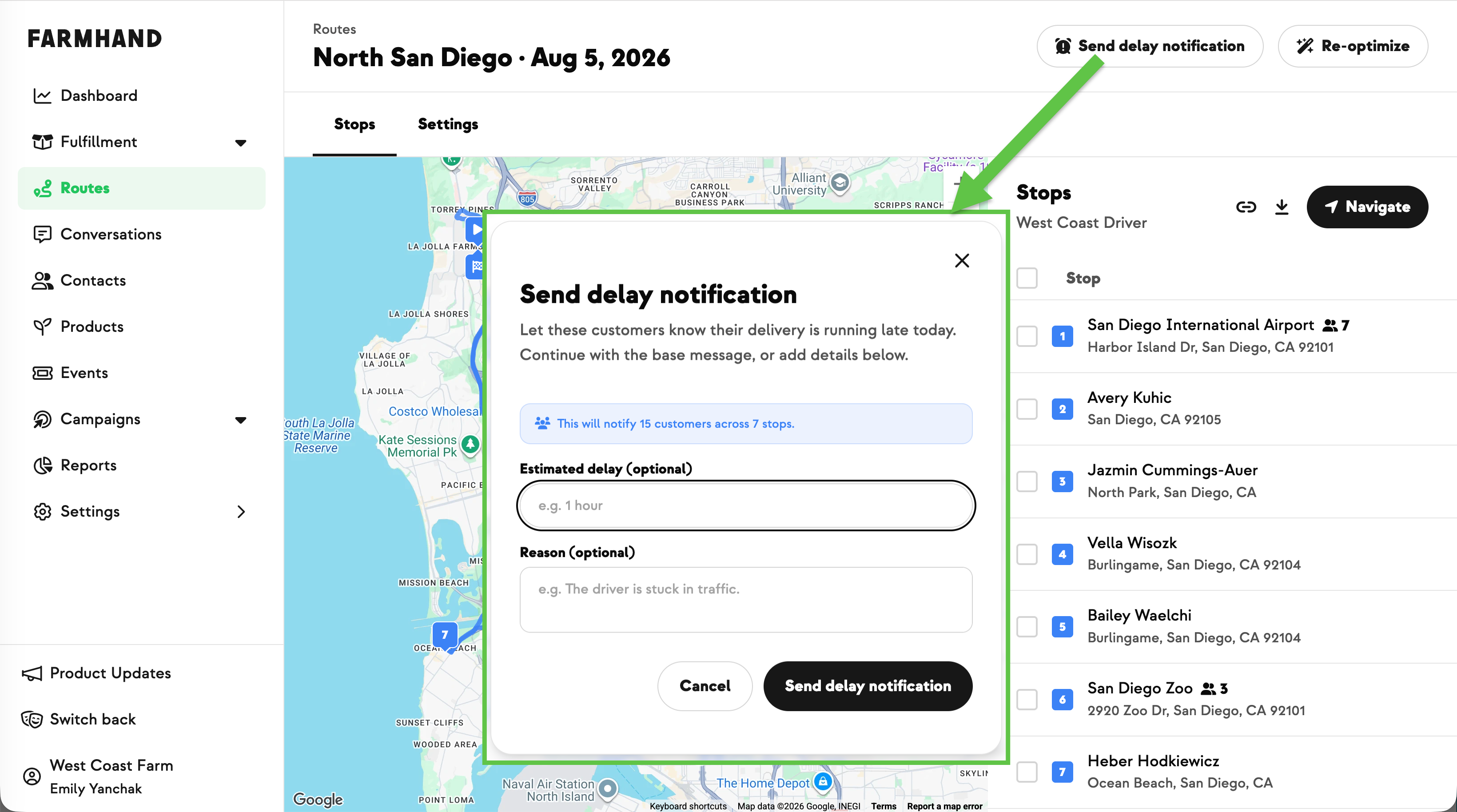
- 1:57 Same-day pickup alerts (driver delays, weather)
- 2:42 Same-day swap-outs by product
- 3:18 Permanent pickup site changes
- 3:50 Waitlist campaigns
- 4:11 Saving an audience as a reusable segment
- 5:05 Sending a campaign to a saved segment
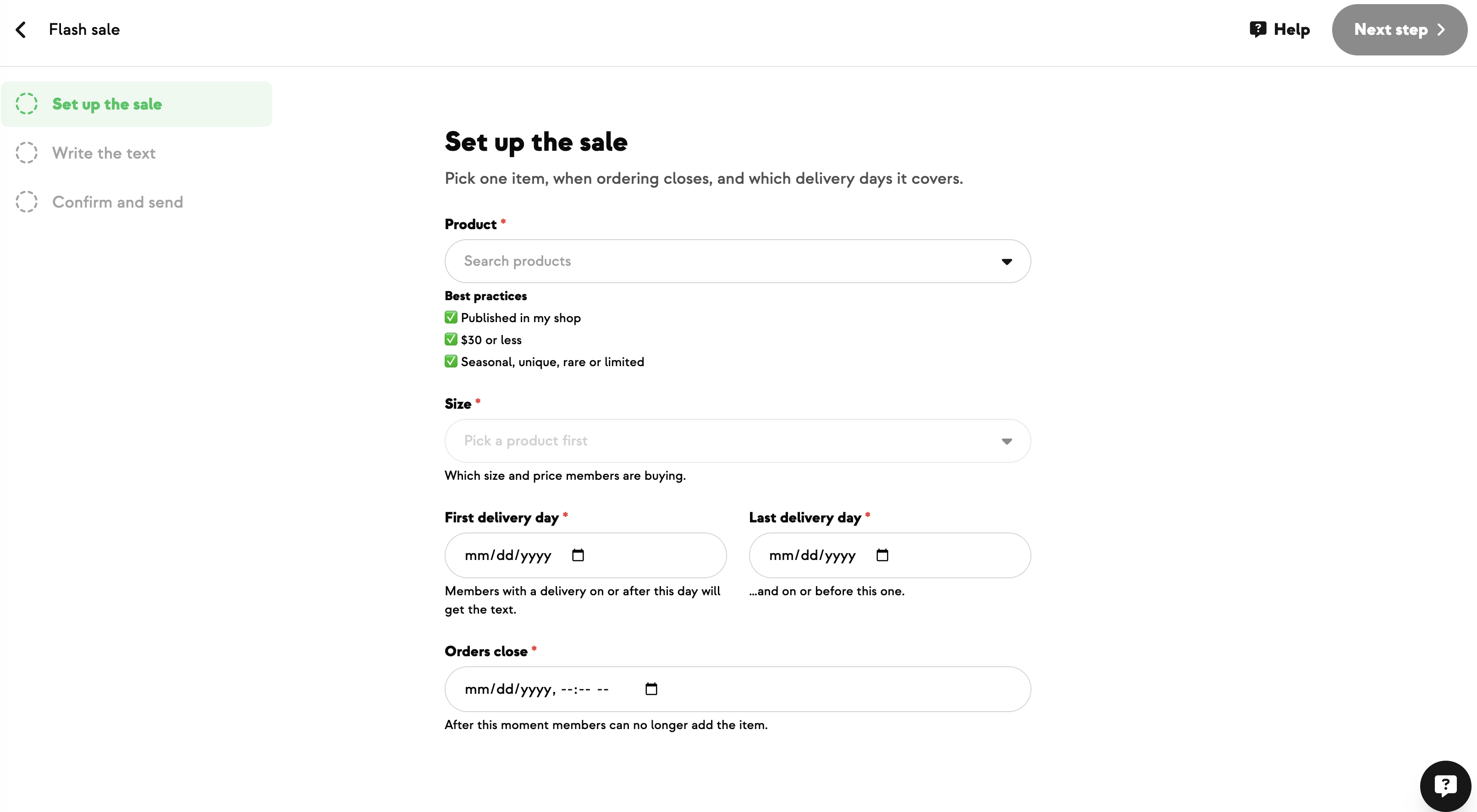
Start a campaign
- Go to Campaigns → Upcoming → Create.
- Name it (internal only — customers never see this).
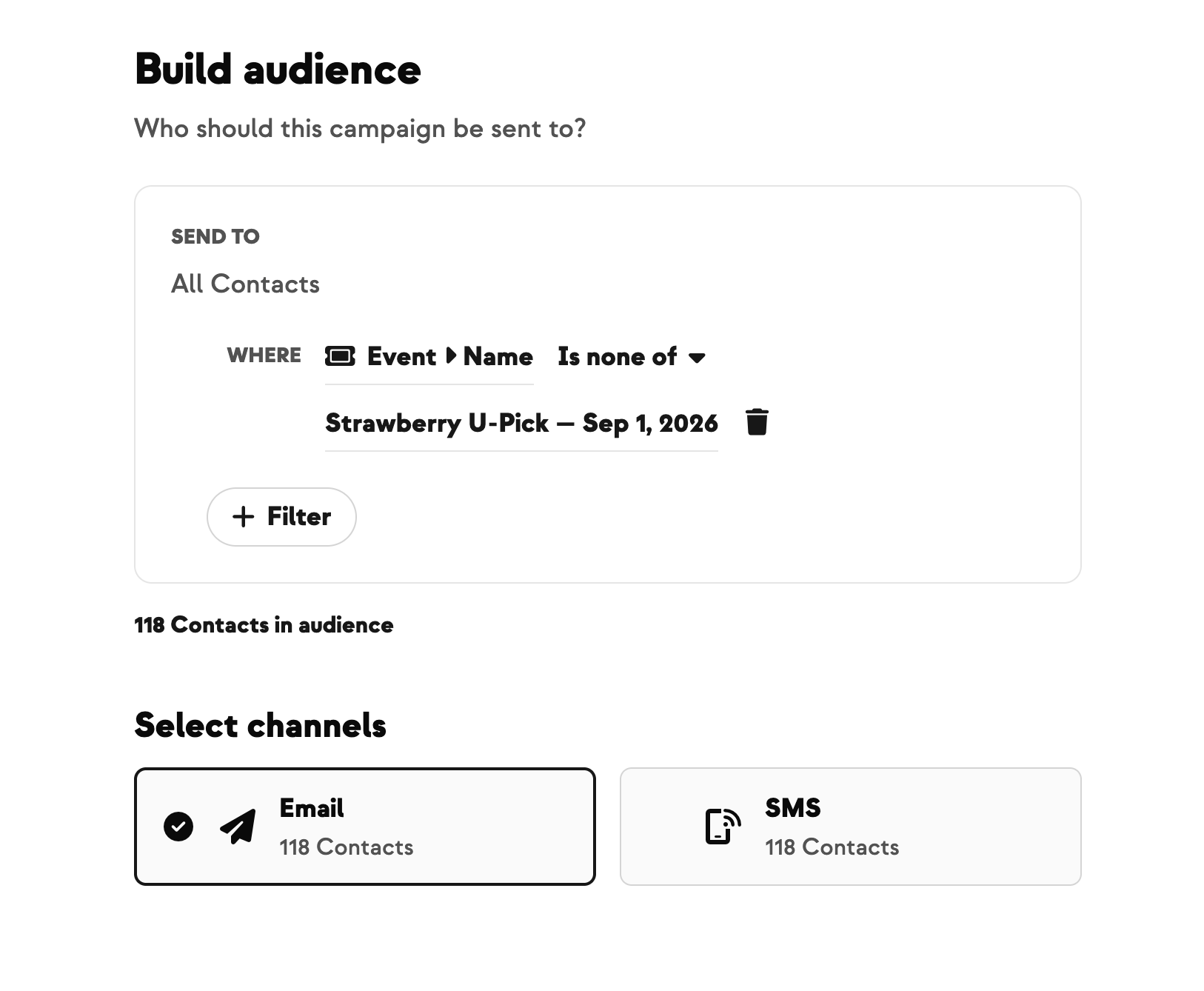
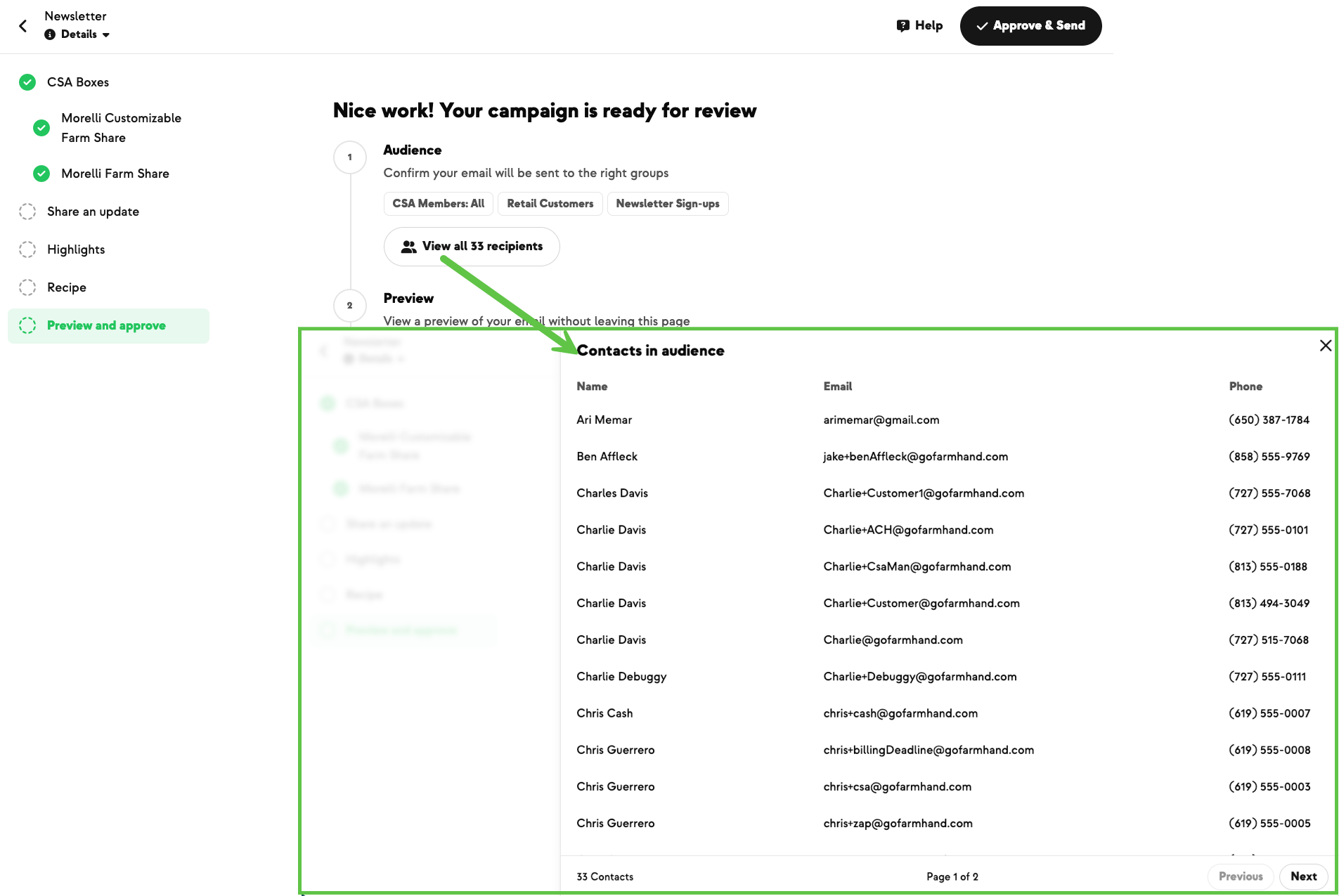
- Build your audience.
The default audience is All Contacts. Fine for farm events or major news, but use sparingly — too many sends → unsubscribes.
Common audiences
Active members only — for new products, policy changes, anything member-relevant:
- Use the built-in Members Active segment. Includes anyone with an ongoing subscription. Excludes past-season completes and cancels.
Past members — for resignup pushes or win-backs:
- Filter by Subscription Status.
- Pick Completed (e.g., last winter season) to nudge them into the new season.
- Pick Canceled to try to win them back.
- Select multiple statuses at once to catch everyone who's been a member but isn't now.
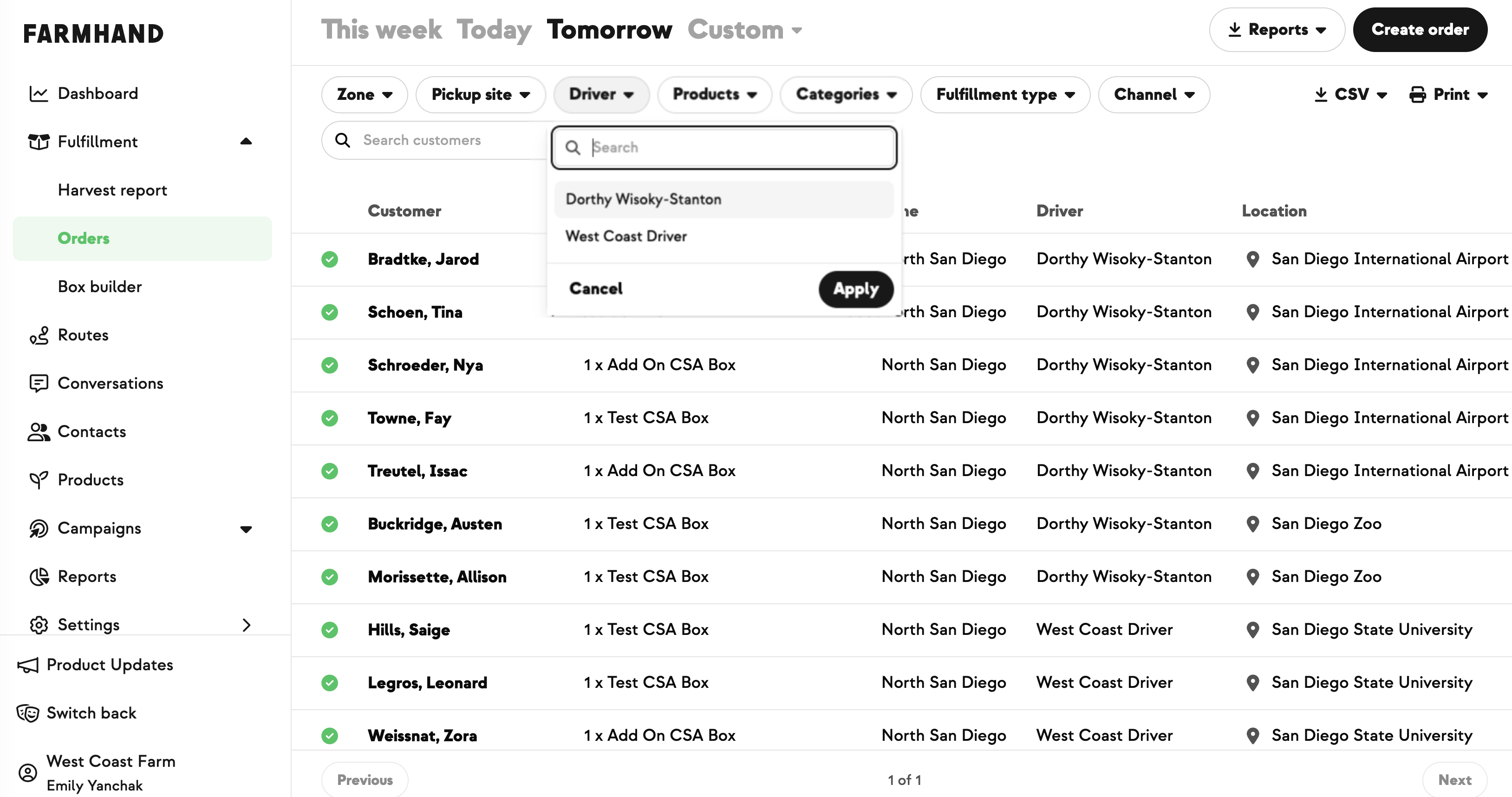
Today's pickups only — for same-day operational alerts (driver running late, swap-outs):
- Add Order filter → today's date.
- Order status defaults to Confirmed + Pending — this already excludes skips. Add skipped customers manually only if you need them.
- Add the impacted Pickup Site(s).
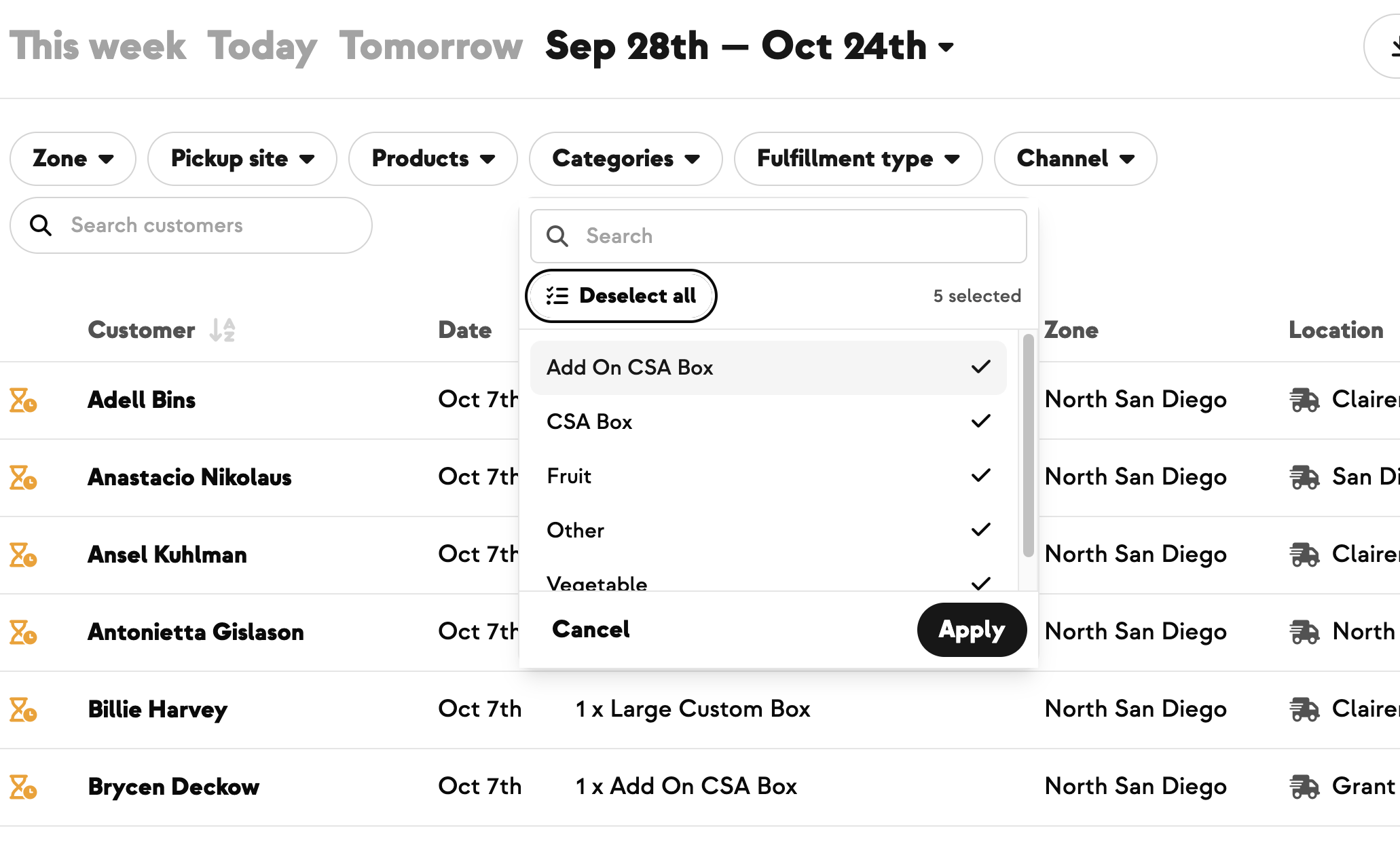
Today's pickups for one product — same-day swap-out (e.g., sold out of strawberries):
- Keep the order + today's-date filter.
- Replace the pickup site filter with Order Product → strawberries.
Permanent pickup site change (address or time change for a specific site, going forward):
- Don't use order status — that's for one-day situations.
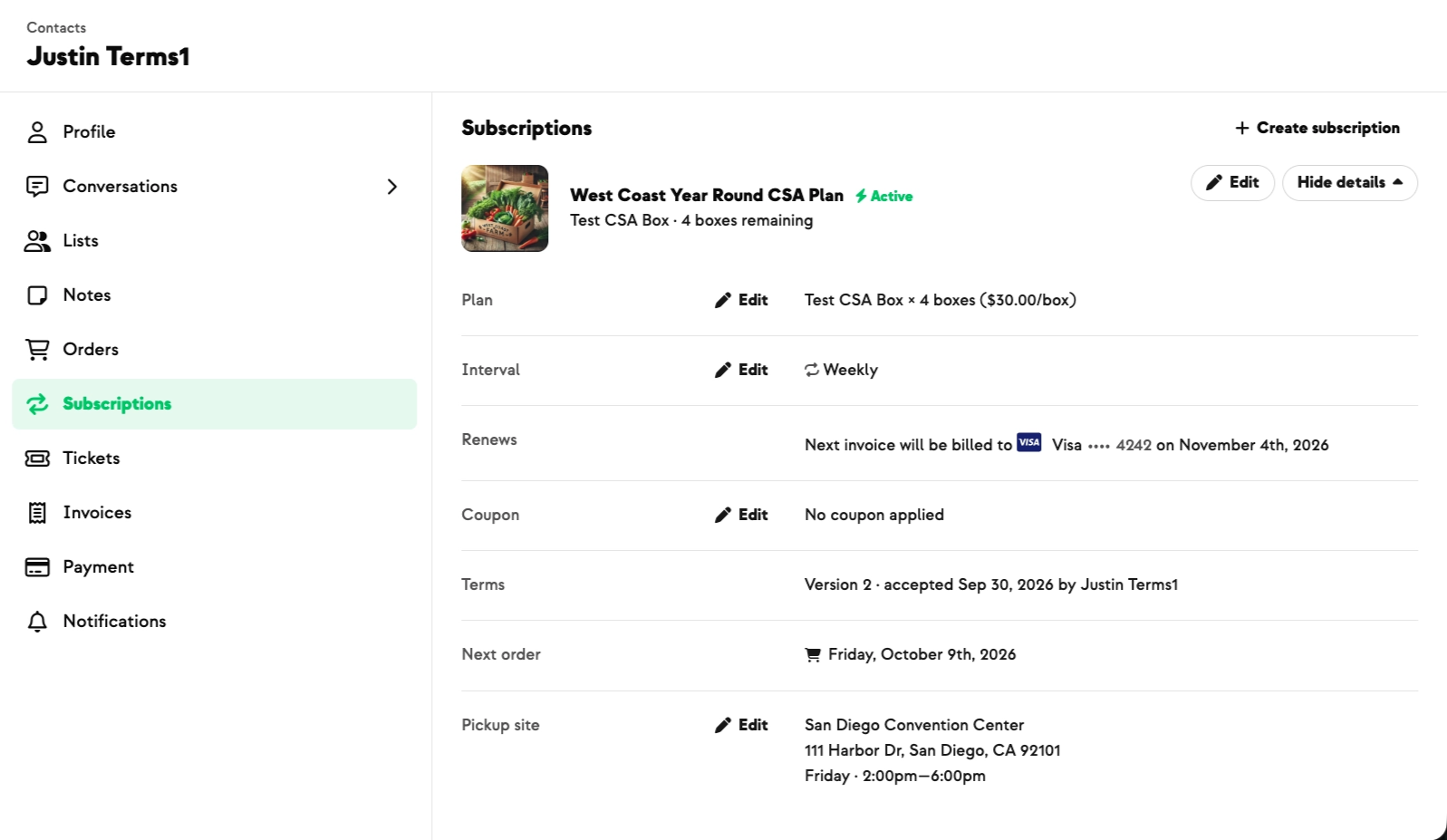
- Use the Subscriptions filter.
- Set: active subscriptions where Subscription Pickup Site = the site you're changing.
Waitlists:
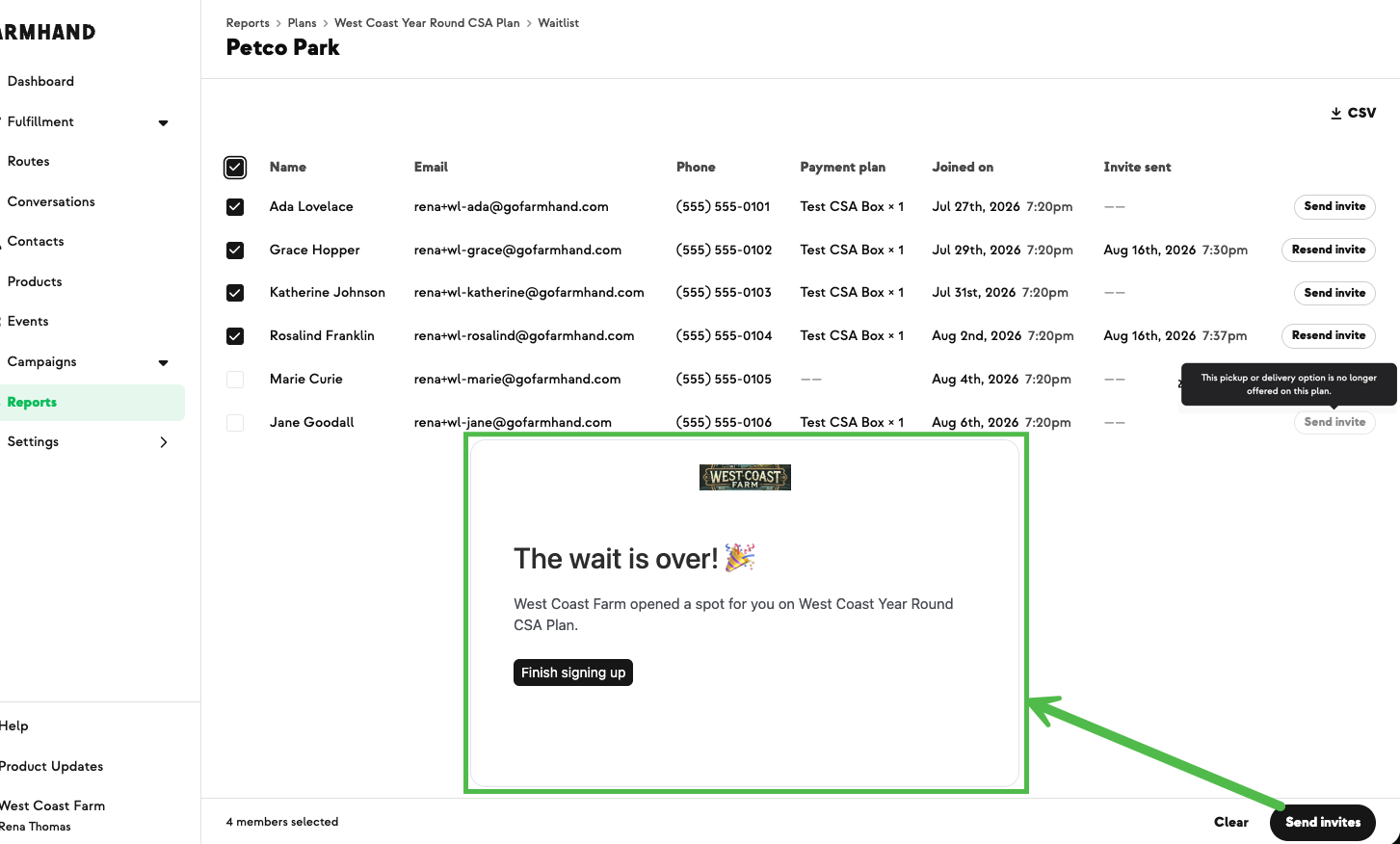
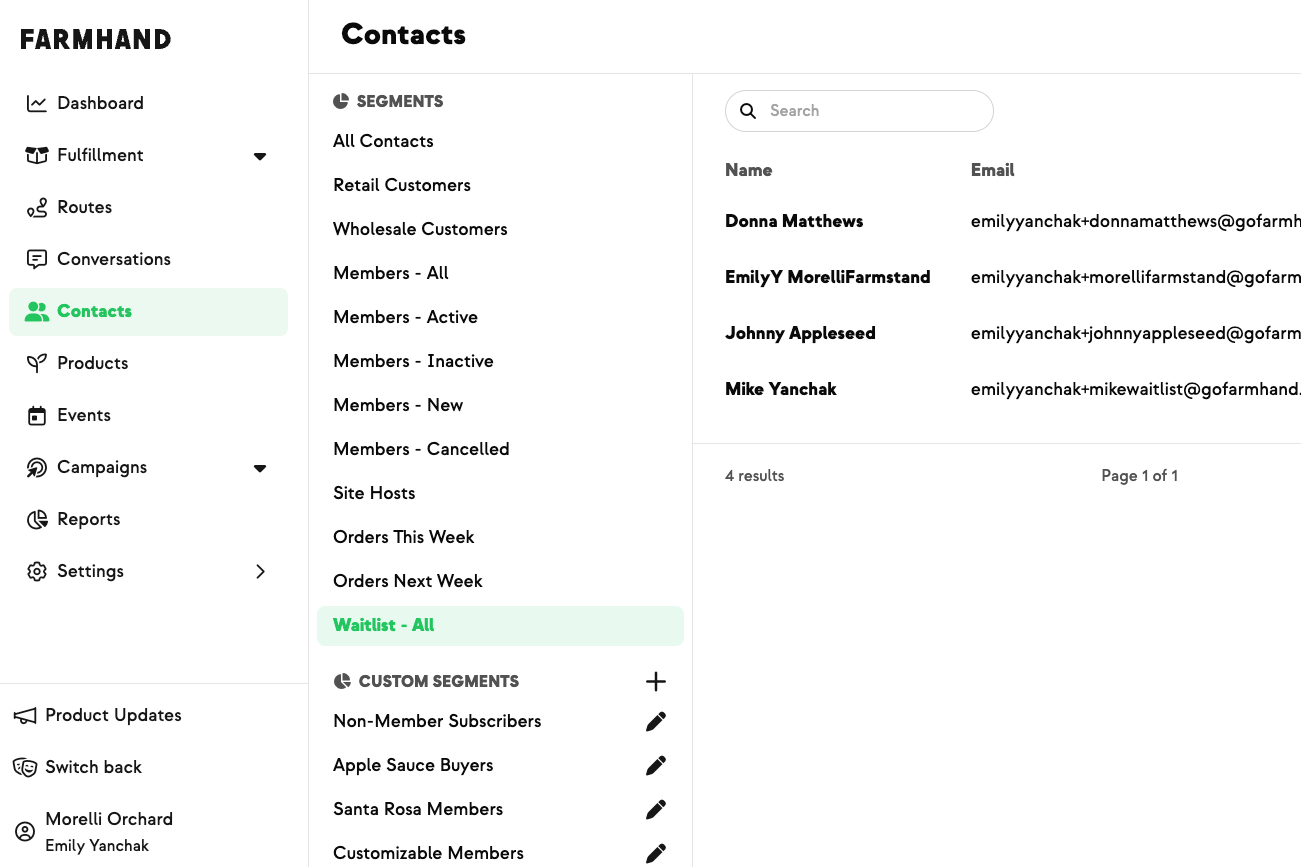
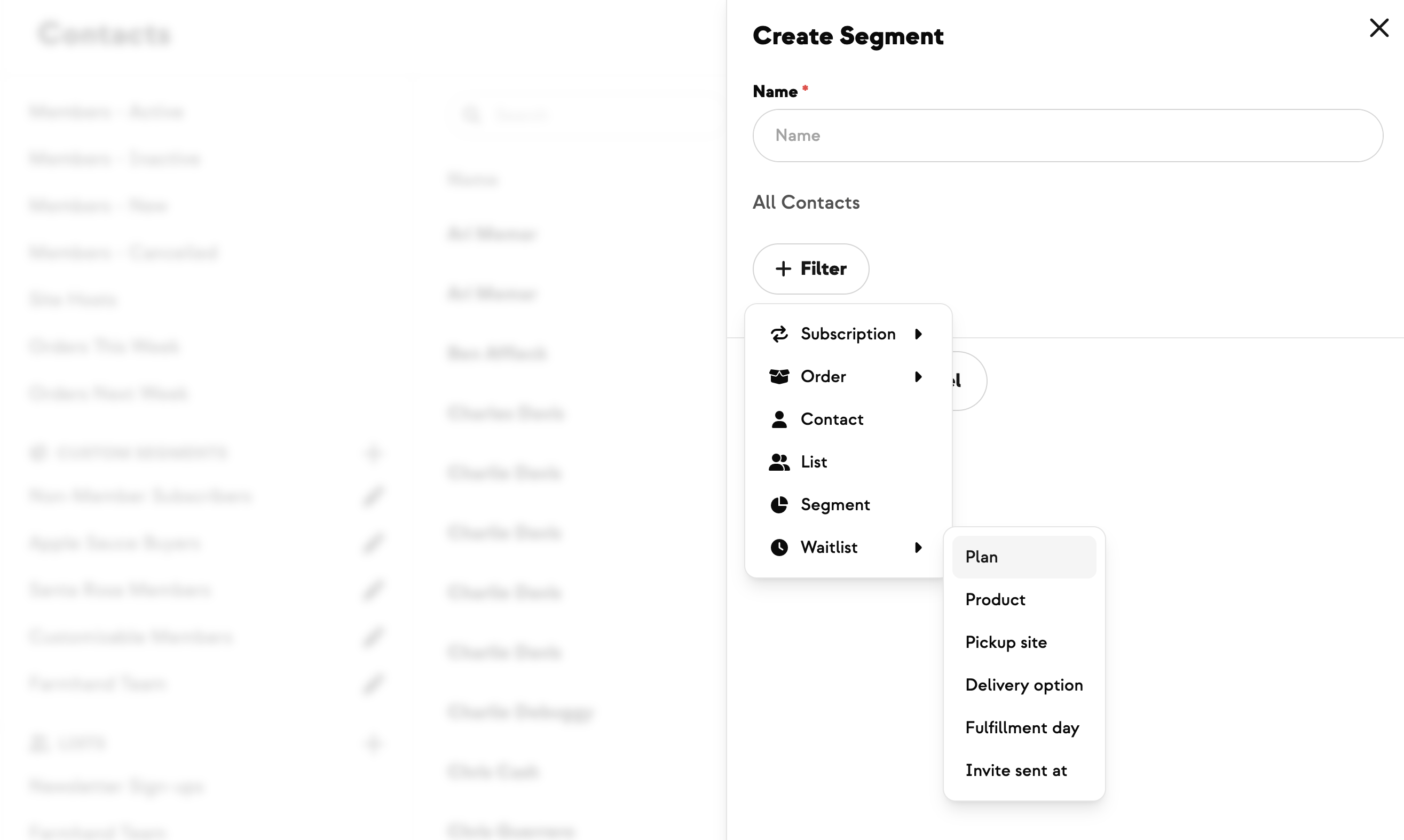
- Use the Waitlist filter.
- Set Invite Sent At → is not set to target everyone still waiting.
Save an audience as a reusable segment
Audiences built inside a campaign are one-time — you can't reference them later. To reuse:
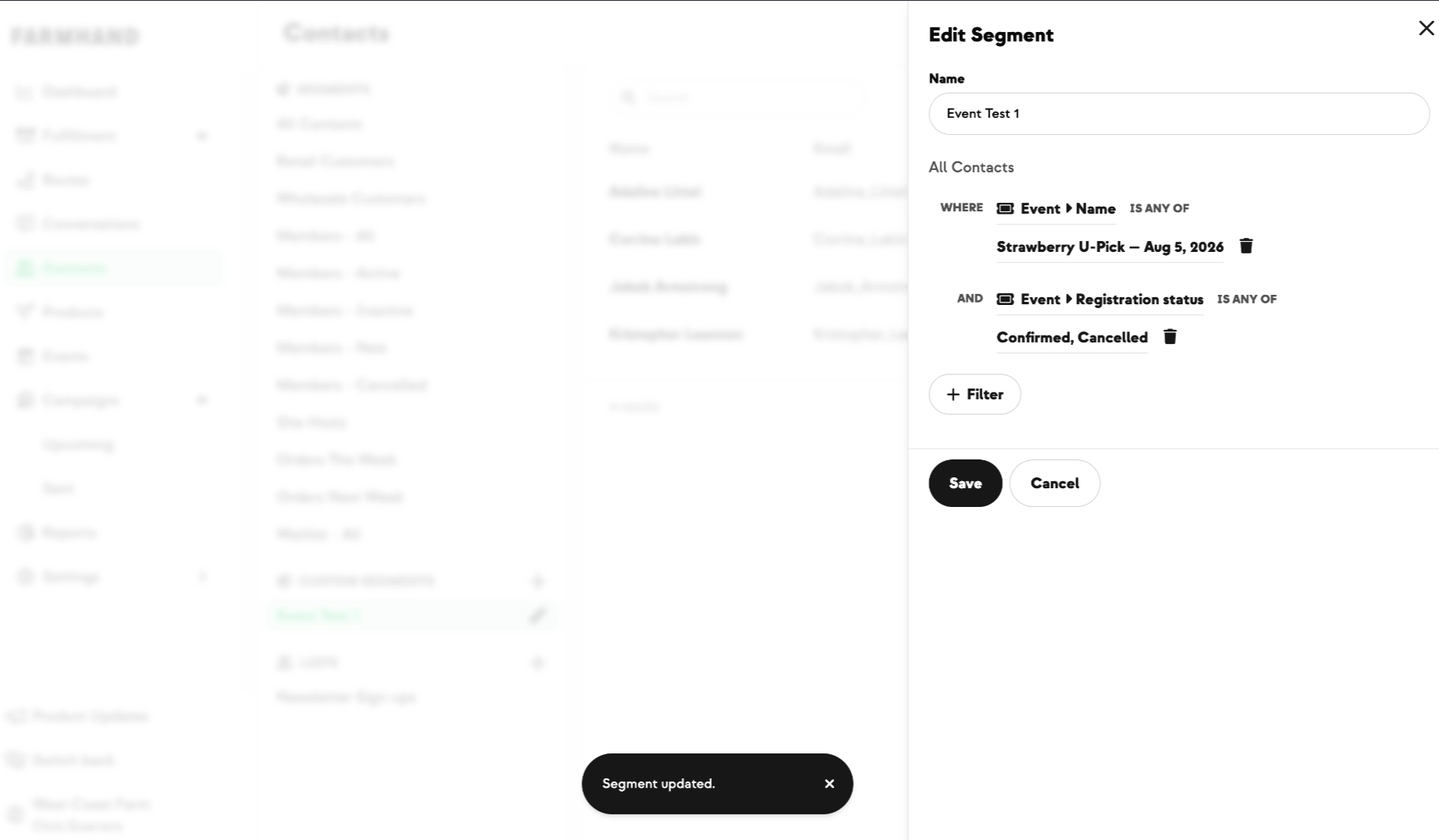
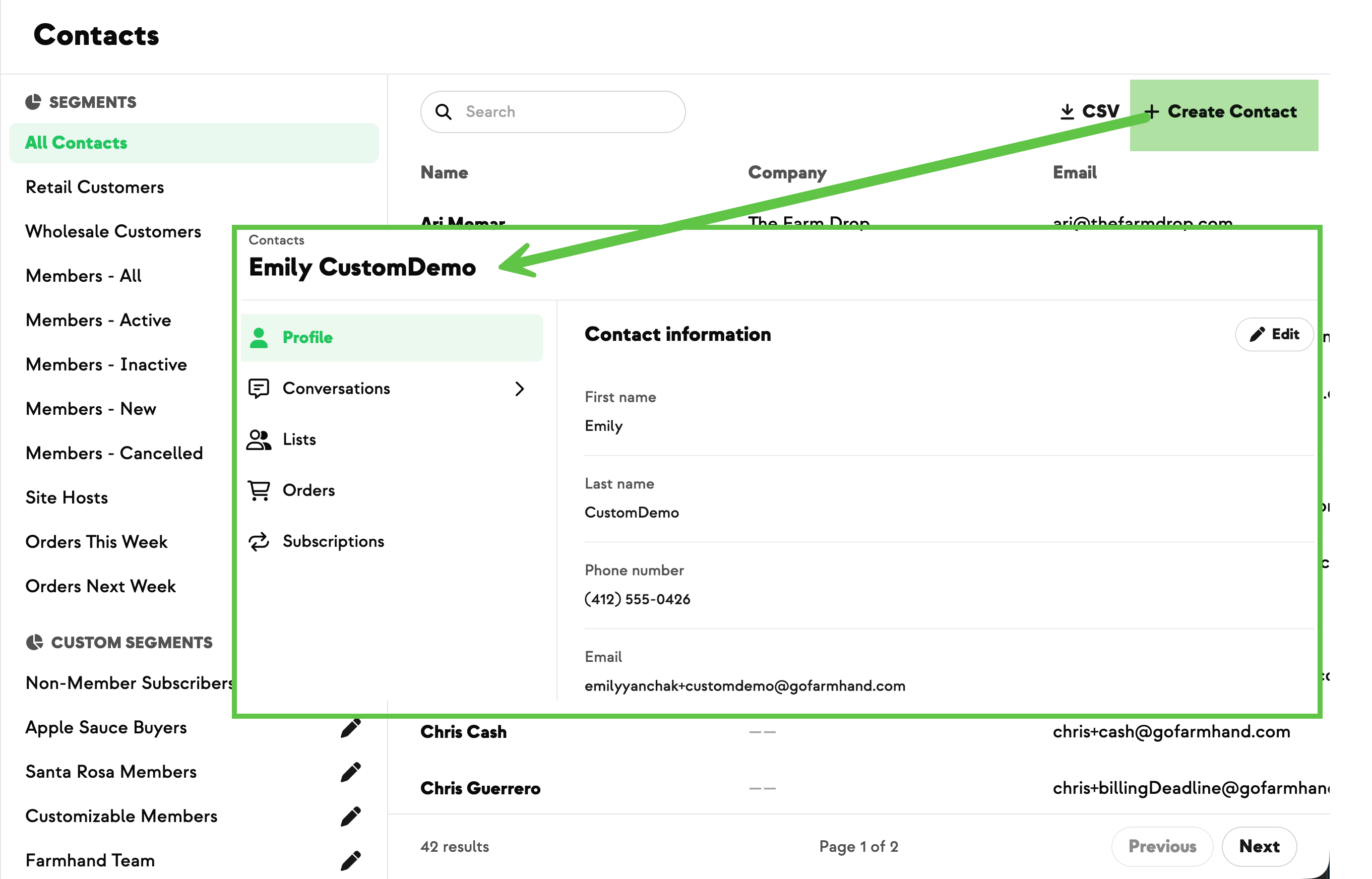
- Go to Contacts → Custom Segments → + (Add).
- Name the segment.
- Apply the same filters available in the campaign builder.
- Create.
To send to it later:
- Open the saved segment → click the loaded contact list.
- More → Create Campaign. You'll land in a new campaign with that audience pre-selected.
.jpg)
.jpeg)









-p-500.png)















.jpg)








.jpg)
.jpg)
.jpg)



.png)