Keep reading
All updates More in this category
Built with farmers.
Shipped in weeks.
Fifteen minutes with Ari. Bring the thing you wish your software did, and he'll tell you if it's already built.
This short video walks you through managing delivery routes and drivers in Farmhand — the driver's routes-only view, moving stops between vans, reoptimizing, and tracking deliveries in real time. You can follow along:
What drivers see
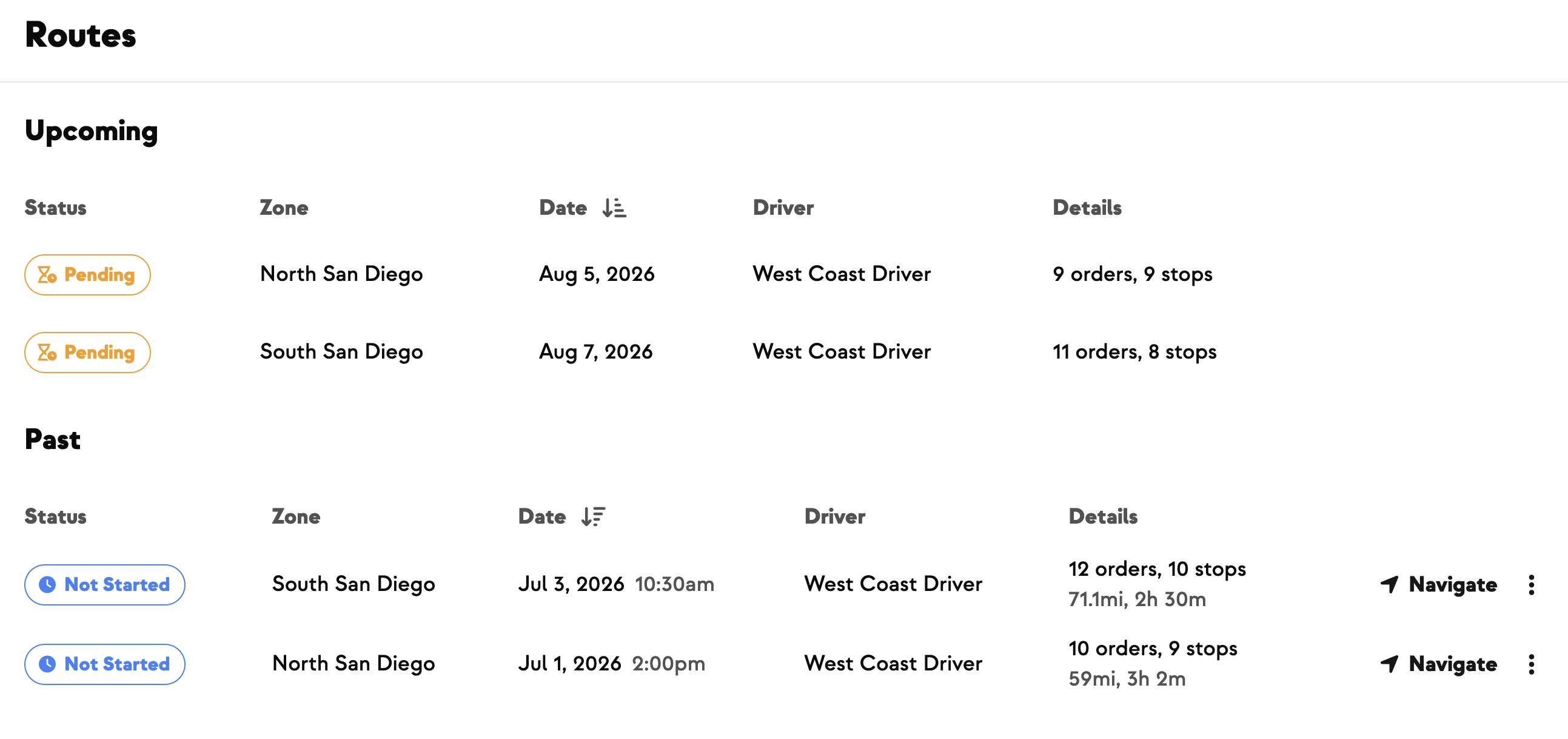
When drivers sign in, they get a modified version of the dashboard that's just Routes — nothing else to navigate. Depending on which driver is doing which route, you simply send each one a link to their respective route.
Adjust routes before sending
Make any changes before you send out links. Say one van has stops like South Logan and the Perry fruit stand and you want to consolidate them onto another van:
Routes reoptimize automatically after the start time; before that, you can trigger it yourself from Settings.
Control the stop order
If you don't like how a route is ordered, you have two tools:
The driver's flow
Once a driver opens their link on their phone, they land on a page with three big buttons:
Track deliveries in real time
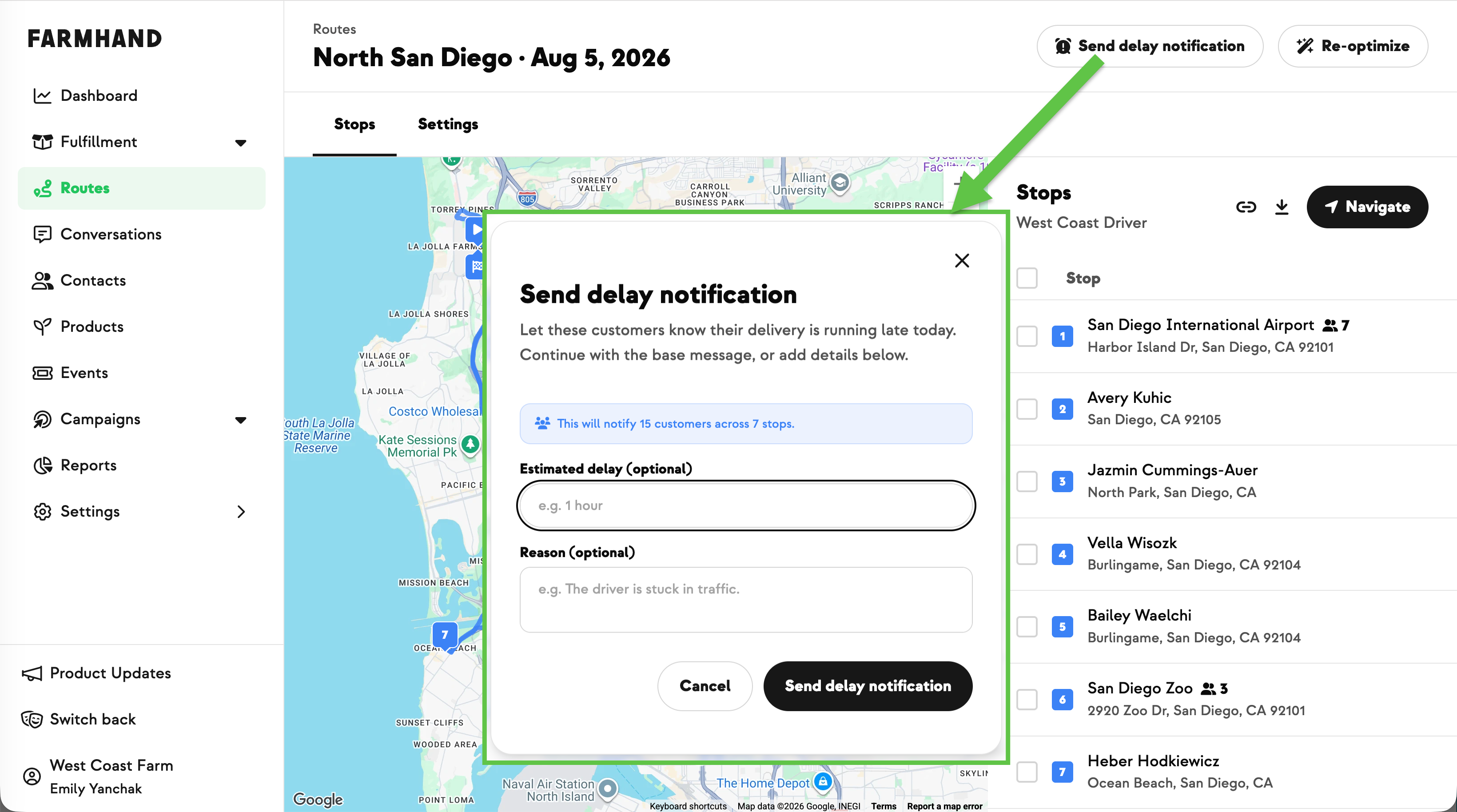
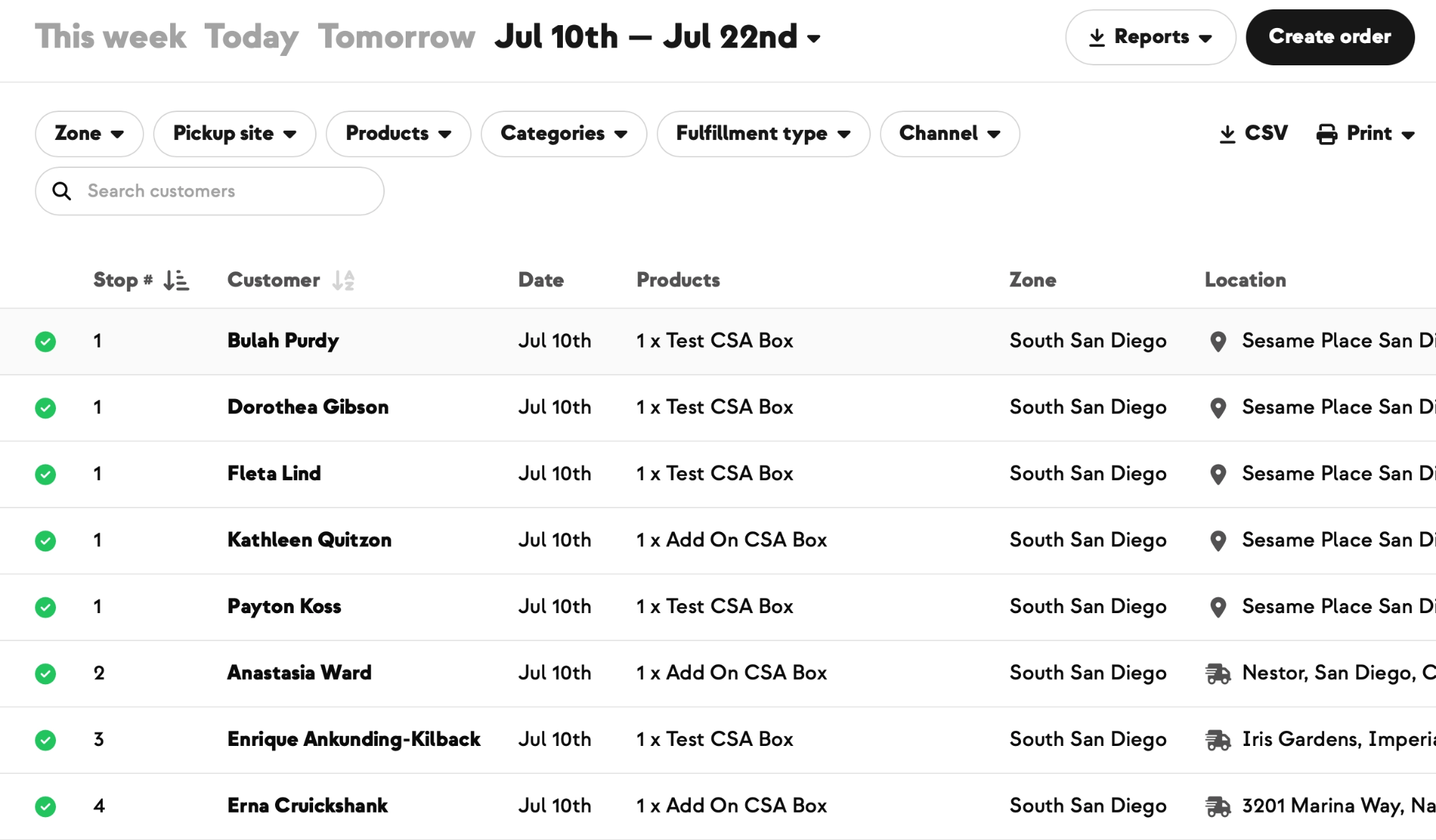
Each completed stop gets a checkmark on the route the moment the driver marks it done, with the exact delivery time recorded. From the command center you get a bird's-eye view of where all your trucks are at once, plus an estimated route time generated by the system — unloading period included.
.jpeg)



-p-500.png)















.jpg)








.jpg)
.jpg)
.jpg)
.jpg)



.png)