Keep reading
All updates More in this category
Built with farmers.
Shipped in weeks.
Fifteen minutes with Ari. Bring the thing you wish your software did, and he'll tell you if it's already built.
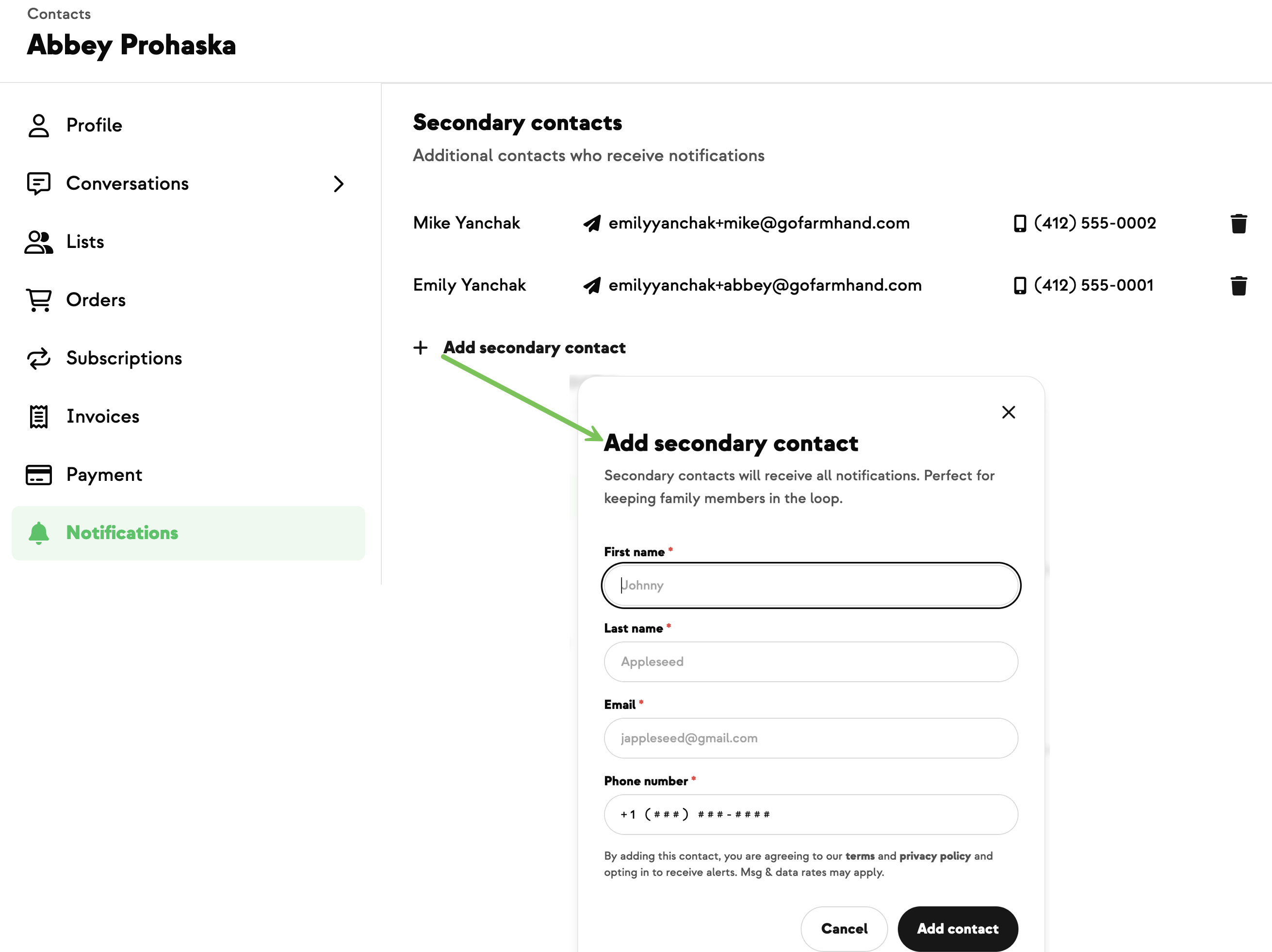
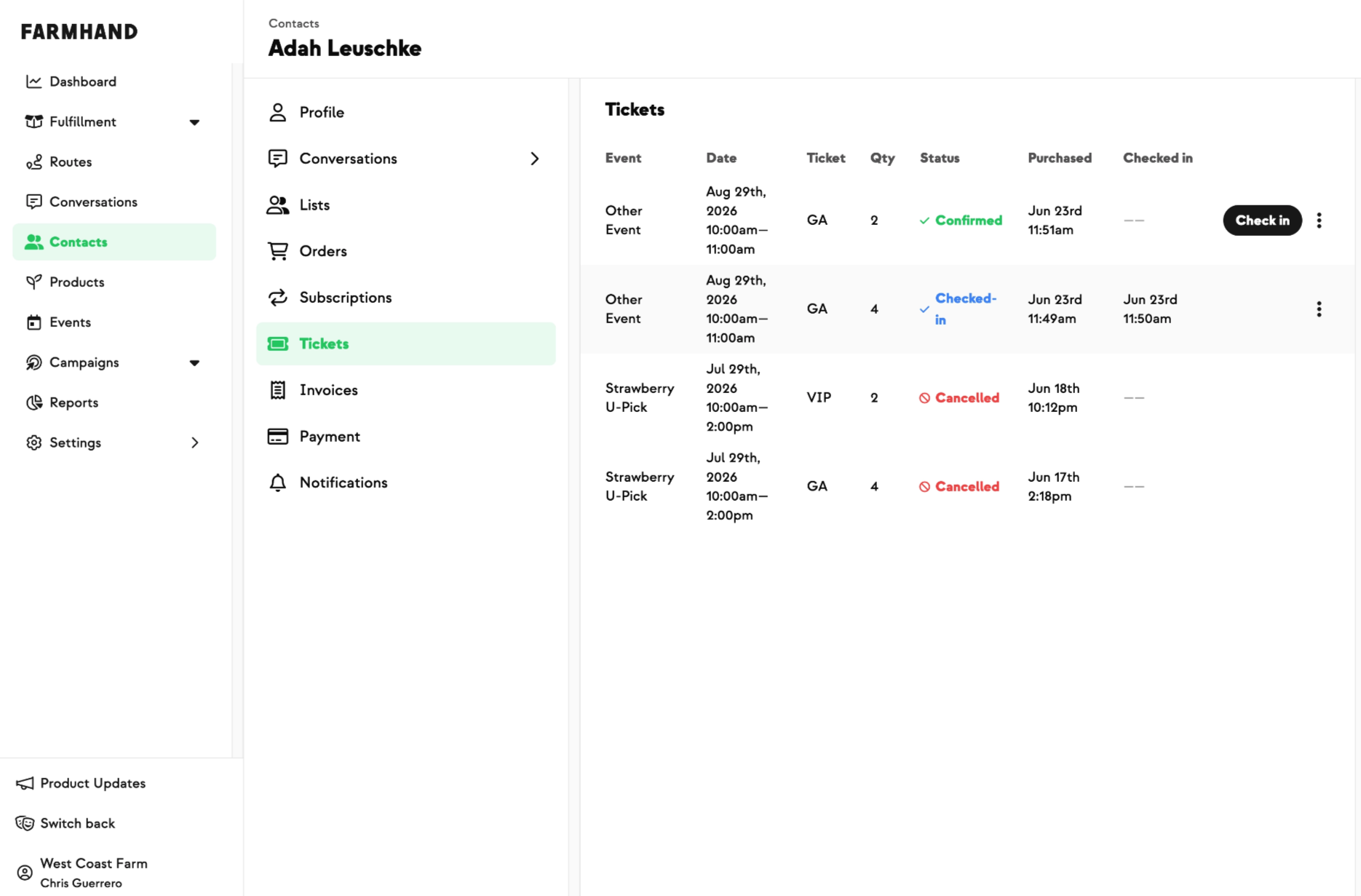
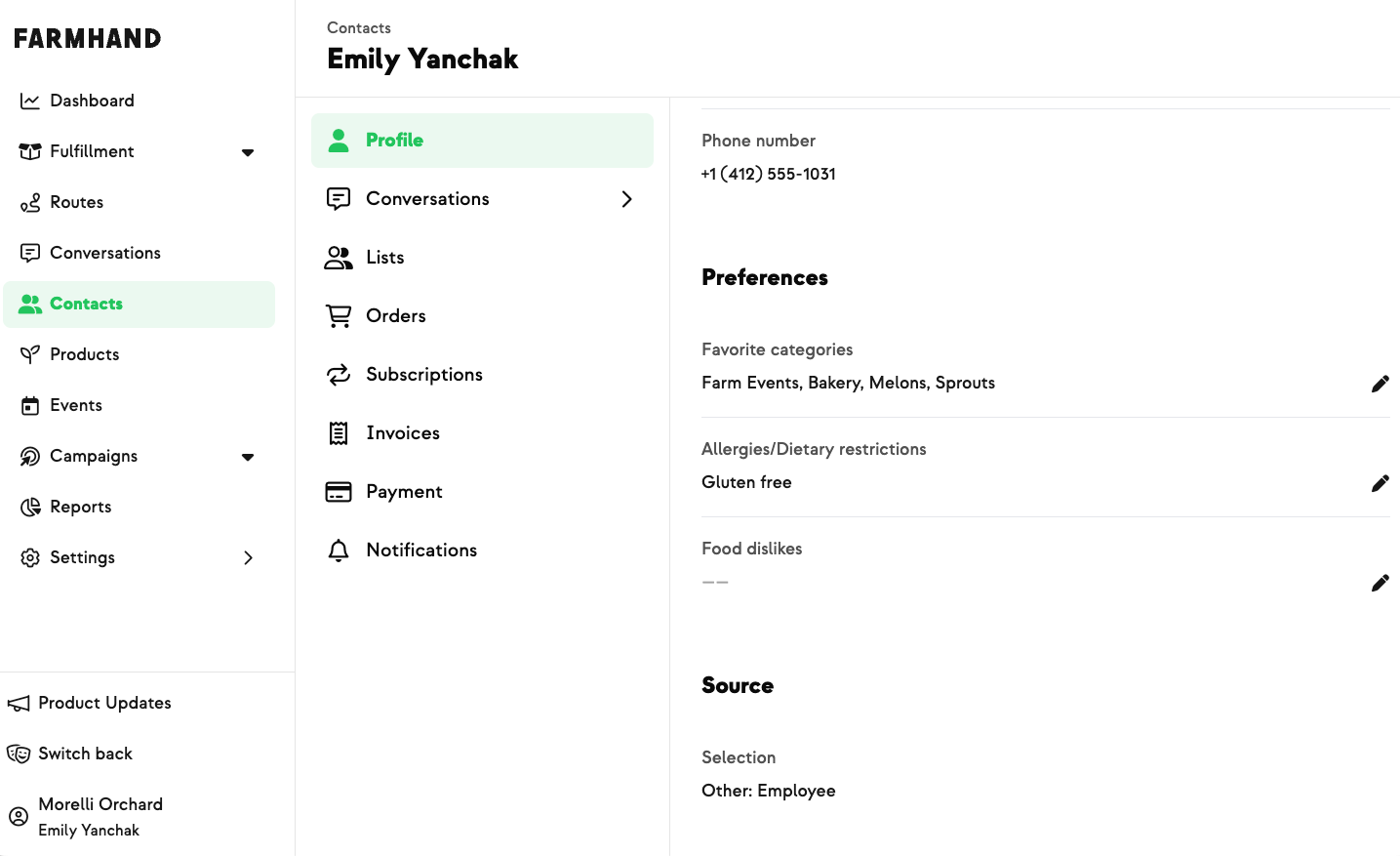
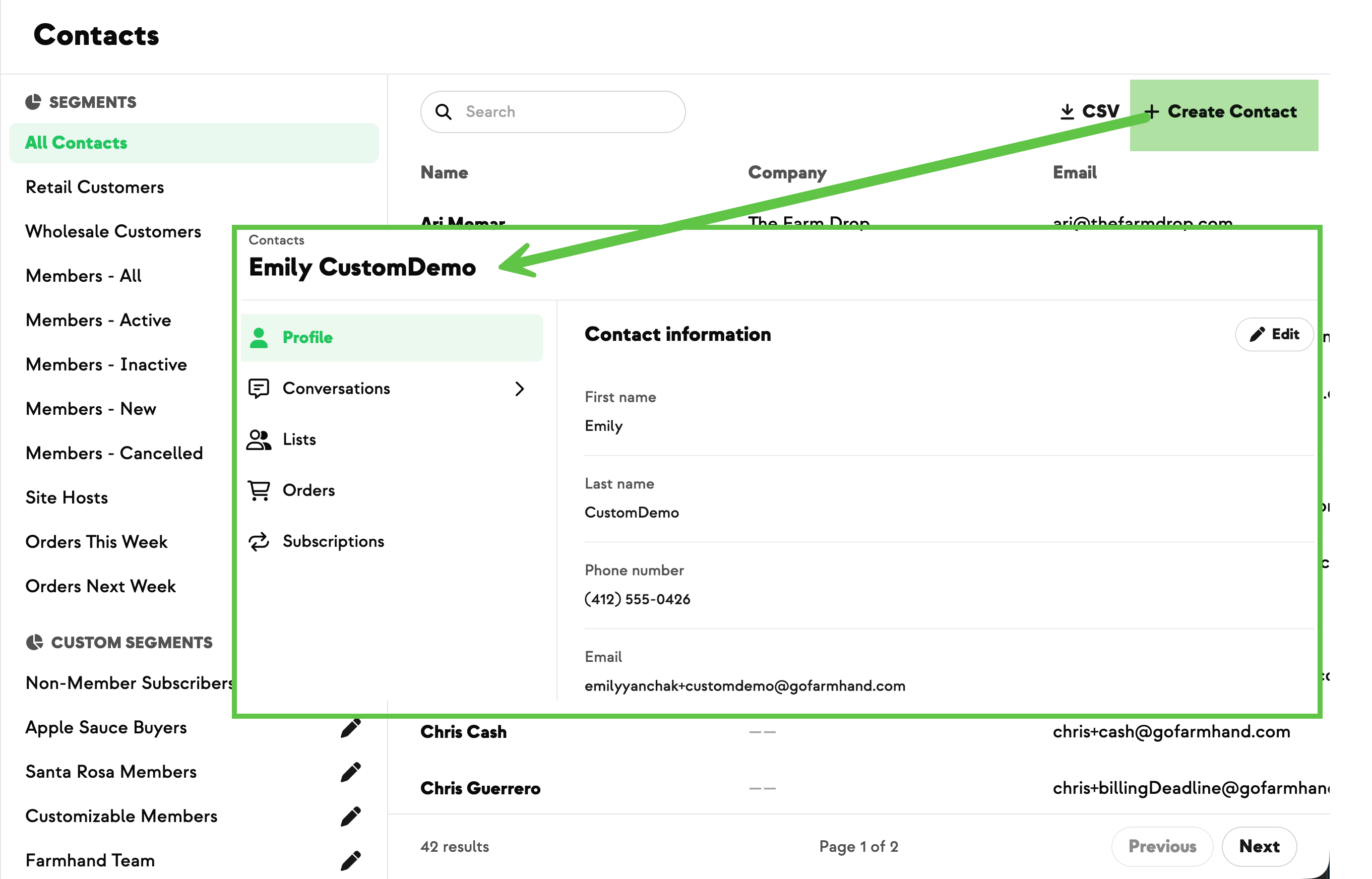
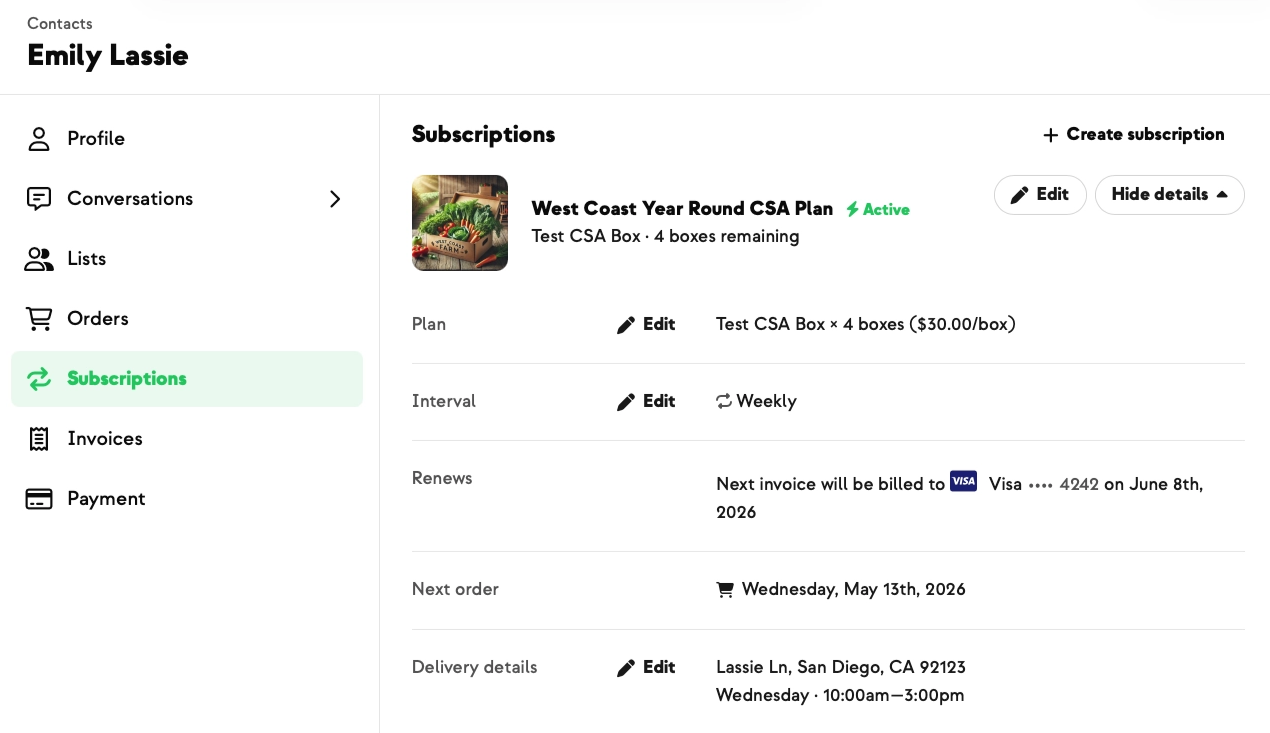
Members often want a spouse, family member, or assistant to receive their order and account notifications too. Until now you could see those secondary contacts on the Profile page, but they were easy to miss, and adding or removing one meant a support request. Now every contact has its own Notifications tab — look for the bell icon in the side navigation. Open it to see everyone receiving that member's notifications, add a new one with a quick form, or remove one in a couple of clicks. For members who belong to more than one farm, the list stays read-only and our support team handles changes. The Profile tab is cleaner now too.




.jpeg)







-p-500.png)
















.jpg)









.jpg)
.jpg)
.jpg)
.jpg)



.png)