Keep reading
All updates More in this category
Built with farmers.
Shipped in weeks.
Fifteen minutes with Ari. Bring the thing you wish your software did, and he'll tell you if it's already built.
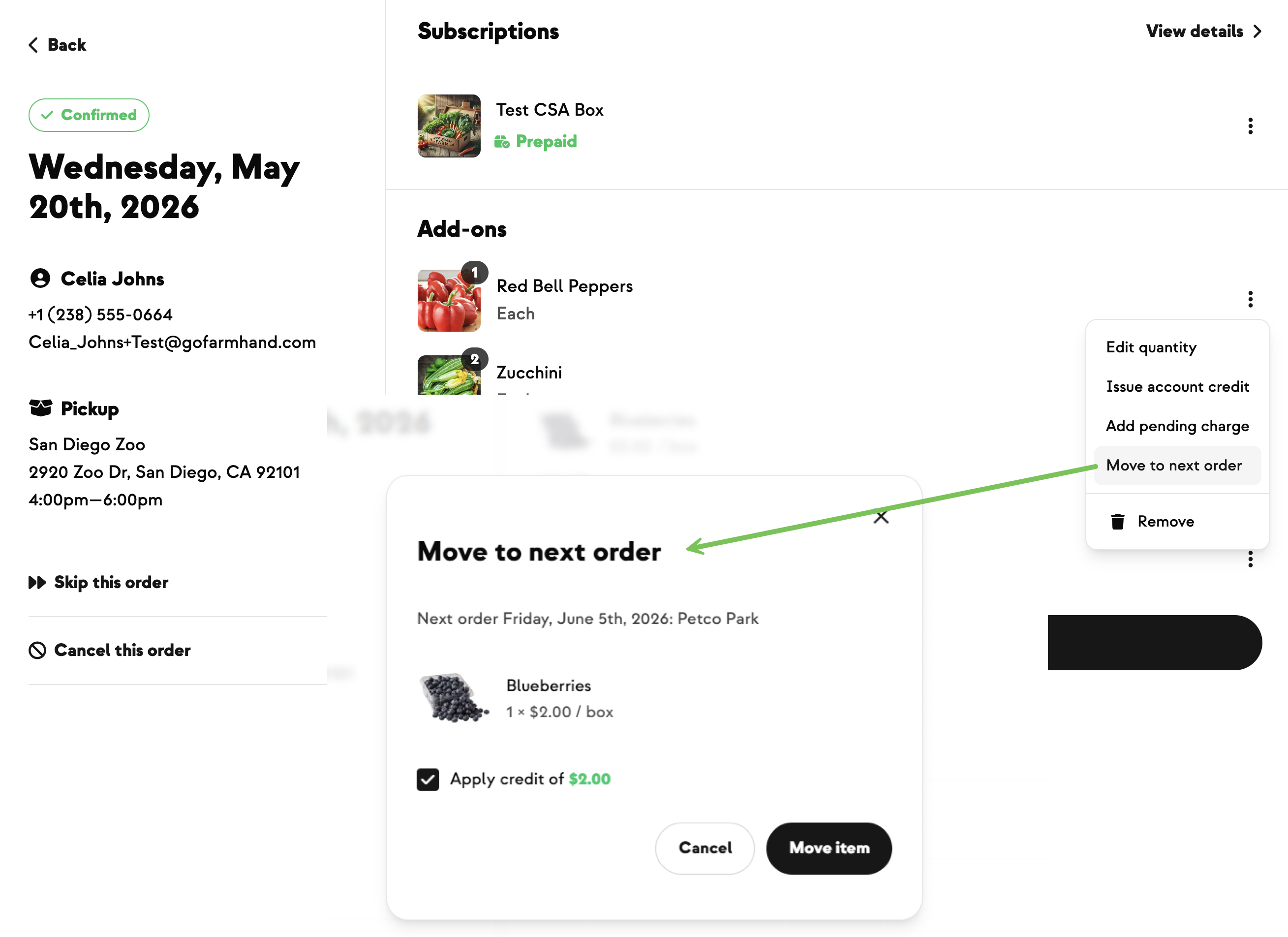
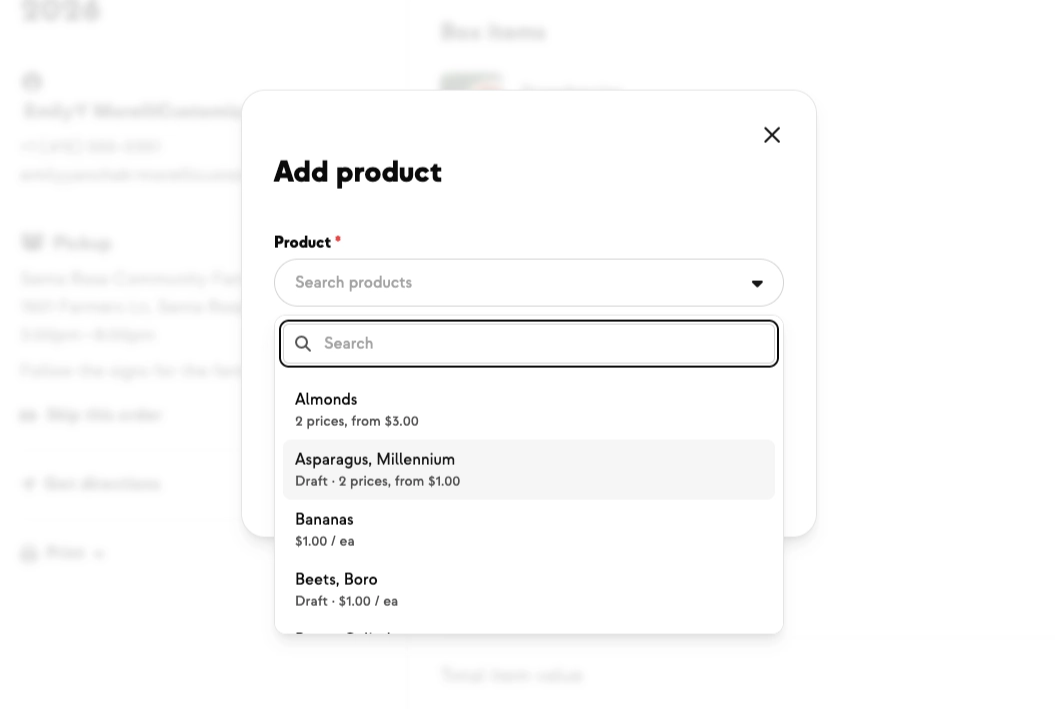
Sometimes an add-on or customizable item can't go out as planned once an order is already confirmed. The harvest came up short this week. The driver missed something. The produce didn't meet your quality bar. Until now, sorting it out meant manually removing the item, issuing a credit, and adding it back to the next order — three steps, each with a chance of getting missed.
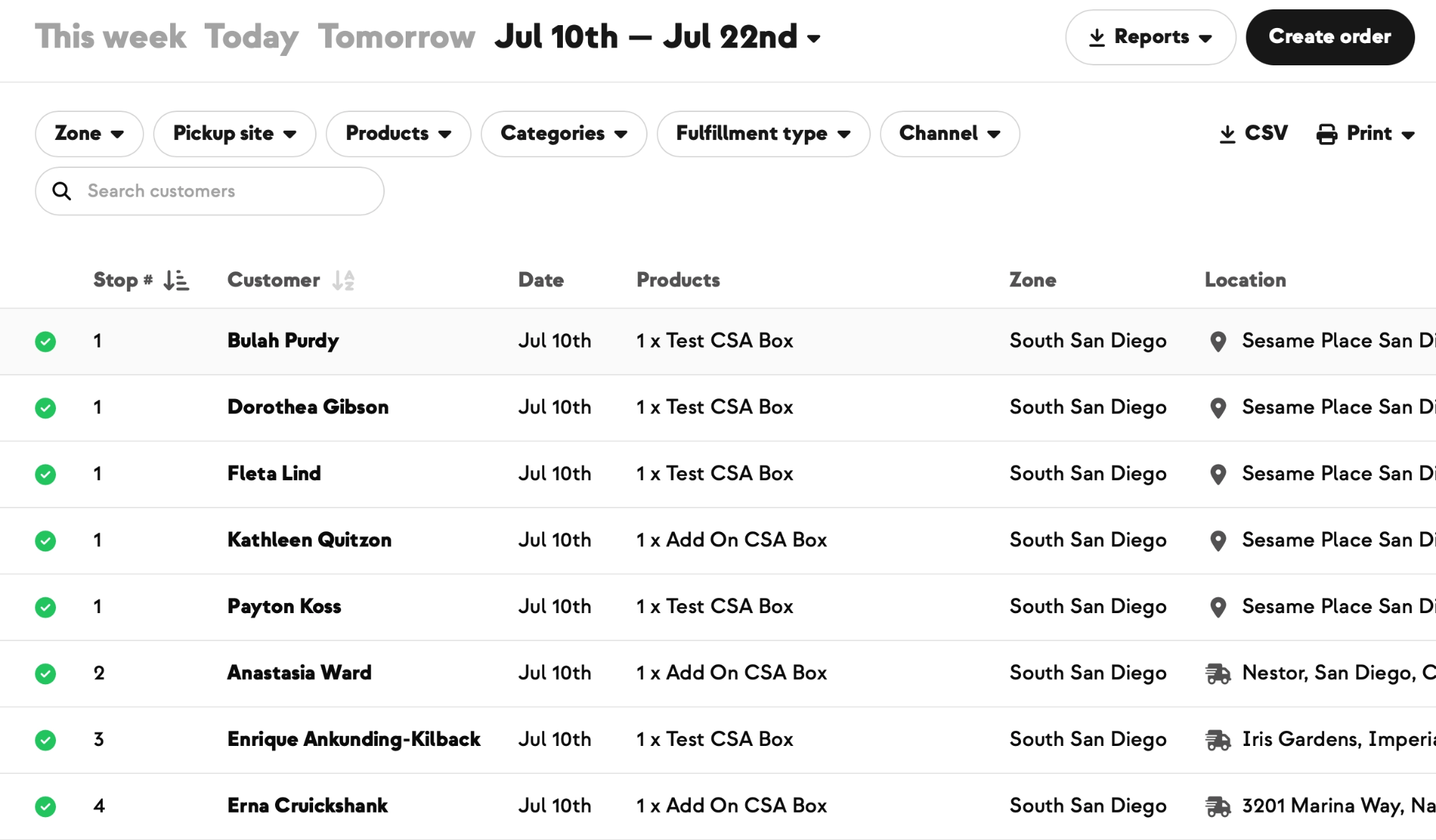
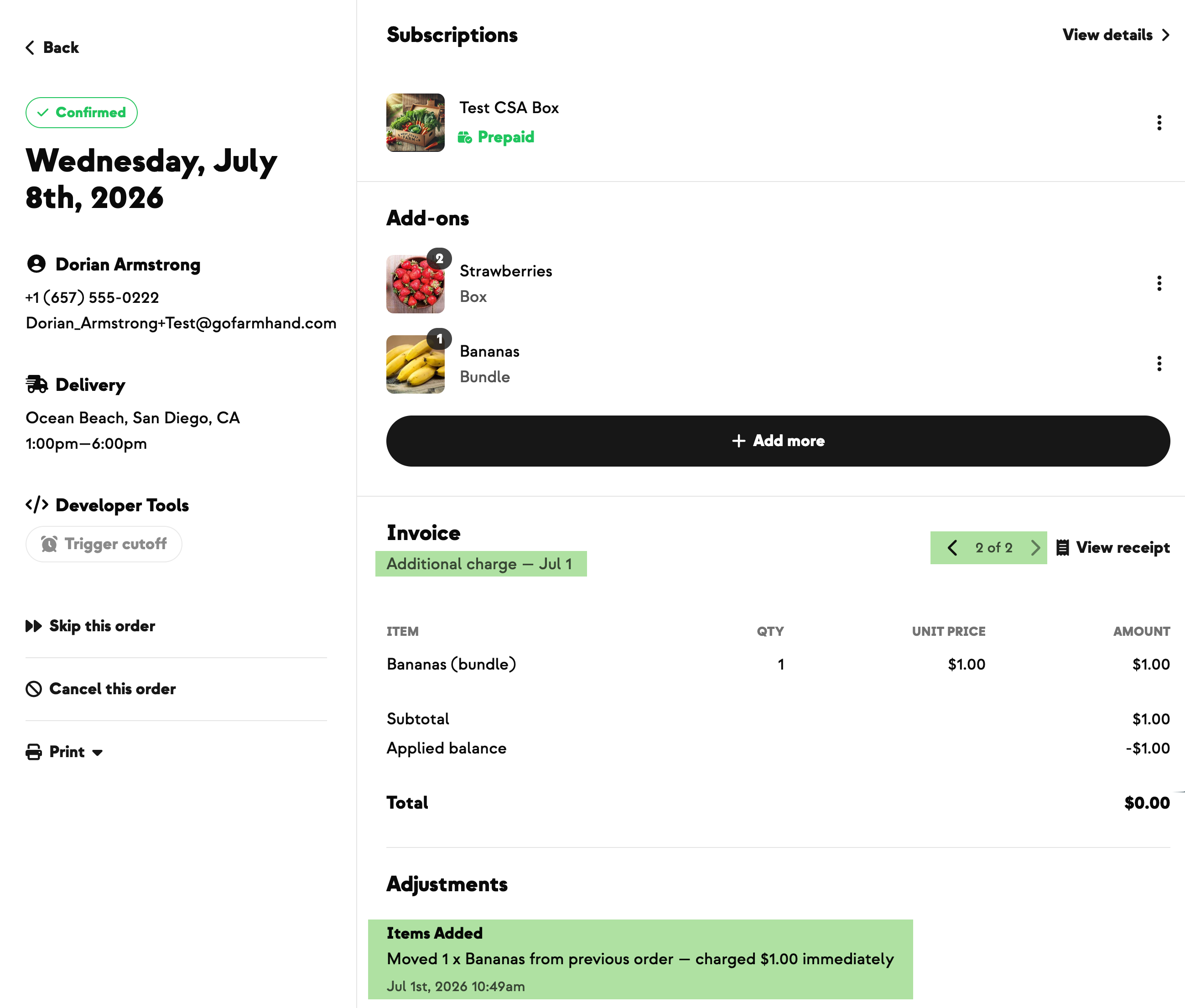
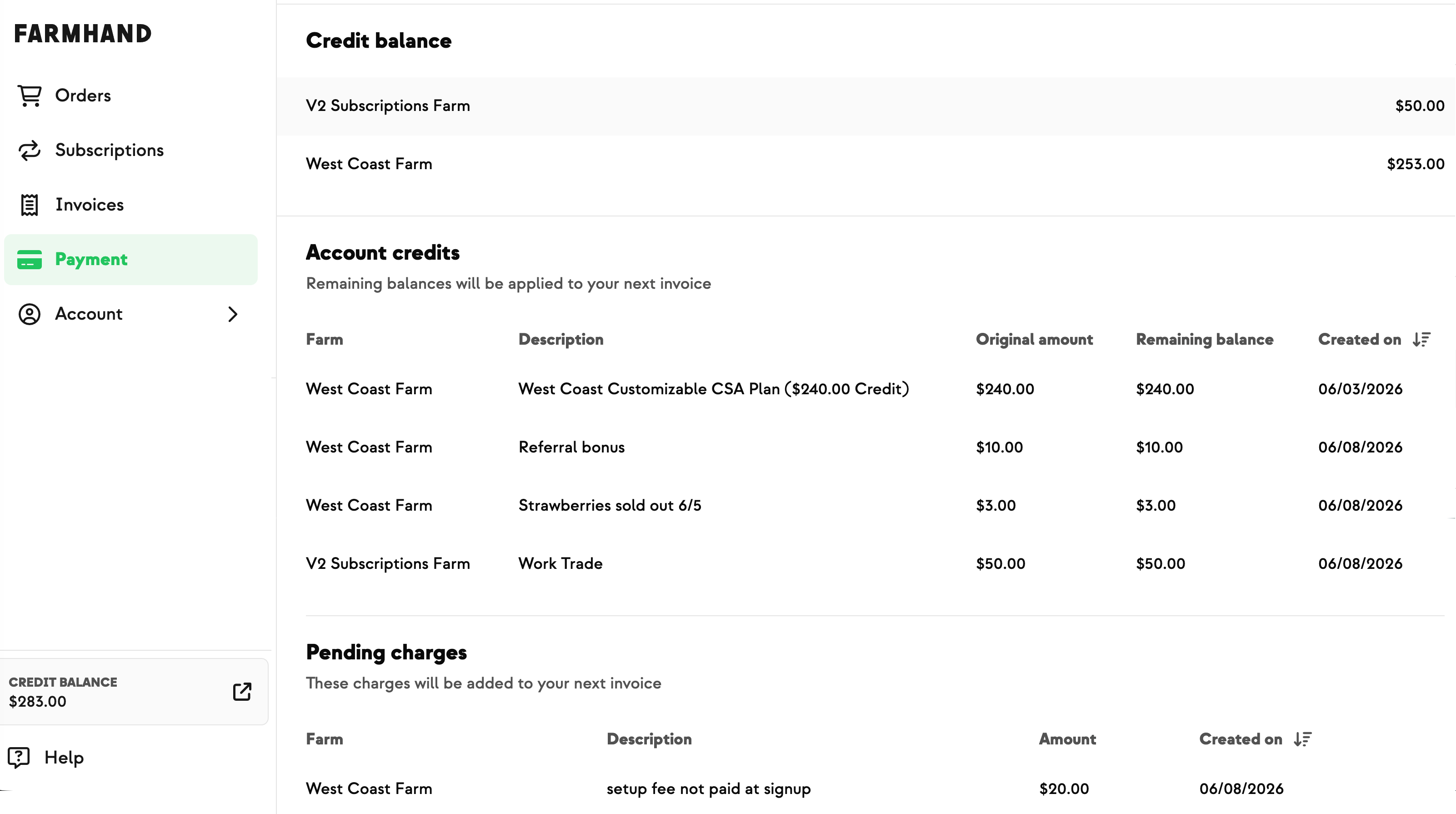
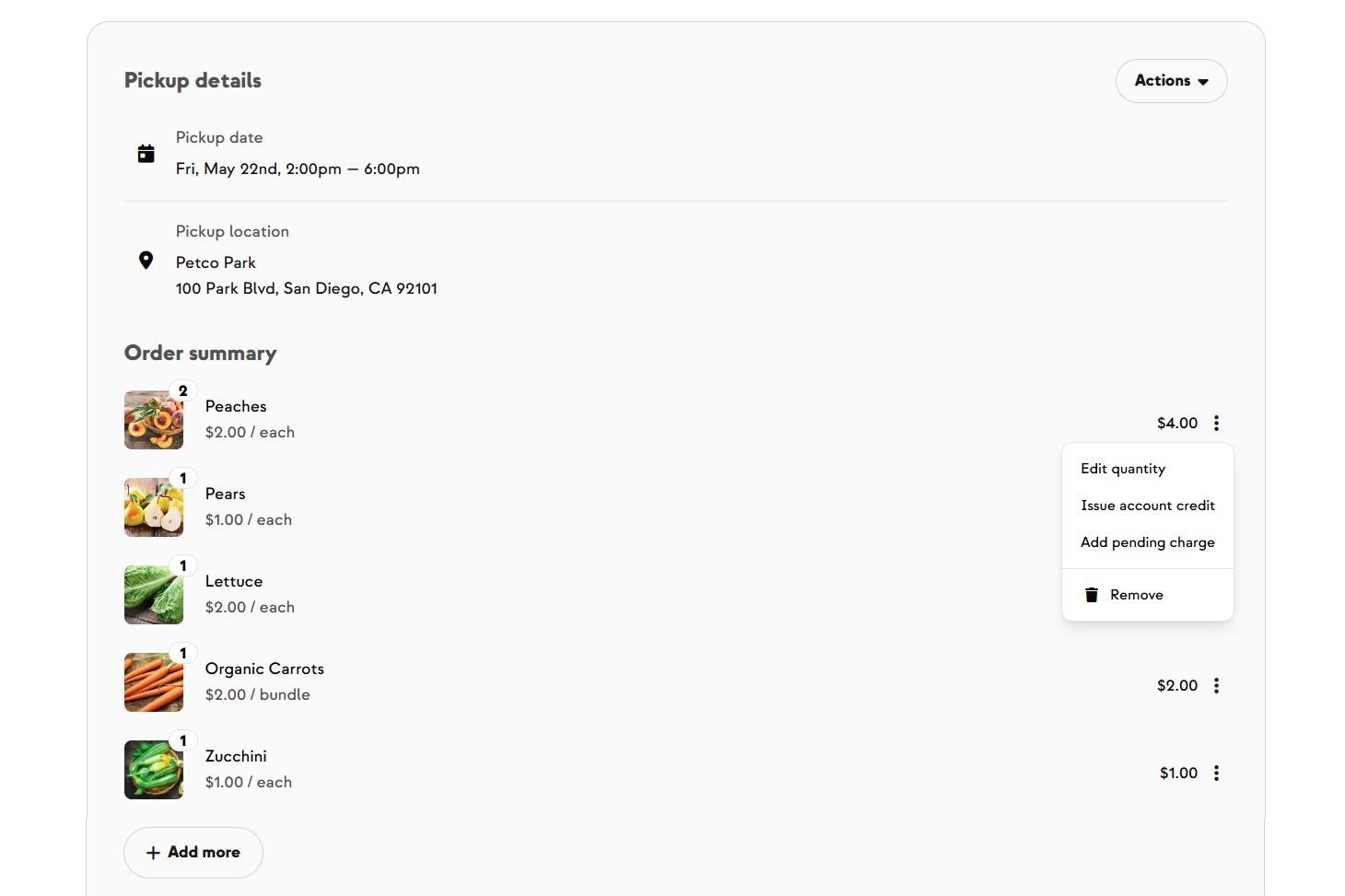
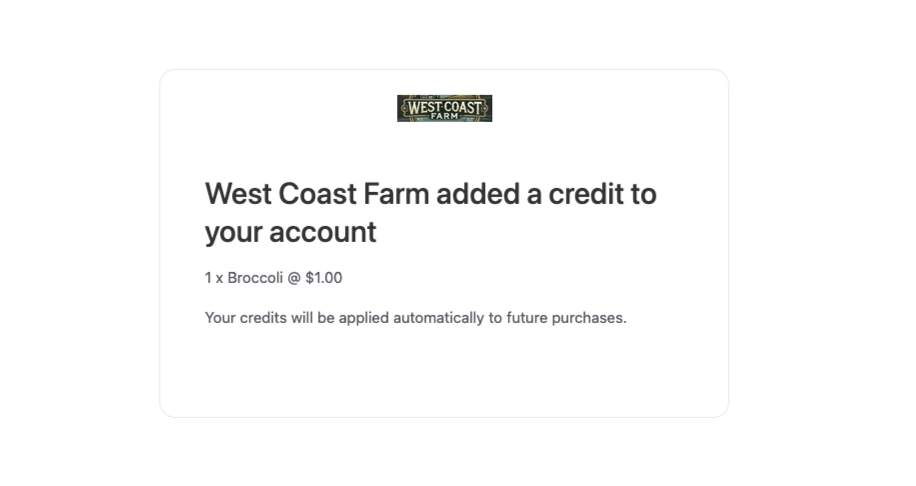
Now there's a Move to next order action in the kebab menu on any confirmed CSA add-on item. One click removes the item from the source order, credits the member for what they paid, and adds it to their next eligible upcoming order at its current catalog price. Both orders refresh immediately, so the change shows up without a page reload.
It works whether the next order is pending or confirmed — for pending orders, the credit is consumed at billing cutoff, and for confirmed orders, a matching debit balances out the credit so the member only pays once and the revenue still lands on the correct date. Admin and farmer only; members don't see the action in their own order view.
Tom at Live Earth Farm wanted a clean way to handle the moments when an add-on or customizable item couldn't go out as planned — a short harvest week, a driver error, or produce that wasn't up to his quality bar. Removing the item, issuing a credit, and adding it back to the next order by hand was multiple steps with multiple chances to drop one, and he wanted it to be a single deliberate action instead.

.jpeg)









-p-500.png)
























.jpg)










.jpg)
.jpg)
.jpg)
.jpg)



.png)