Keep reading
All updates More in this category
Built with farmers.
Shipped in weeks.
Fifteen minutes with Ari. Bring the thing you wish your software did, and he'll tell you if it's already built.
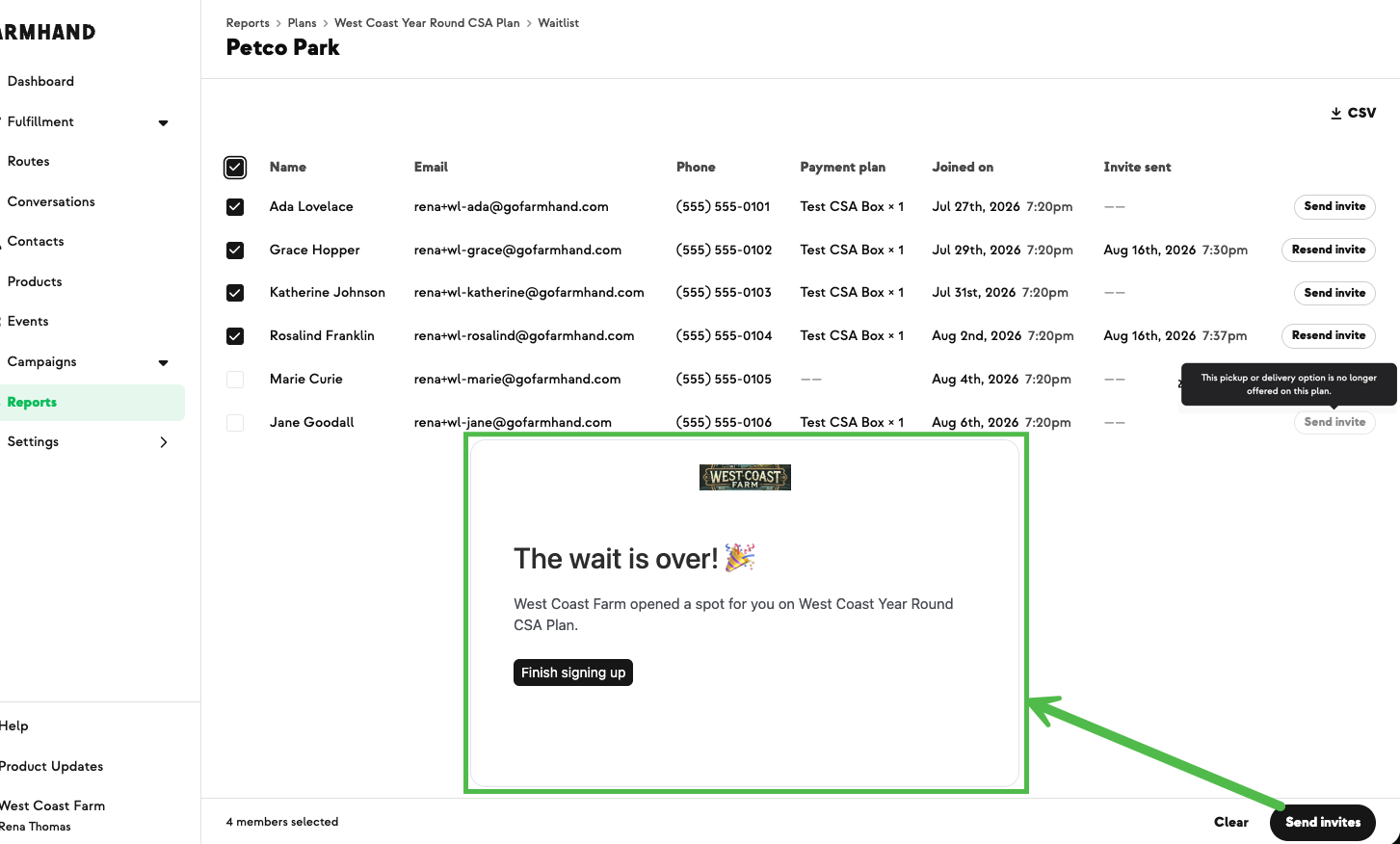

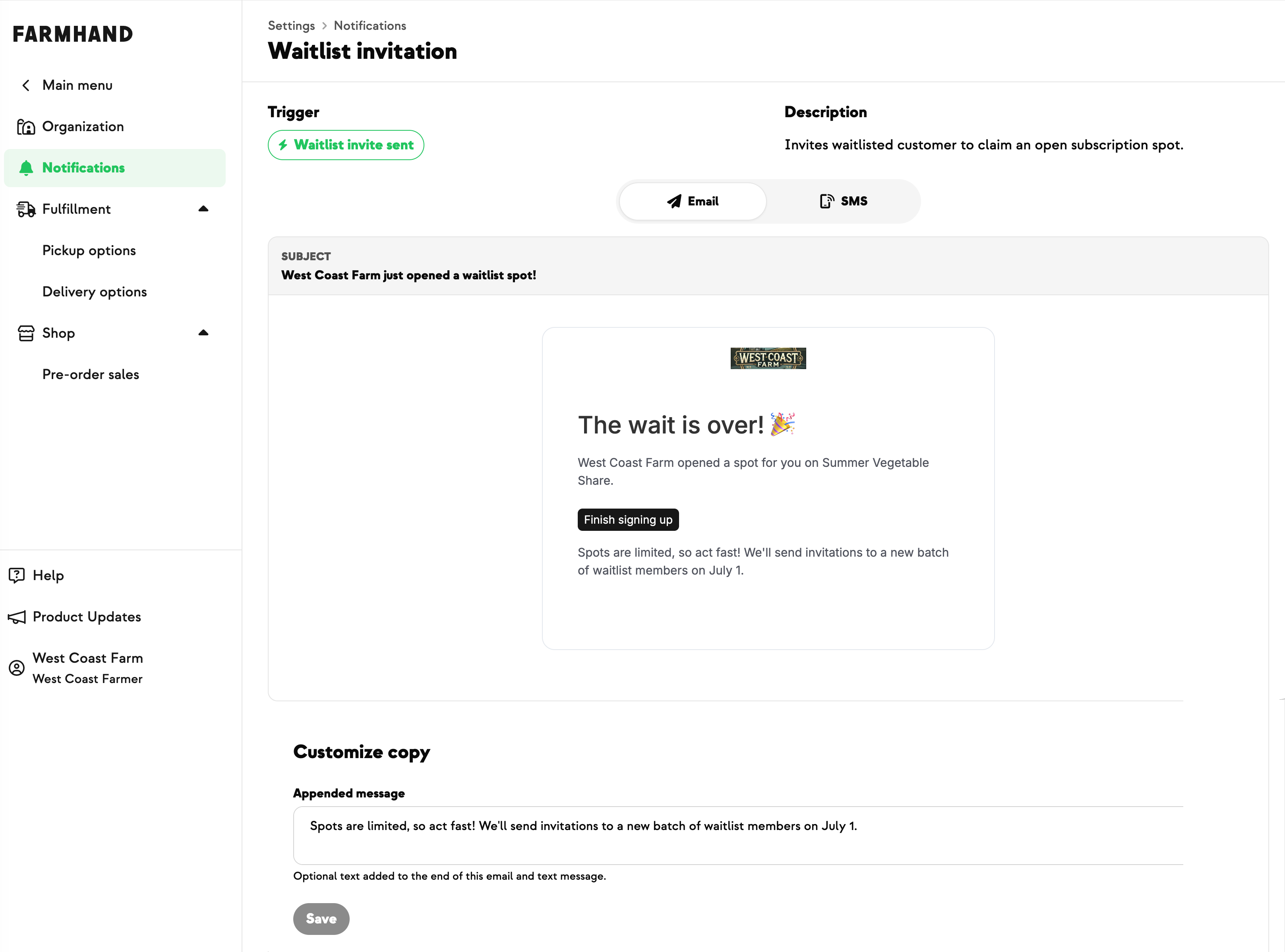
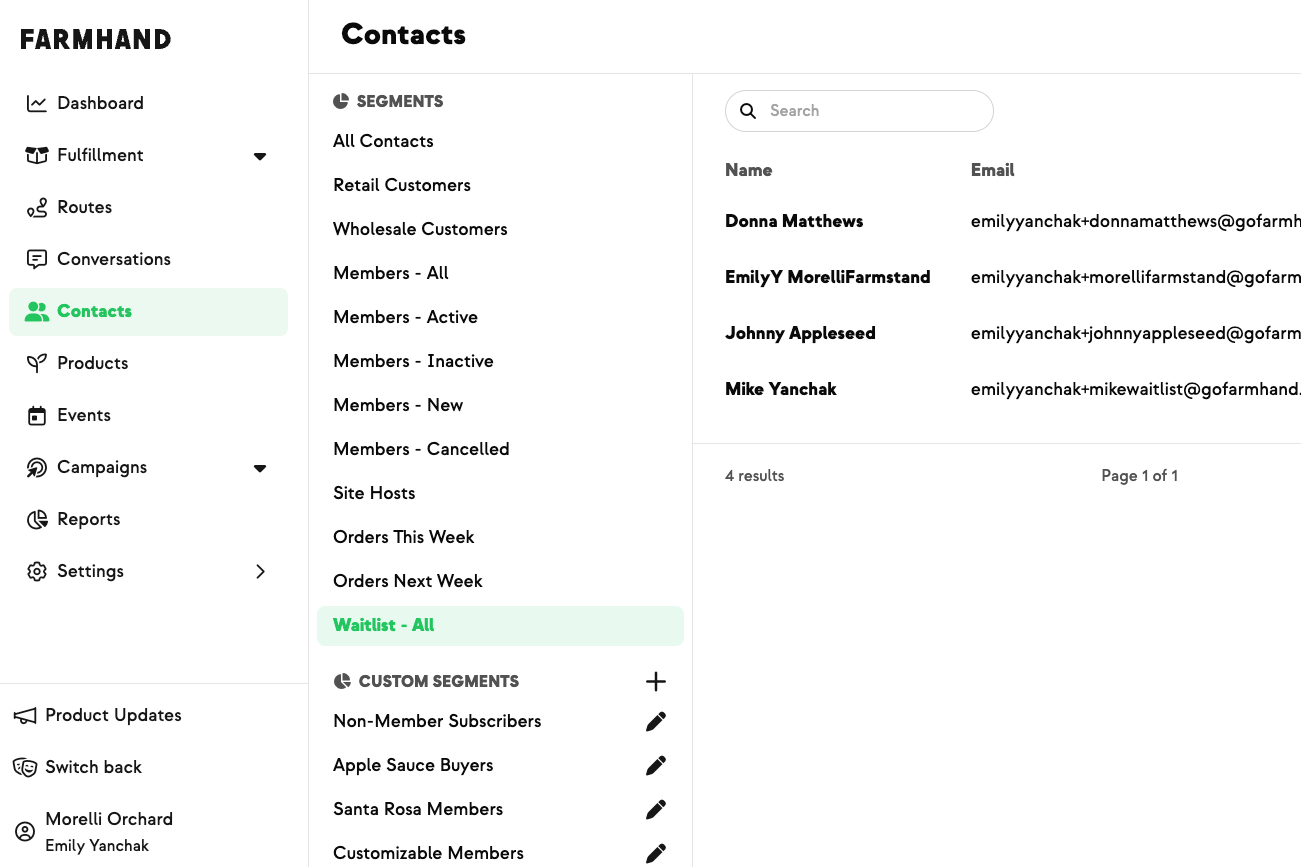
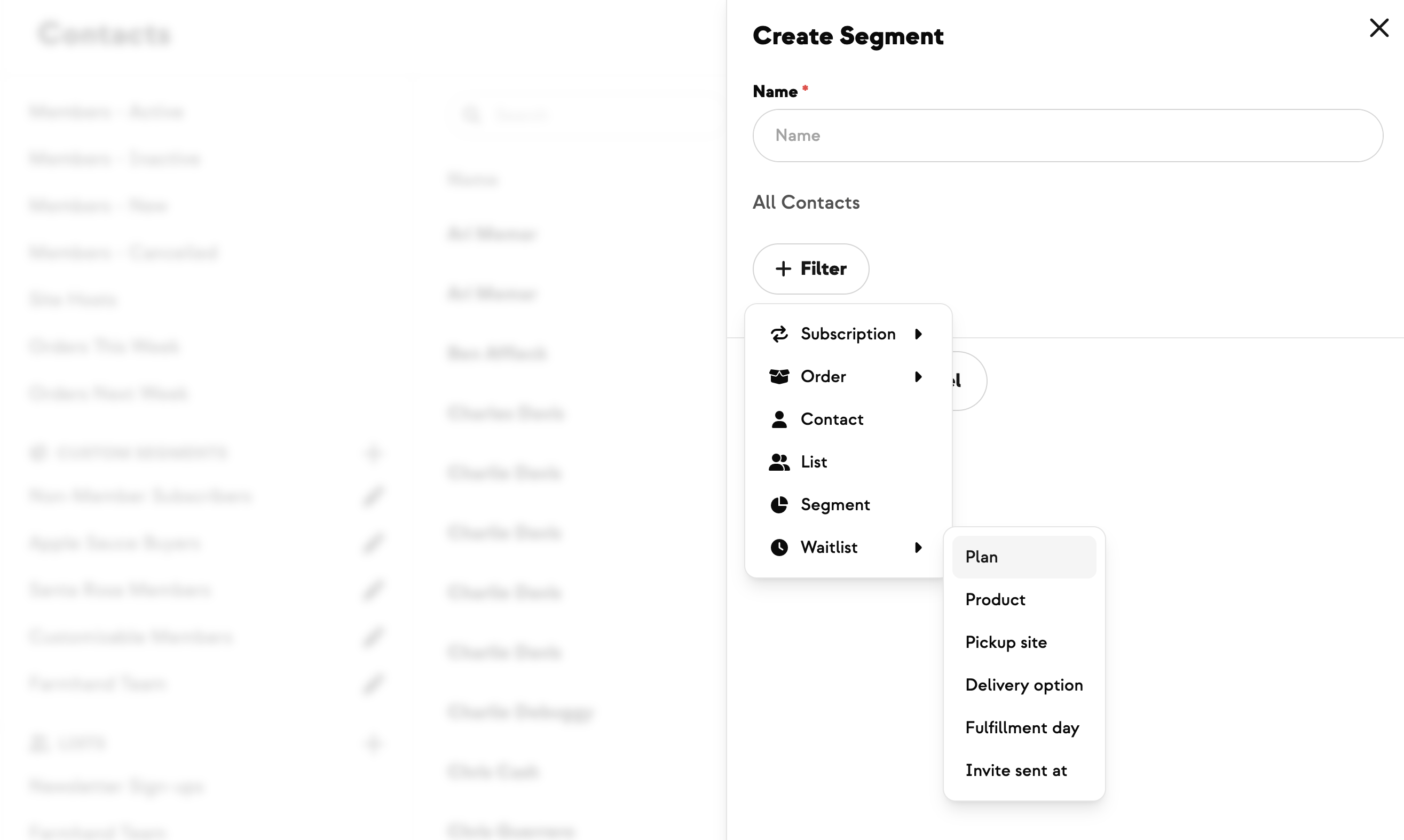
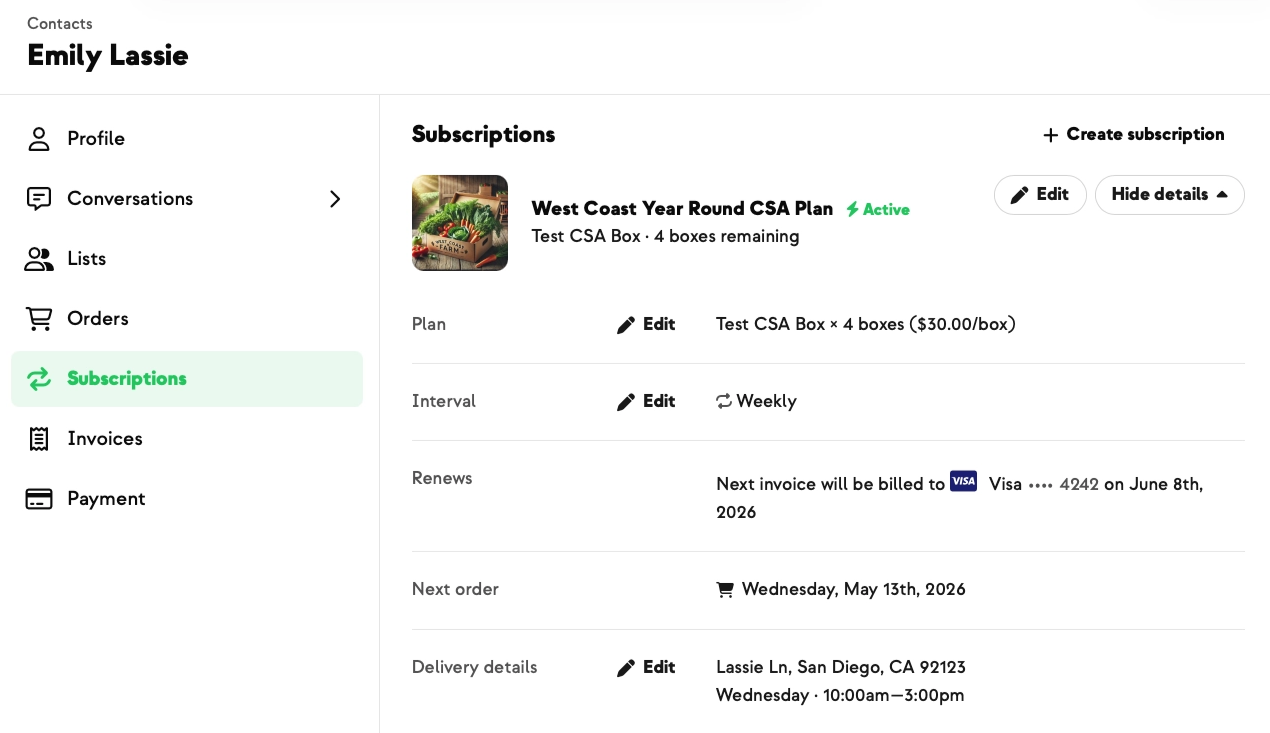
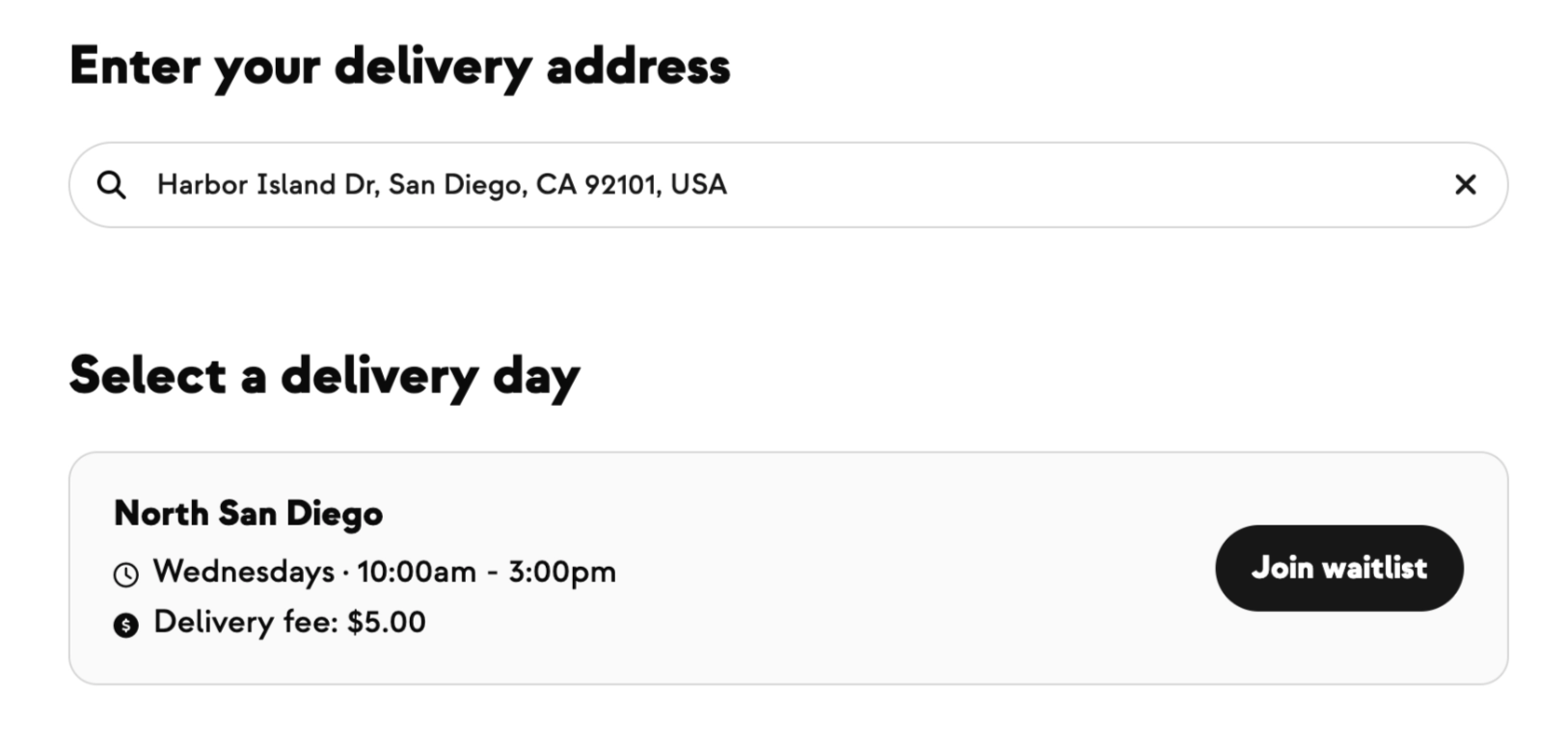
A spot opens up on a plan with a waitlist, and the next person in line needs an invite to claim it. You could already see your waitlist on the Plans report — you just couldn't act on it. Filling open spots meant asking our support team to invite a batch of members, then waiting for responses, in a loop.
The Waitlist tab now has a Send invite action on every row, plus a column showing when each invite went out. Once someone's been invited the button becomes Resend invite, so you can nudge without wondering whether the first one landed. Select several members and invite them all at once.
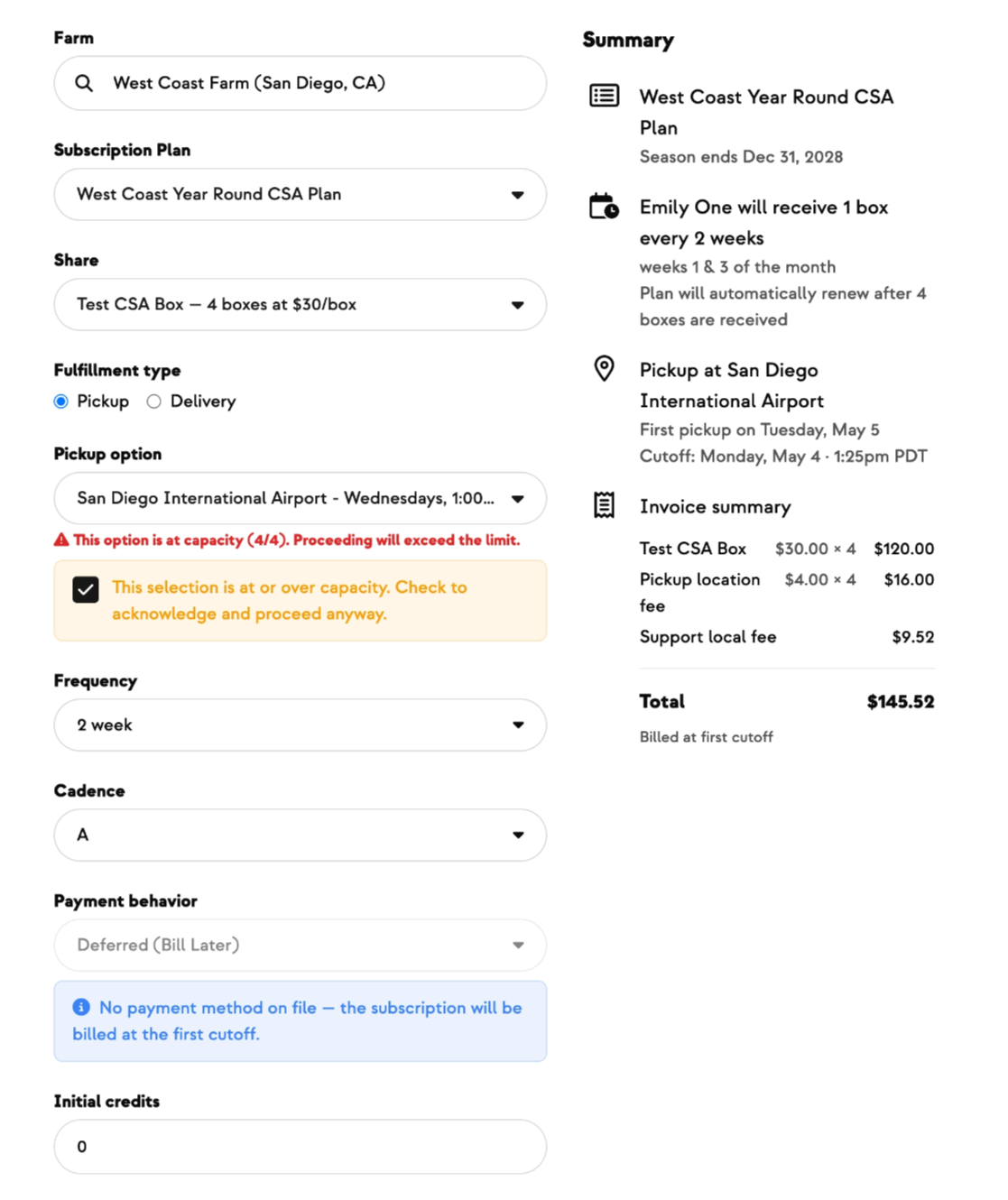
There are rails on it. Select more people than there are open spots and you'll get a warning and a confirmation step, so you don't oversell a location by accident. Rows that can't produce a working sign-up link — an unpublished pickup option, say — are greyed out with a tooltip explaining why. Owners and support-level staff can send; view-only staff see the timestamps but no button.
The invite itself is the same one our team has always sent — same template, same working link — so nothing changes for the member who receives it.
Built with Morgan at Wissel Farms, who wanted to work her own waitlist directly, instead of looping through support every time spots opened up.


.jpeg)









-p-500.png)


























.jpg)











.jpg)
.jpg)
.jpg)
.jpg)




.png)