Keep reading
All updates More in this category
Built with farmers.
Shipped in weeks.
Fifteen minutes with Ari. Bring the thing you wish your software did, and he'll tell you if it's already built.
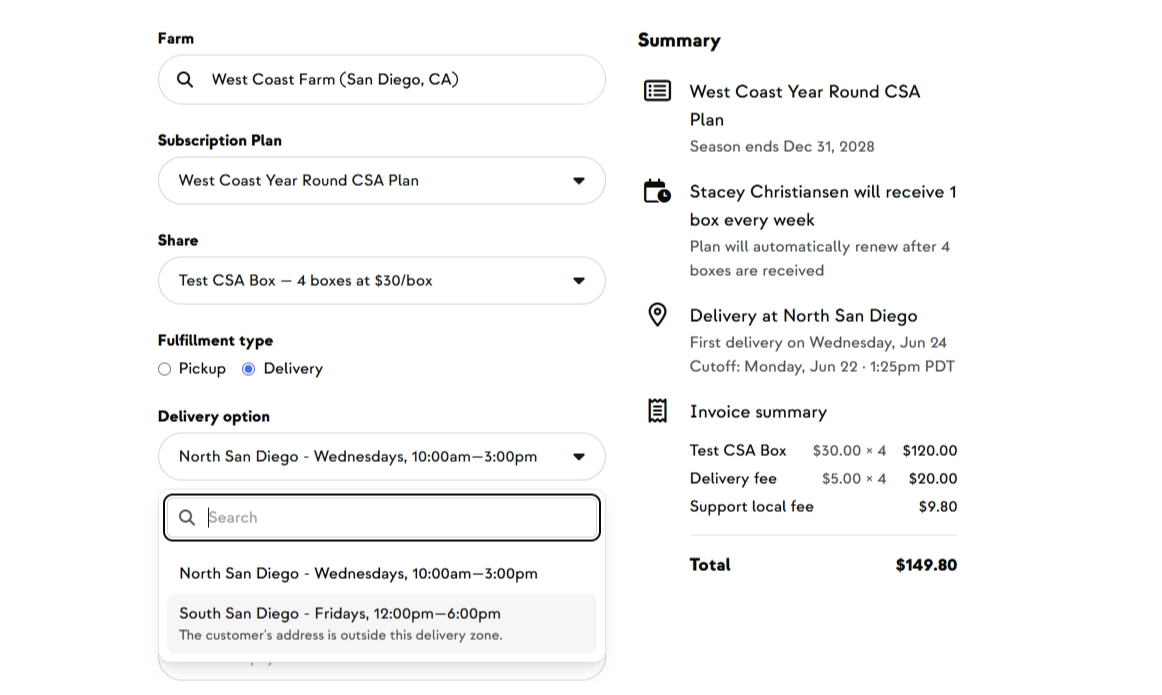
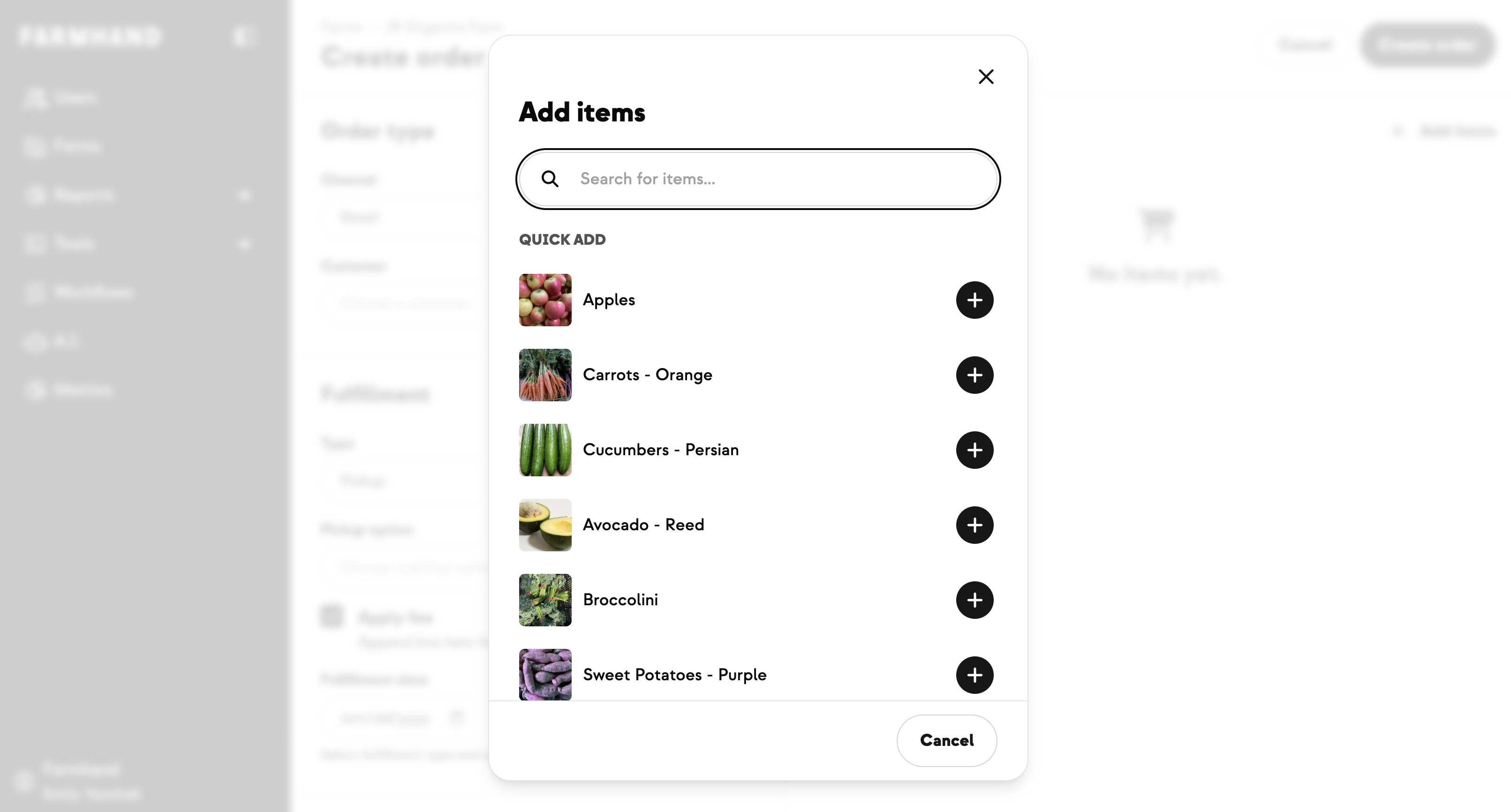
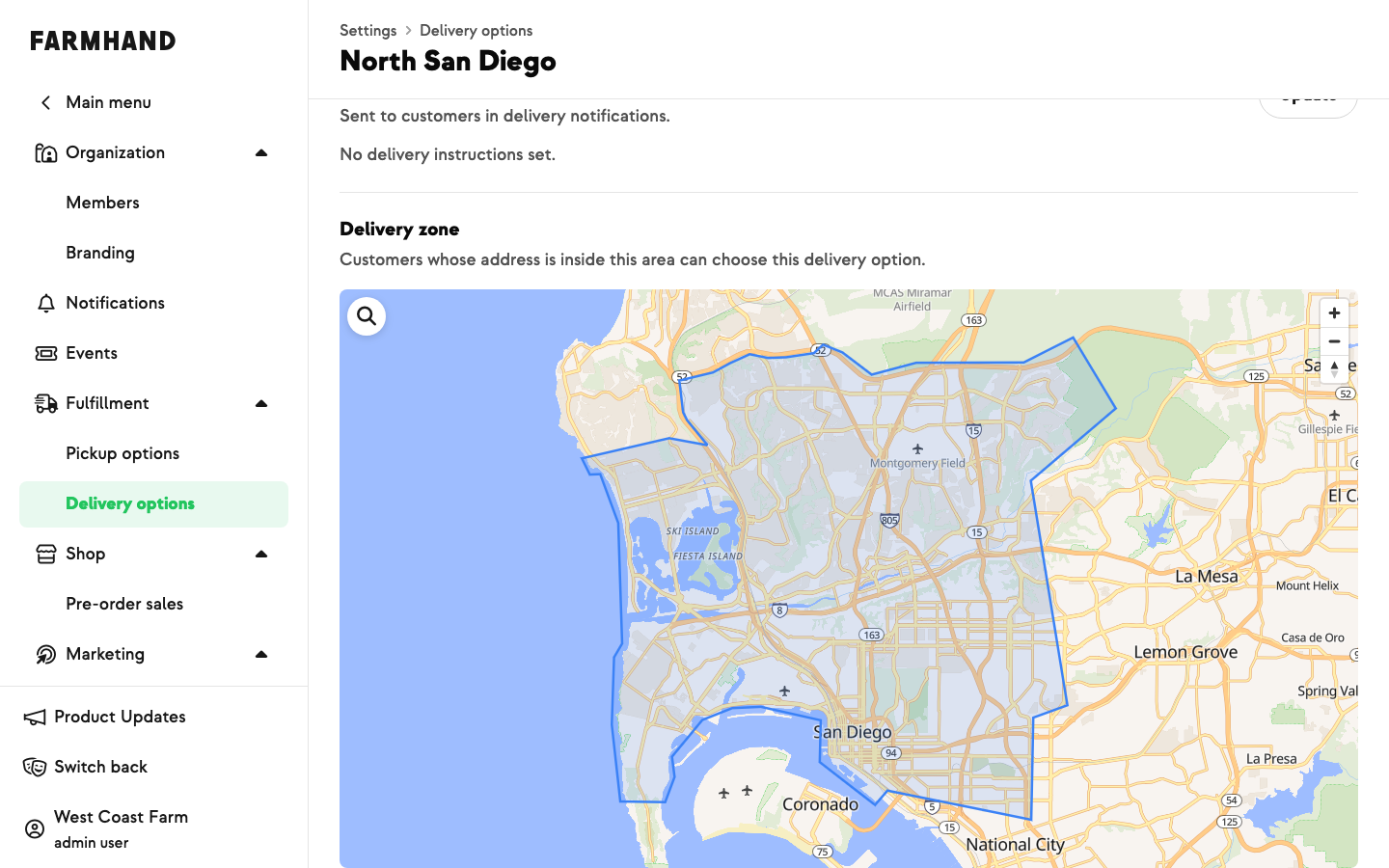
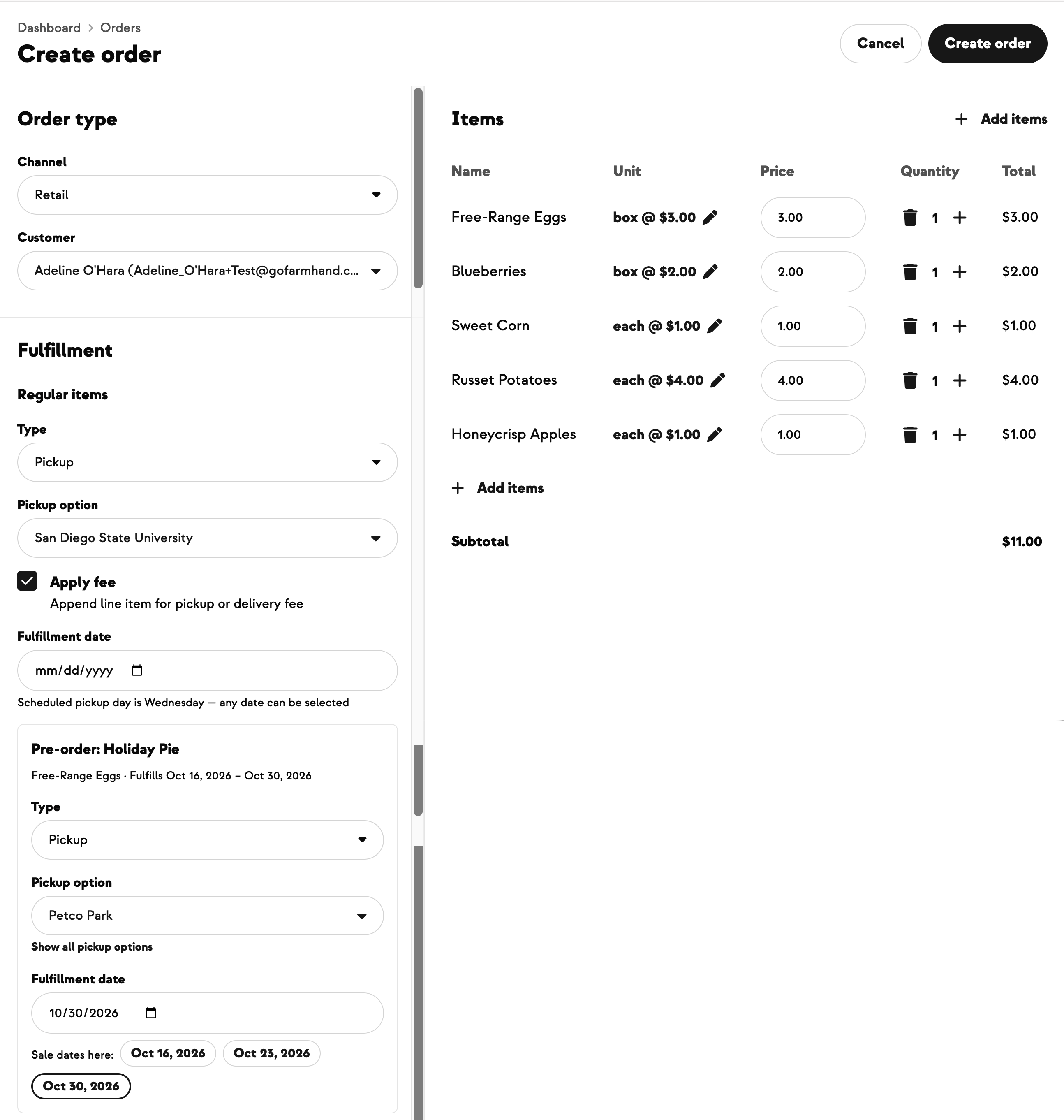
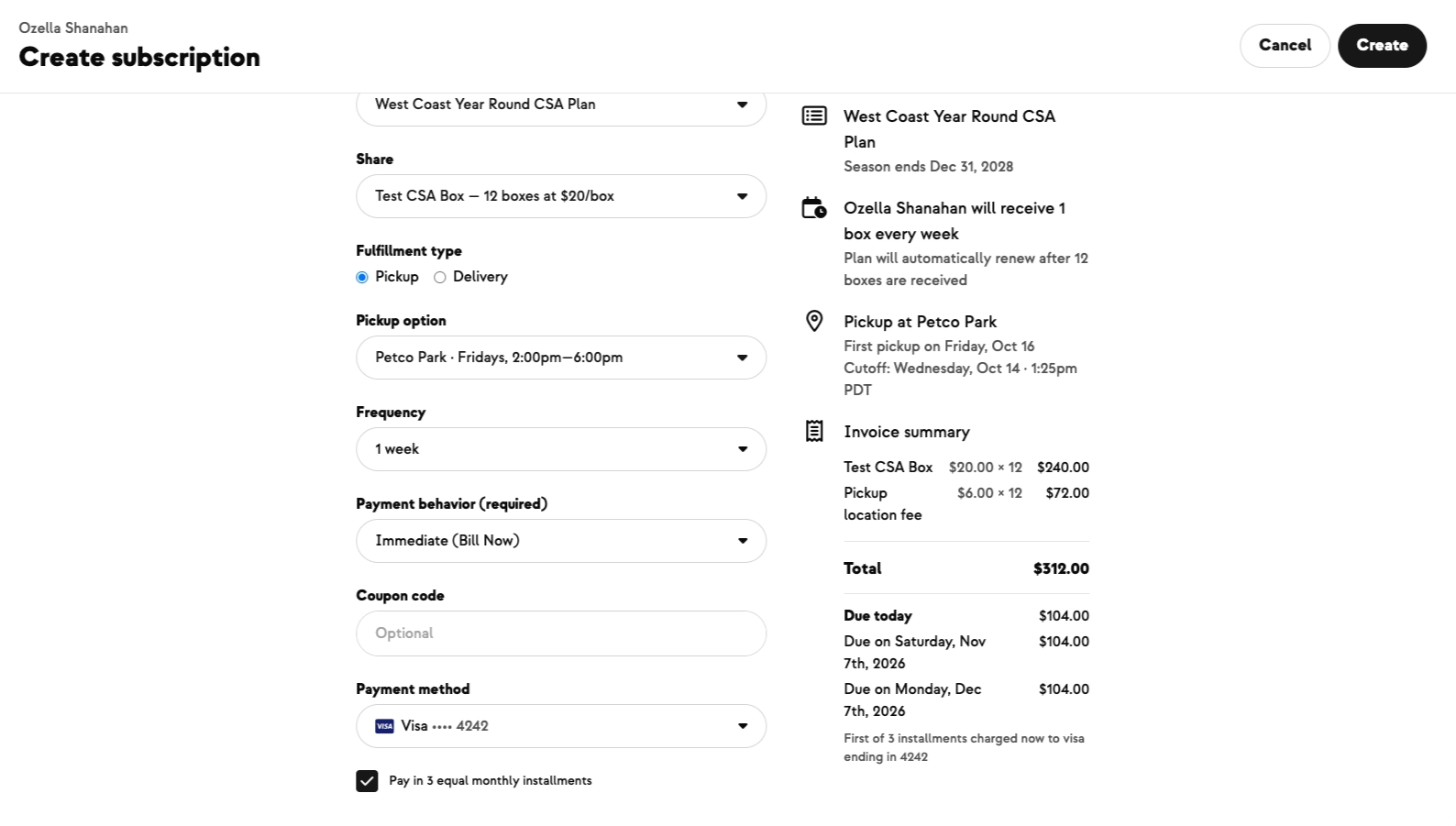
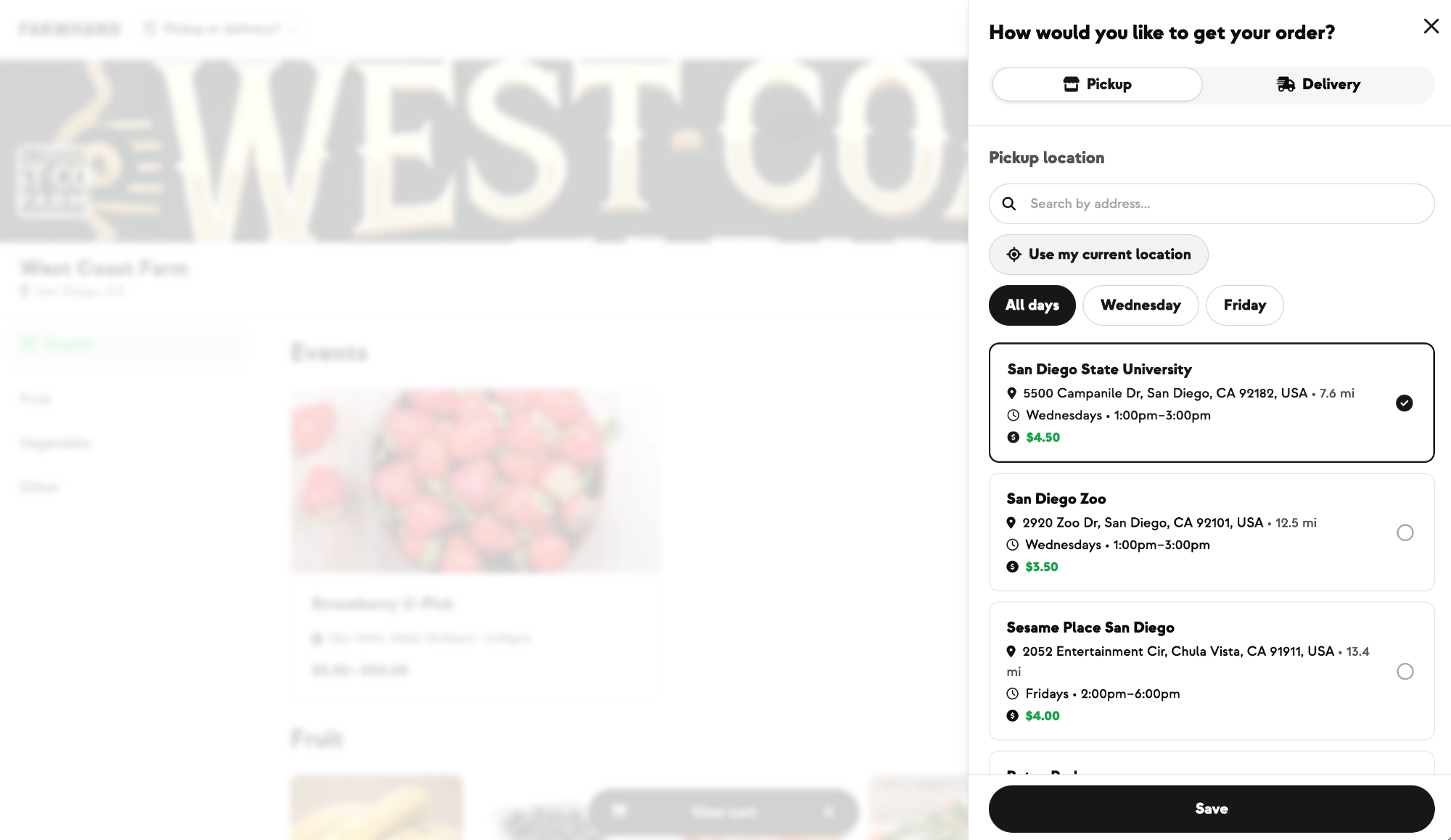
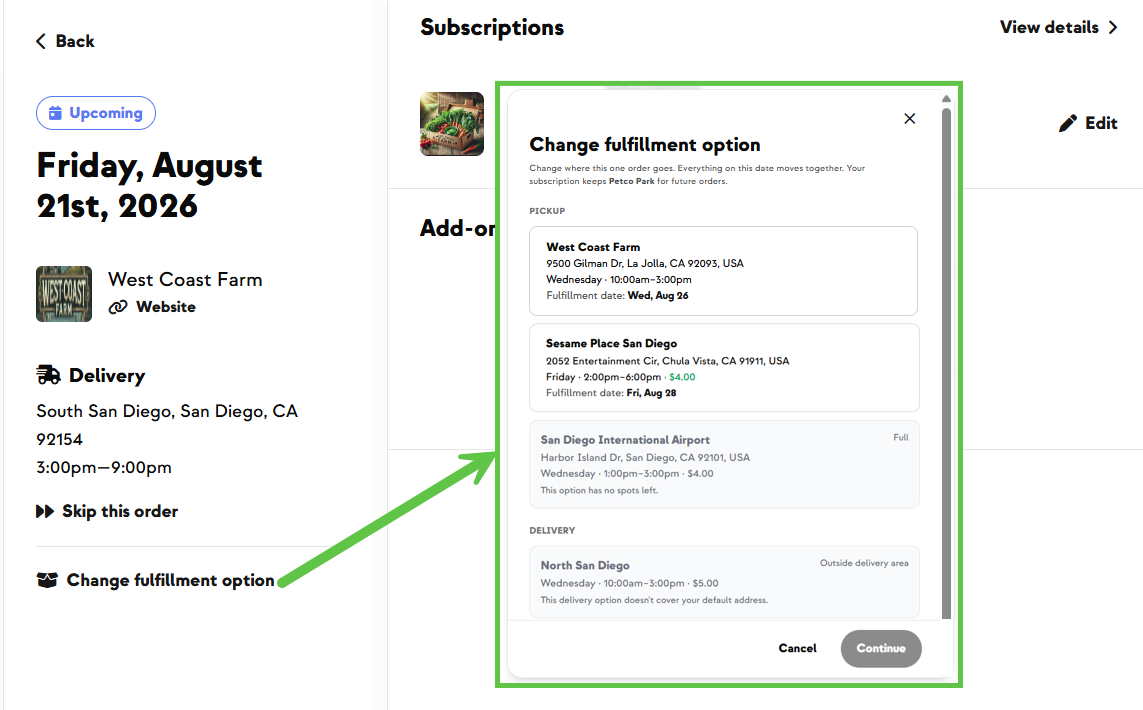
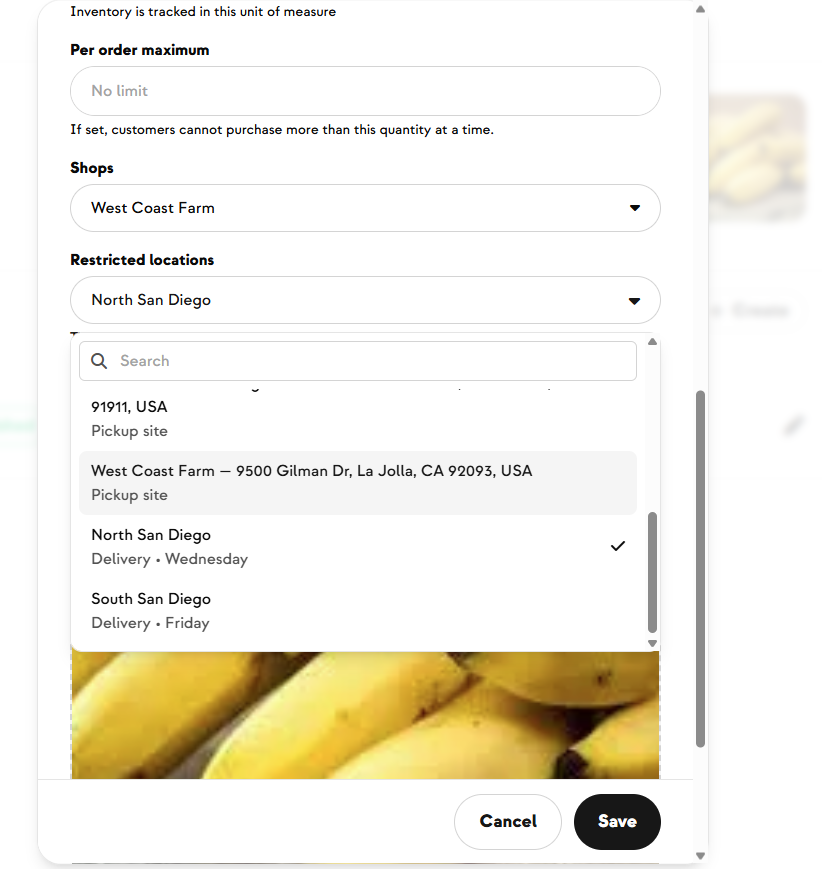
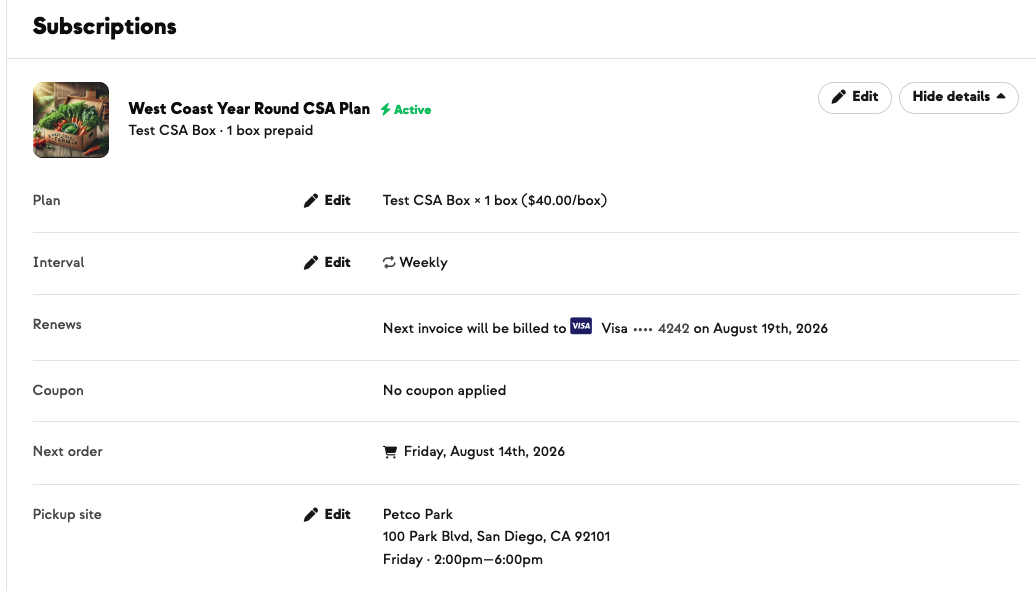
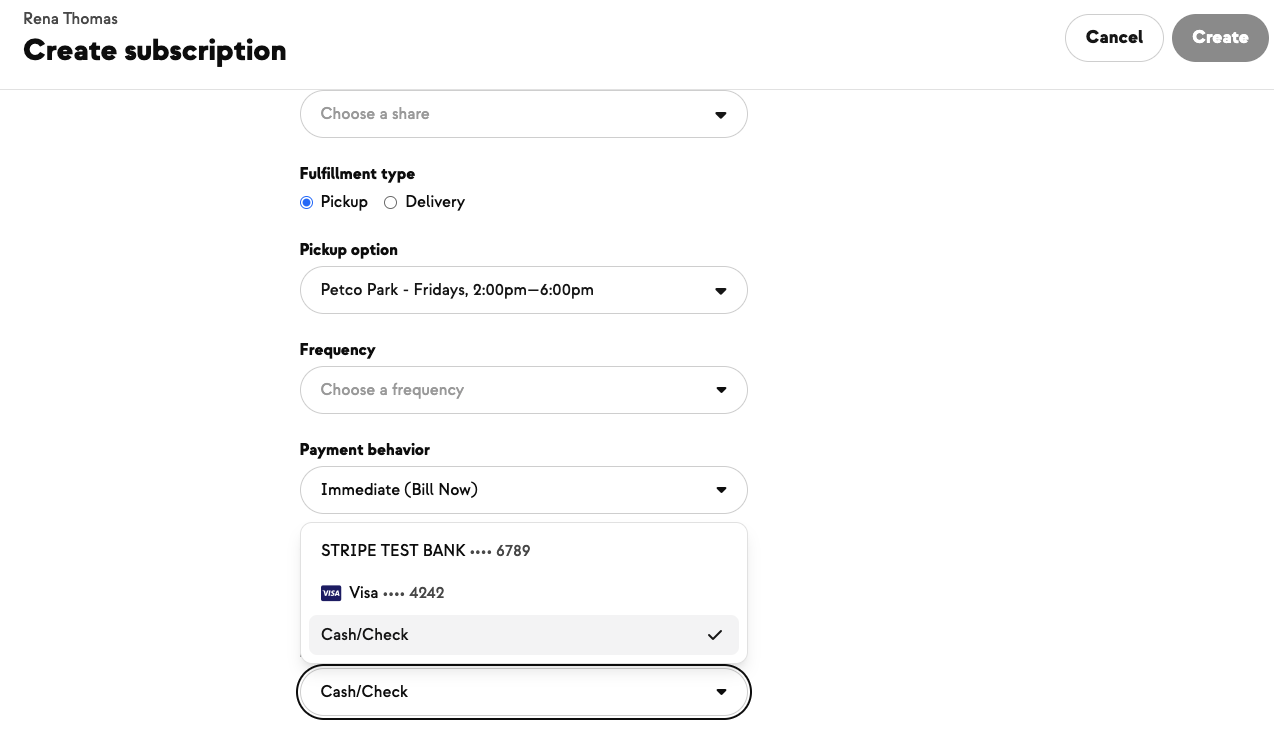
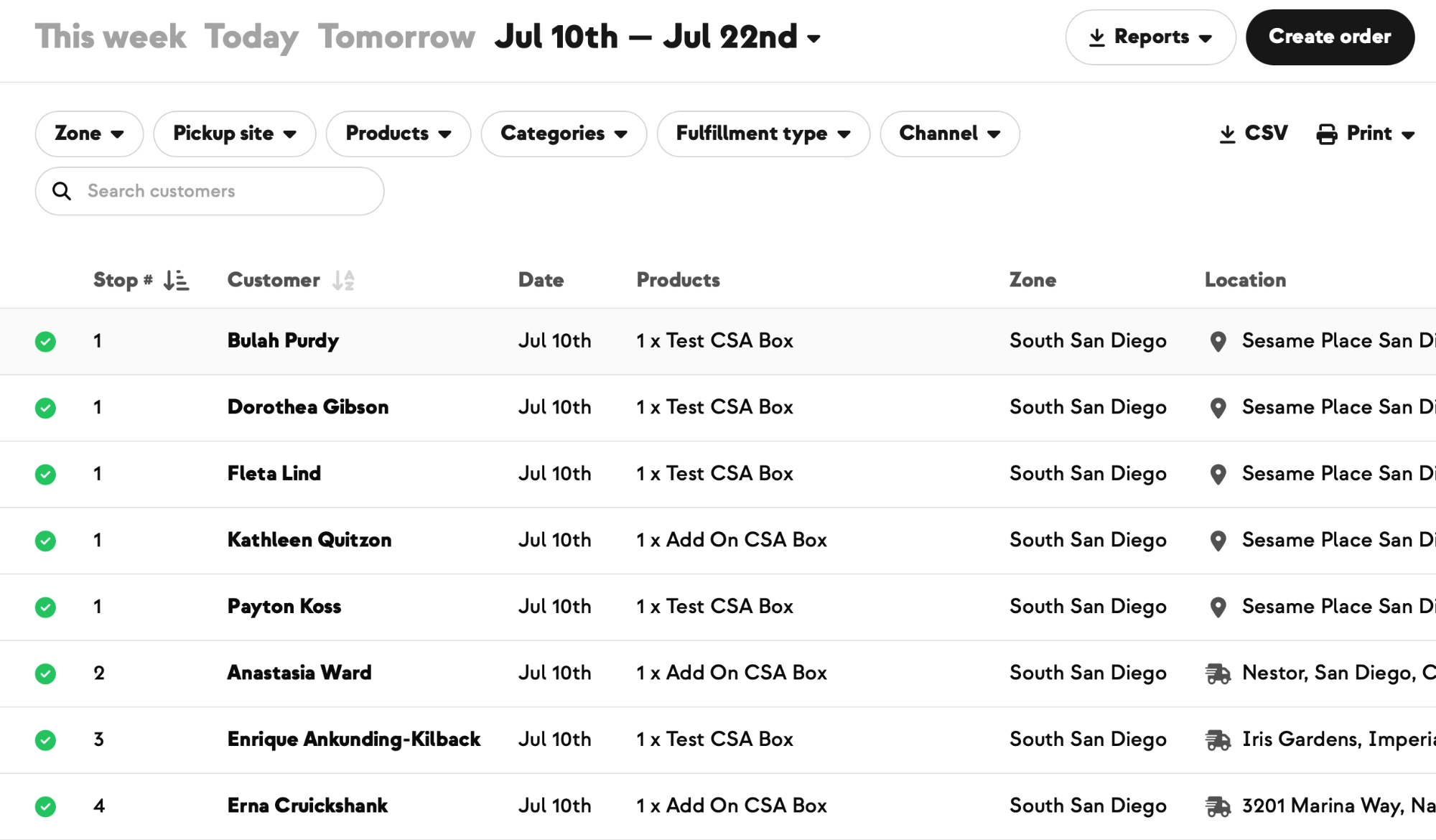
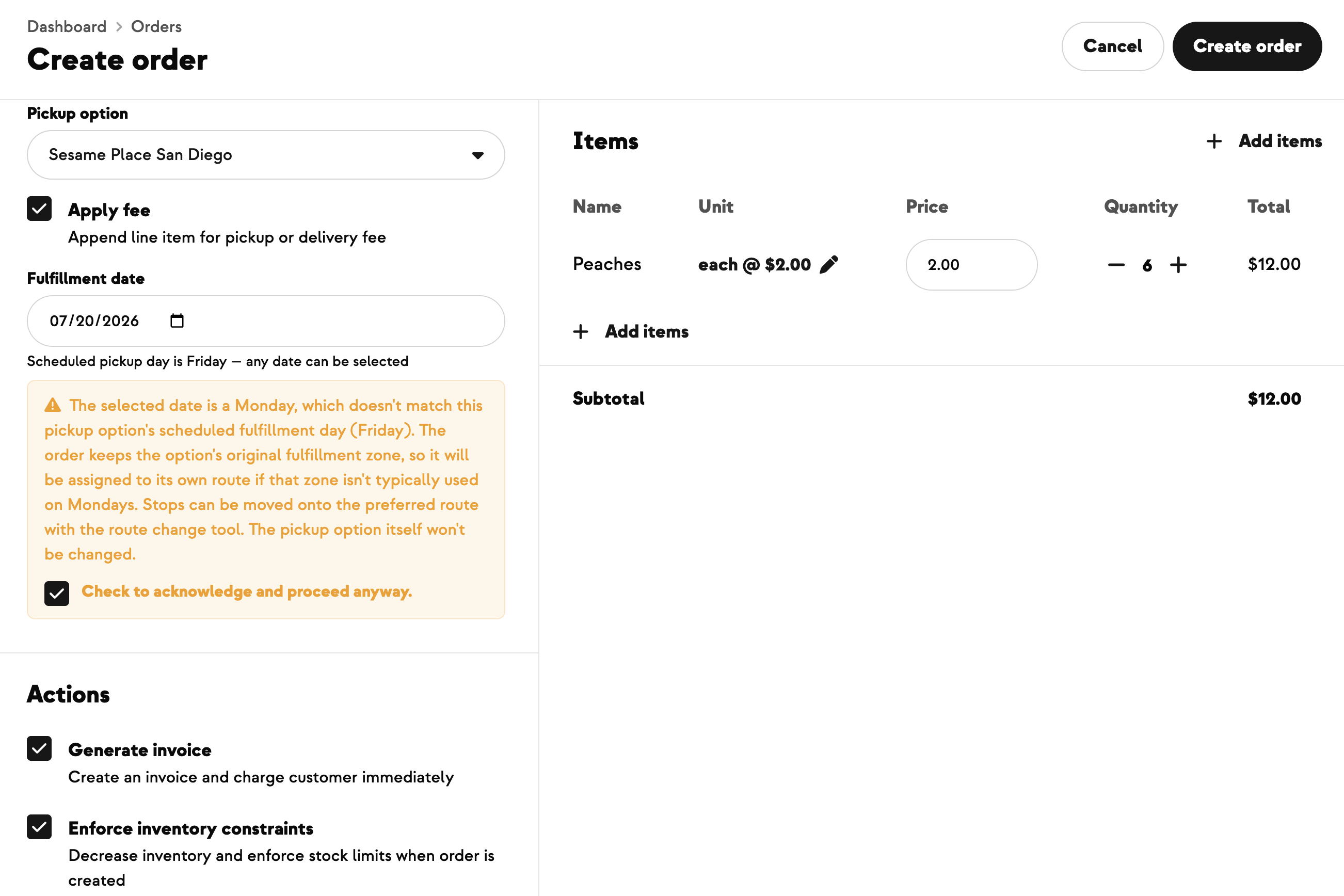
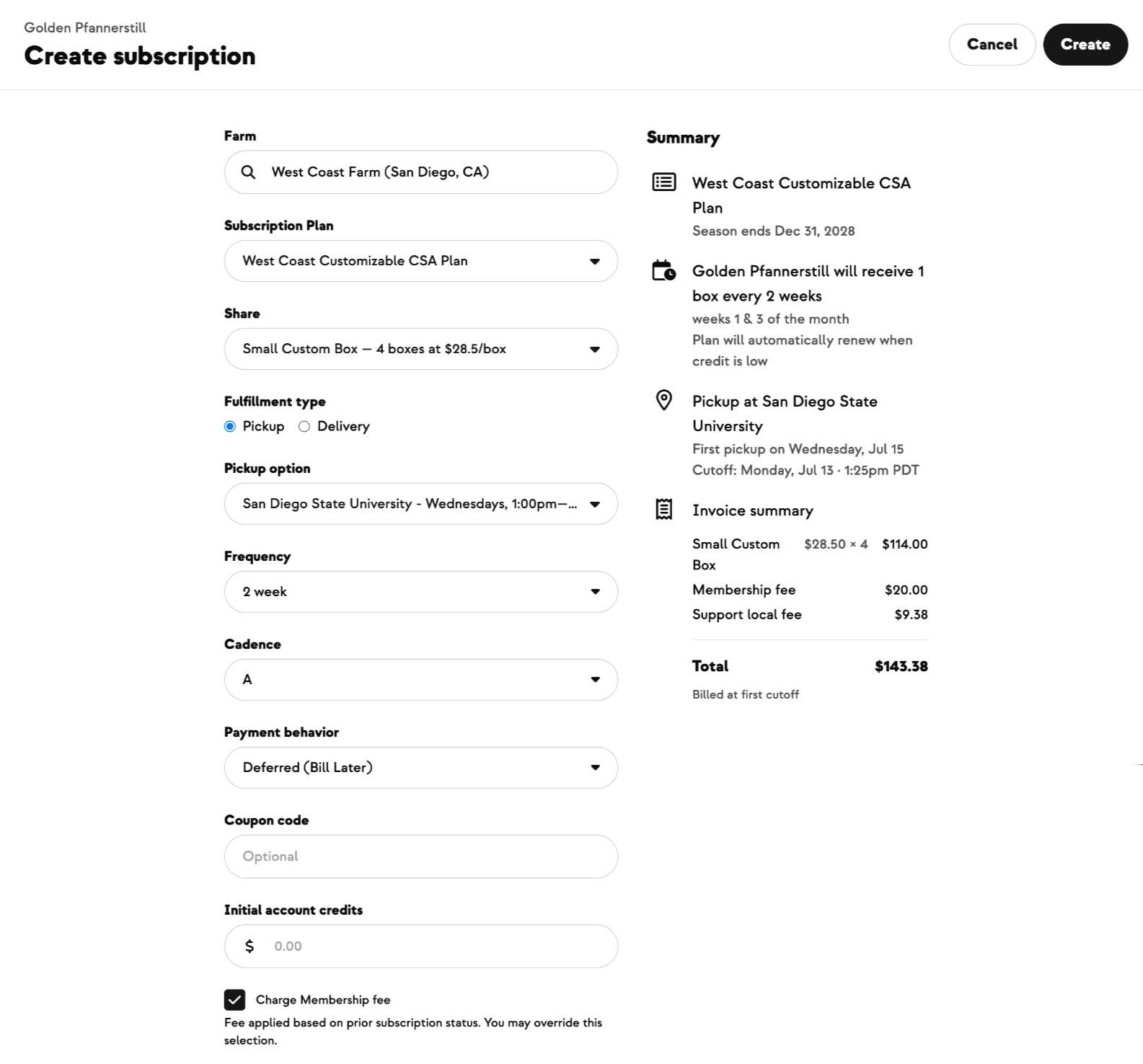
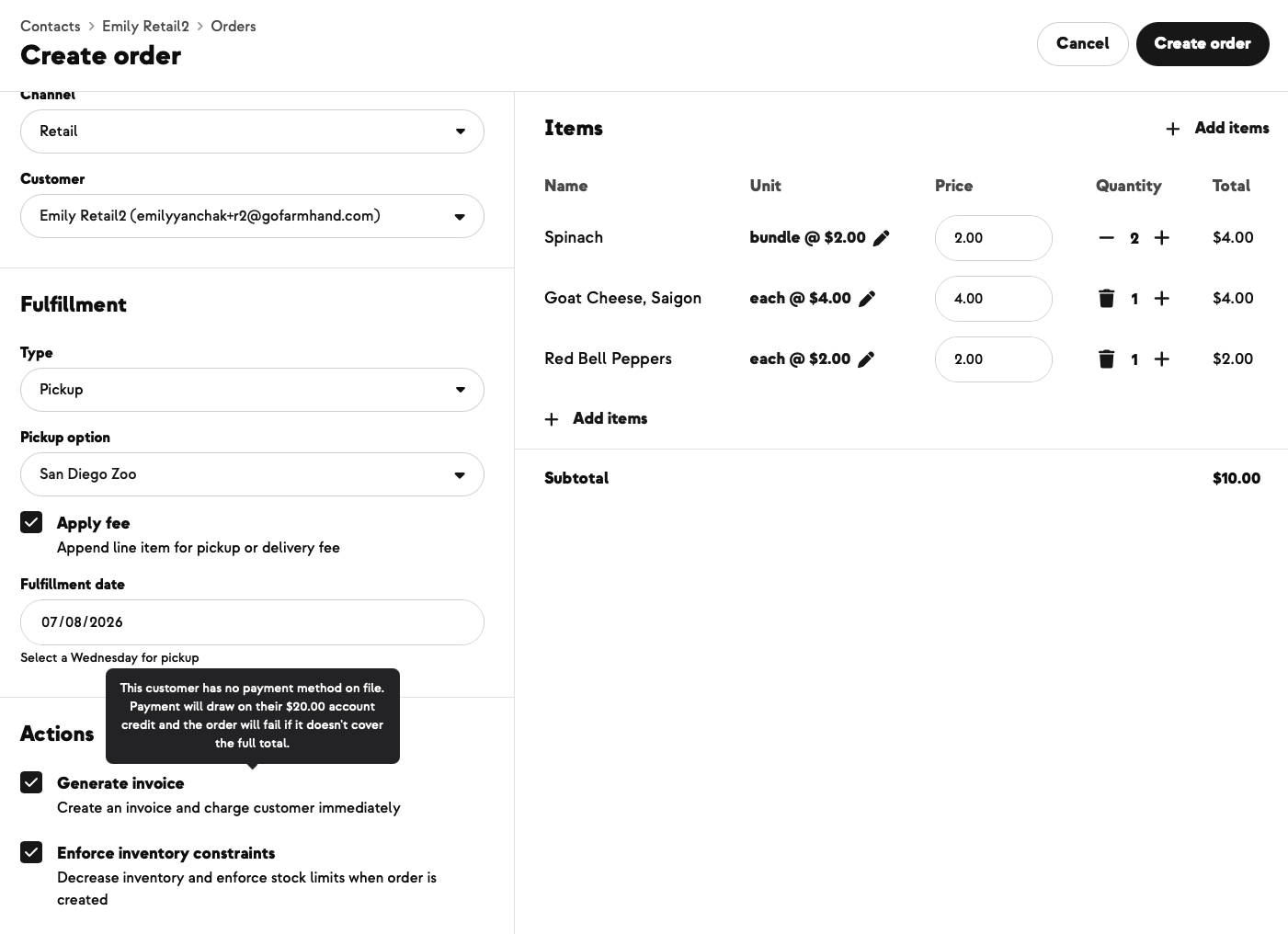
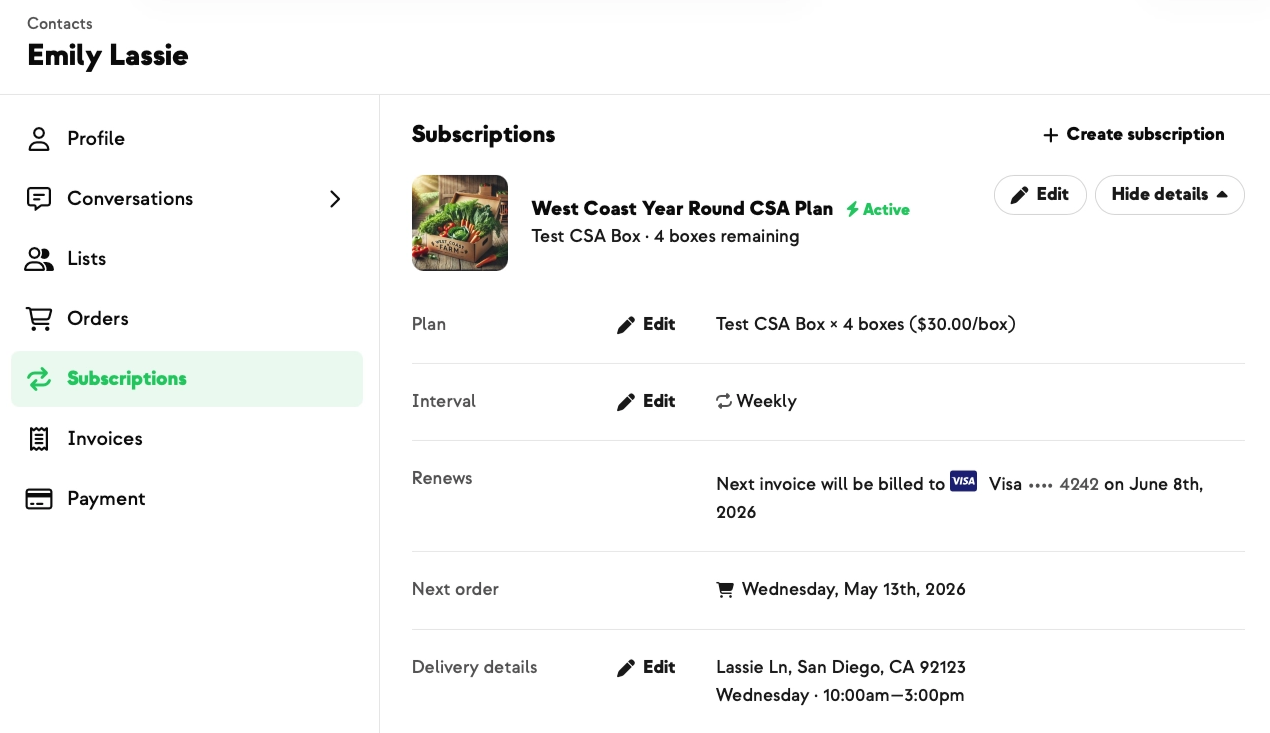
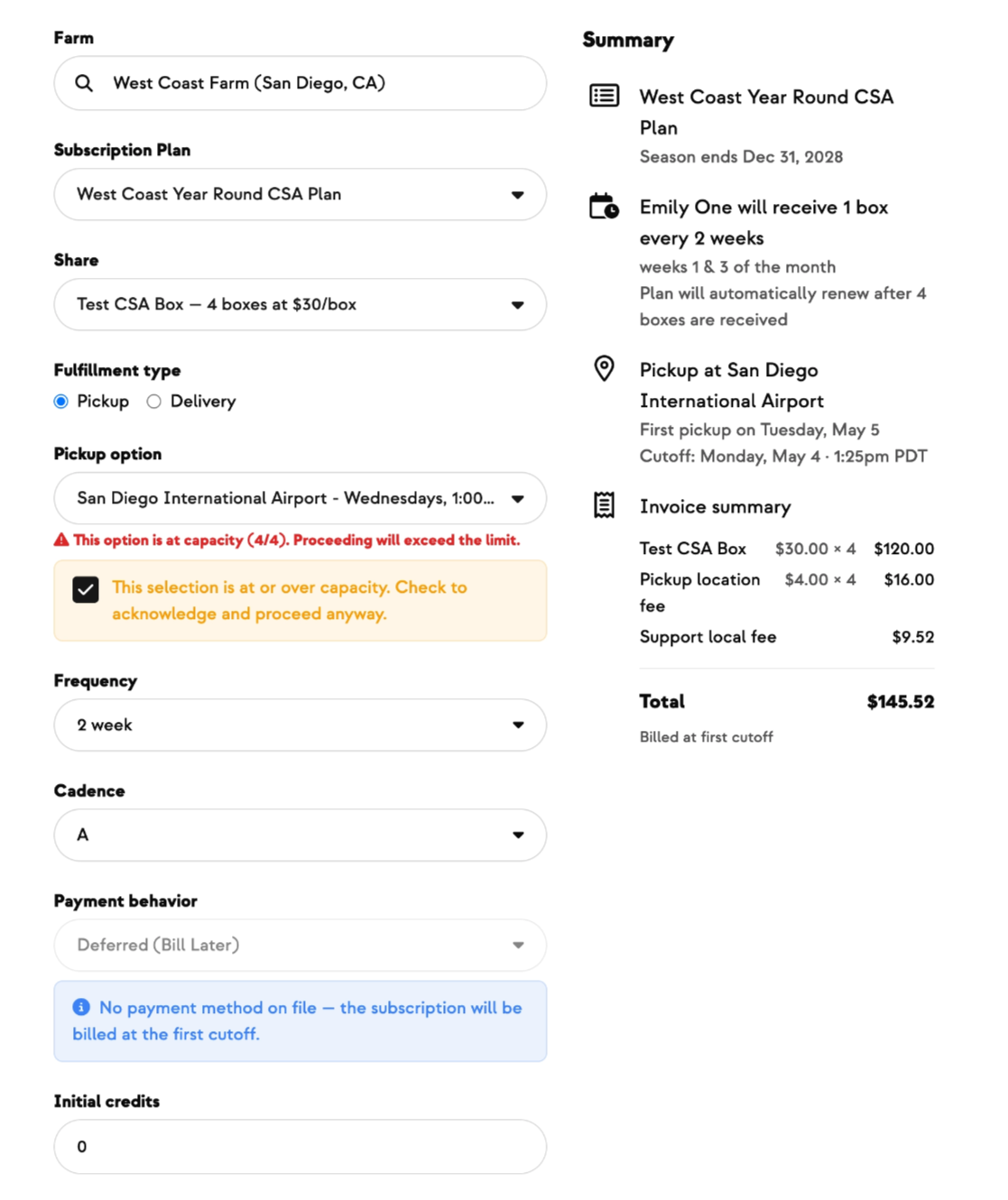
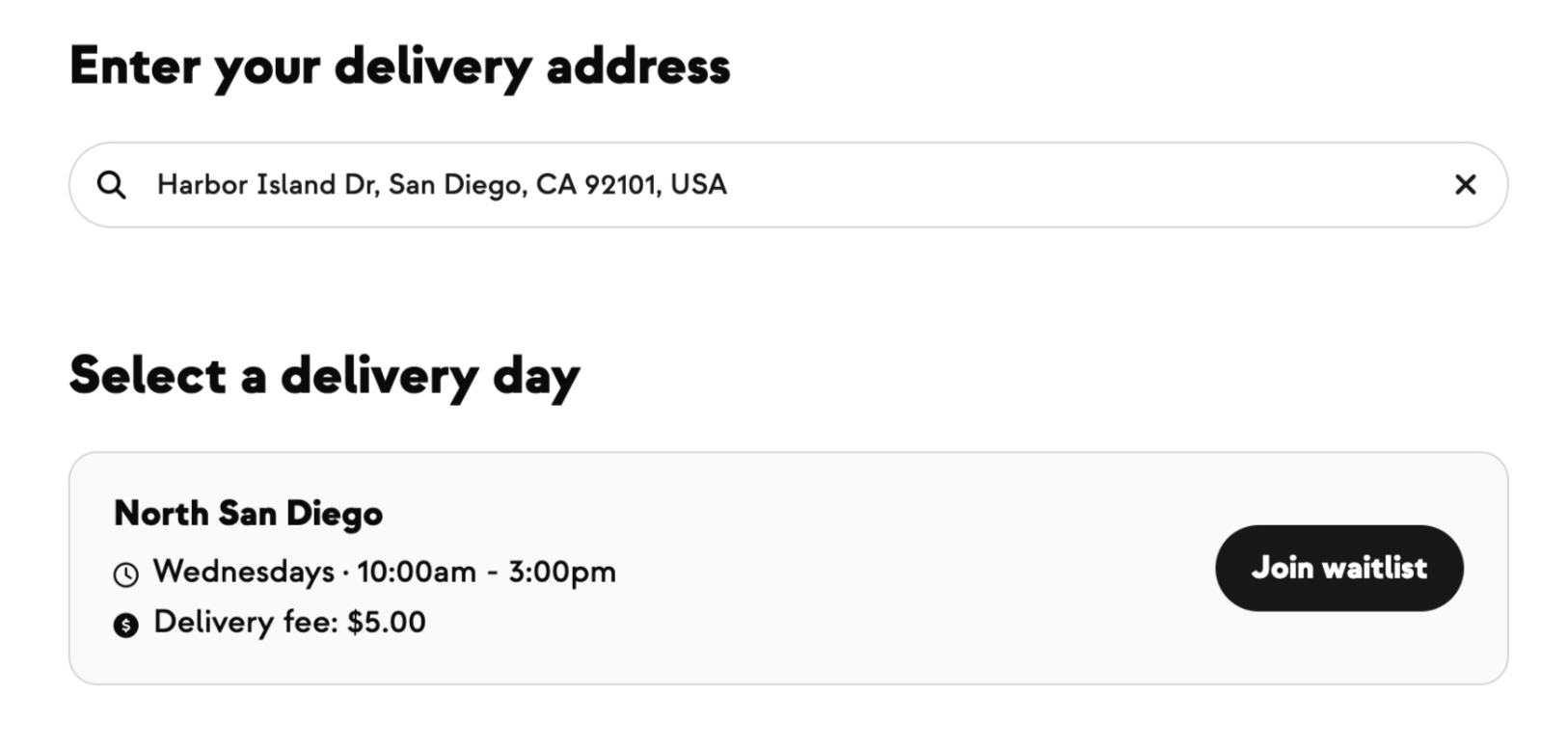
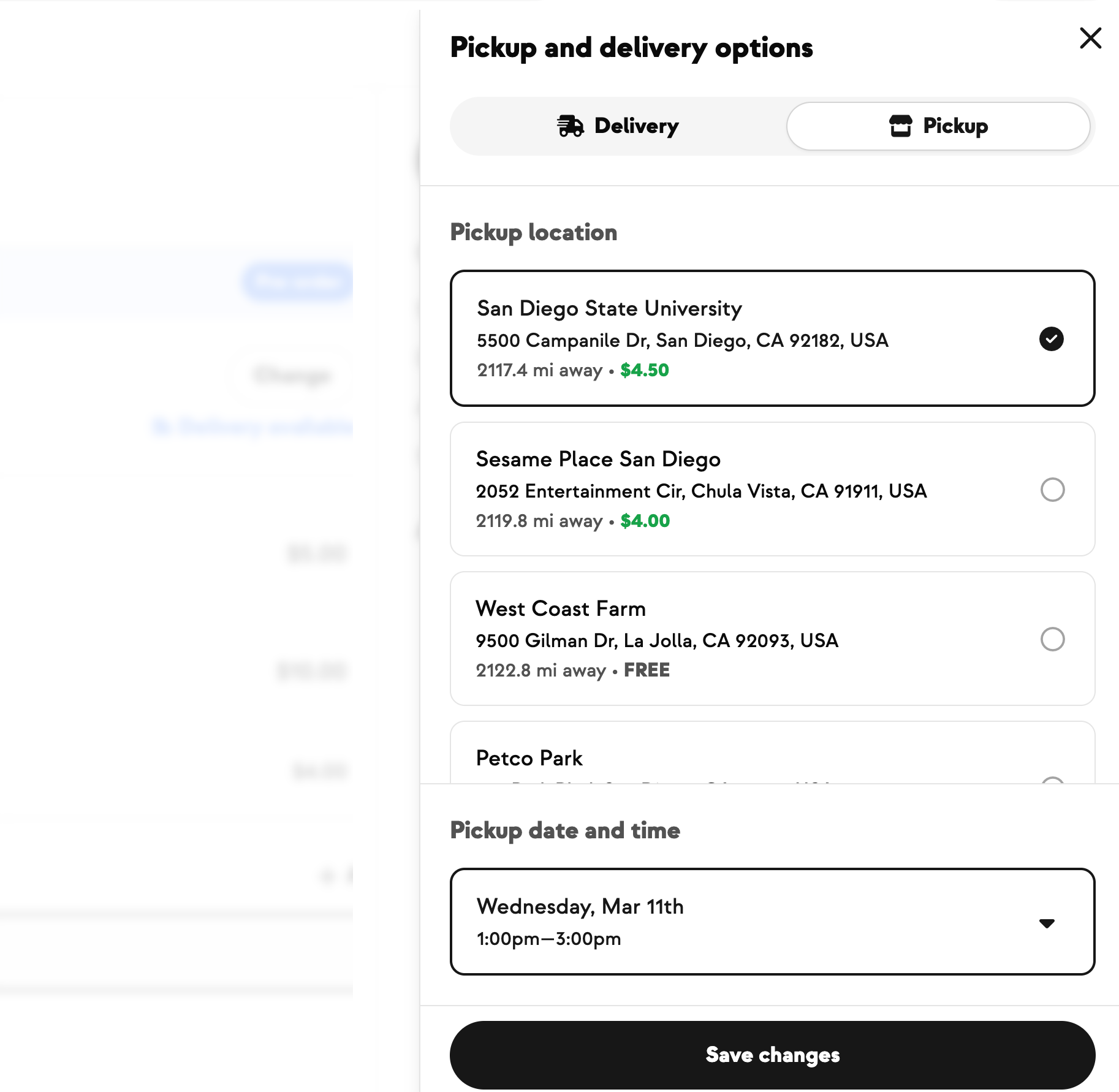
Members move. Addresses fall just outside the lines. And sometimes you've agreed to deliver to a special or top-tier member beyond your normal area. Until now, the only way through was to temporarily widen a delivery zone, create the subscription or order, then change the zone back. Now the Create Subscription and Create Order tools show all of a plan's delivery zones, not just the ones covering the member's address. If exactly one zone matches, it's selected for you; if none do, you can pick any zone, with out-of-zone options clearly labeled and a non-blocking warning that still lets you save. And if a one-time order has no address on file, you'll get a clear prompt with a link to add one. The customer-facing checkout is unchanged and still only shows zones that cover the member's address.