Keep reading
All updates More in this category
Built with farmers.
Shipped in weeks.
Fifteen minutes with Ari. Bring the thing you wish your software did, and he'll tell you if it's already built.
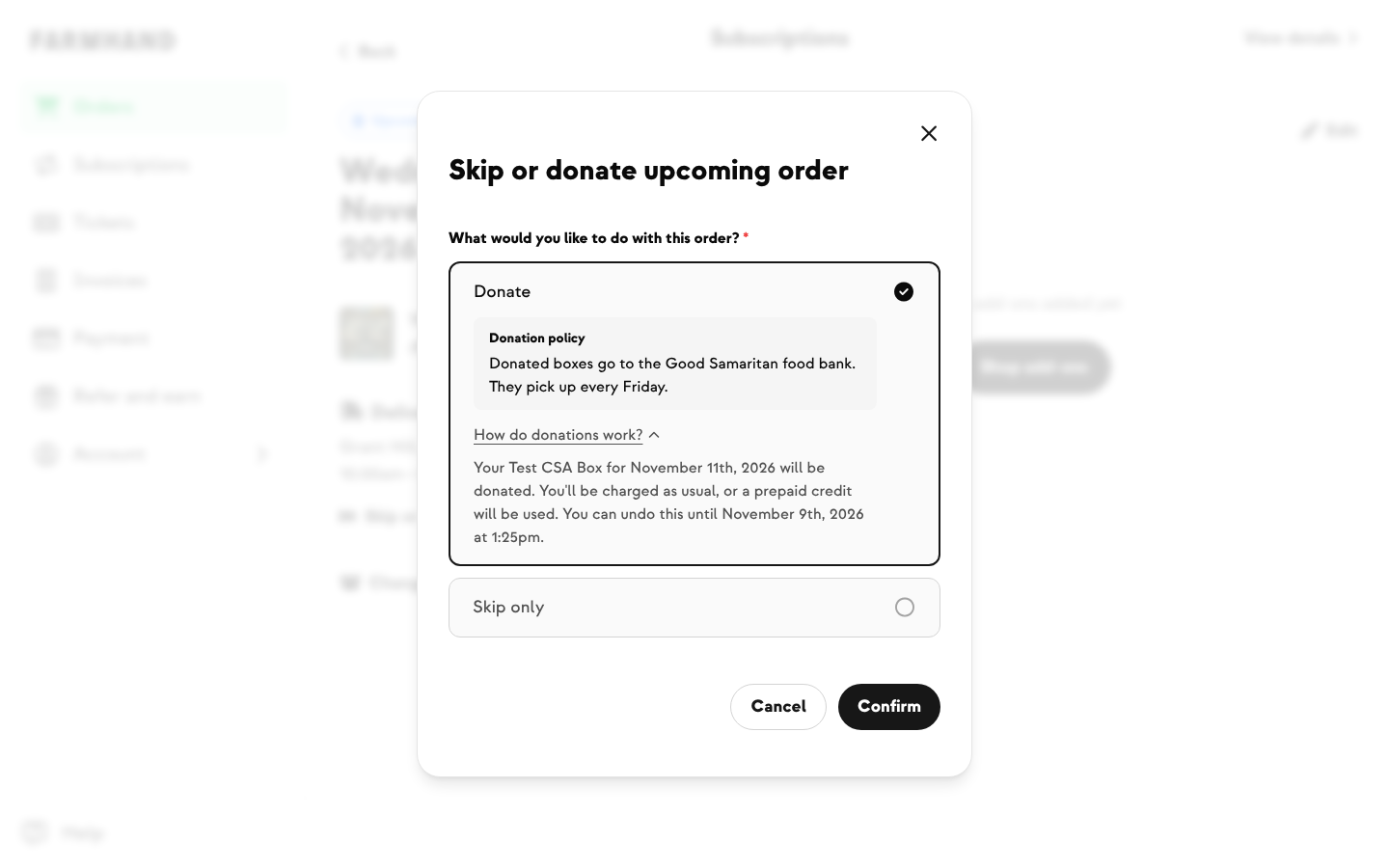

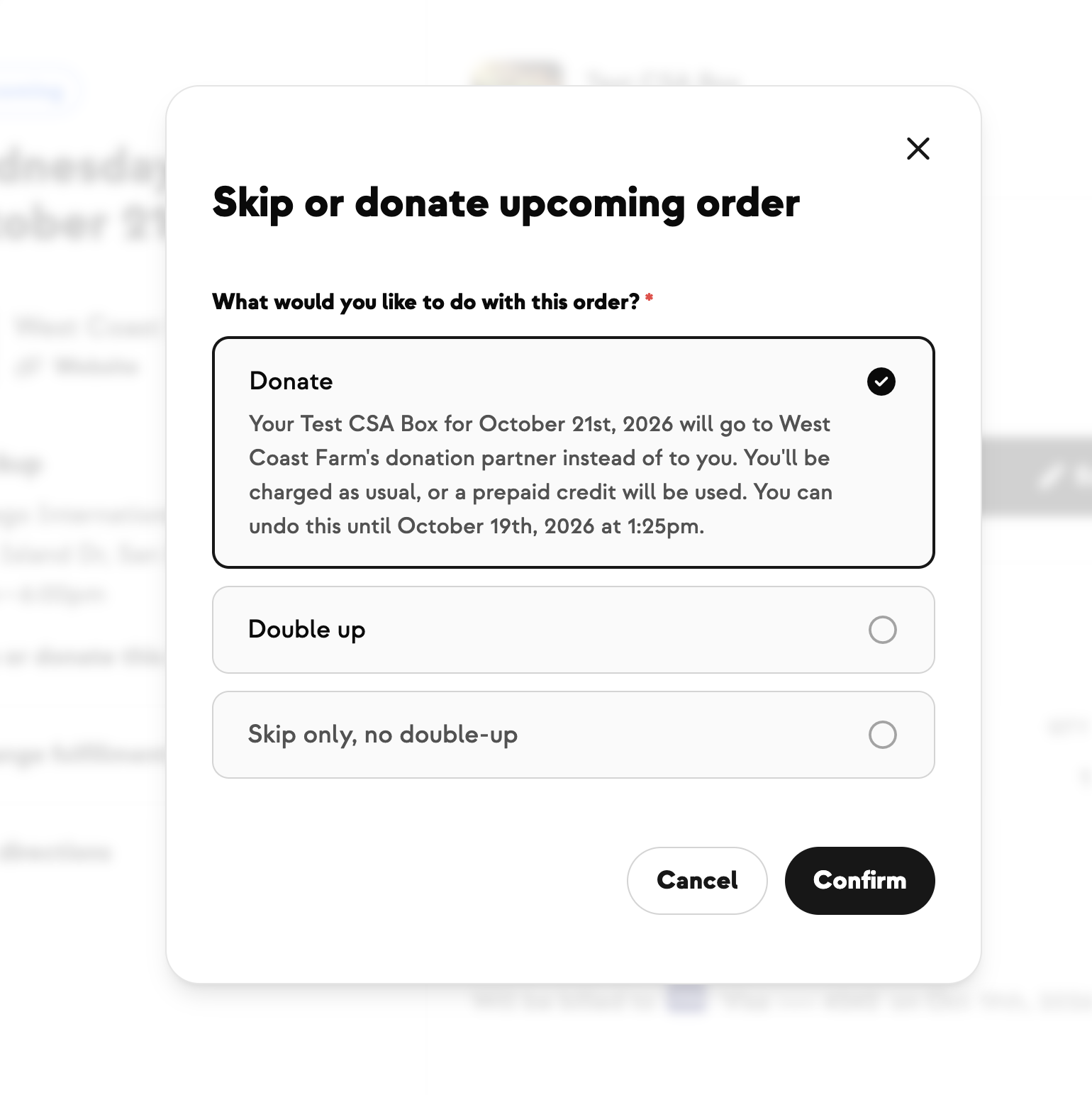
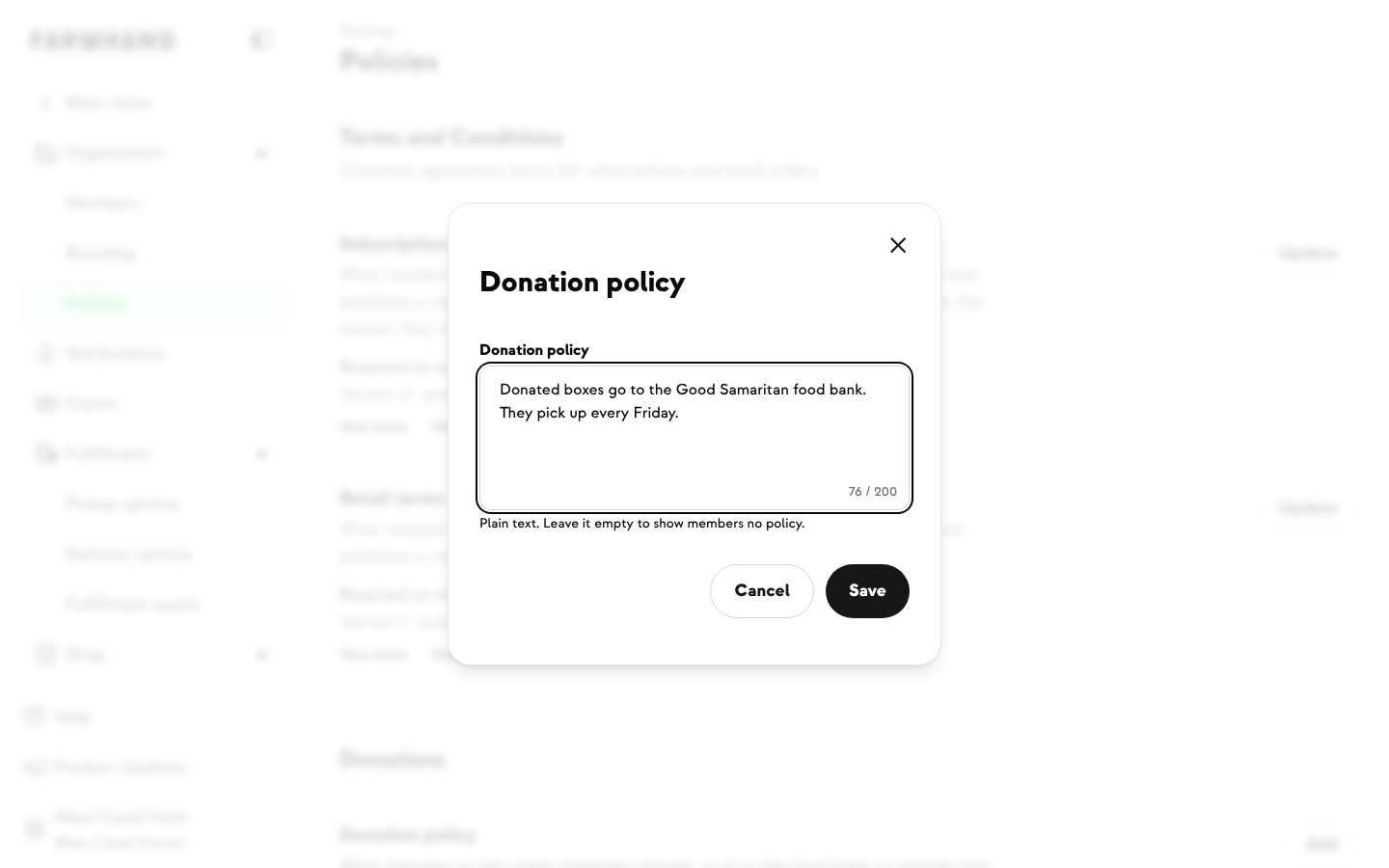
When members donate a delivery instead of skipping it, they want to know where their box is going. Now you can tell them. Write a short donation policy, like the food bank or partner that receives your donated boxes, and members see it right when they choose to donate.
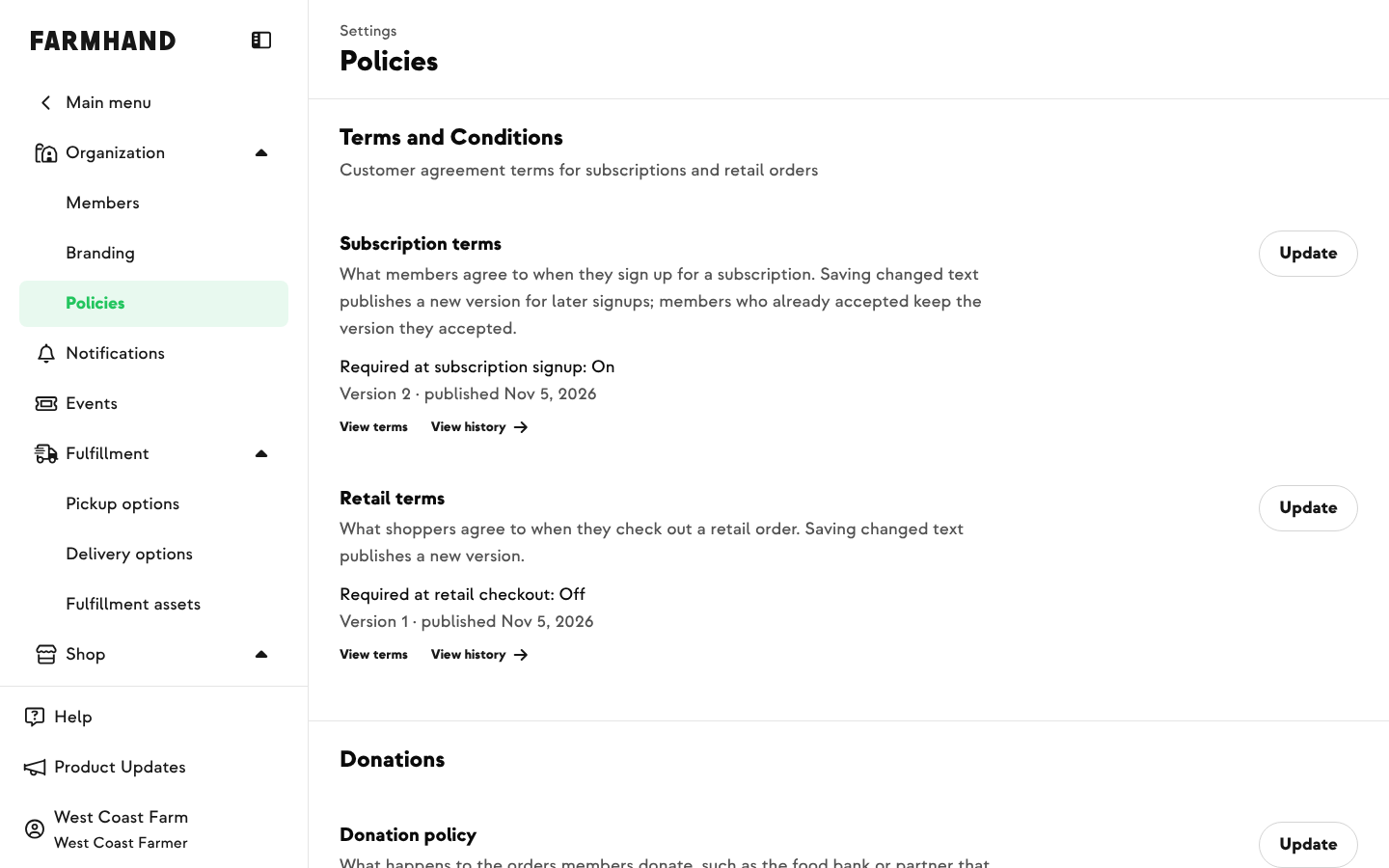
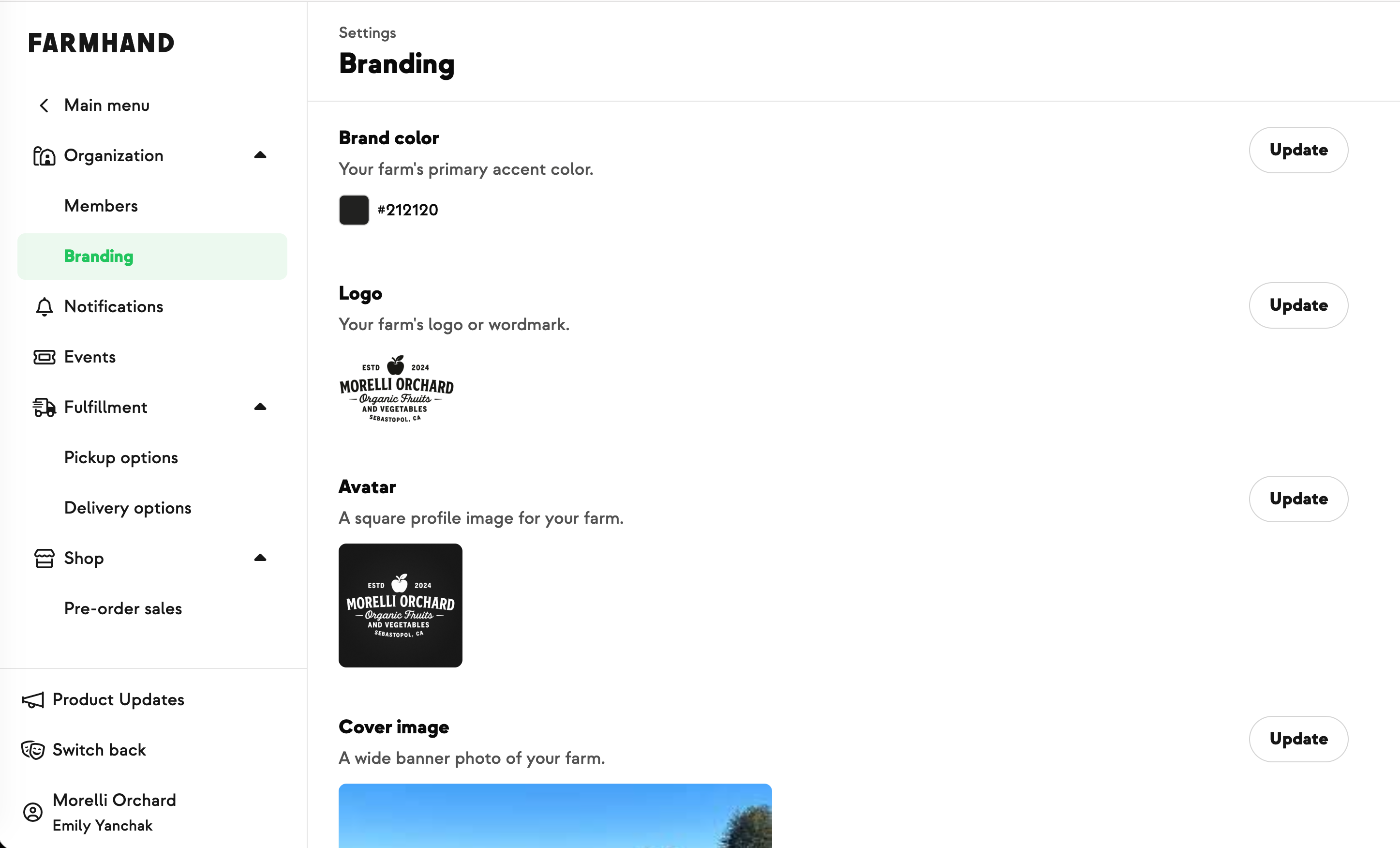
Find it under Settings › Organization › Policies, in the Donations section. It only appears if donations are turned on for your farm.
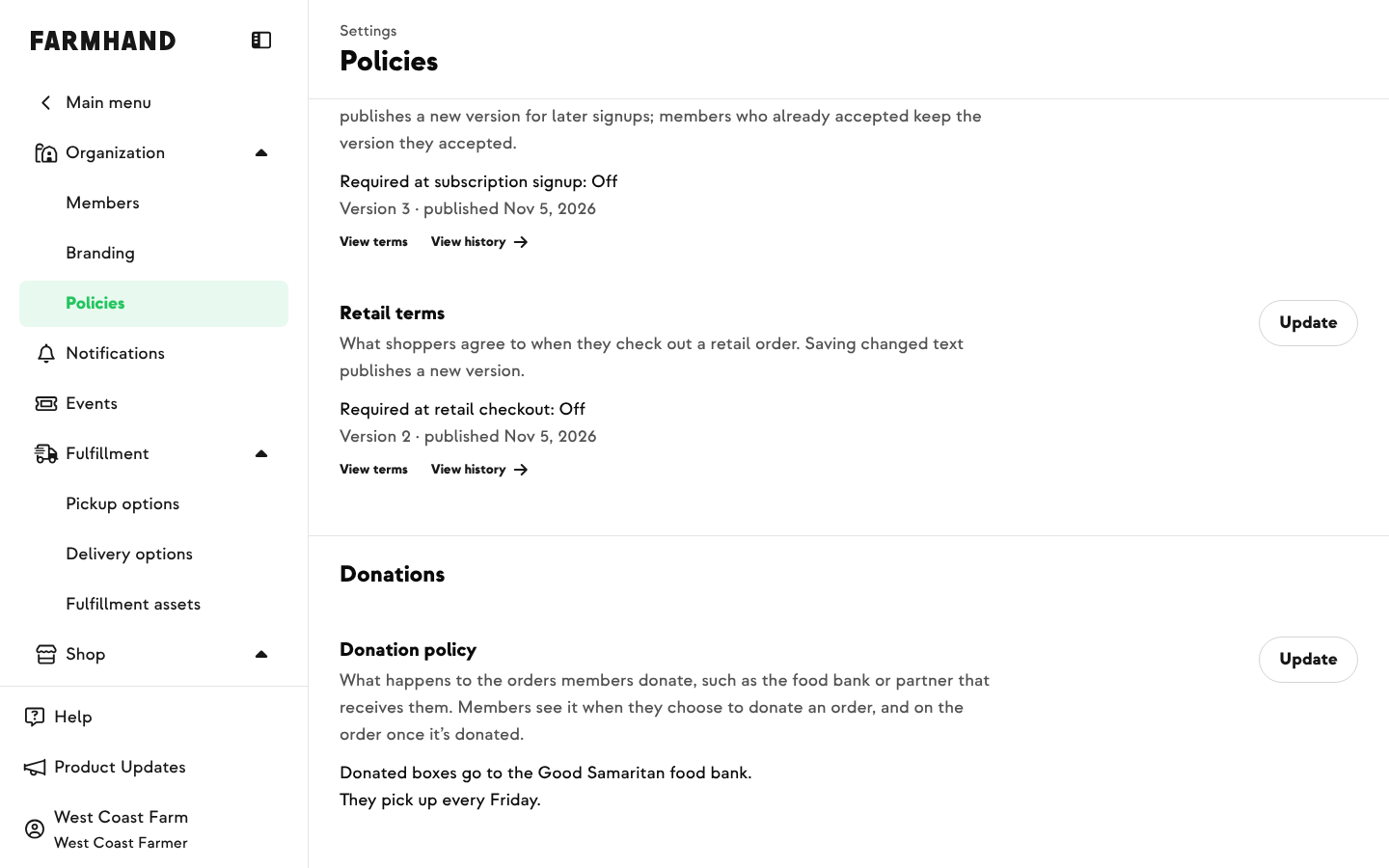
Click Update next to Donation policy to add or edit it. Keep it to 200 characters or less. A counter shows how many you have left, and line breaks are kept.
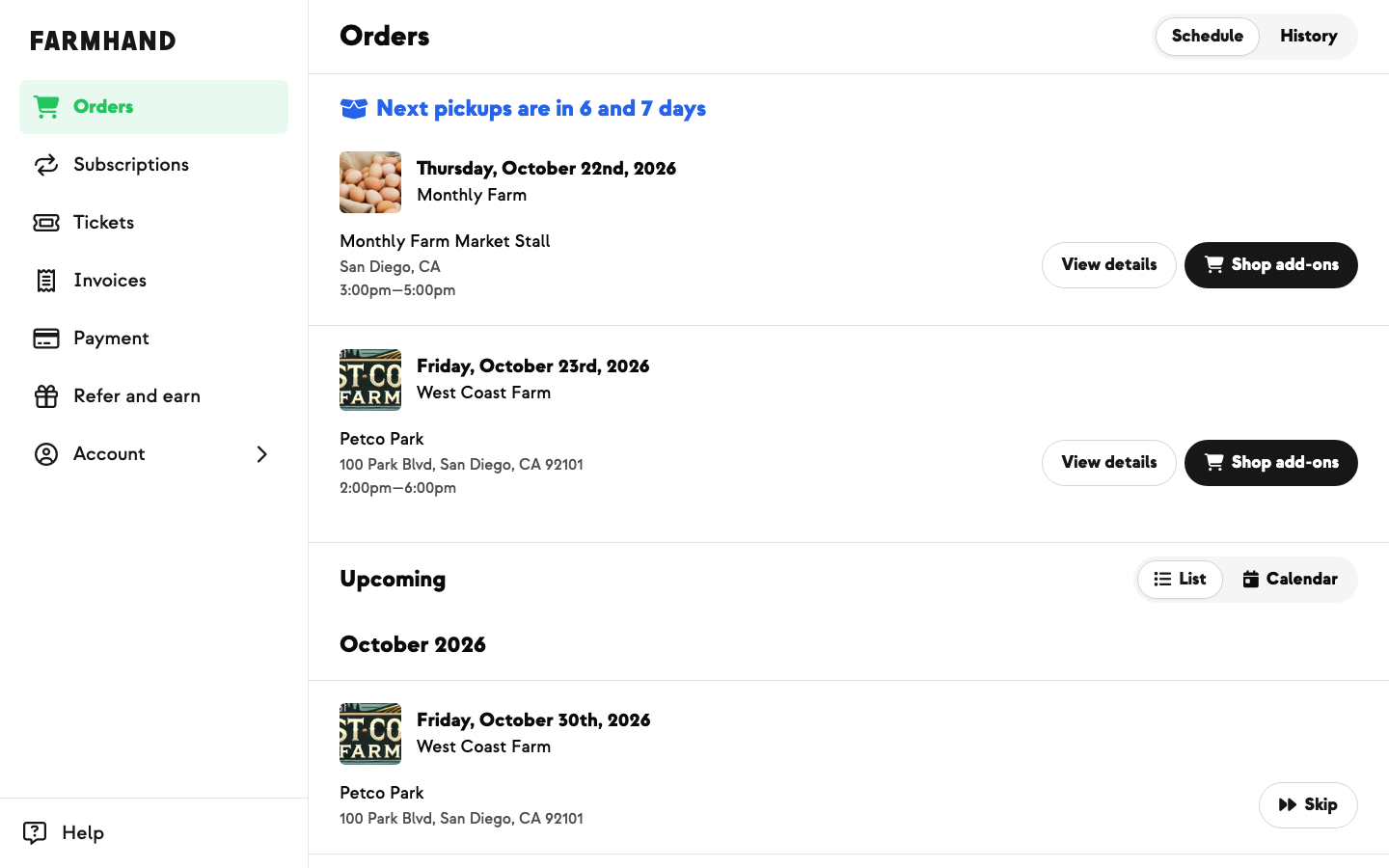
Members see your policy when they choose to donate a delivery, and on the order once it's donated. Below it, a How do donations work? link explains that they're still charged as usual and can undo the donation until the cutoff.
If you change your policy, the new wording shows everywhere from then on, including on orders already donated. Clear it to stop showing a policy at all.