Keep reading
All updates More in this category
Built with farmers.
Shipped in weeks.
Fifteen minutes with Ari. Bring the thing you wish your software did, and he'll tell you if it's already built.
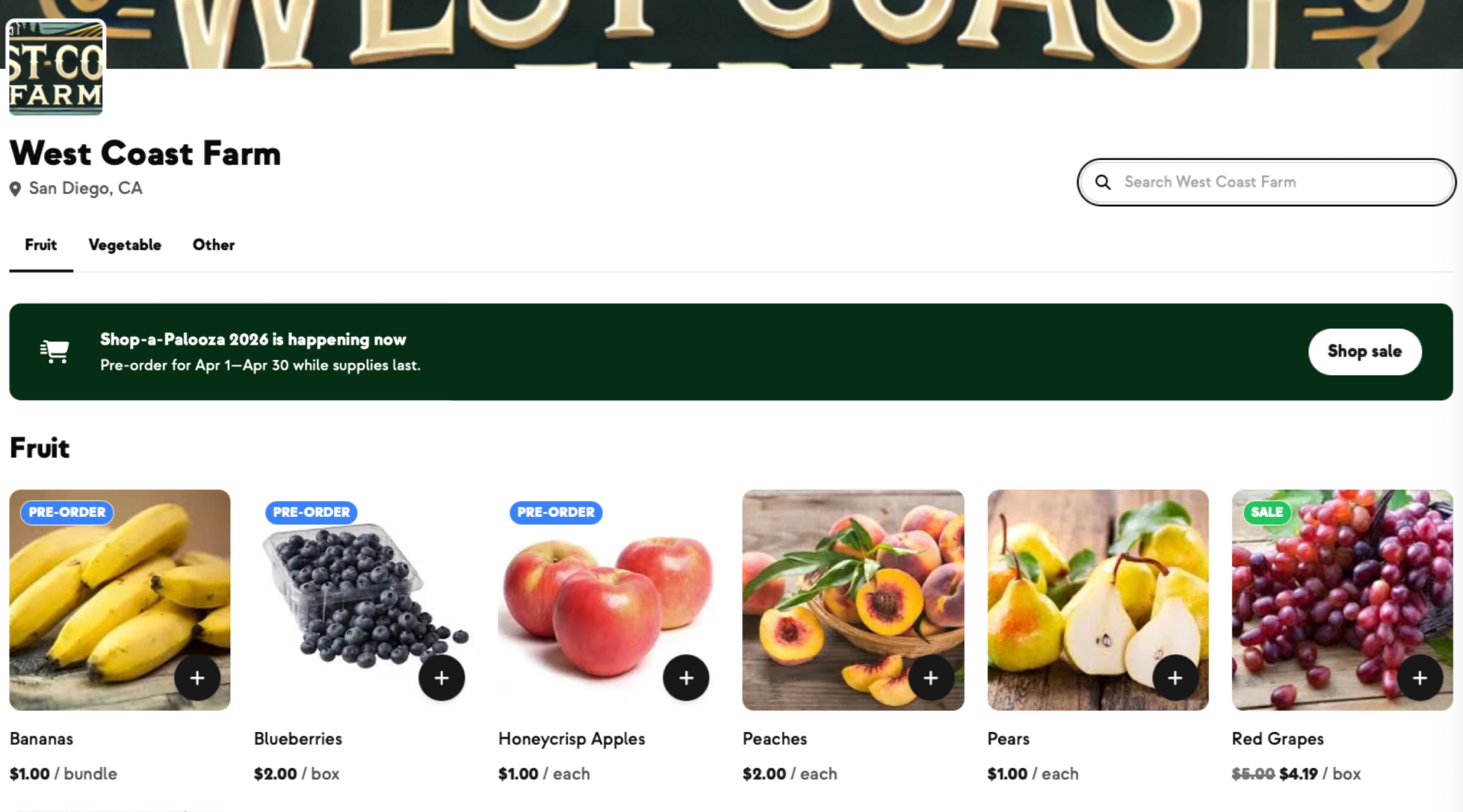
This short video walks you through the pre-order feature in Farmhand — building a sale with its own delivery dates and locations, adding products in bulk, publishing it to your shop, and tracking what you've sold. You can follow along:
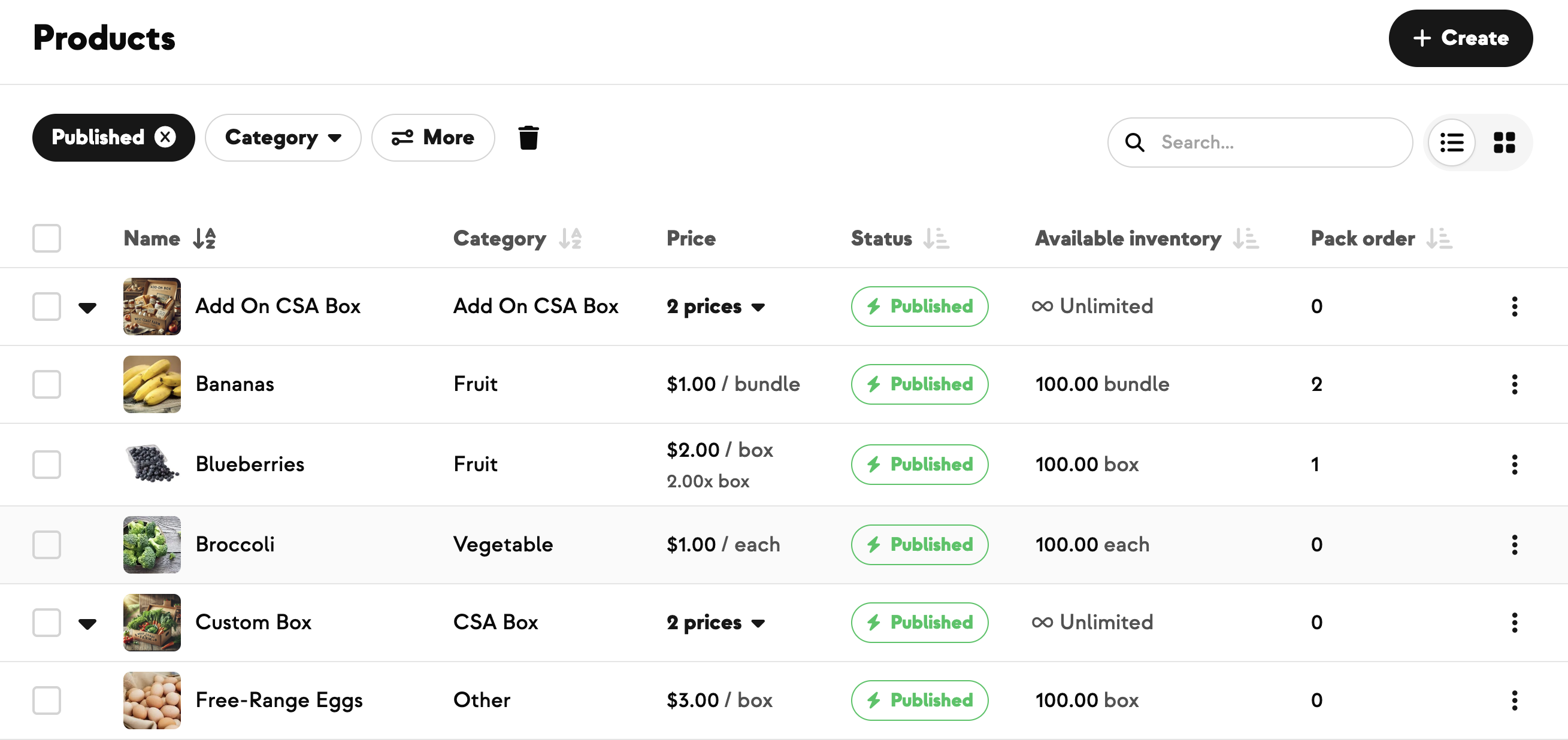
Create the products you want to offer for pre-order on your Products page first, the same way you'd create any other product. The sale itself just points at products that already exist.
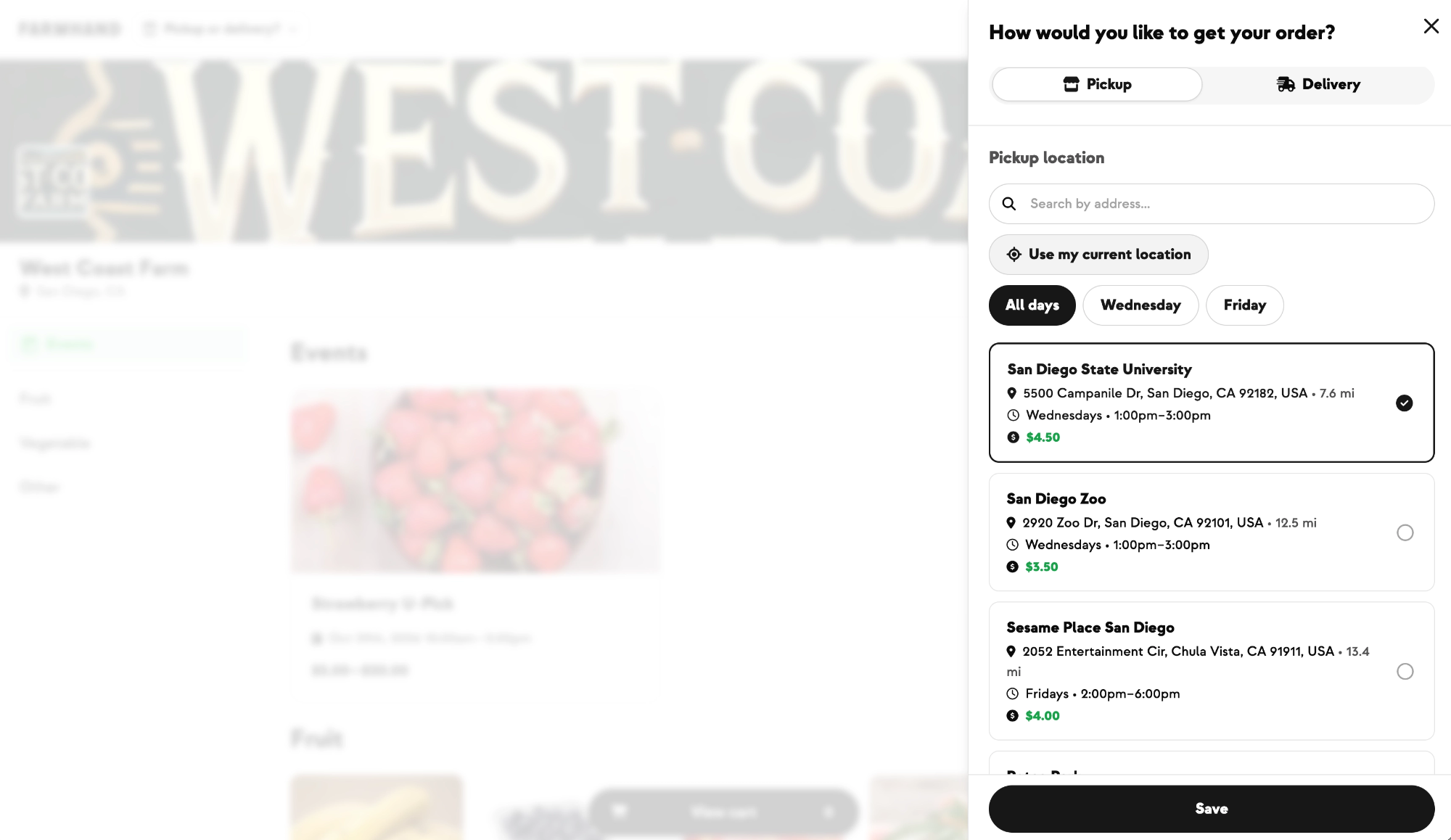
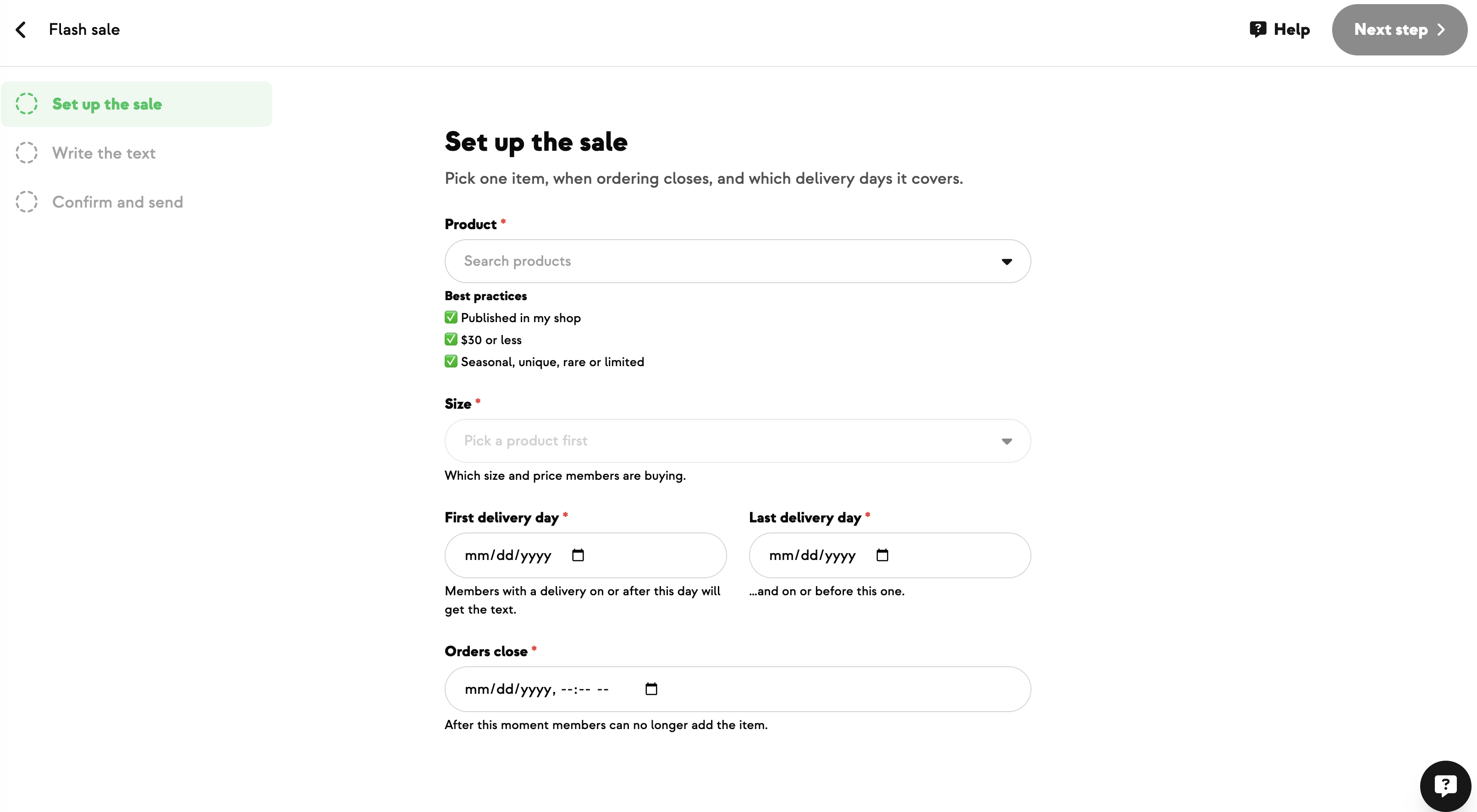
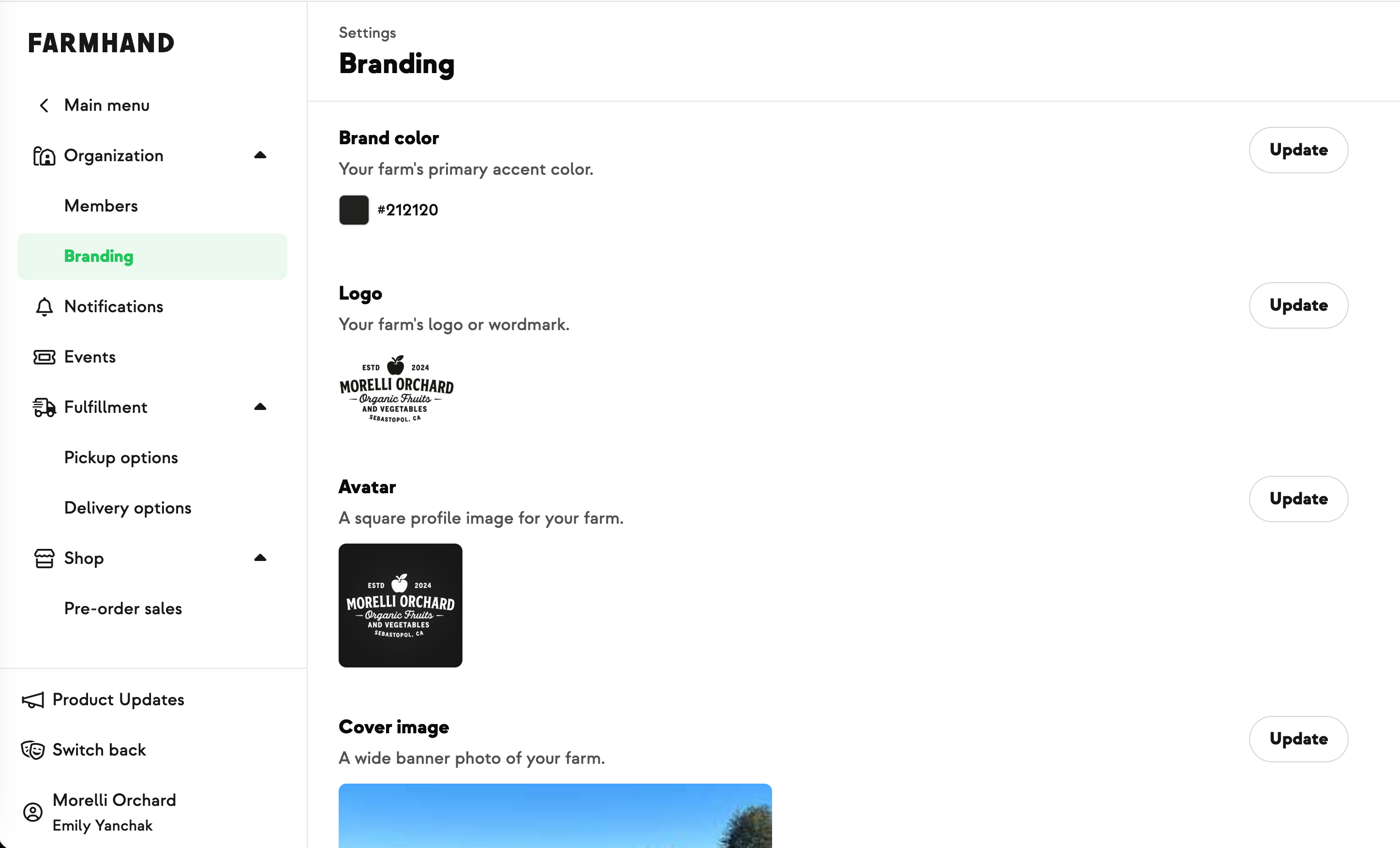
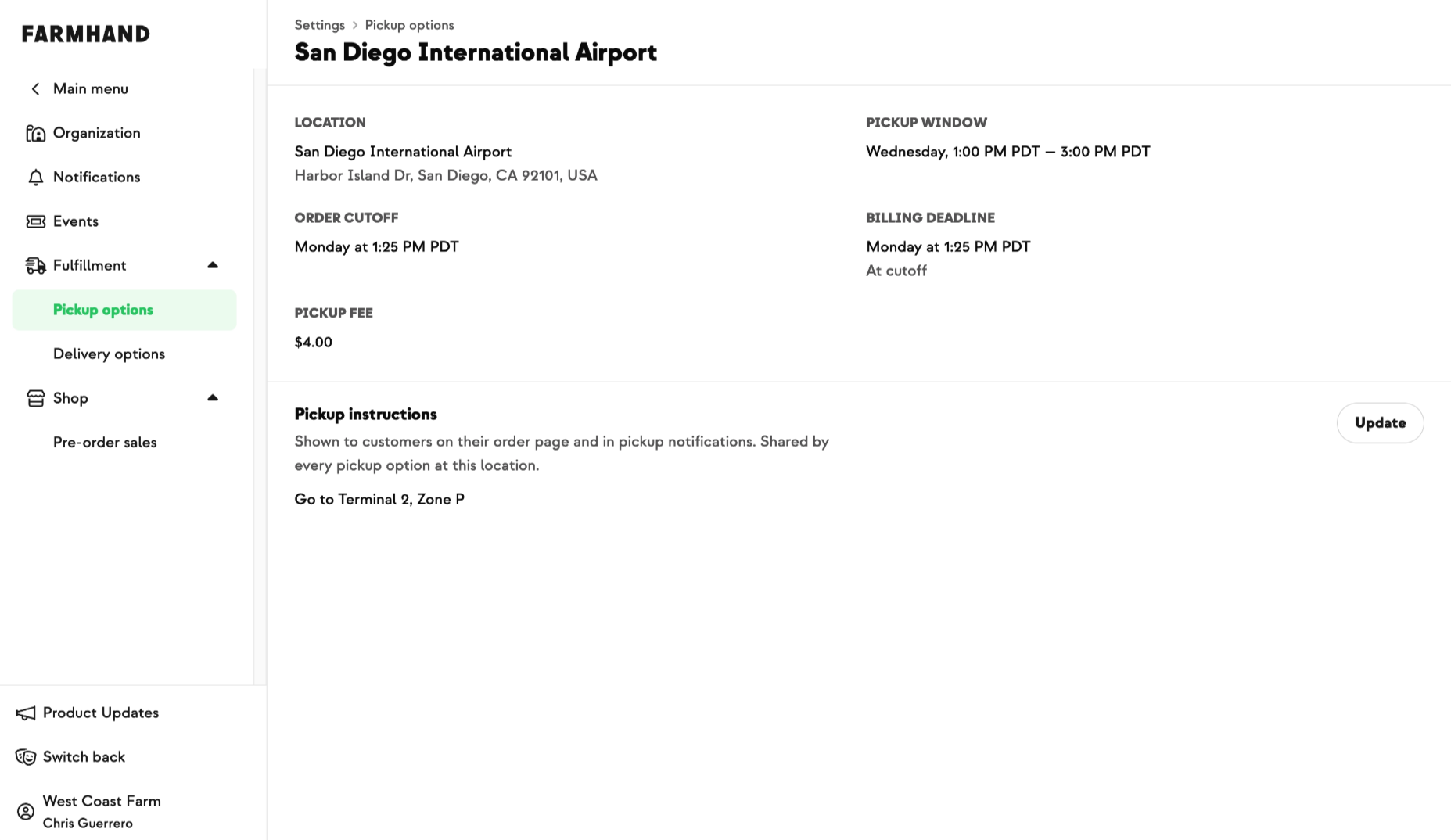
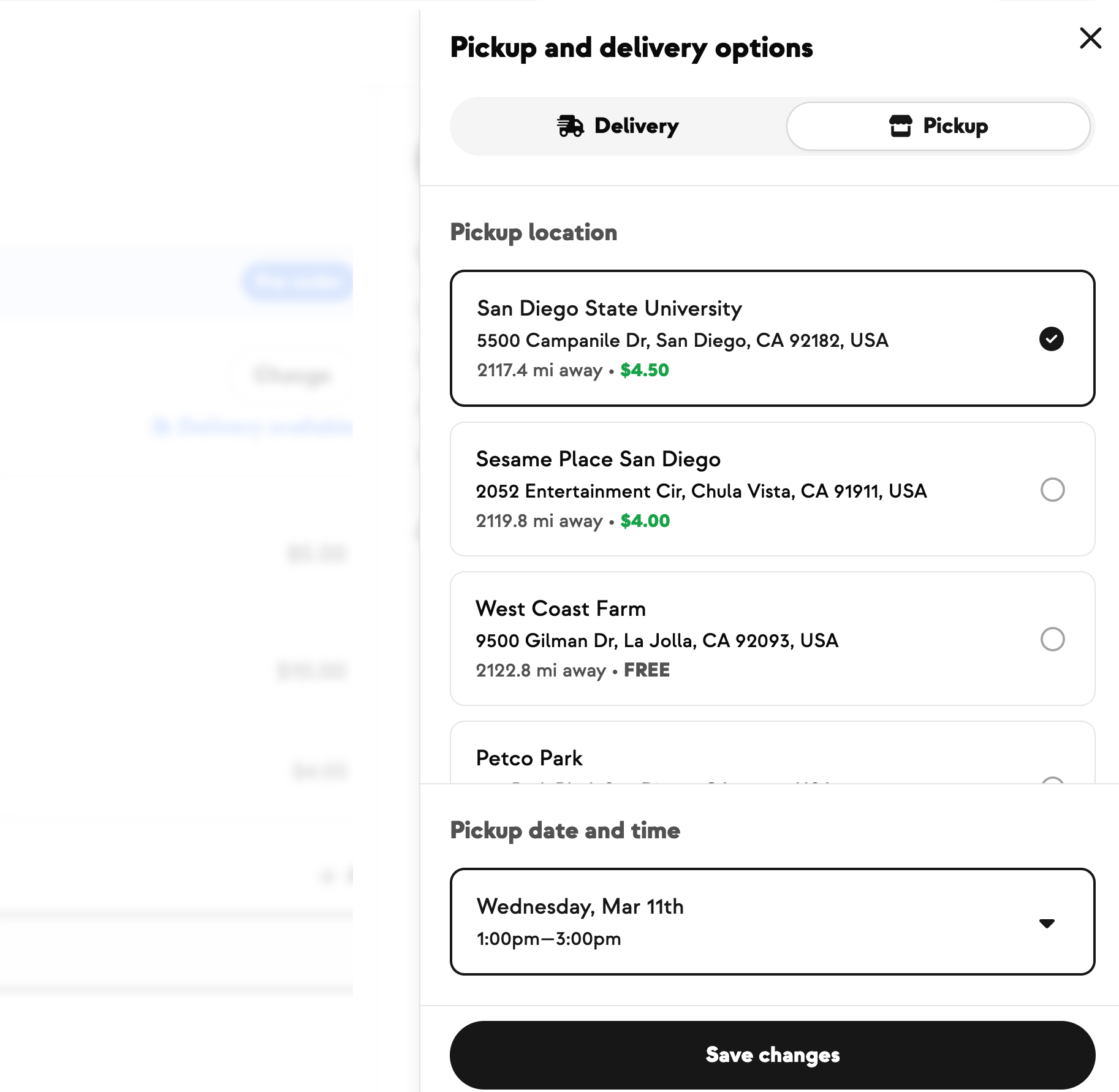
Go to Settings → Shop → Pre-order Sales. From here you can create a new sale or edit an existing one. For a new sale:
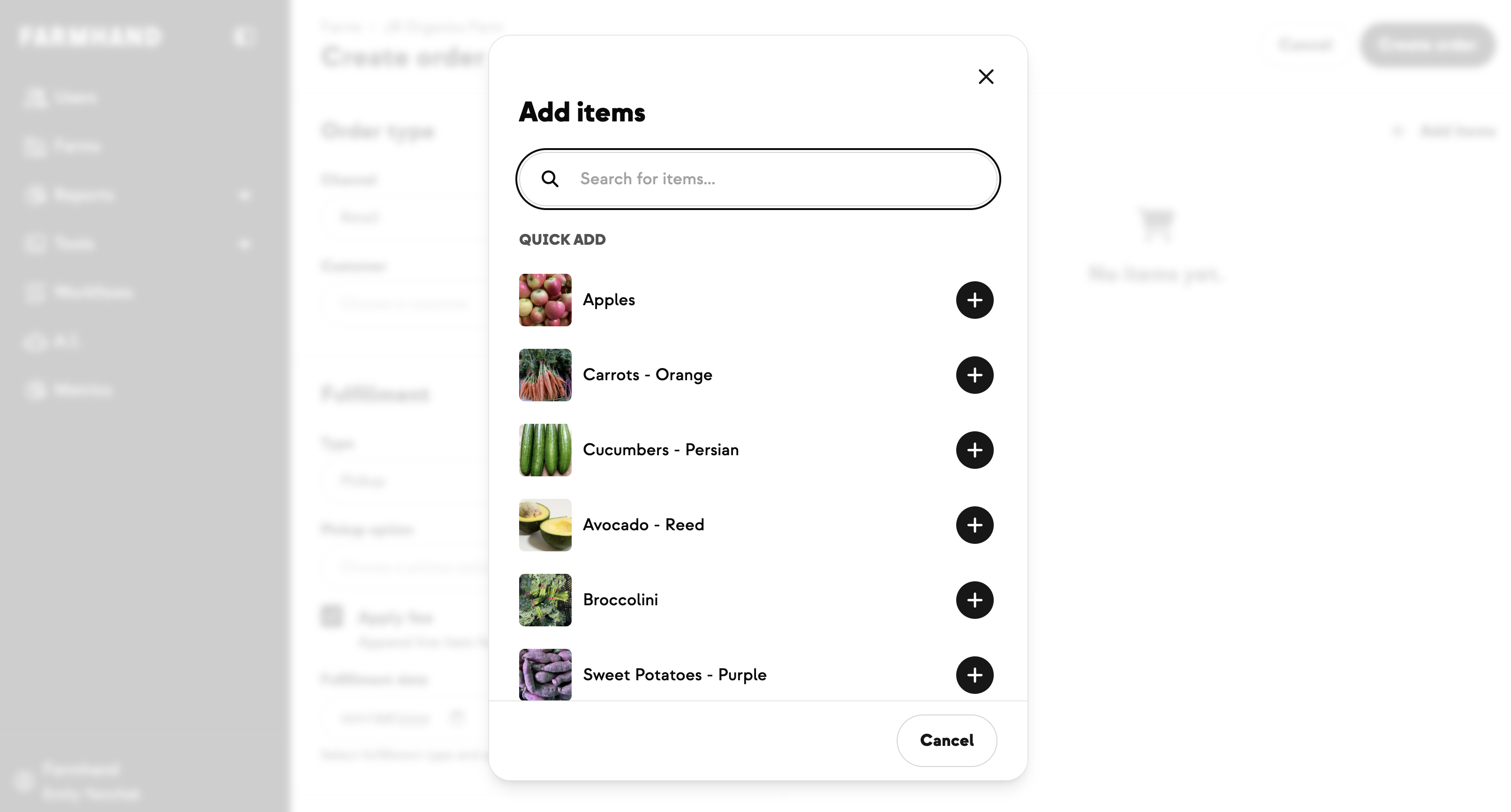
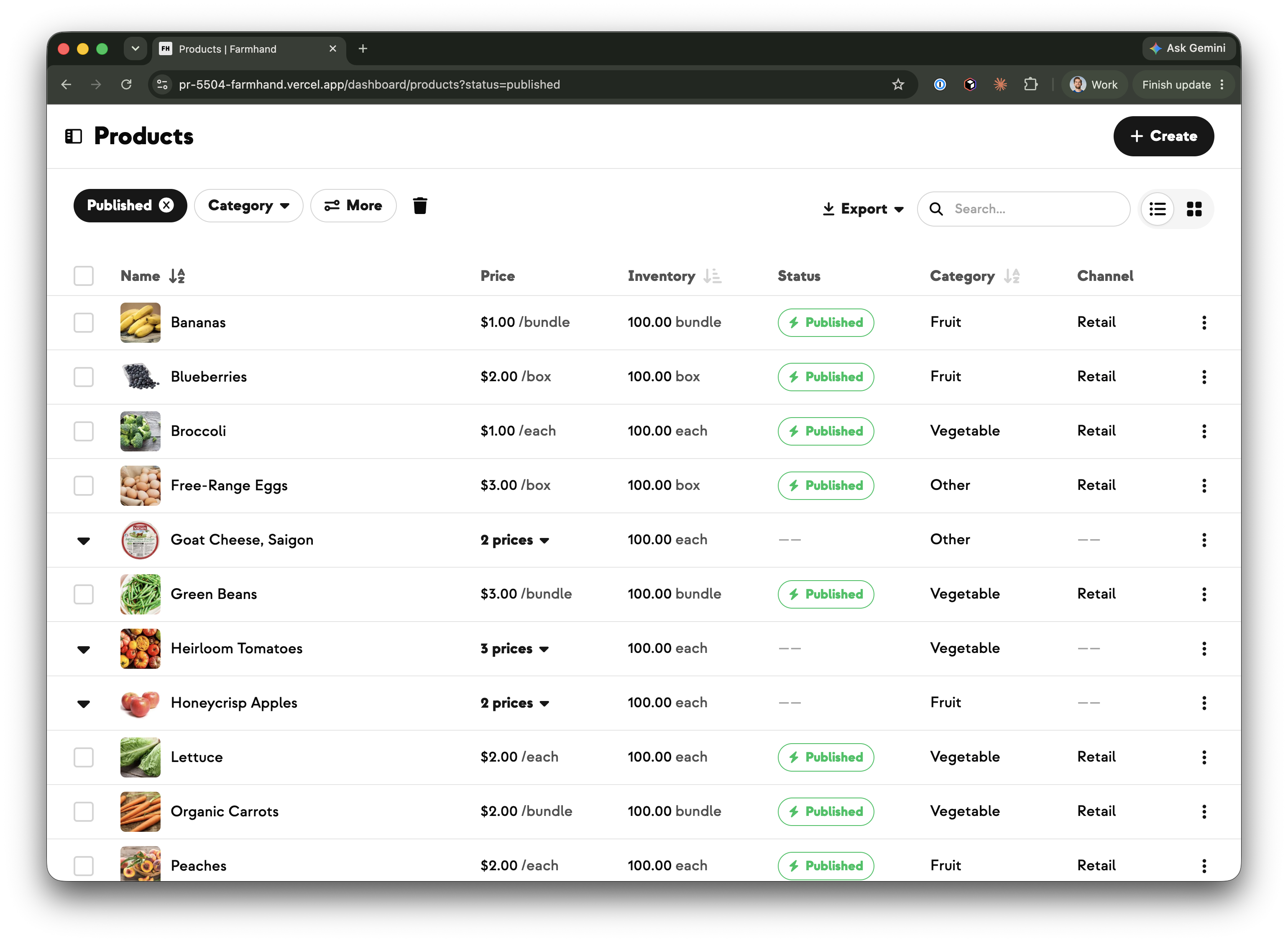
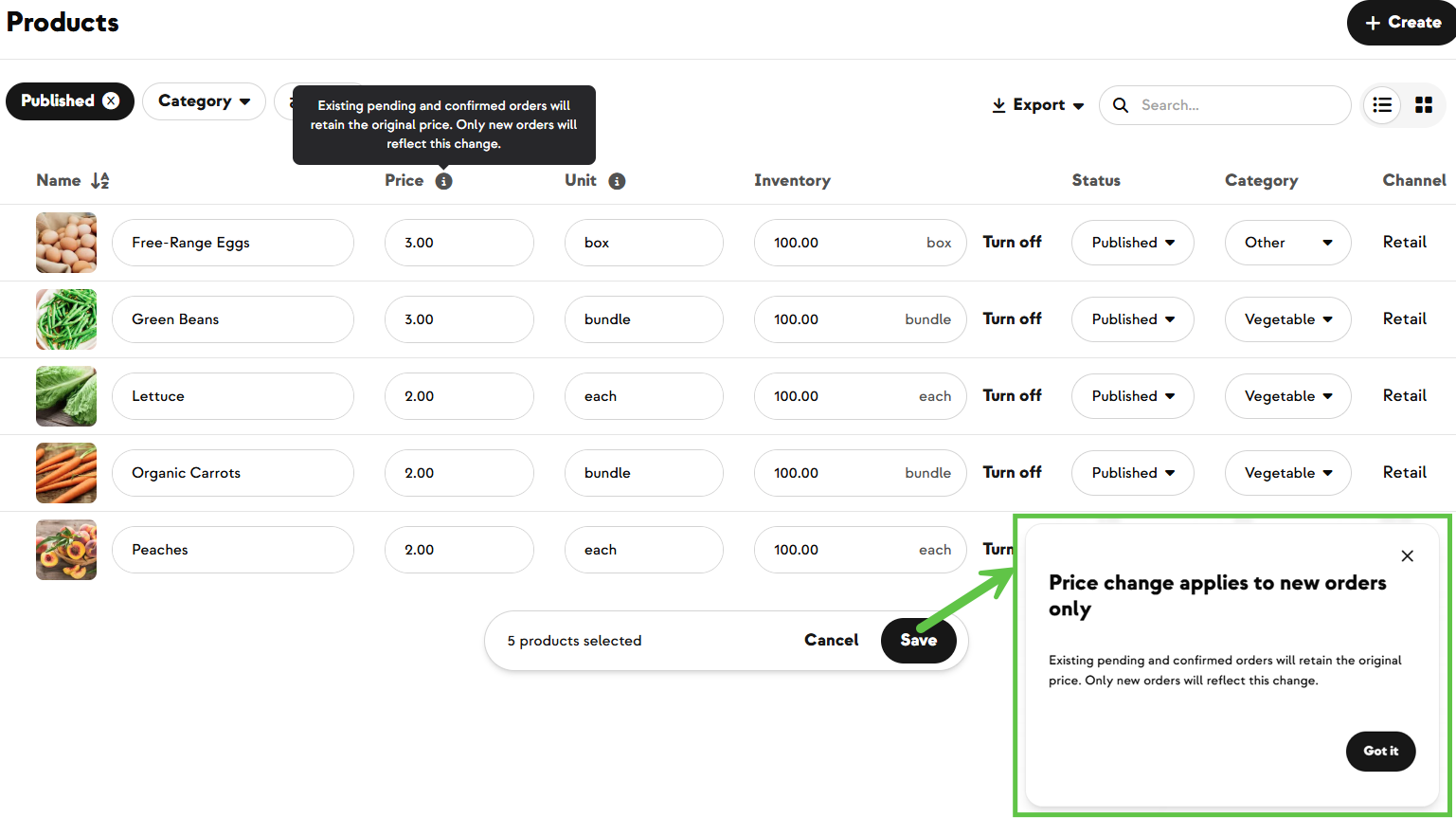
You don't have to pick products one at a time. From your Products page:
You'll be redirected automatically to the sale page with those products already added.
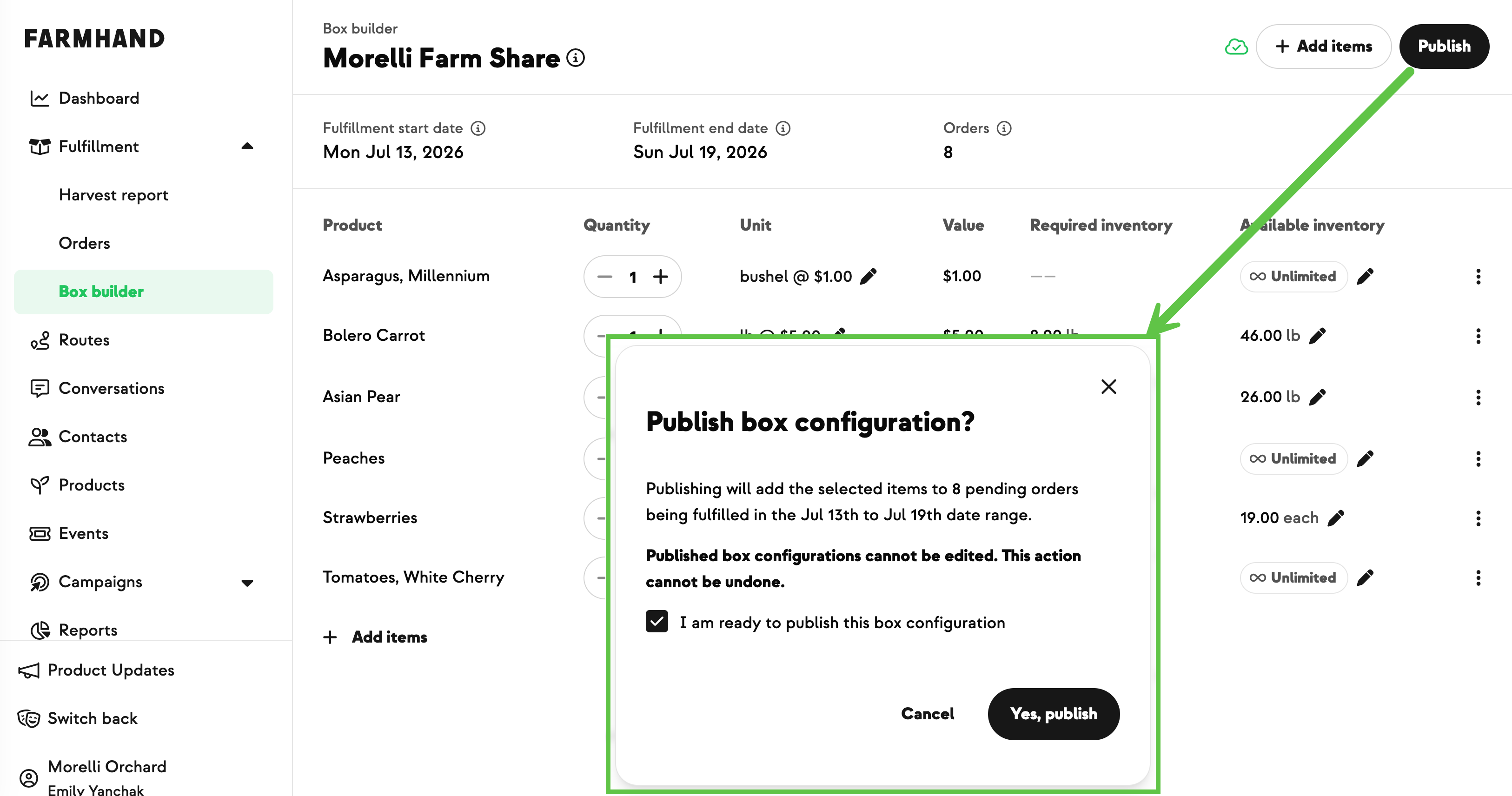
Once saved, the sale page shows you everything in one view — your product list, your fulfillment options, and the date range. When it looks right, click Publish.
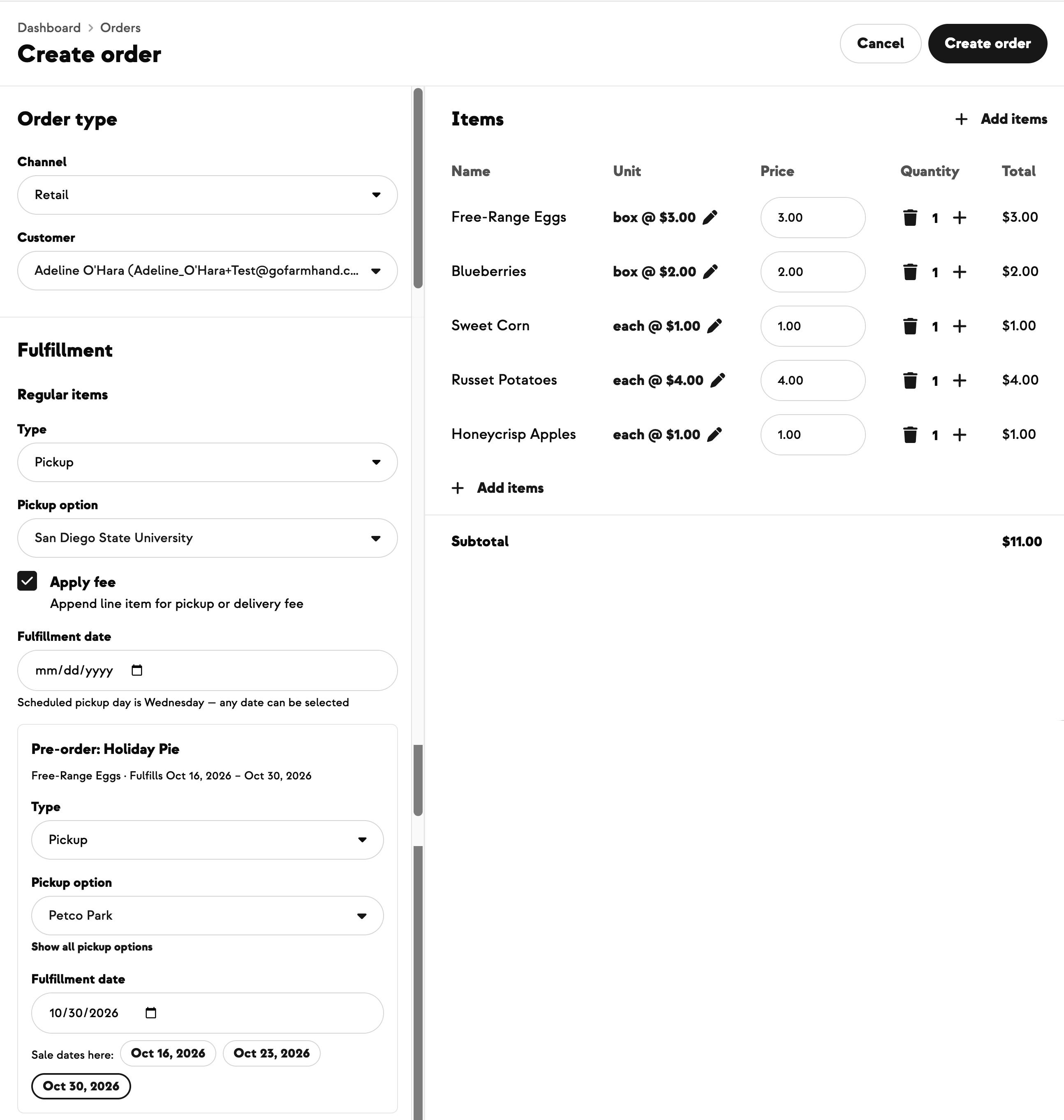
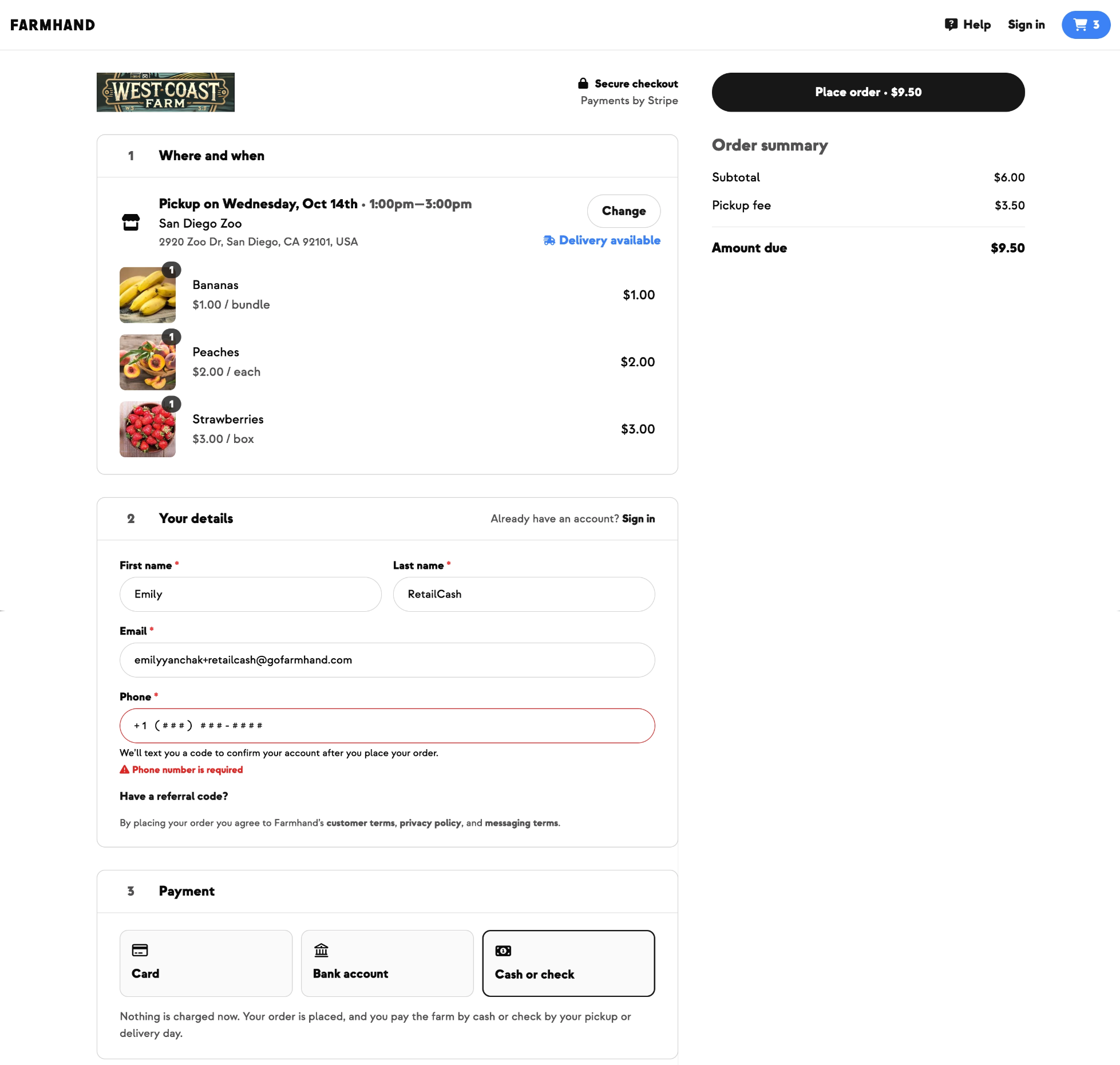
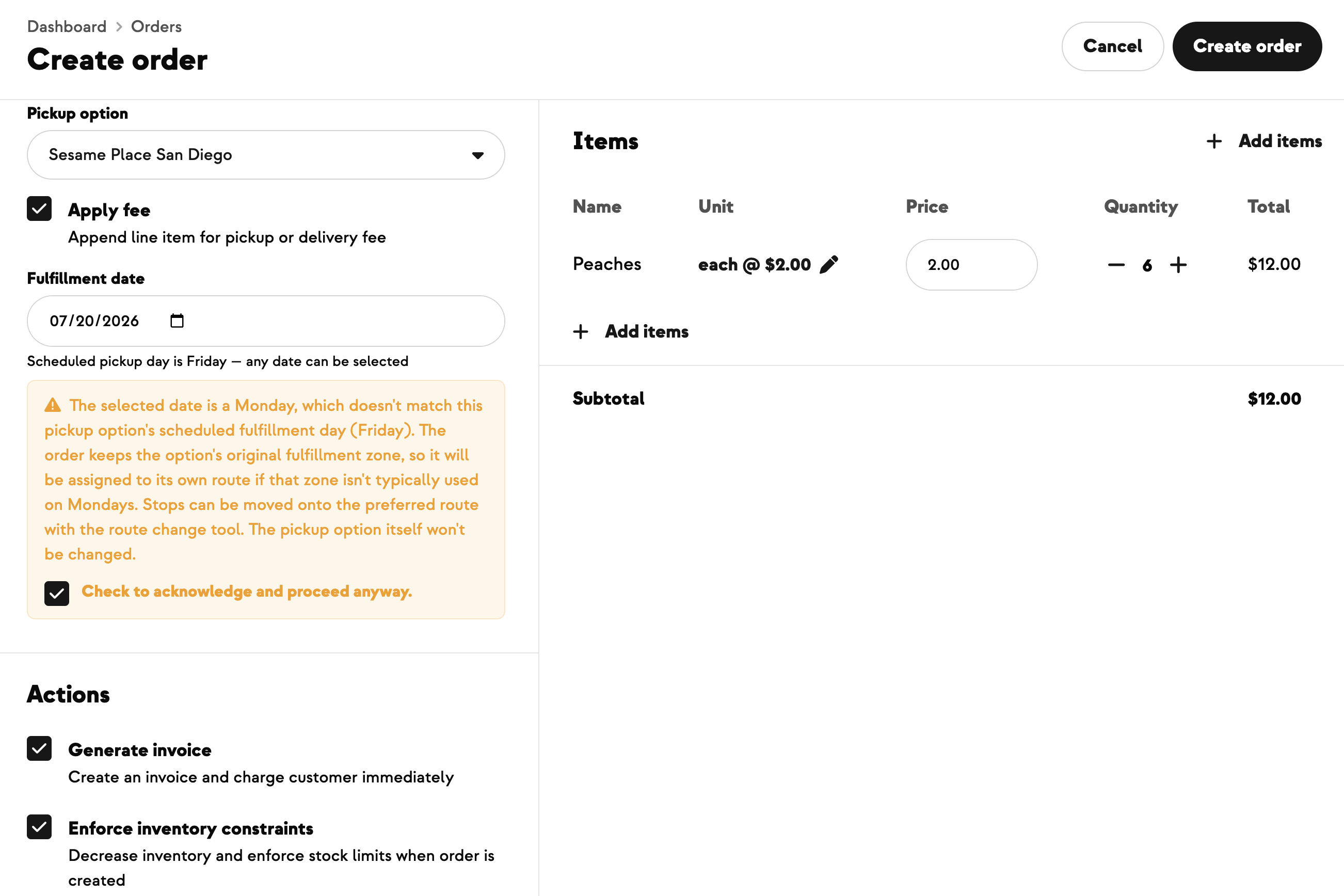
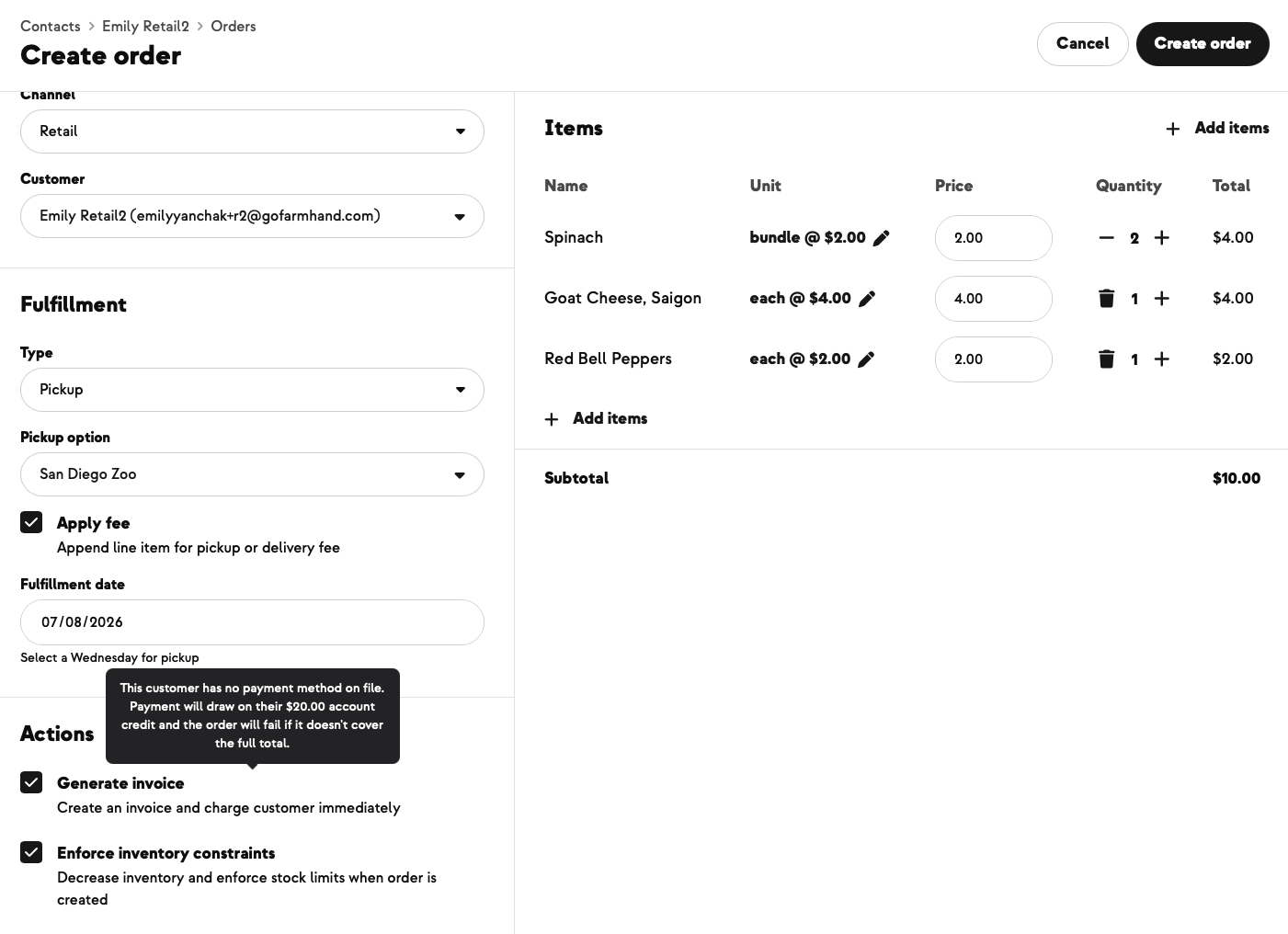
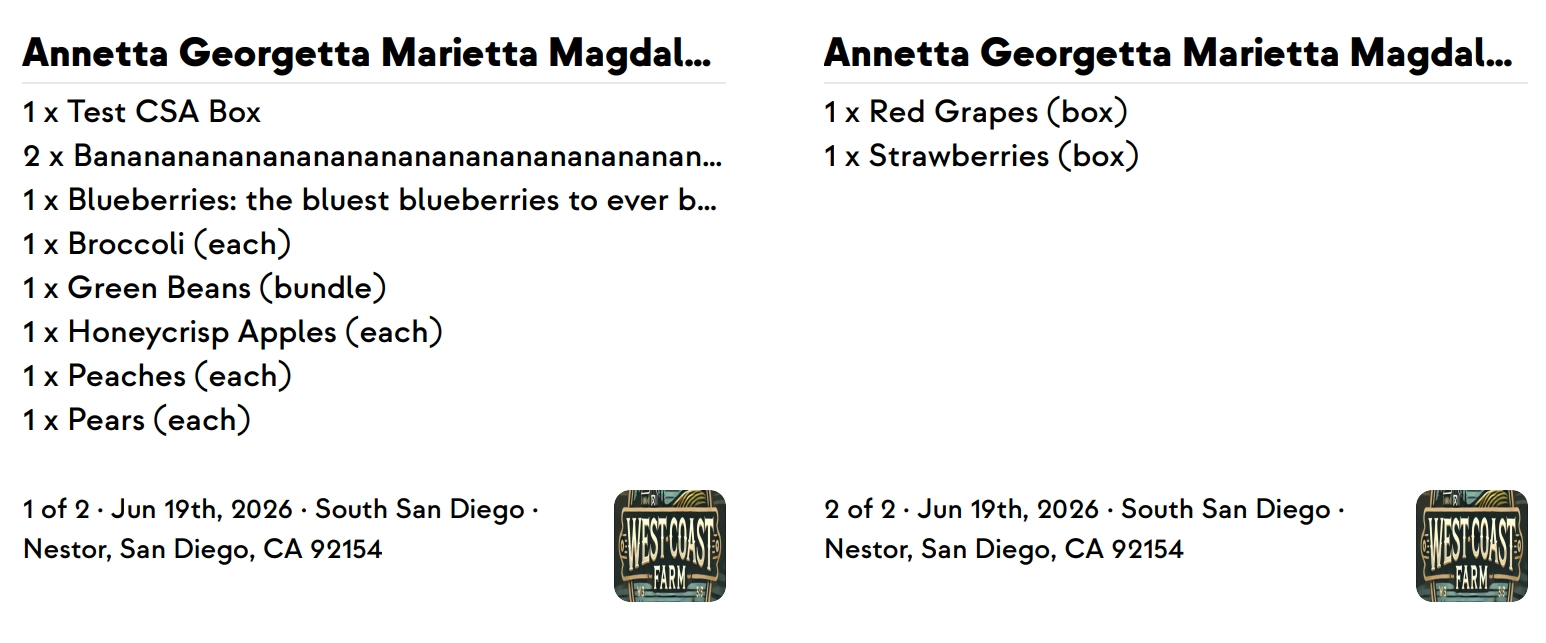
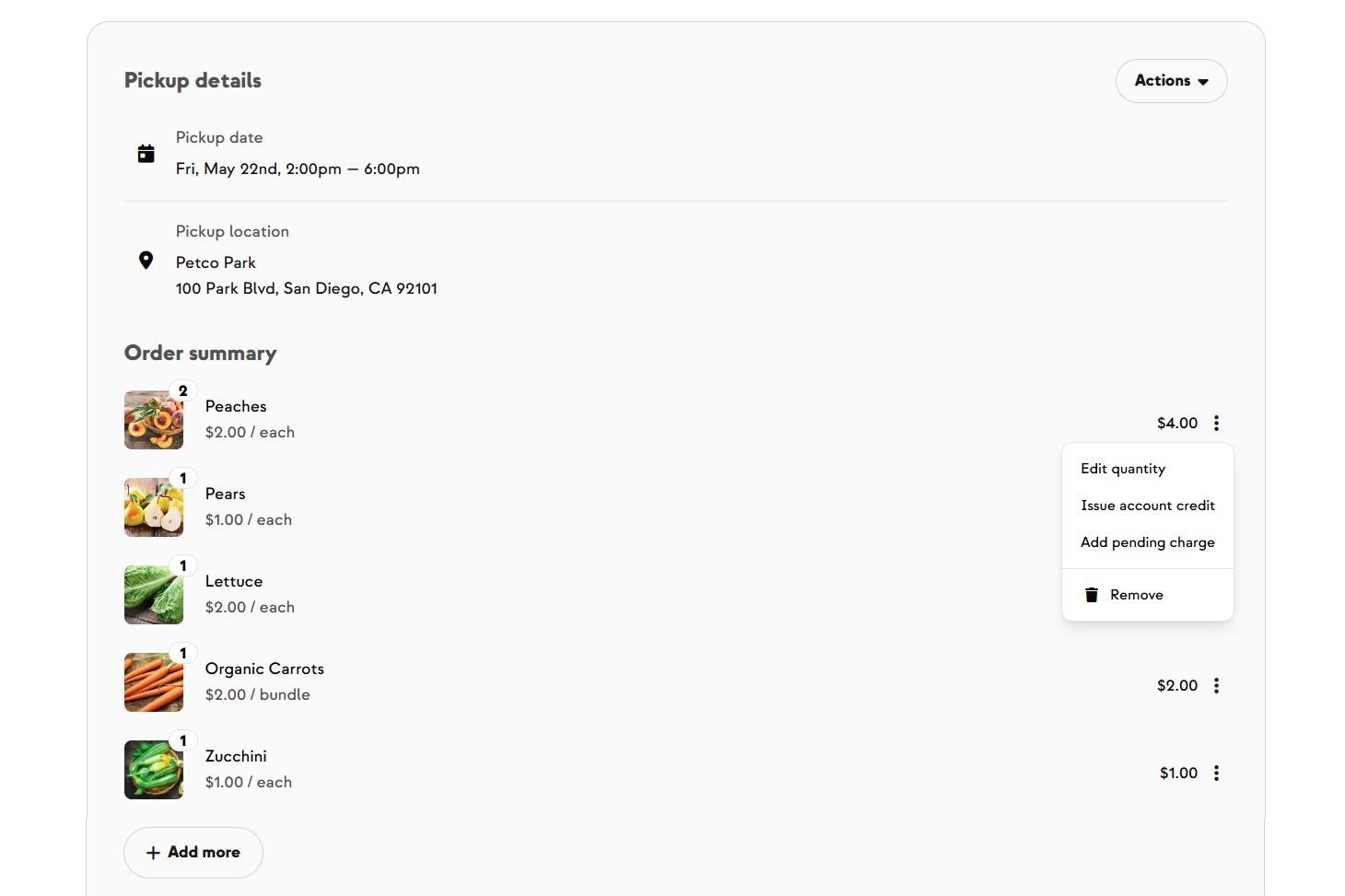
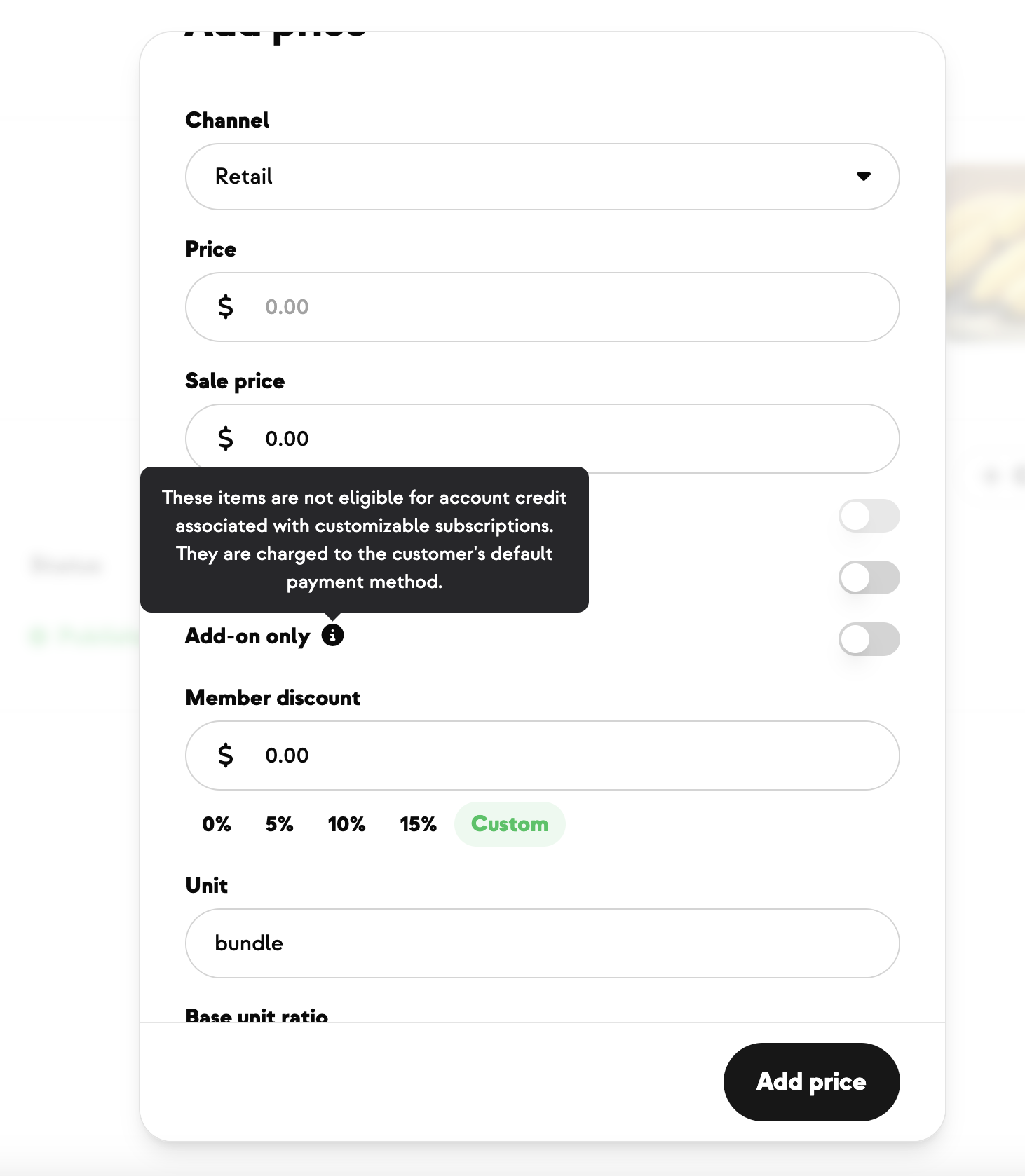
Any time someone orders a pre-order product, it creates a separate retail order — it never gets added to their subscription order. That keeps your pre-order sale cleanly distinct from your regular subscription fulfillment.
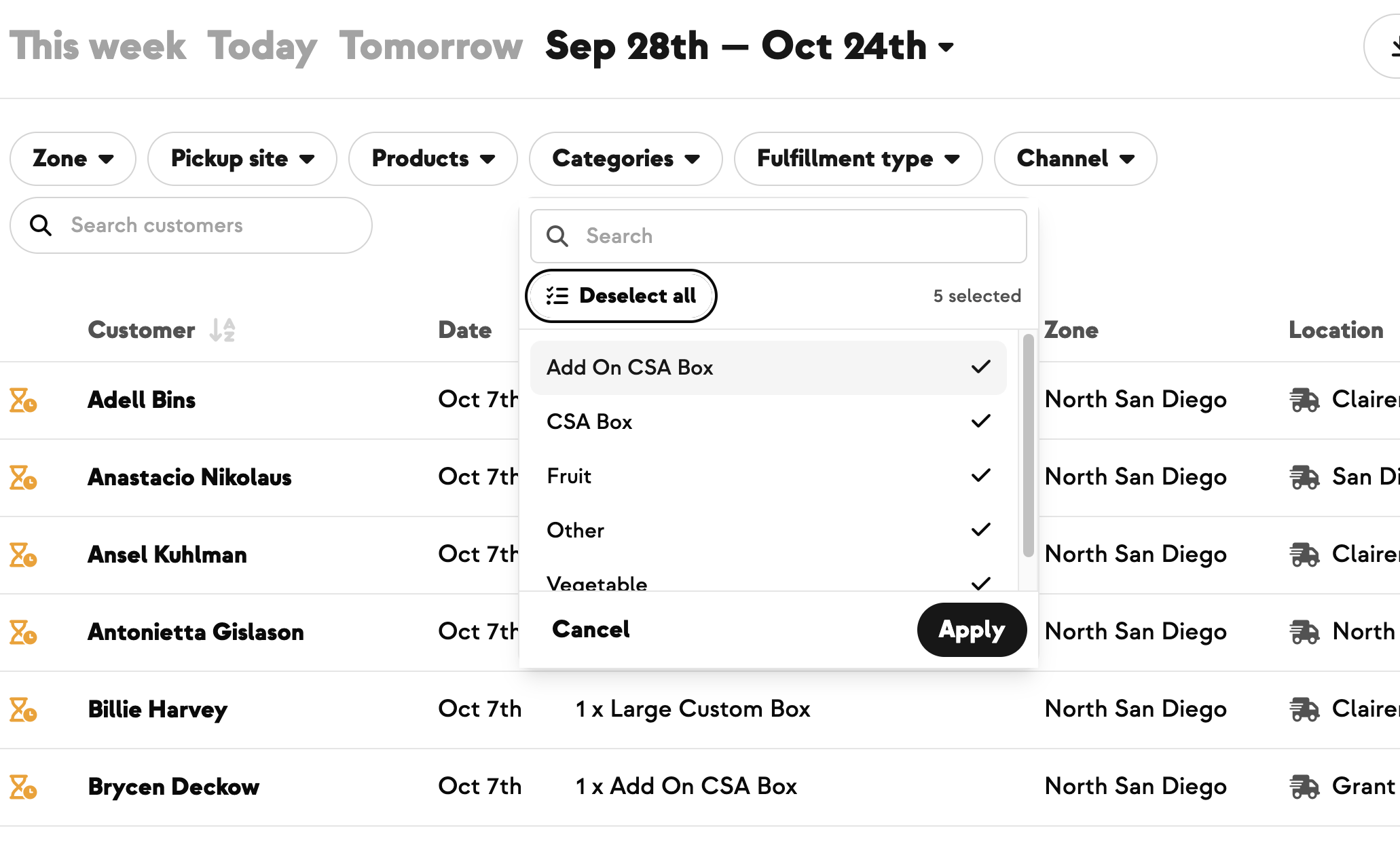
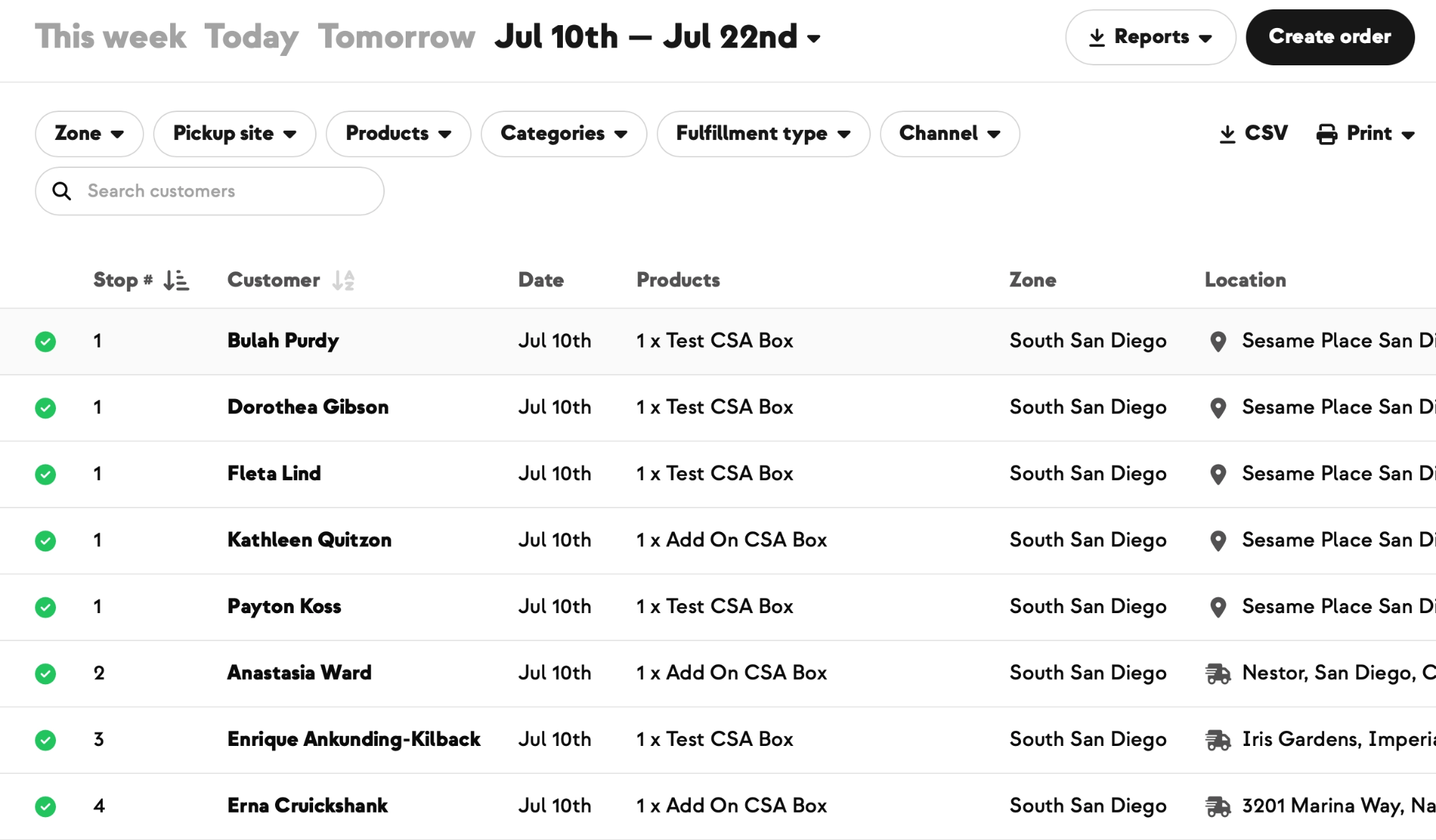
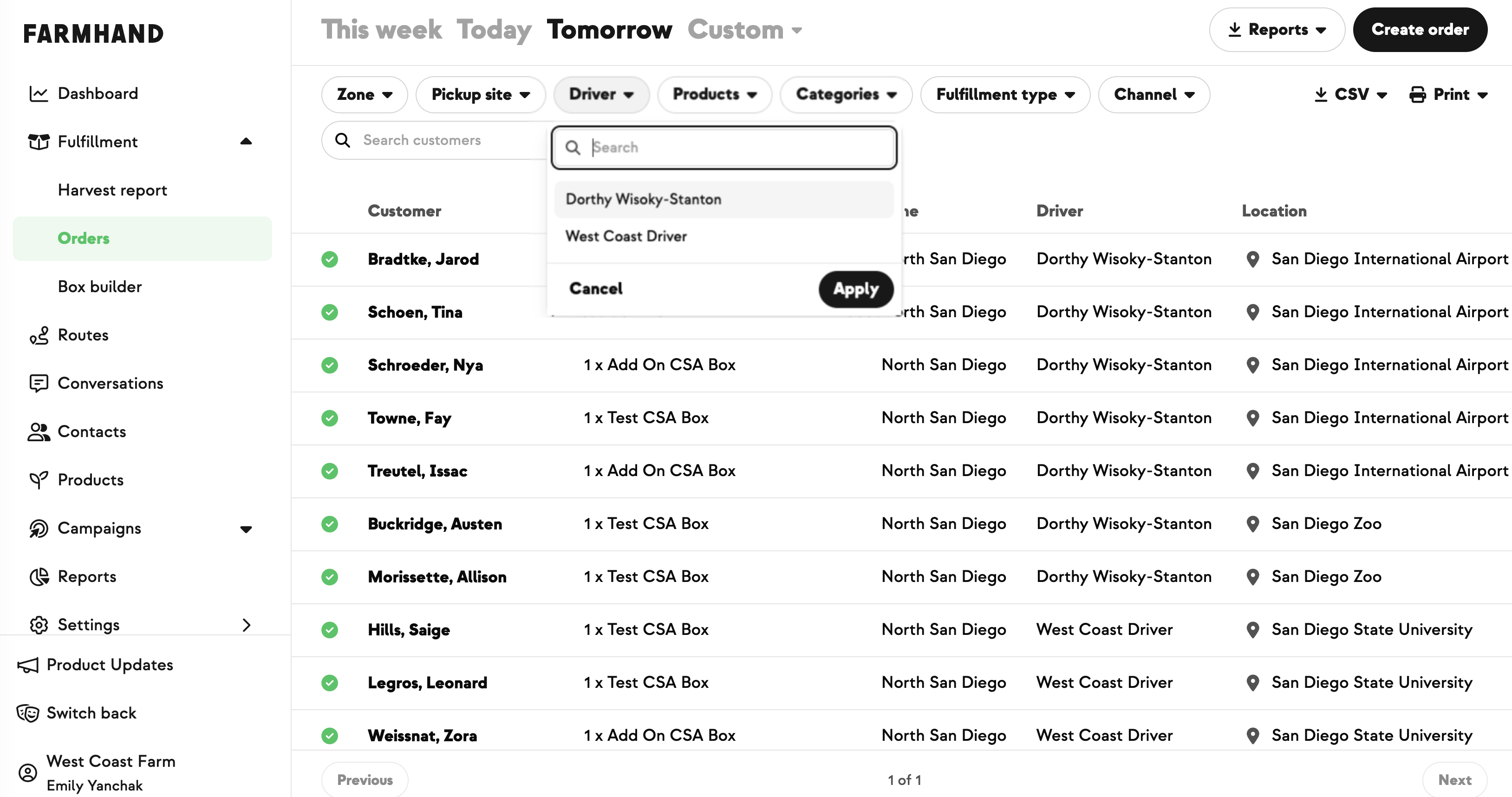
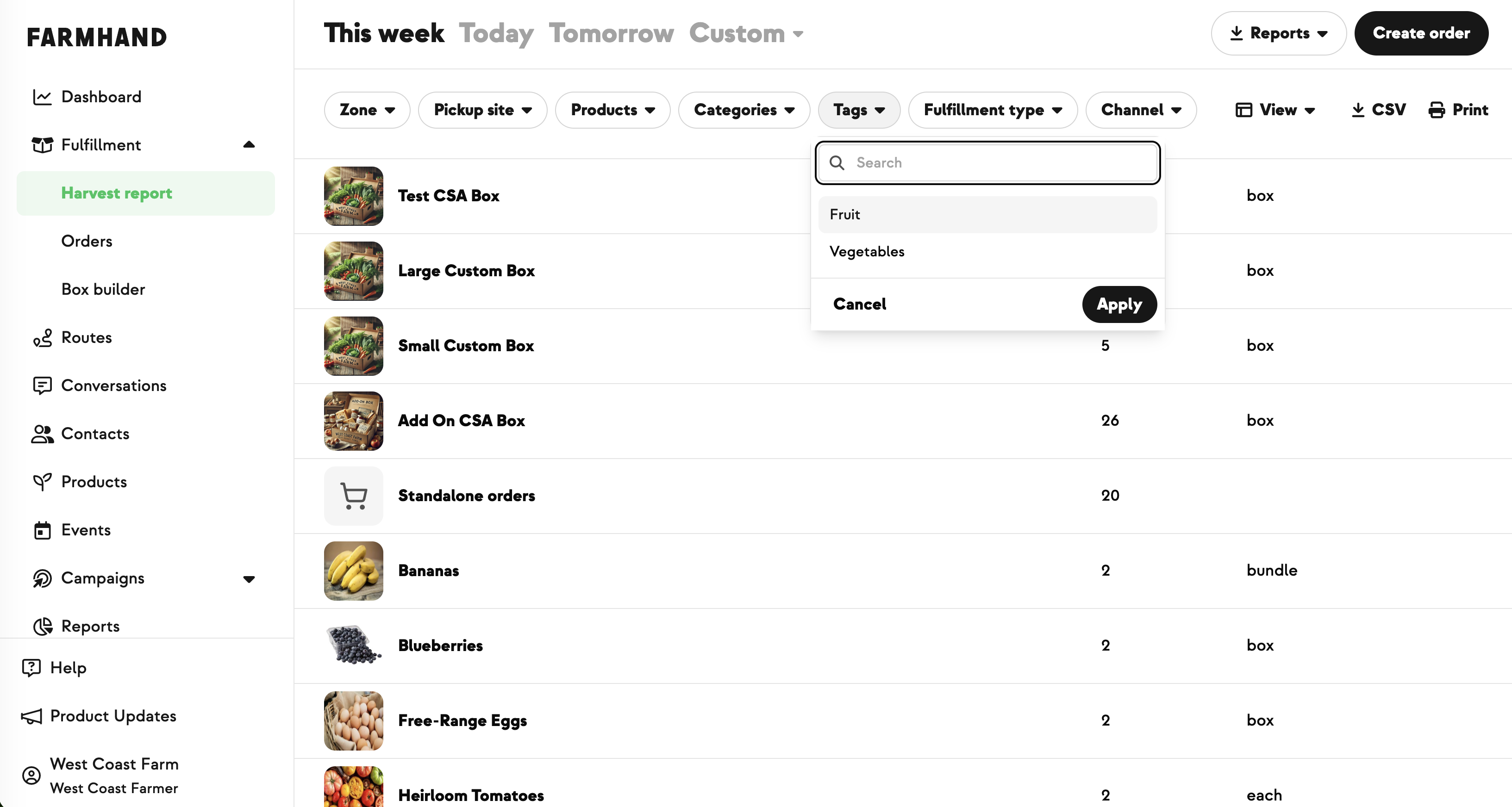
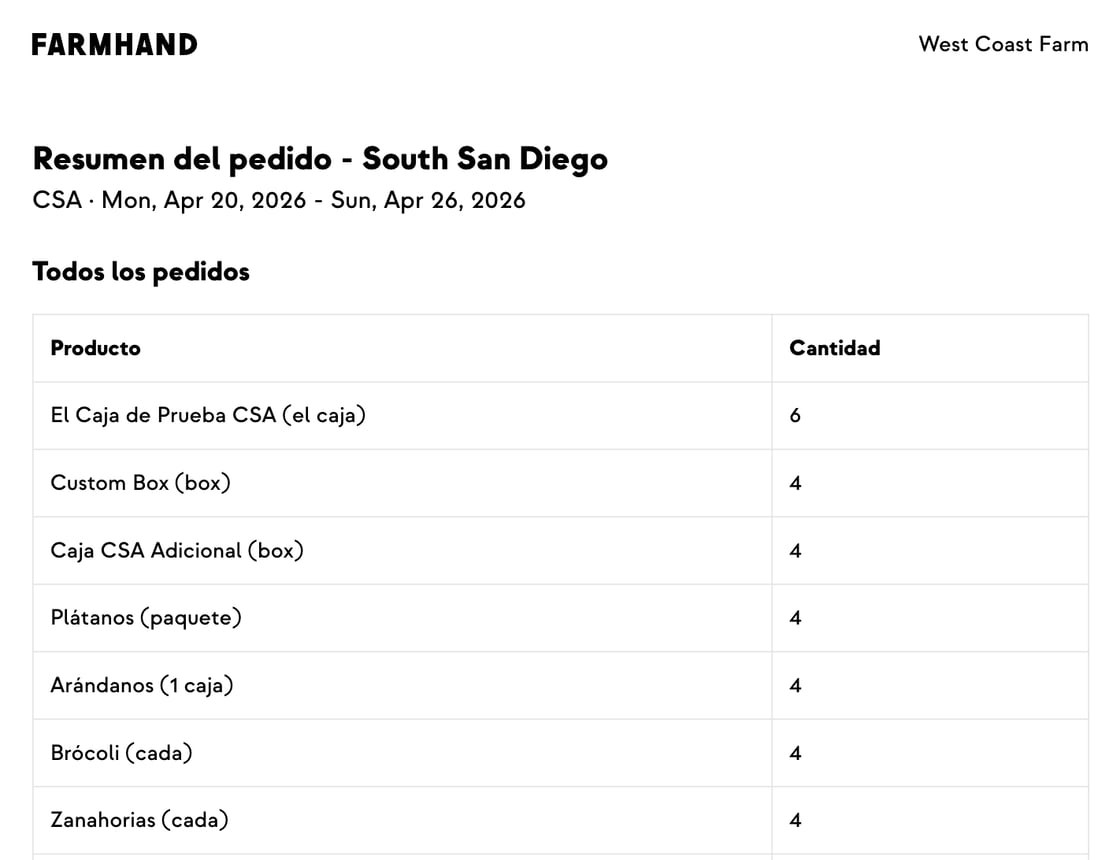
Once a sale has orders, a View Orders button appears on the sale page. It opens in a new tab (so you don't lose your place) with the filters already applied: your fulfillment date range, your pre-order products, and retail orders only. Easy way to see how many of each you've sold.

.jpeg)








-p-500.png)















.jpg)







.jpg)
.jpg)
.jpg)
.jpg)



.png)