Keep reading
All updates More in this category
Built with farmers.
Shipped in weeks.
Fifteen minutes with Ari. Bring the thing you wish your software did, and he'll tell you if it's already built.
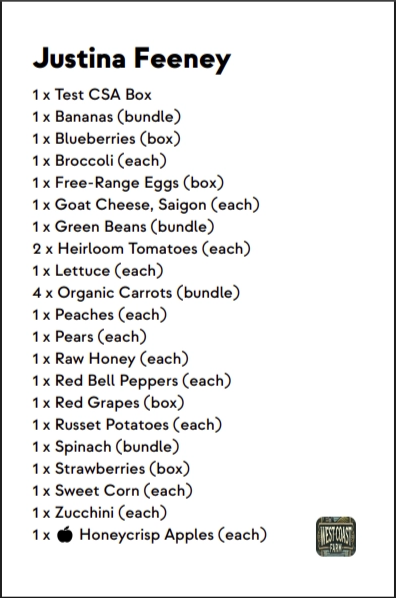
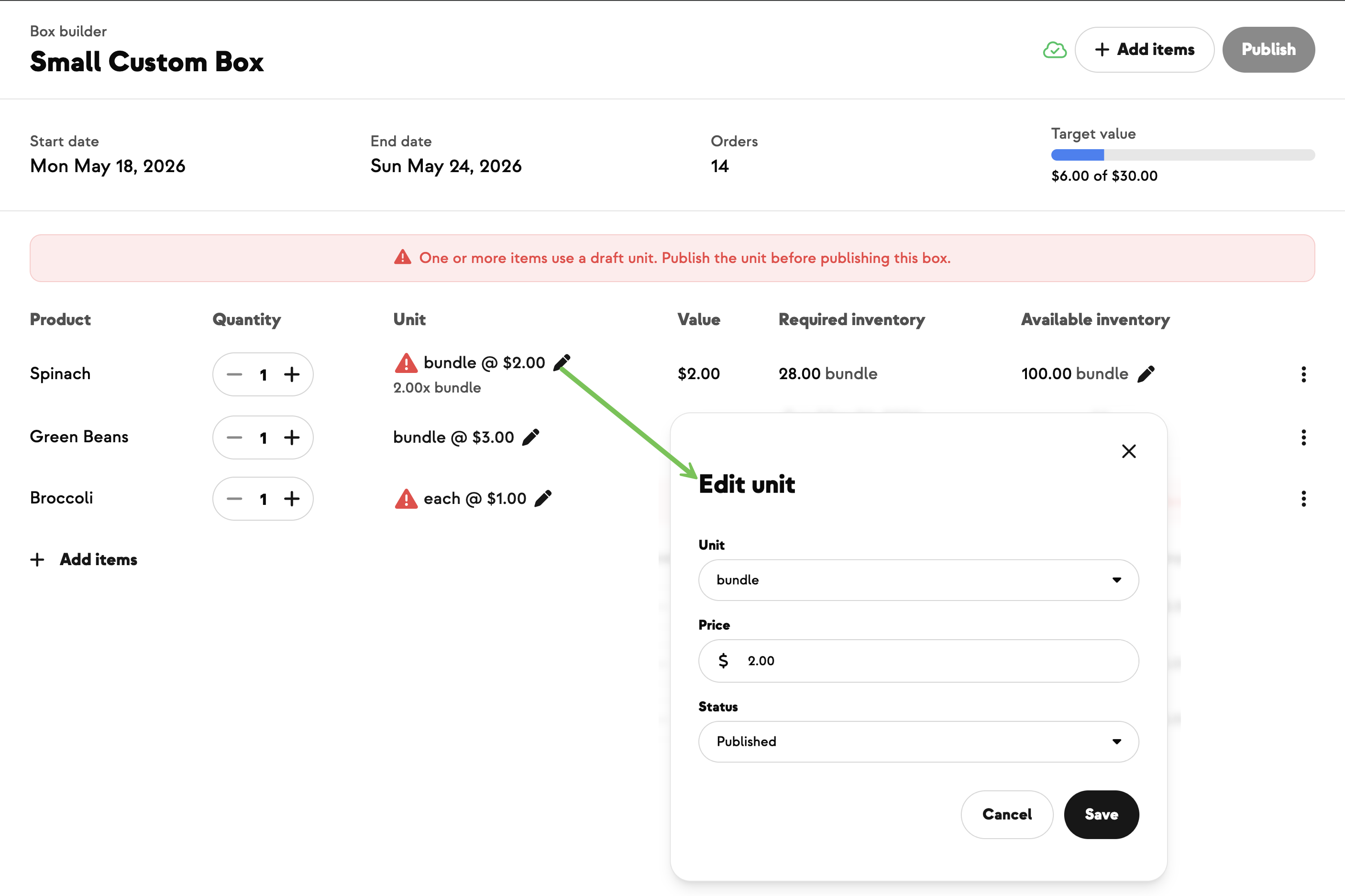
This short video walks you through the Box Builder in Farmhand — showing members what's being harvested, setting the default box on a customizable plan, hitting your target value, reusing box lists week to week, and what belongs in your shop instead. You can follow along:
The Box Builder does two jobs:
Either way, you're answering the same member question: what's coming in my box?
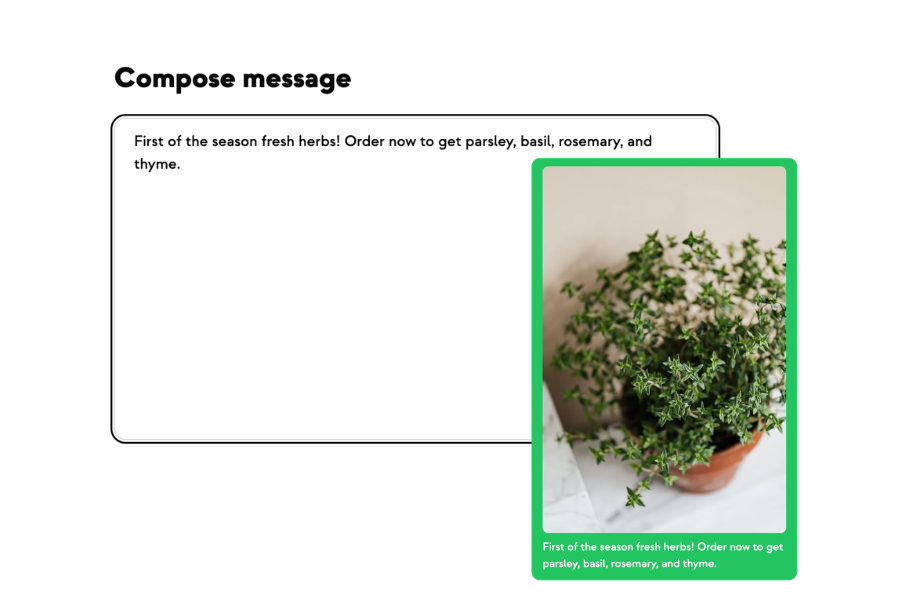
If you're on Farmer's Choice, this is handy for starting your list days before the newsletter is ready — add your products here, and when you're ready to write, they'll already be on the boxes page.
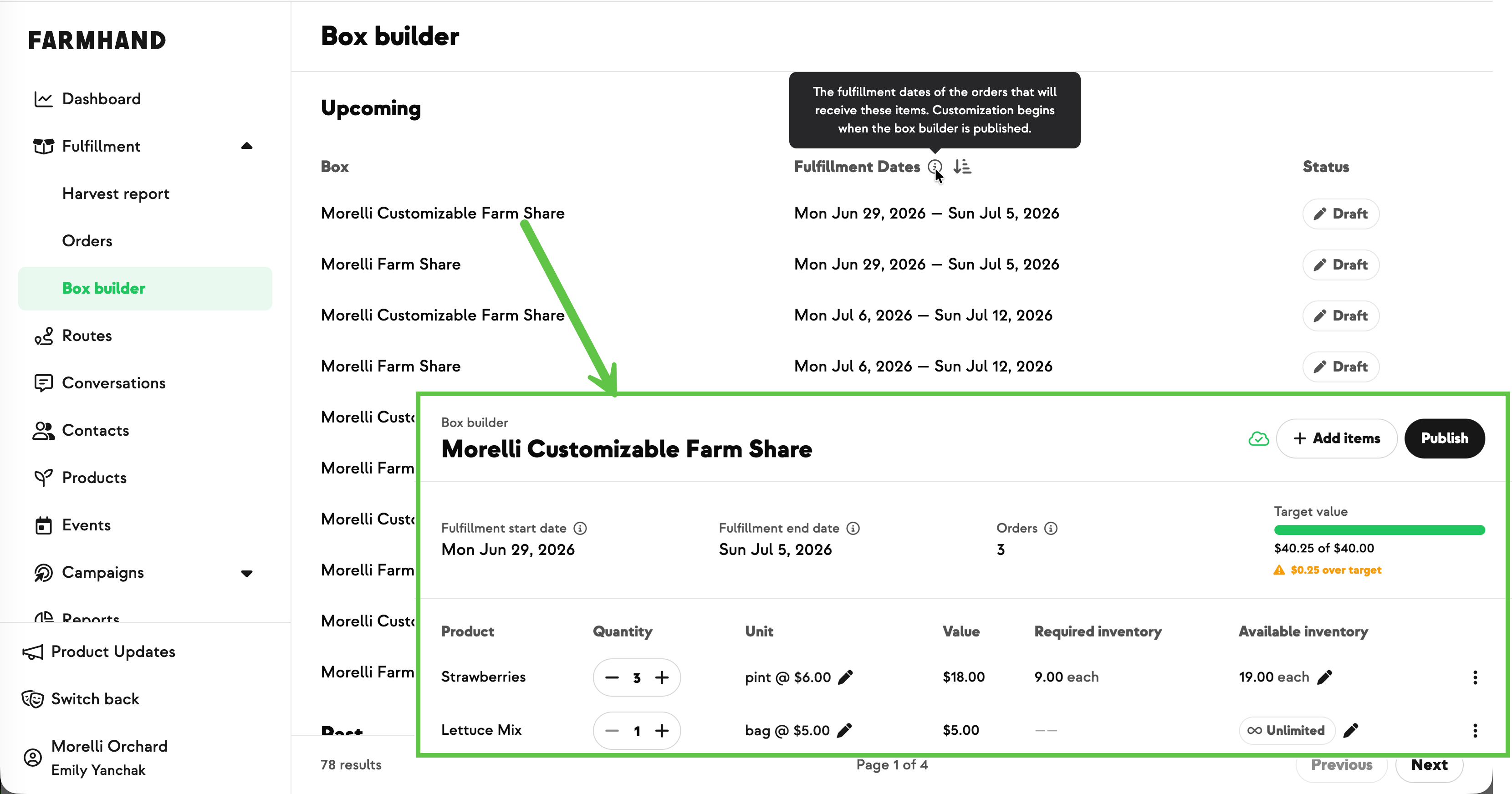
On a customizable box you'll see tracking at the top: how many orders you have that week, and the target value of the box you're editing. As you add items, a progress bar fills toward that target so you can tell at a glance whether you're there.
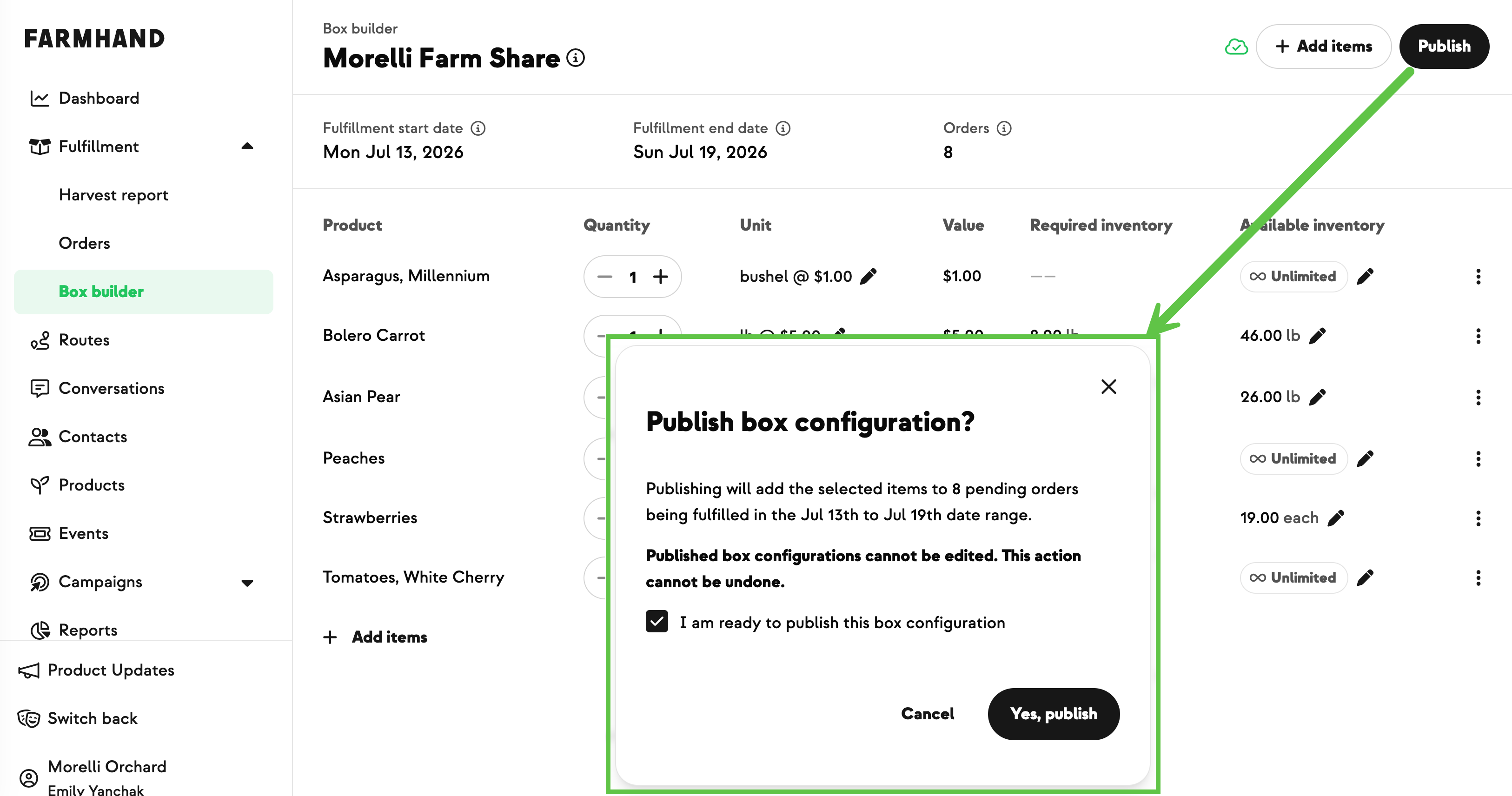
Publishing pushes these items into everyone's box and lets them begin shopping. Tooltips on this page — including on the dates — help you keep track of which week you're building for.
When you hit Publish, you'll get a reminder that this goes into every member's box and opens editing for them. Because the items have already been pushed out, you can't come back and edit the default box afterward. Once published, the edit actions disappear and you're left viewing your order count, target value, and item list.
If you're well over or well under your target value, you'll see an additional alert on the publish confirmation. You can proceed past it if the box is intentional — or go back and fix it first.
Once you've published one box, you can reuse it in your others. Click Start with items from another box list to see:
Pick one and everything imports automatically.
If the available inventory you've set doesn't cover the expected orders across both box sizes — say your corn only covers one — you'll get a warning. Either remove the product or edit your inventory, and the warning clears.
From here you can also give your large-box members more of something than your small-box members, or give the two sizes different products entirely.
Use the Box Builder only for your default box — the items that land in everyone's cart and that they'll receive if they make no changes.
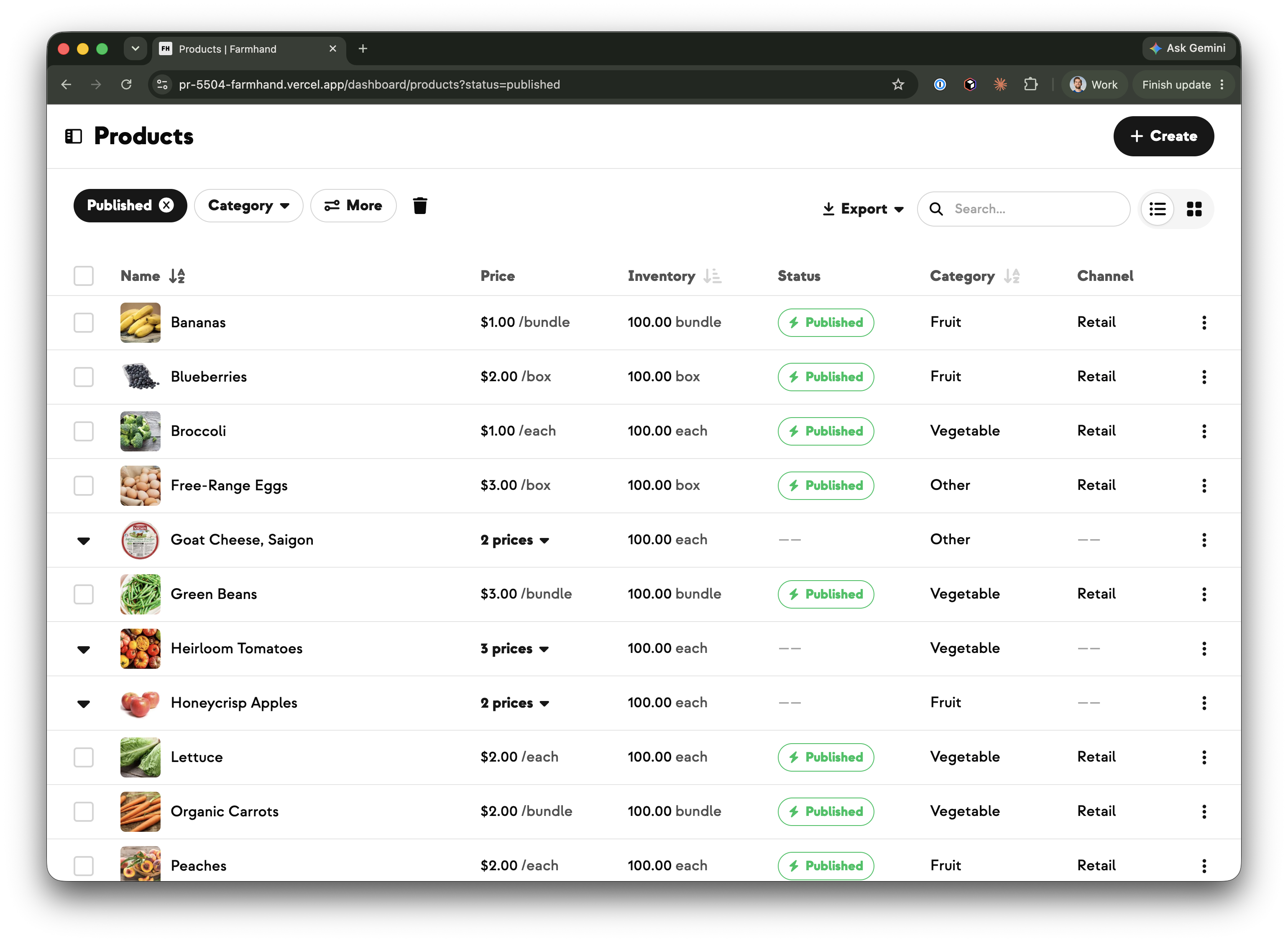
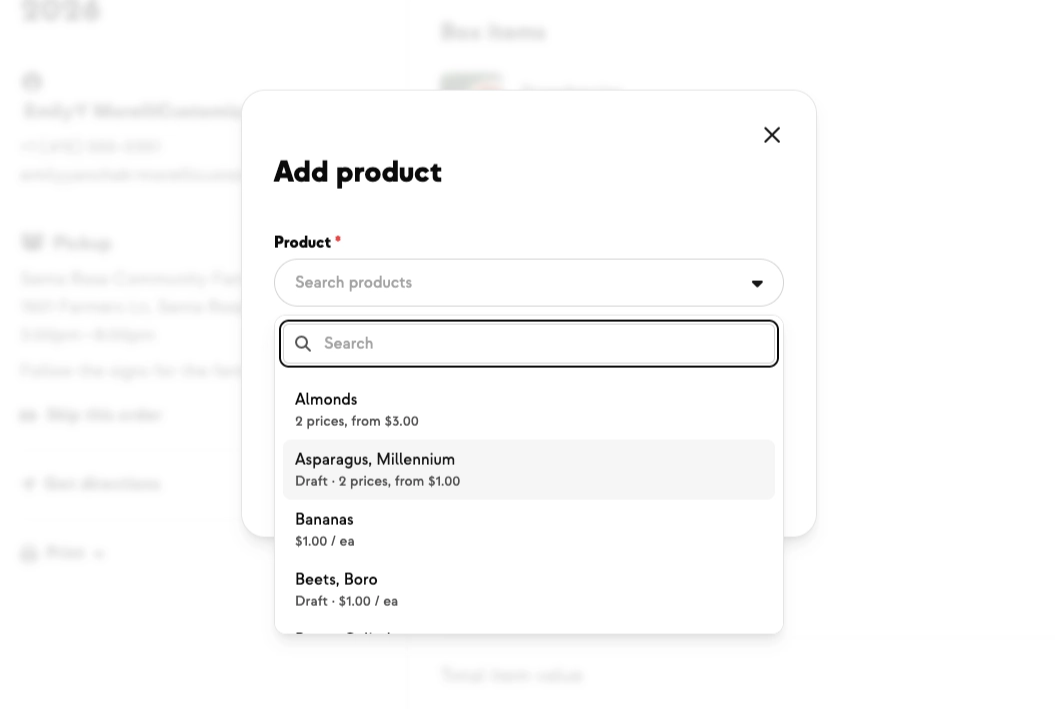
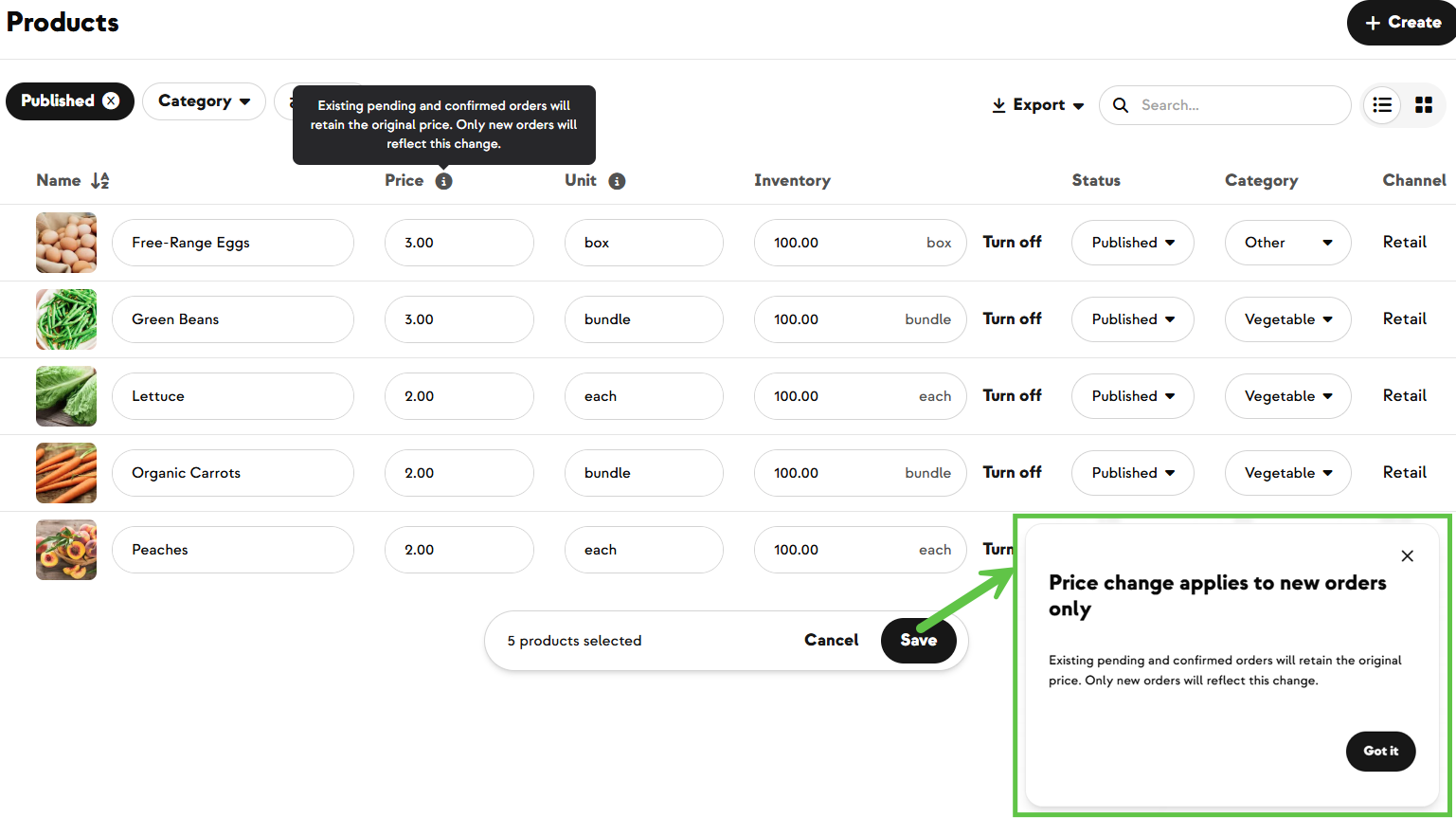
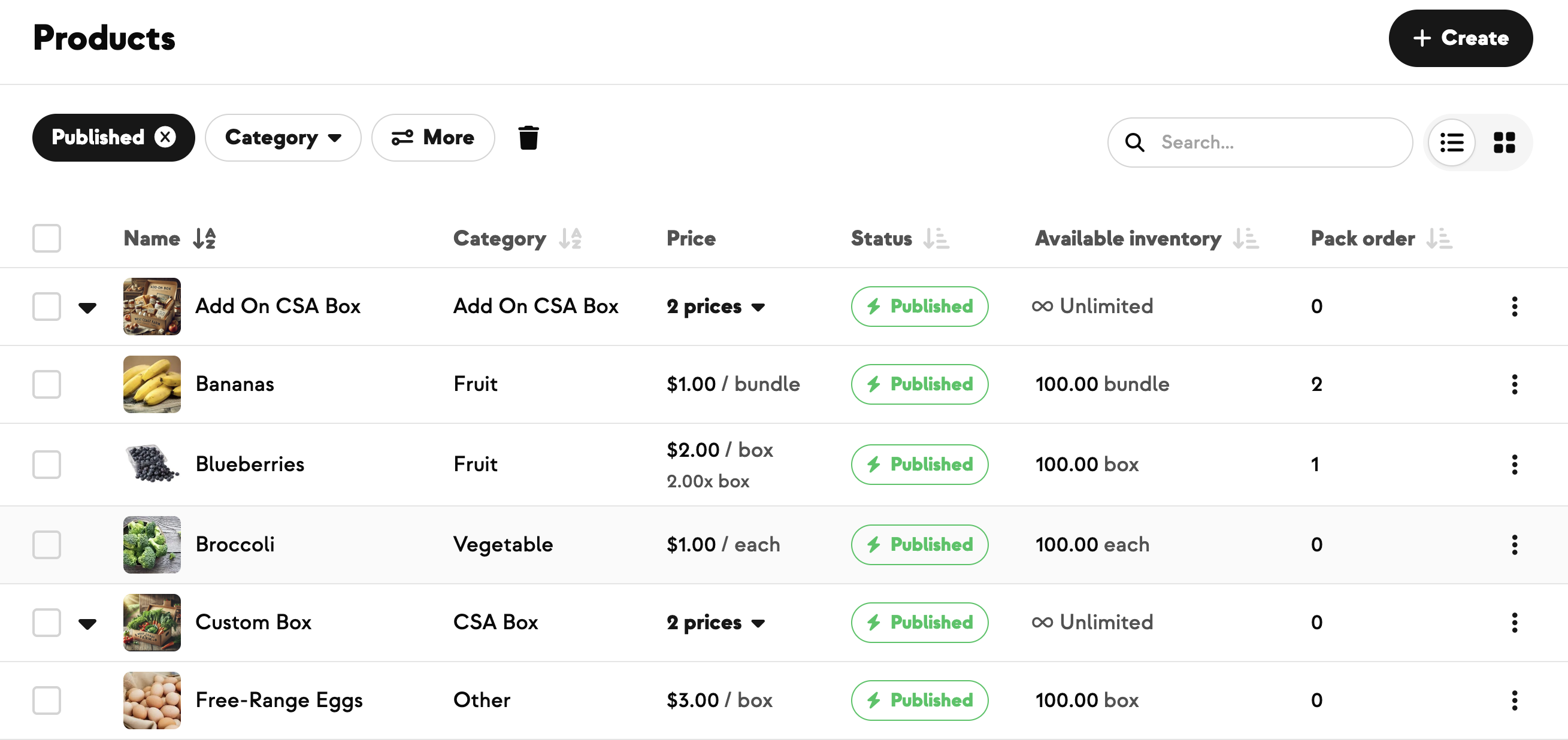
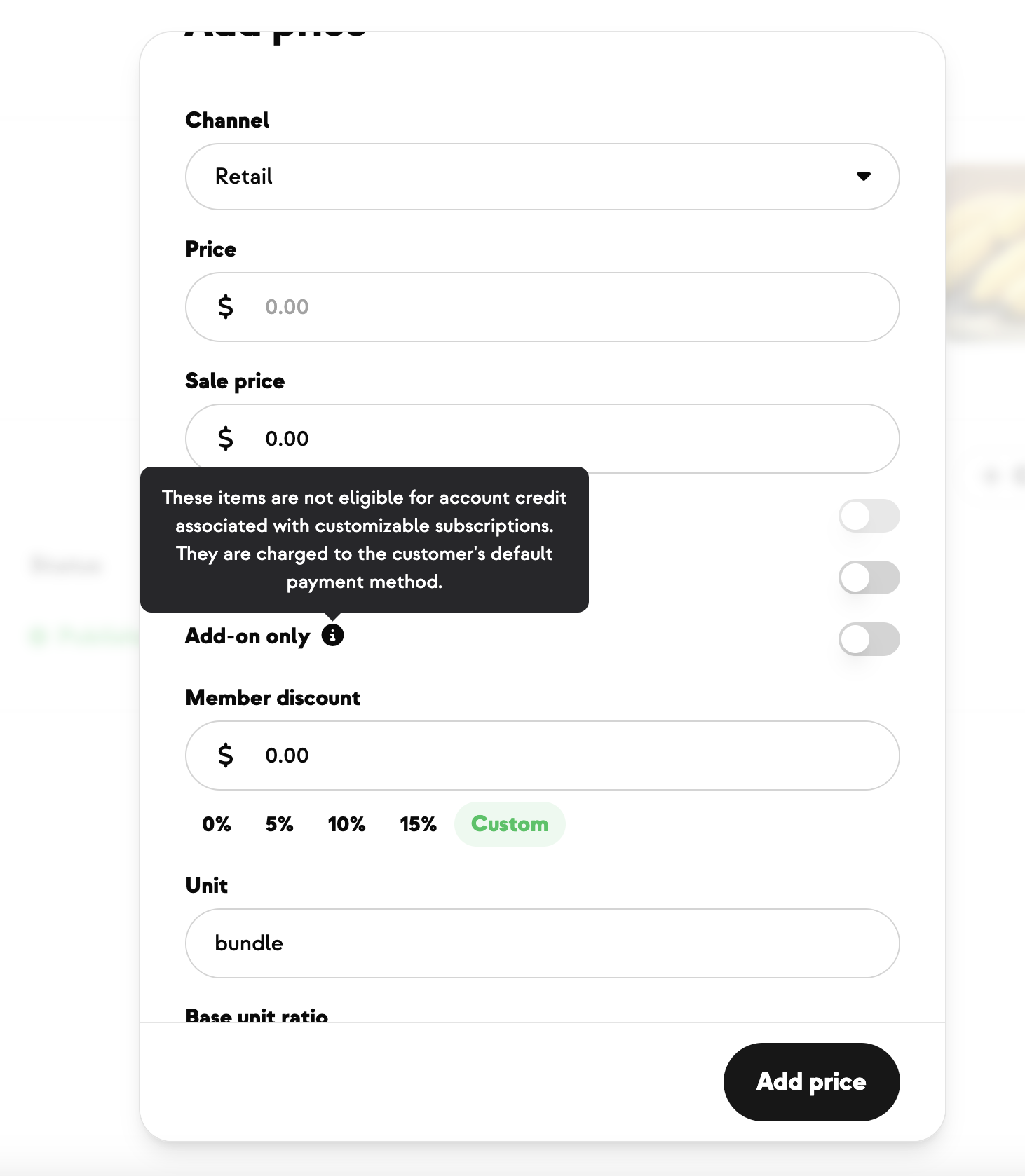
Anything you want members to be able to add to their box or swap in gets published from the Products page instead. In that context, published means the product is available in your shop.



.jpeg)














-p-500.png)




















.jpg)








.jpg)
.jpg)
.jpg)
.jpg)



.png)