
Members can change their plan, frequency, and pickup in one click
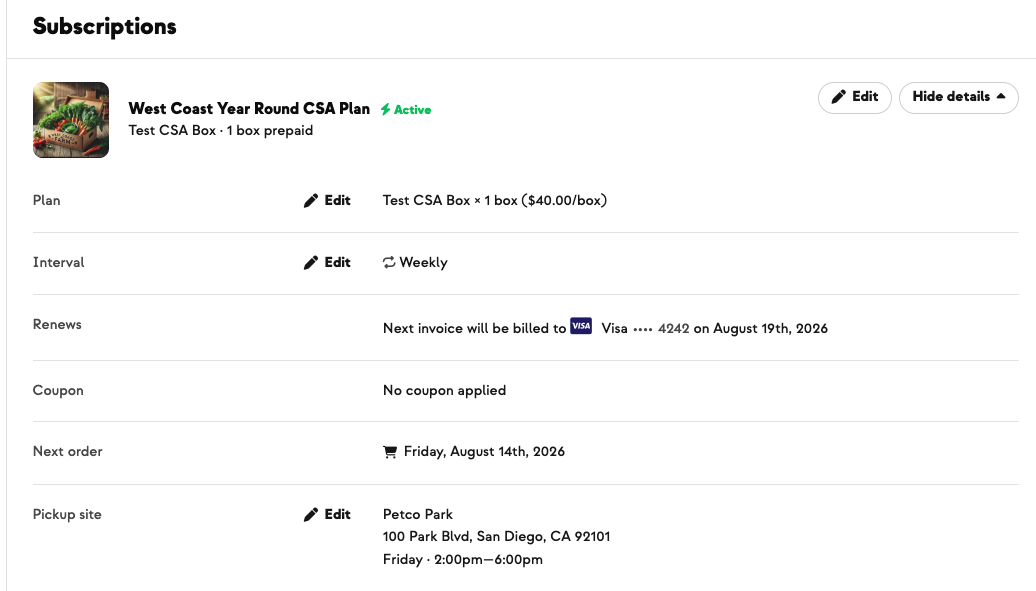
Members manage their CSA from the Subscriptions tab in their account — and until now, the changes they most often wanted to make were tucked inside a single Edit menu. They routinely couldn't find them, and plenty couldn't locate how to cancel either.
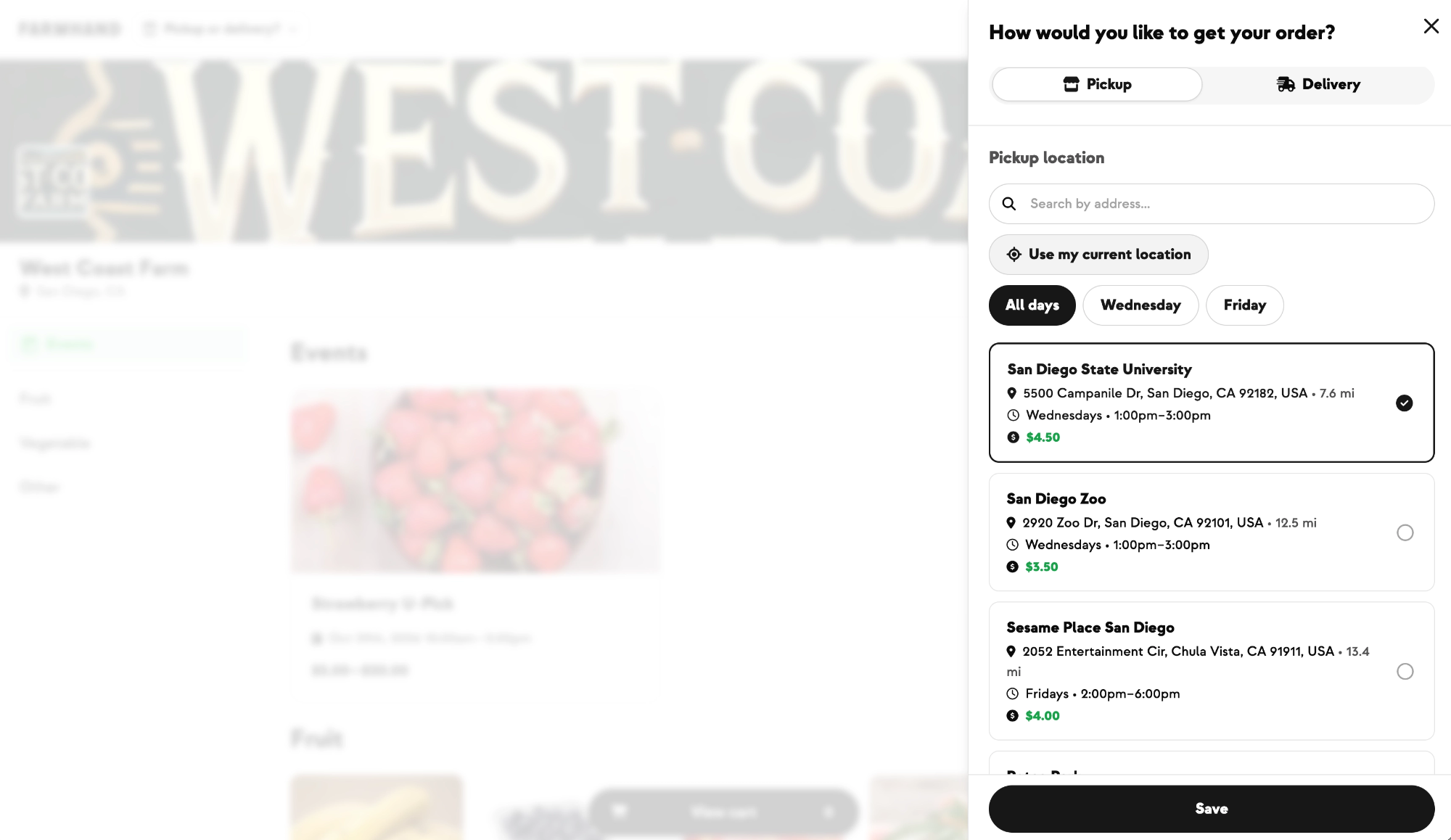
Now, when a member expands a subscription's details, an Edit link sits directly on the row it relates to. Plan, Interval, and Pickup/Delivery each get their own, so changing a box plan, a delivery frequency, or a pickup site is one obvious click. Skip, Pause, and Cancel stay grouped in the dropdown, since those apply to the whole subscription rather than a single detail.
Nothing about the edit flows themselves changed — each link opens the same dialog it always did, and members only see the actions that are valid for their subscription. It's the same inline layout you already use on the admin side, so what your members see now matches what you see.
Built With Farmers. Not For.

Katie McDowell
Built with the team at Armagh Creamery, whose members regularly had trouble finding how to change their pickup site or subscription size.
New on Farmhand



Your farm is growing.
Your platform should keep up.
Our roadmap is built from farmer conversations, not corporate planning cycles. You ask. We build. You see it live.