Keep reading
All updates More in this category
Built with farmers.
Shipped in weeks.
Fifteen minutes with Ari. Bring the thing you wish your software did, and he'll tell you if it's already built.
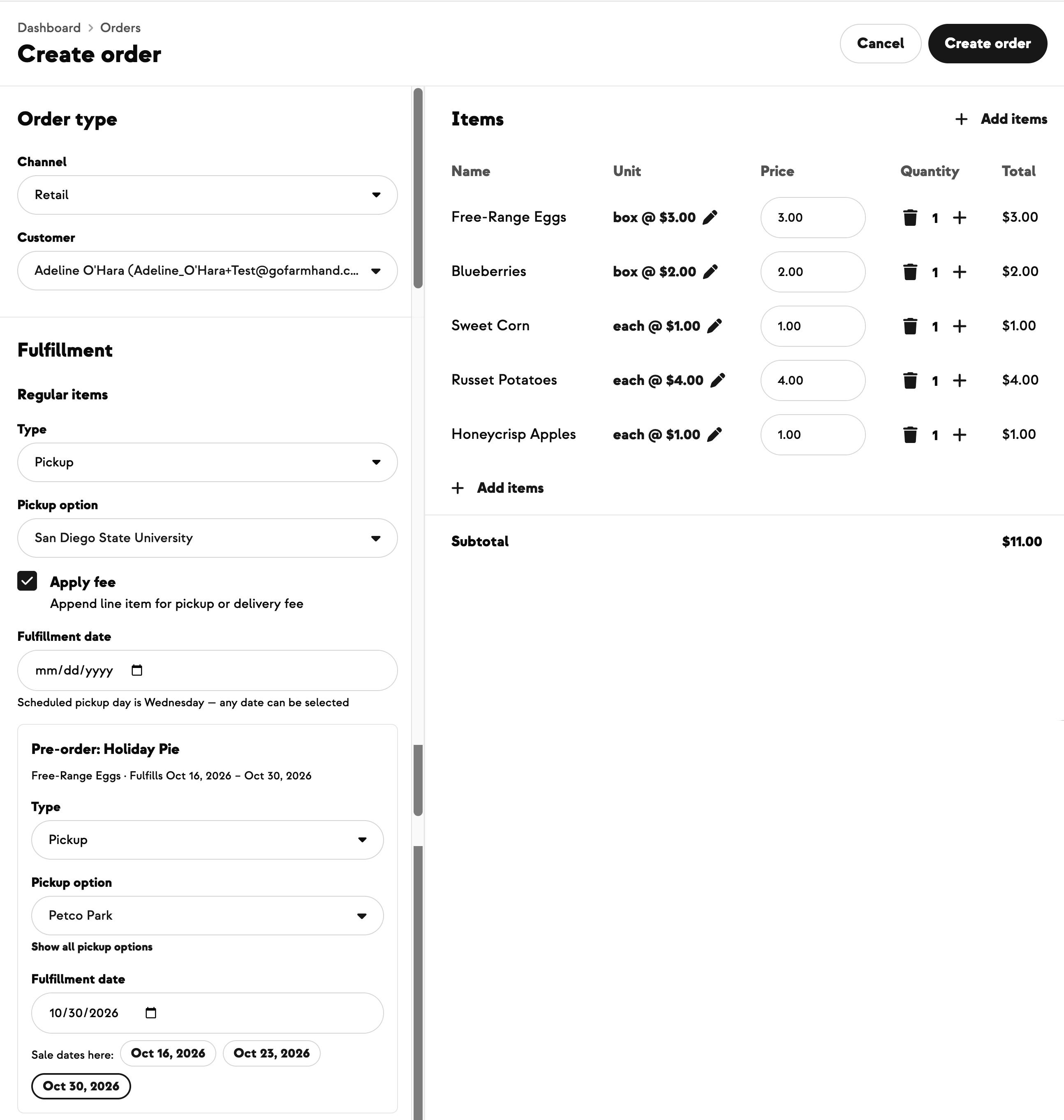
A Pizza Night every Saturday. A farm dinner once a month. U-Pick running all season. Until now, the only way to offer the same experience on more than one date was to build a whole new event for each one — same photo, same description, same ticket types, typed in again and again. Your events feed filled up with near-identical cards, and a customer scrolling it couldn't tell it was all one event on different nights.
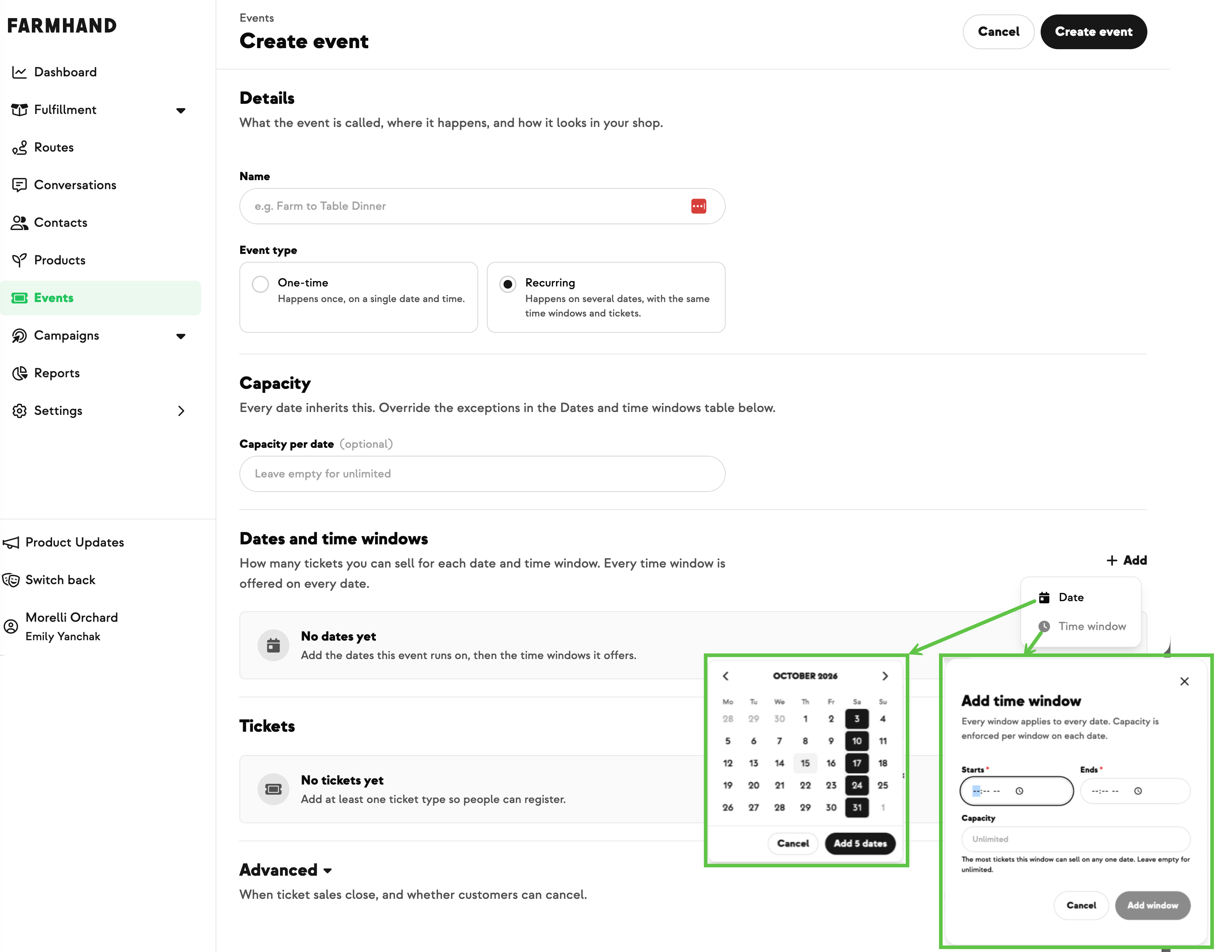
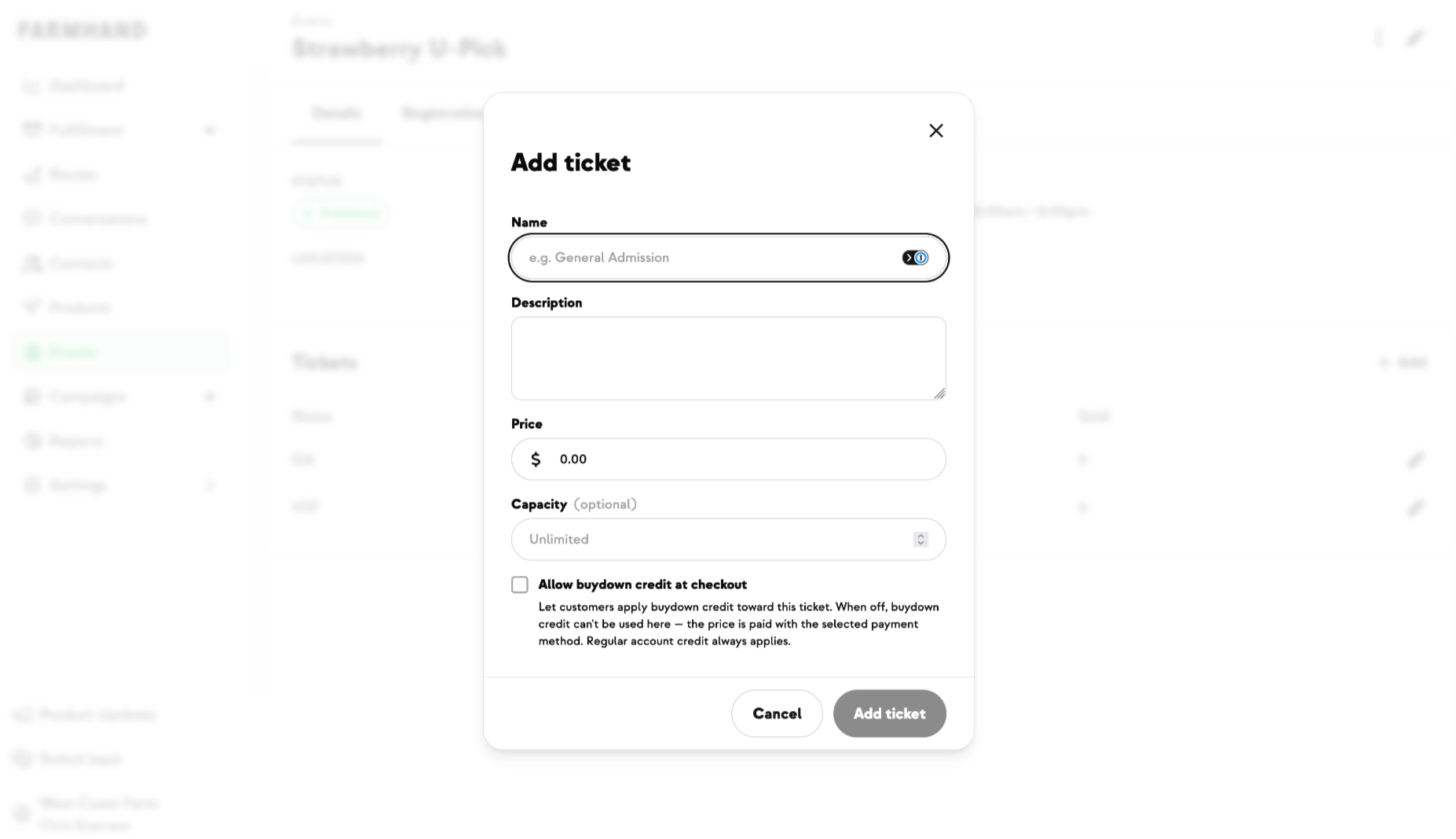
Now one event holds all its dates. Choose Recurring when you create an event and you build the whole schedule on a single grid of dates and time windows: add dates from a calendar, add the time windows you run on each one, and set a default capacity per date with overrides wherever a date is different. Every date shares the same ticket types, so you set those up once. You can see at a glance how many tickets each occurrence has sold, and once a date has sold tickets Farmhand won't let it be deleted out from under those guests.
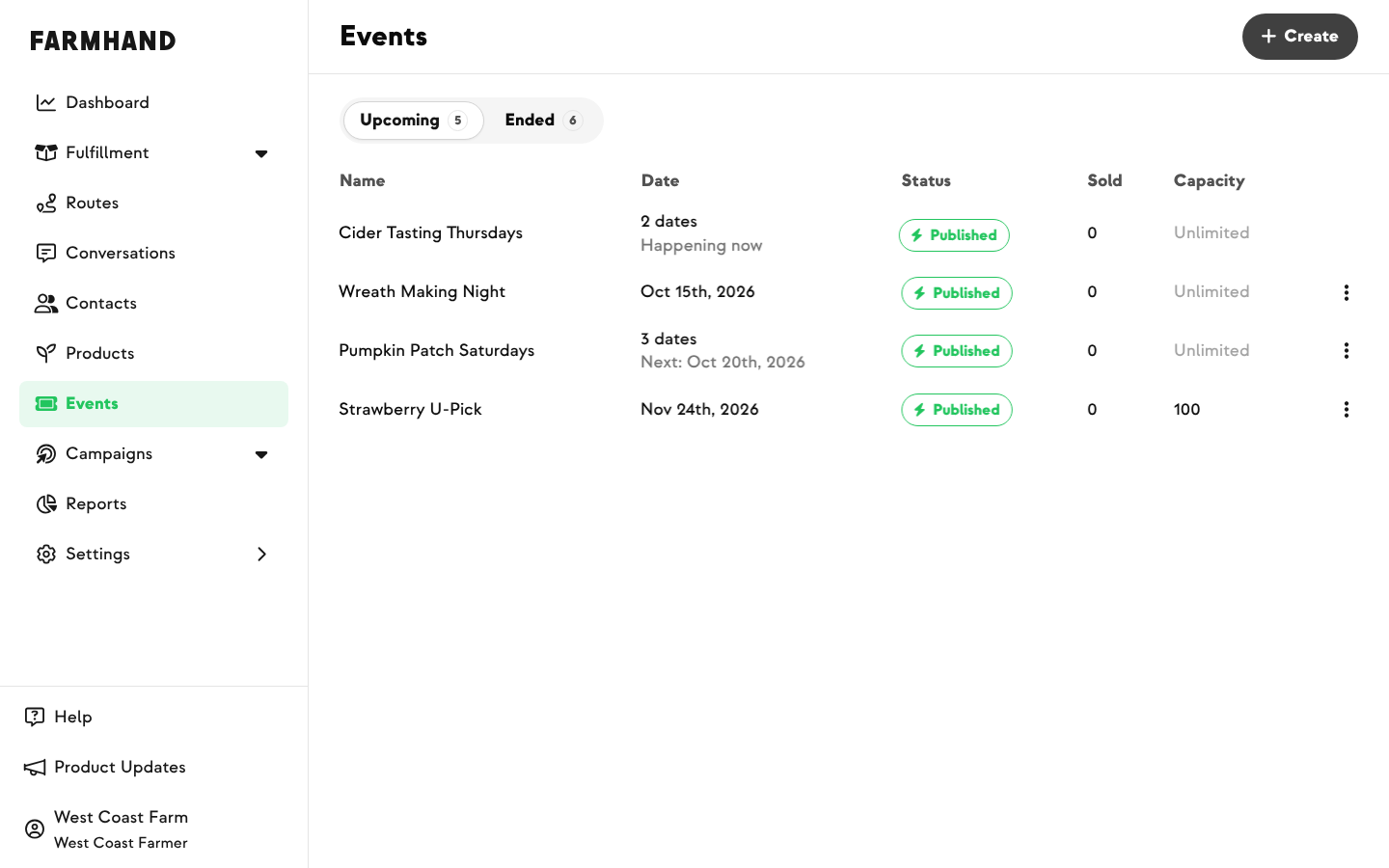
Your lists keep up with it. The events list shows how many dates a series has and when the next one is, rather than a wall of repeats. On the registrations list you can filter by date and by time window — so you can pull just Saturday's guests, or just the 5 o'clock slot — and that filter carries straight through to the CSV export you hand to whoever is working the gate.
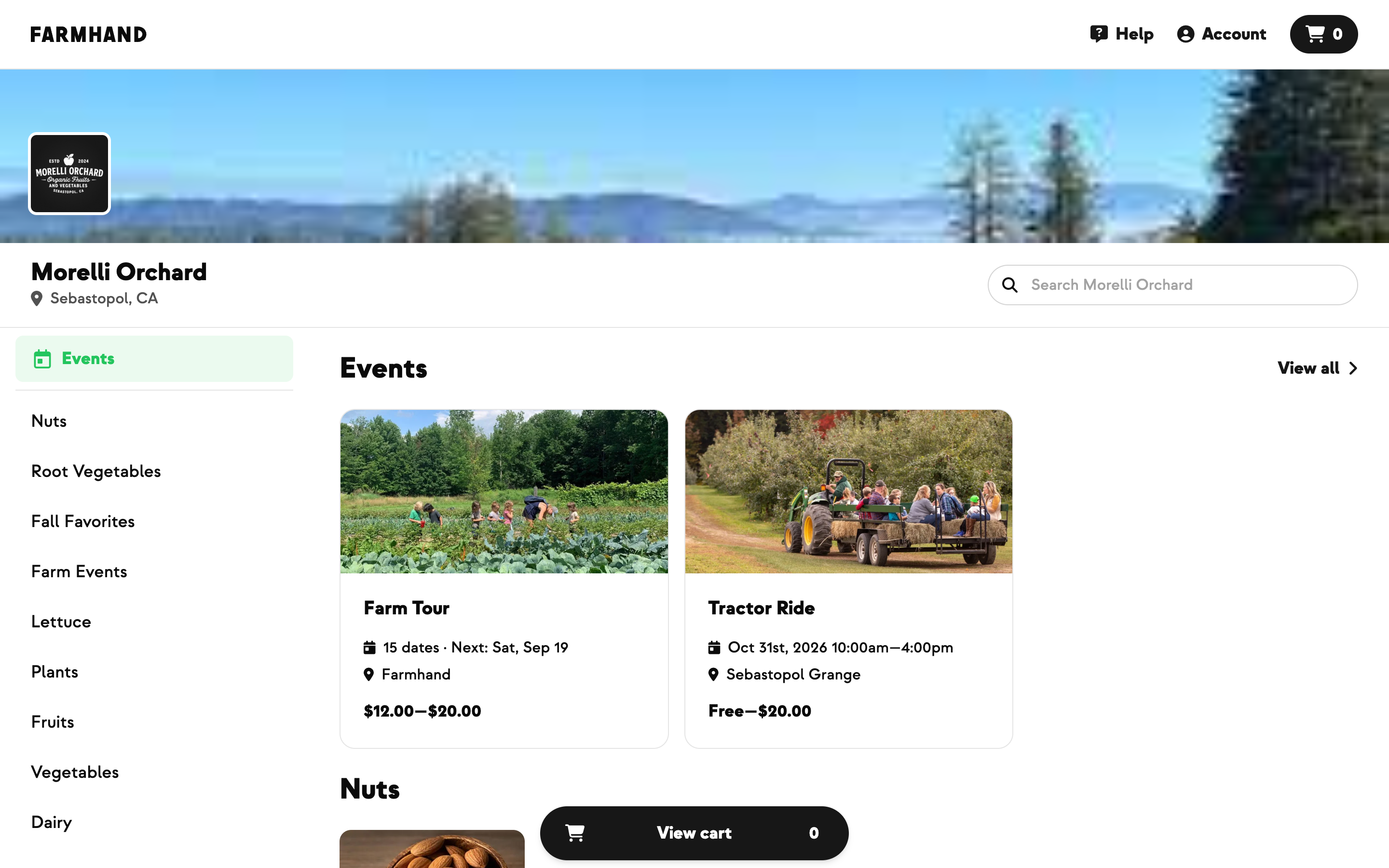
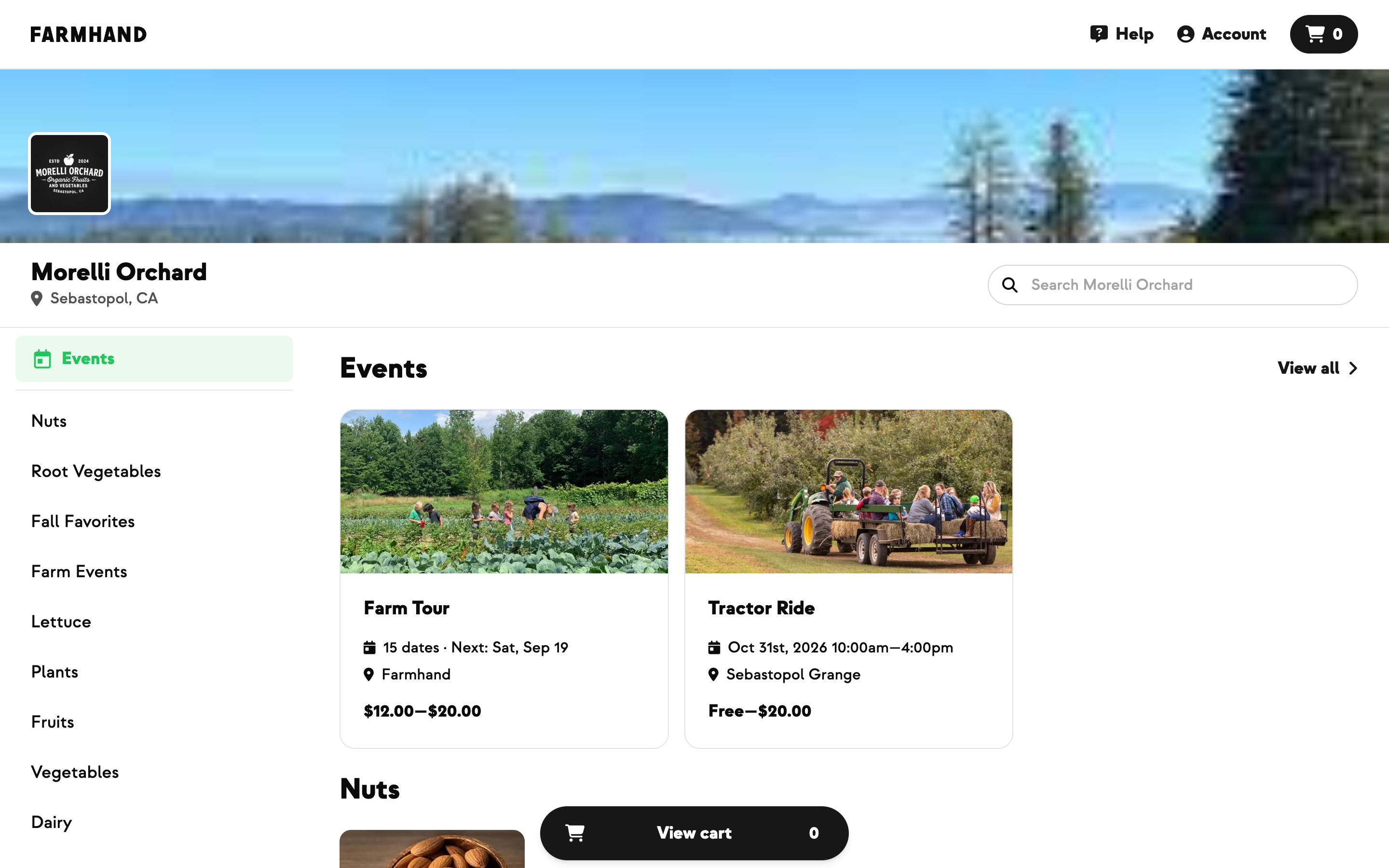
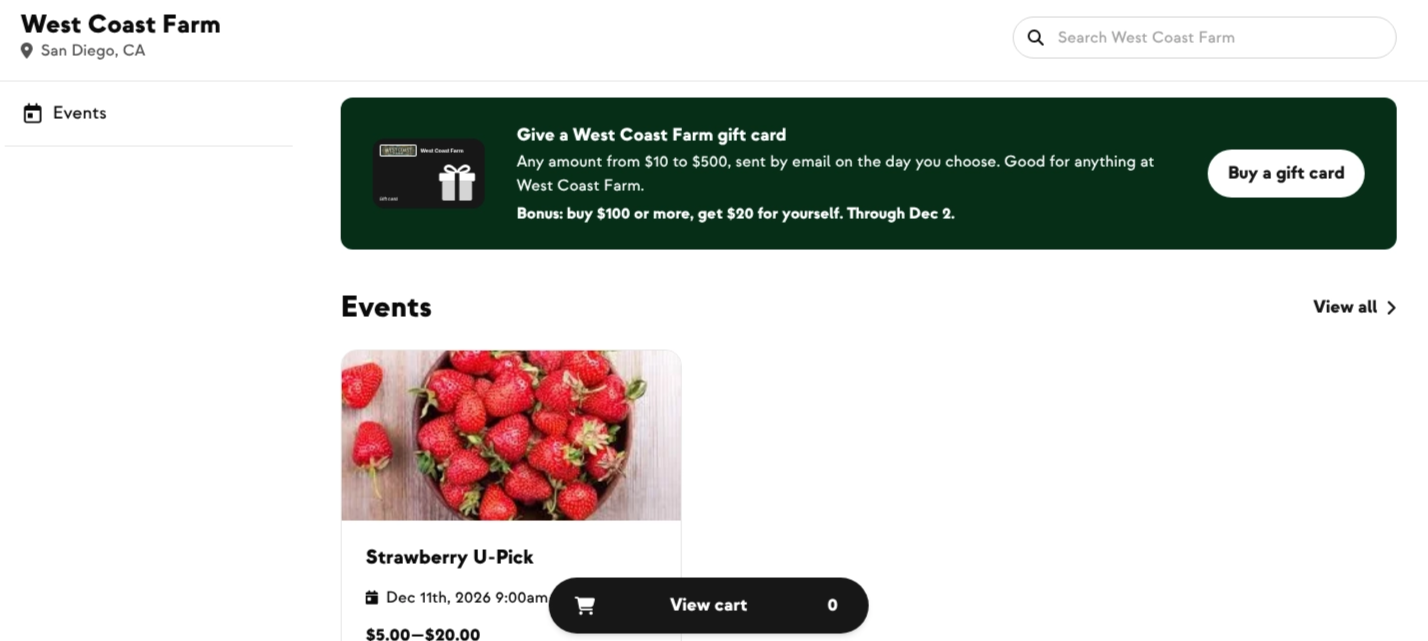
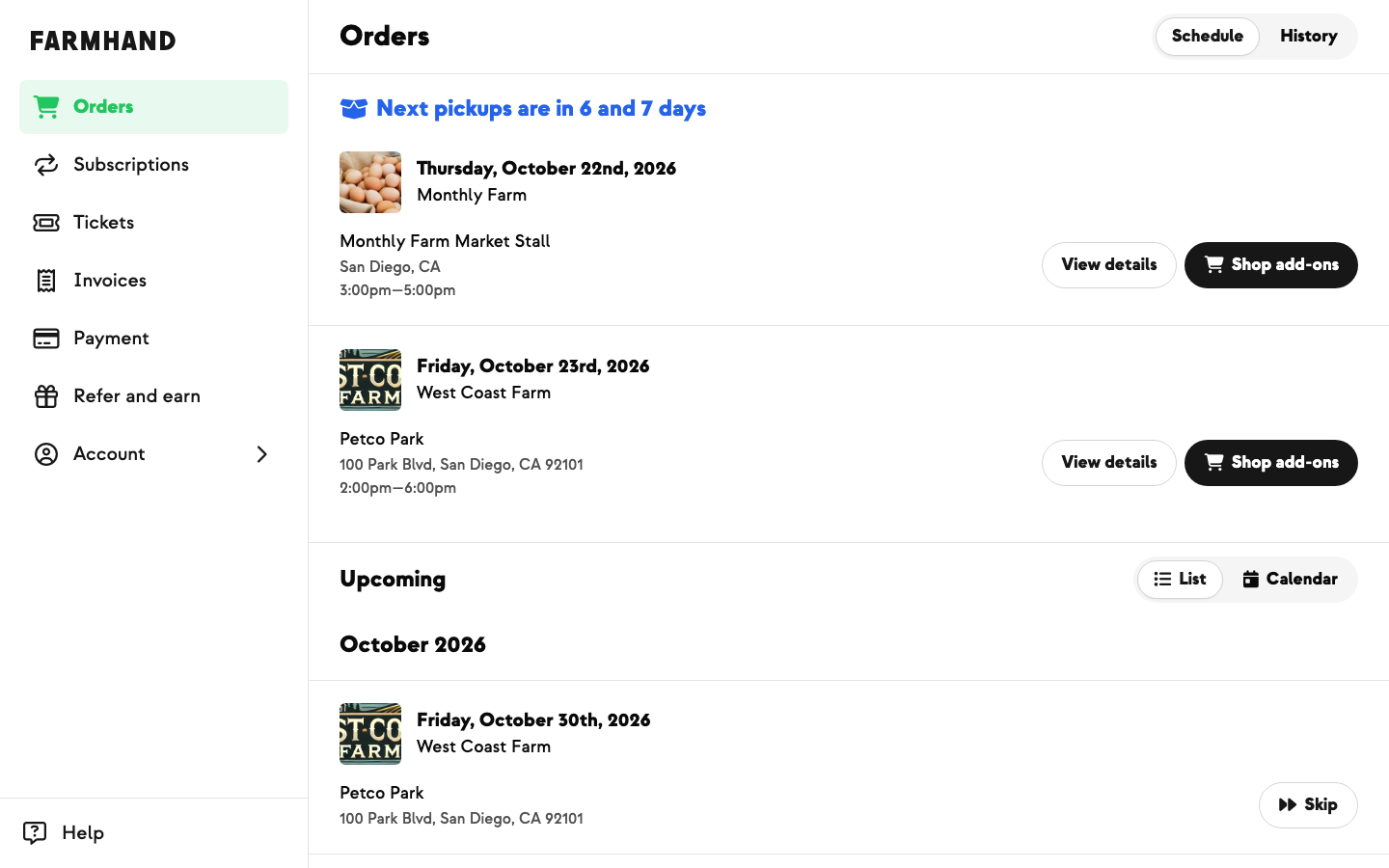
Customers see one thing, not twelve. Your events feed shows a single card for the whole series — “15 dates · Next: Sat, Sep 19” — sitting alongside your one-off events exactly as before.
On the event page itself they get a Choose a date & time calendar: pick the date, pick the time, pick the tickets. Dates that can't be booked say so plainly — struck through when sold out, greyed once past or closed — so nobody clicks into a dead end. Spots left are counted per date, so one busy Saturday no longer makes the whole season look sold out.
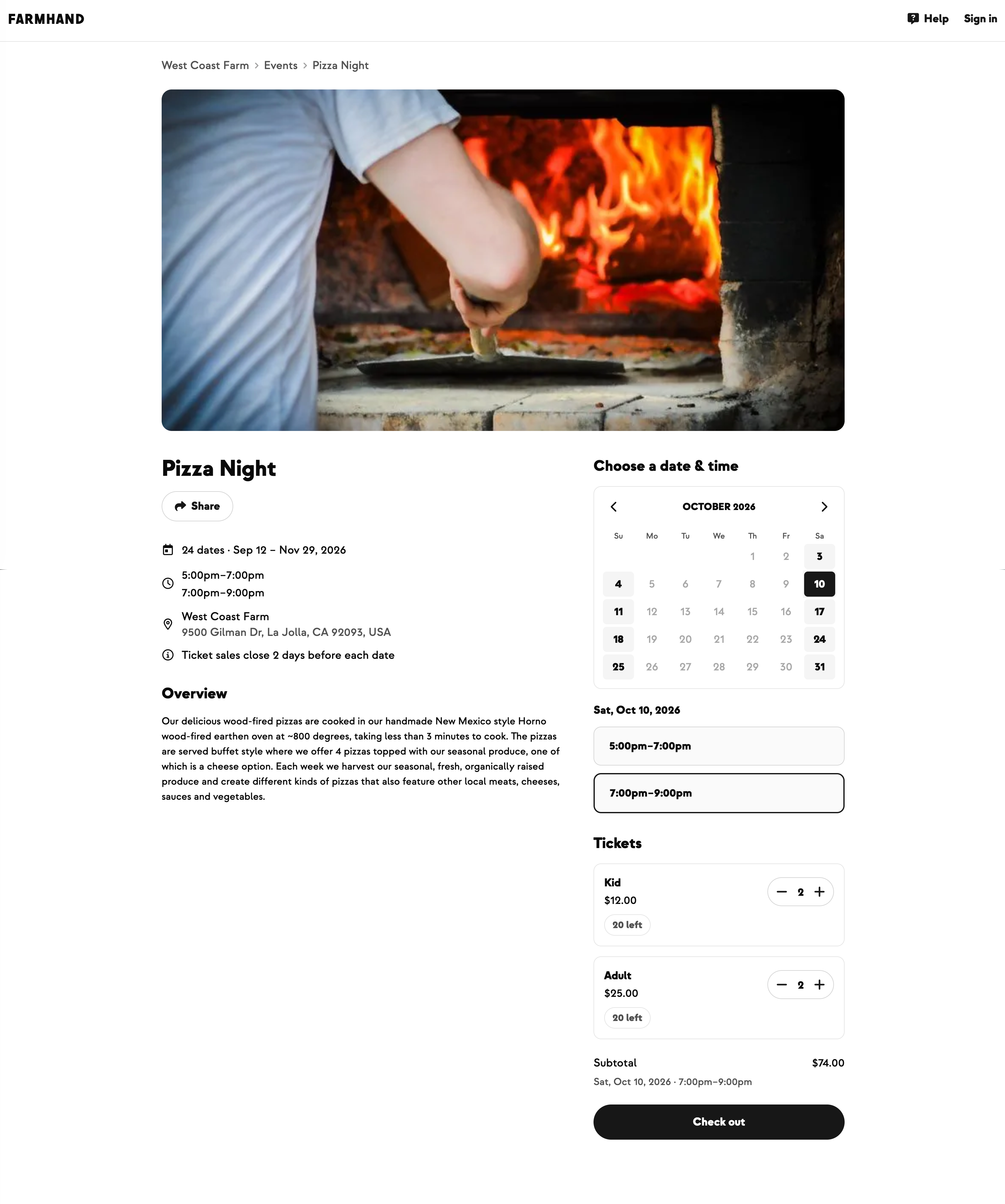
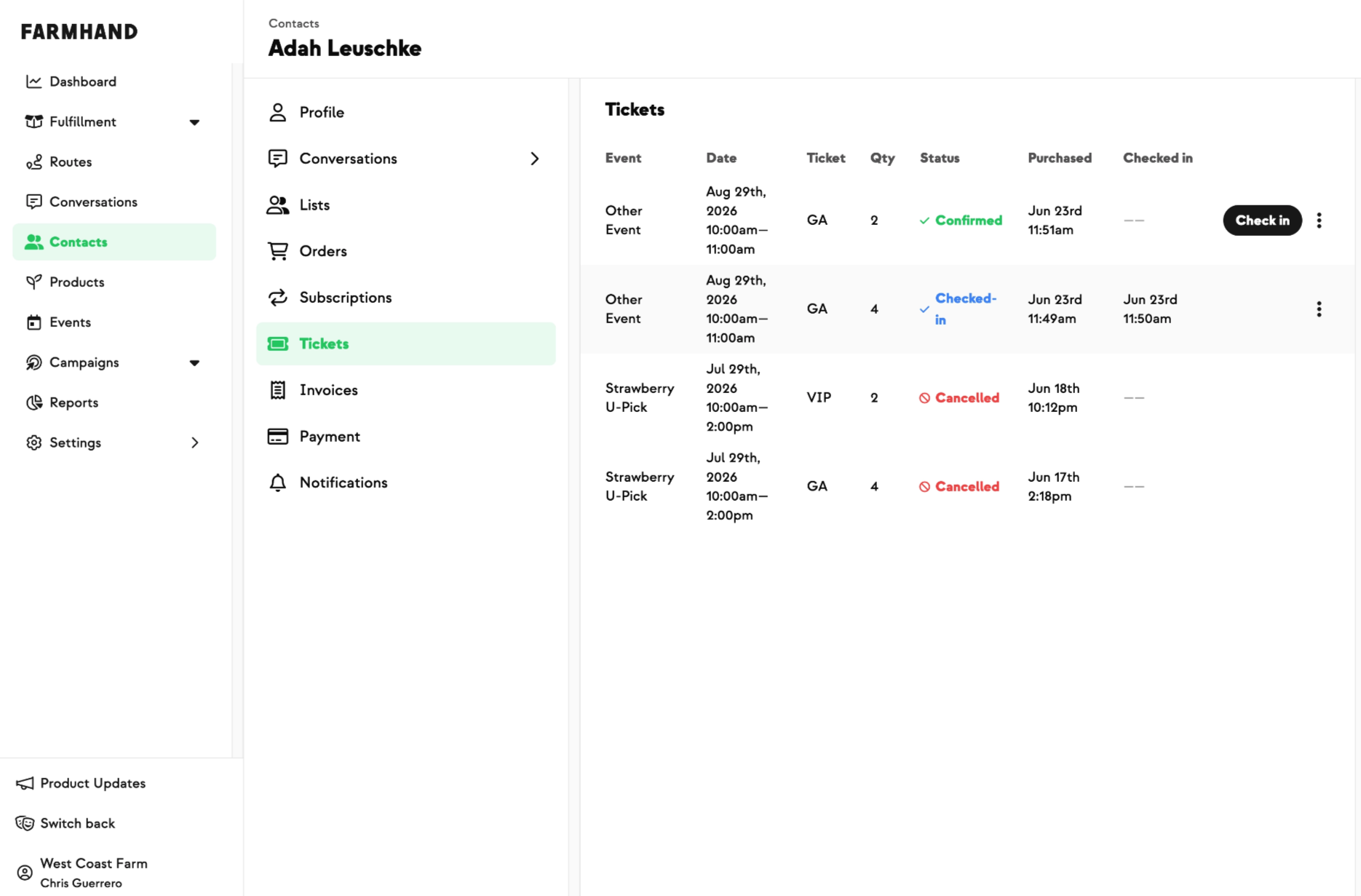
On a phone a Buy tickets bar stays pinned to the bottom of the screen, so a long description never buries the way to pay. And from checkout onward — the thank-you page, the confirmation email, their My Tickets list, check-in at the gate — everything names the date they actually chose.
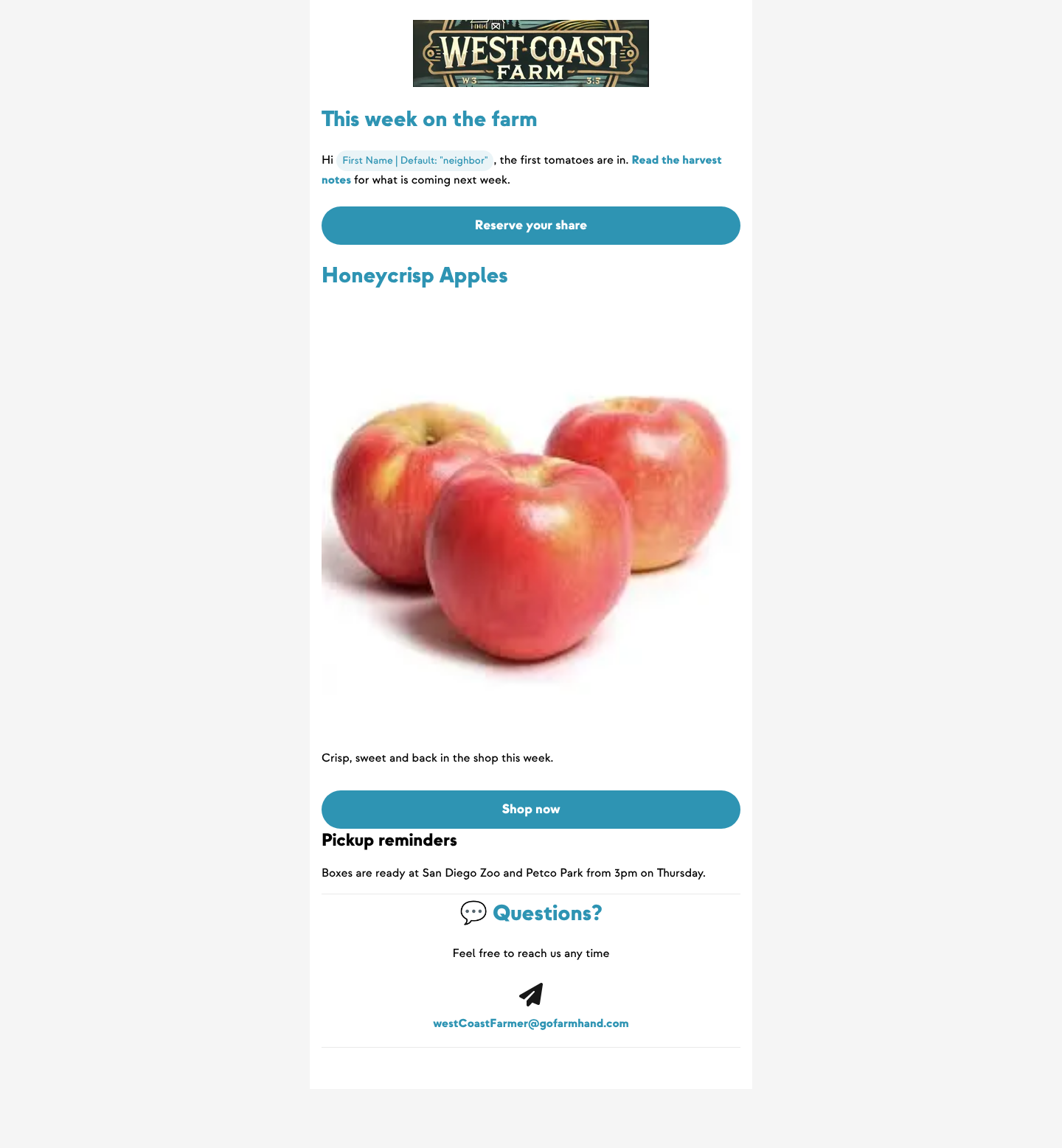
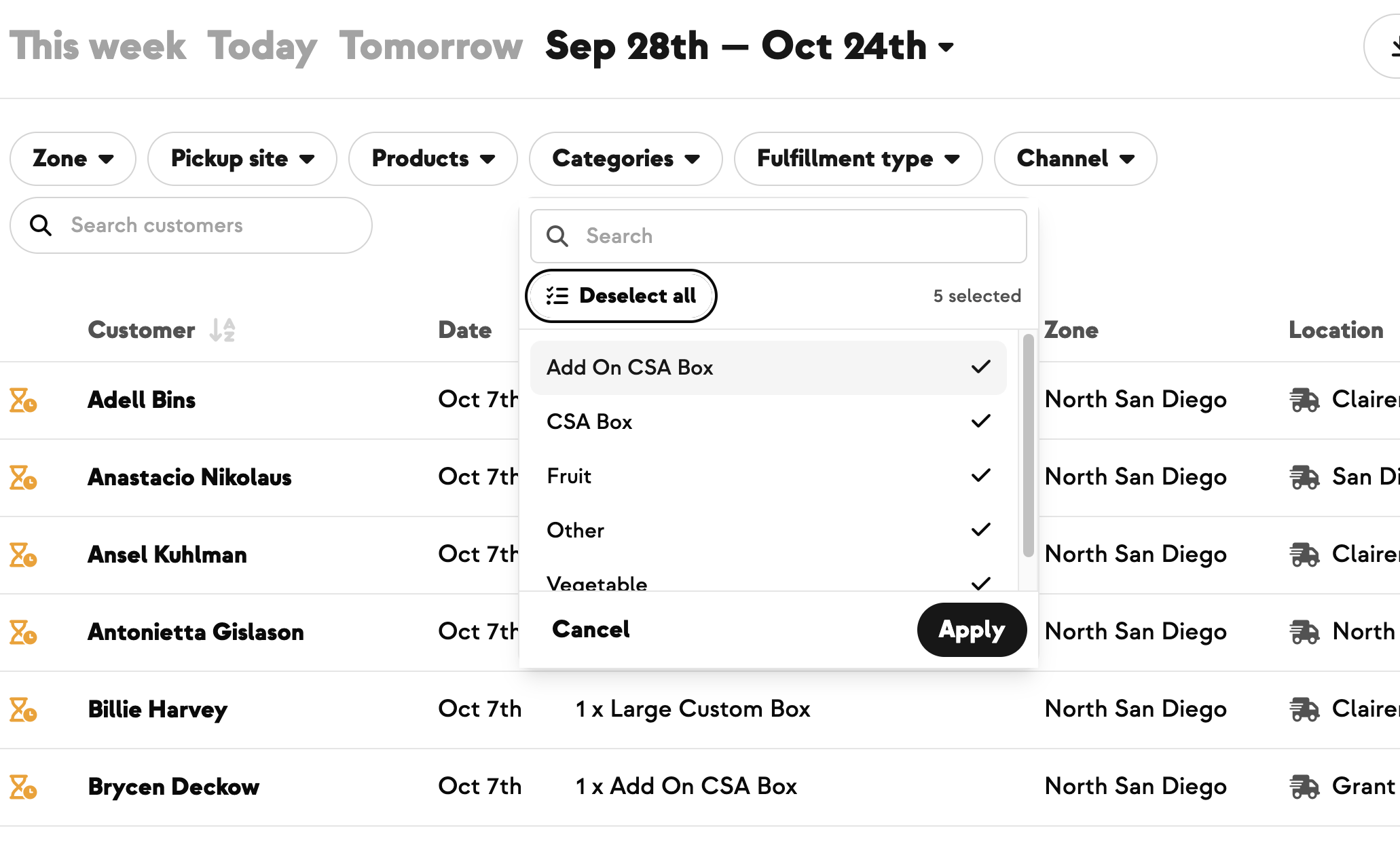
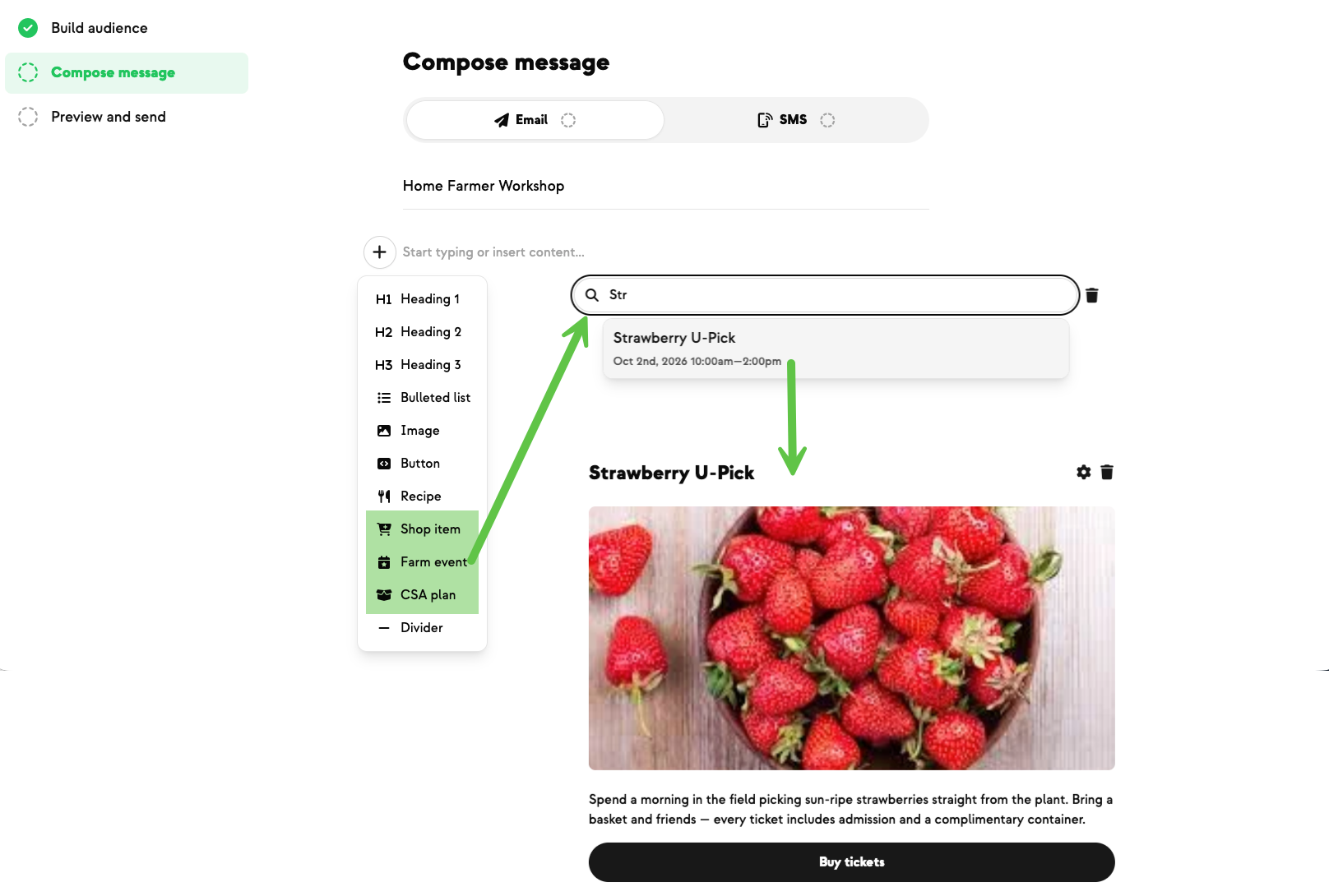
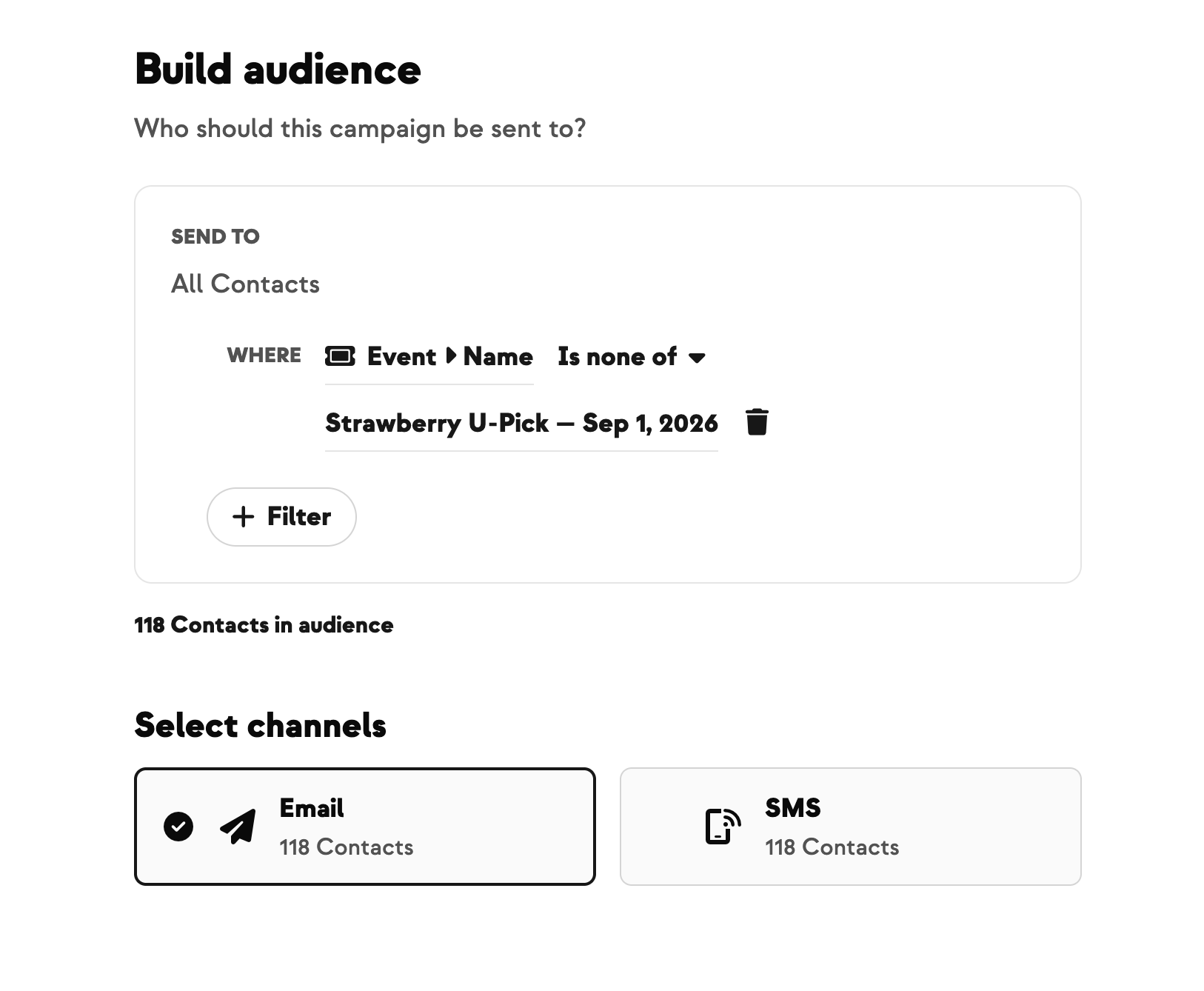
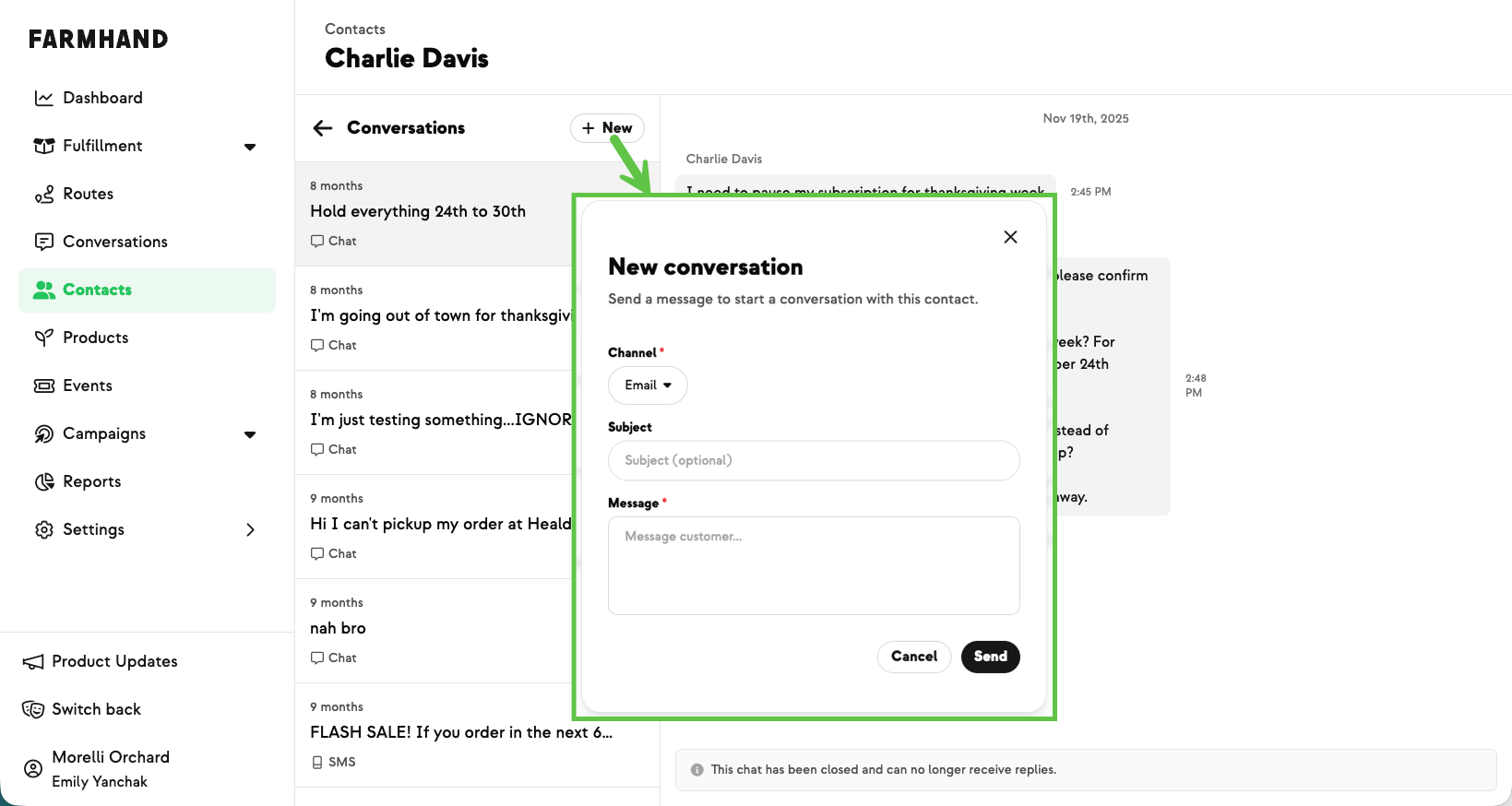
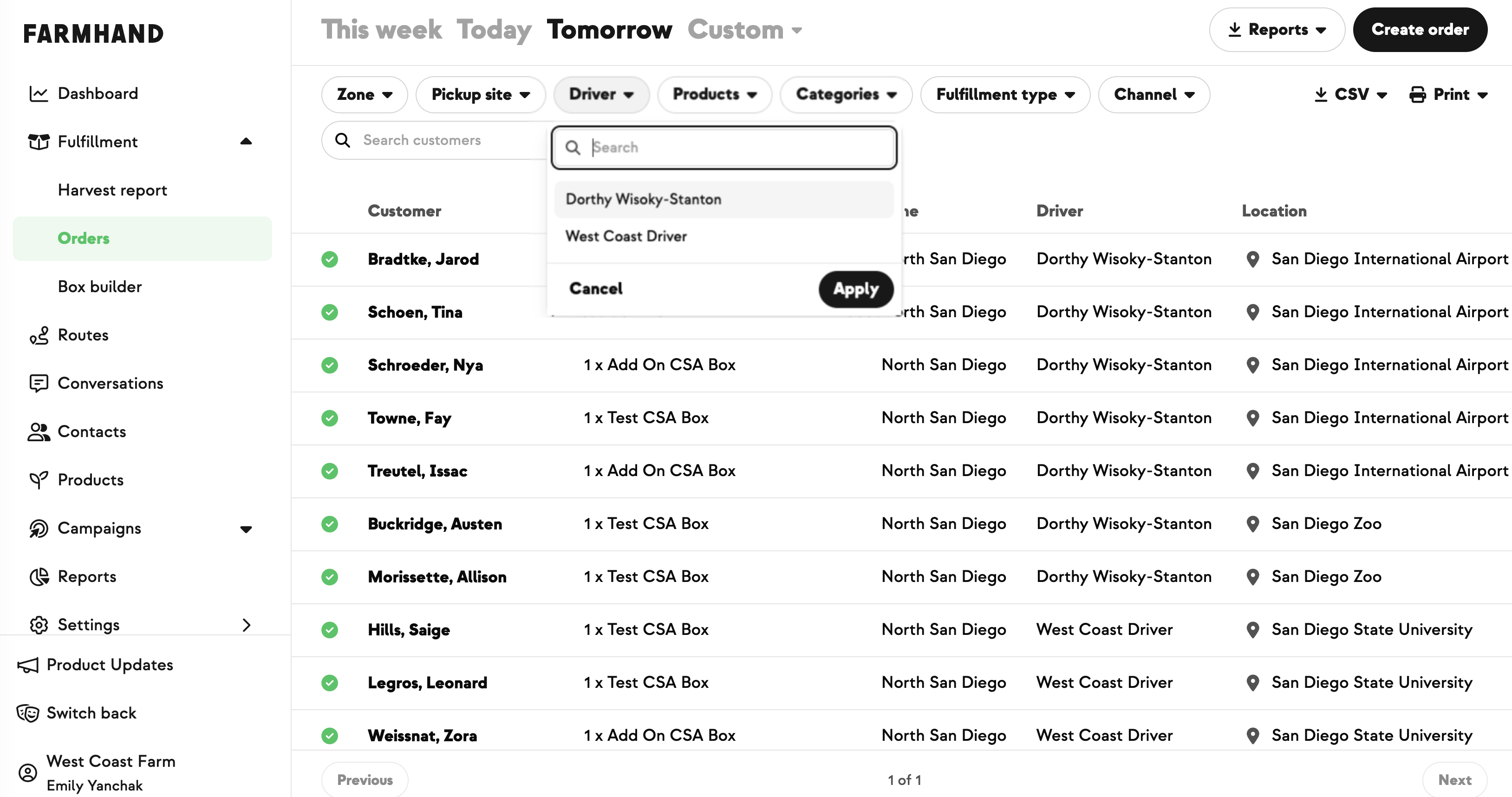
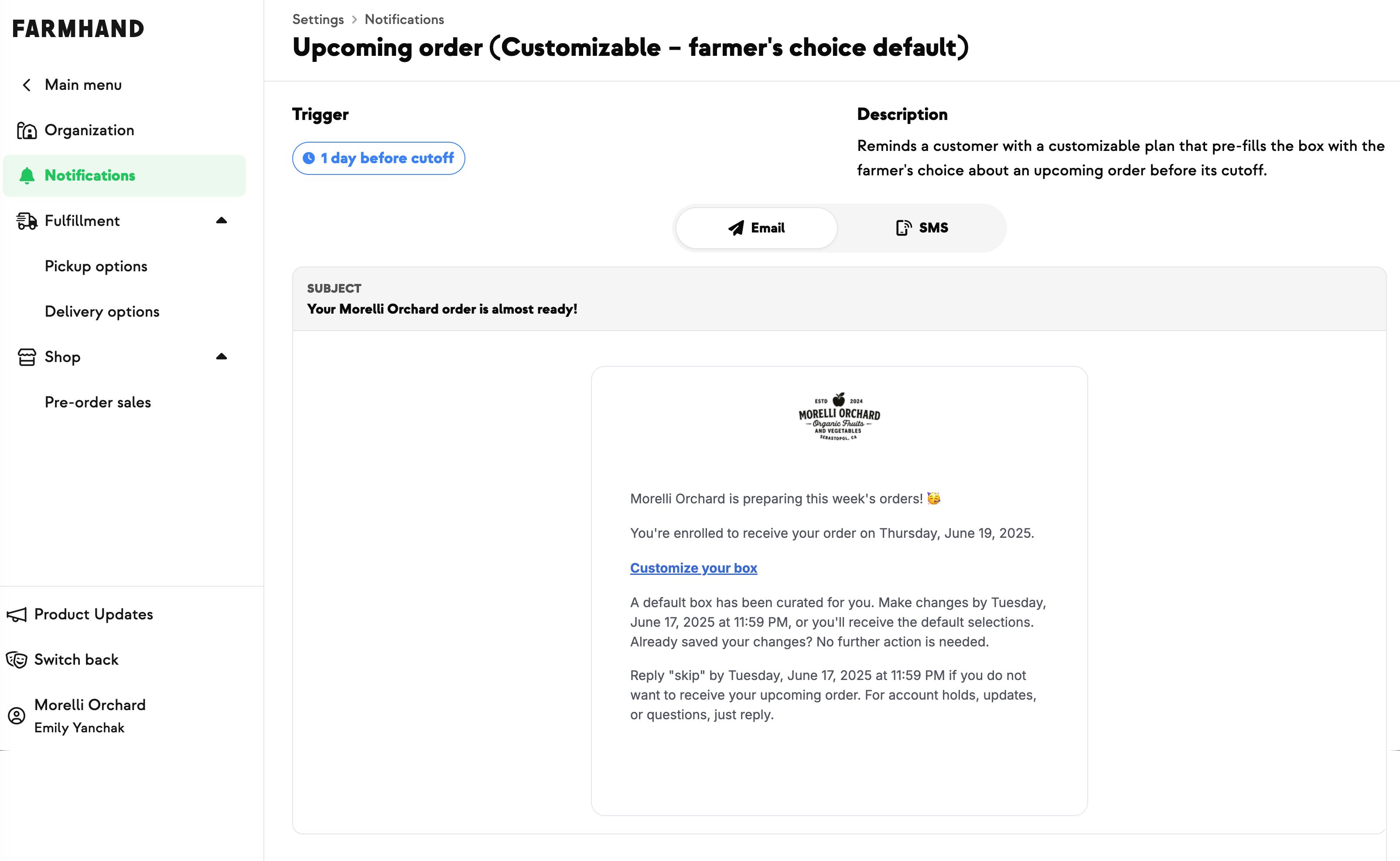
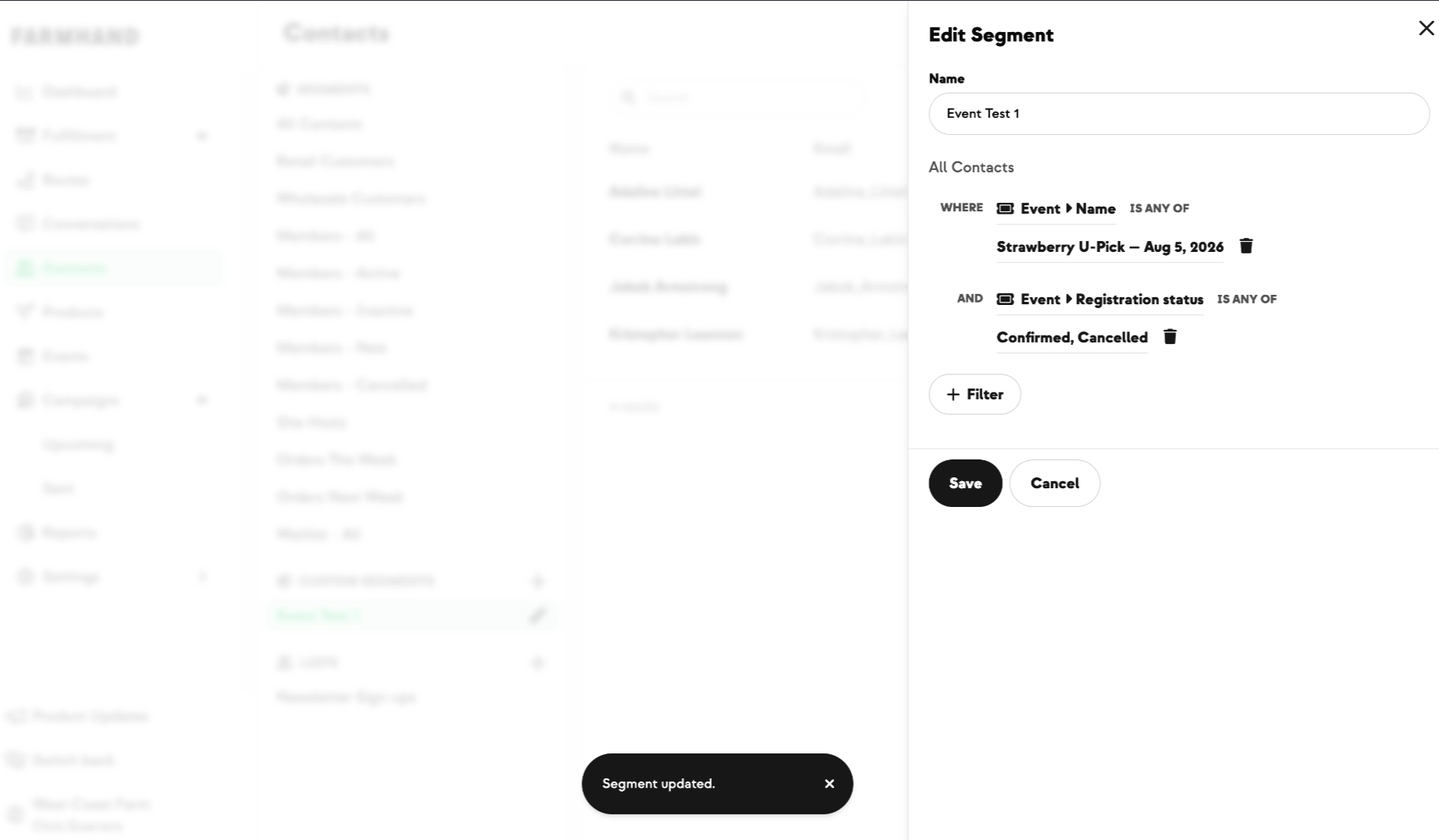
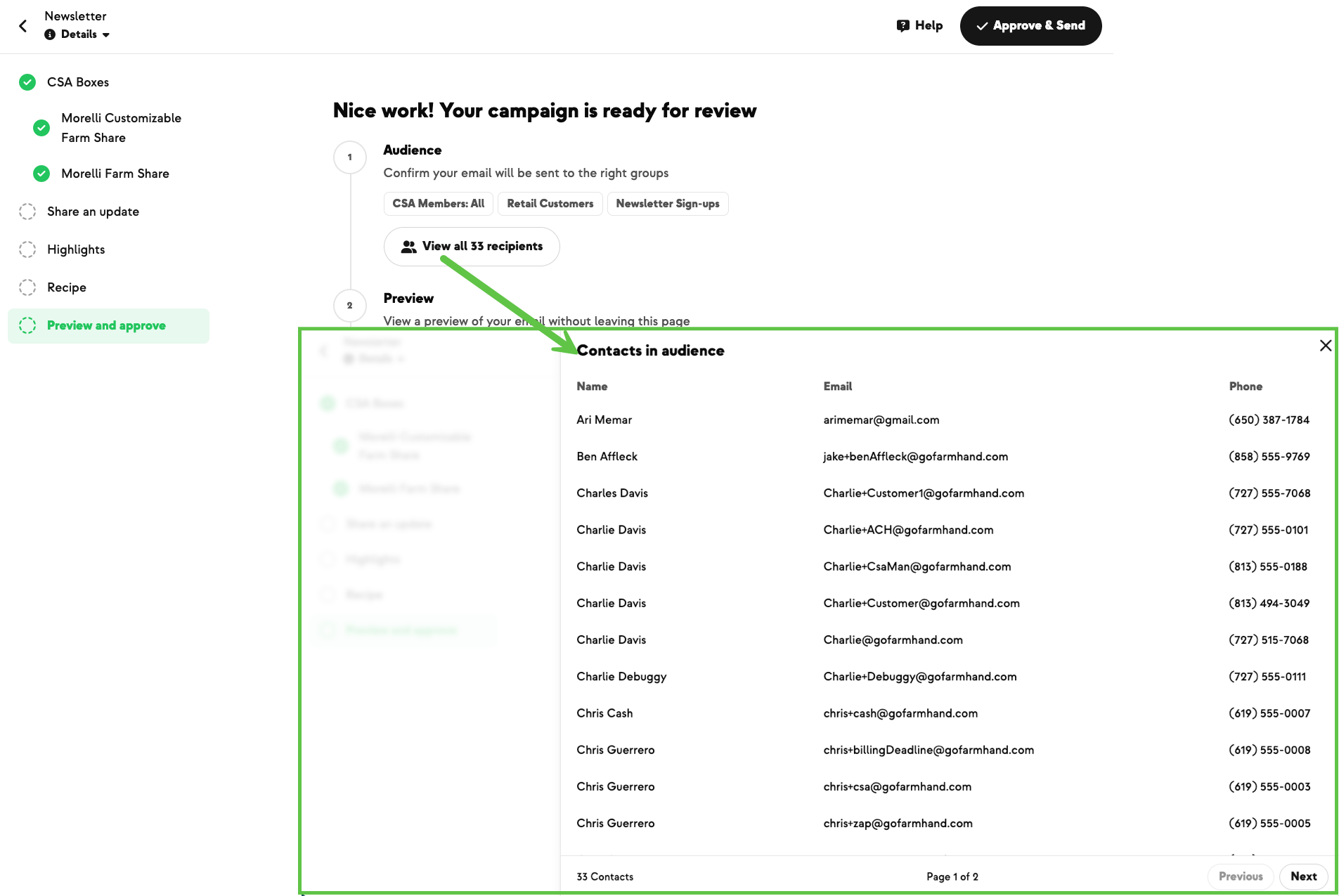
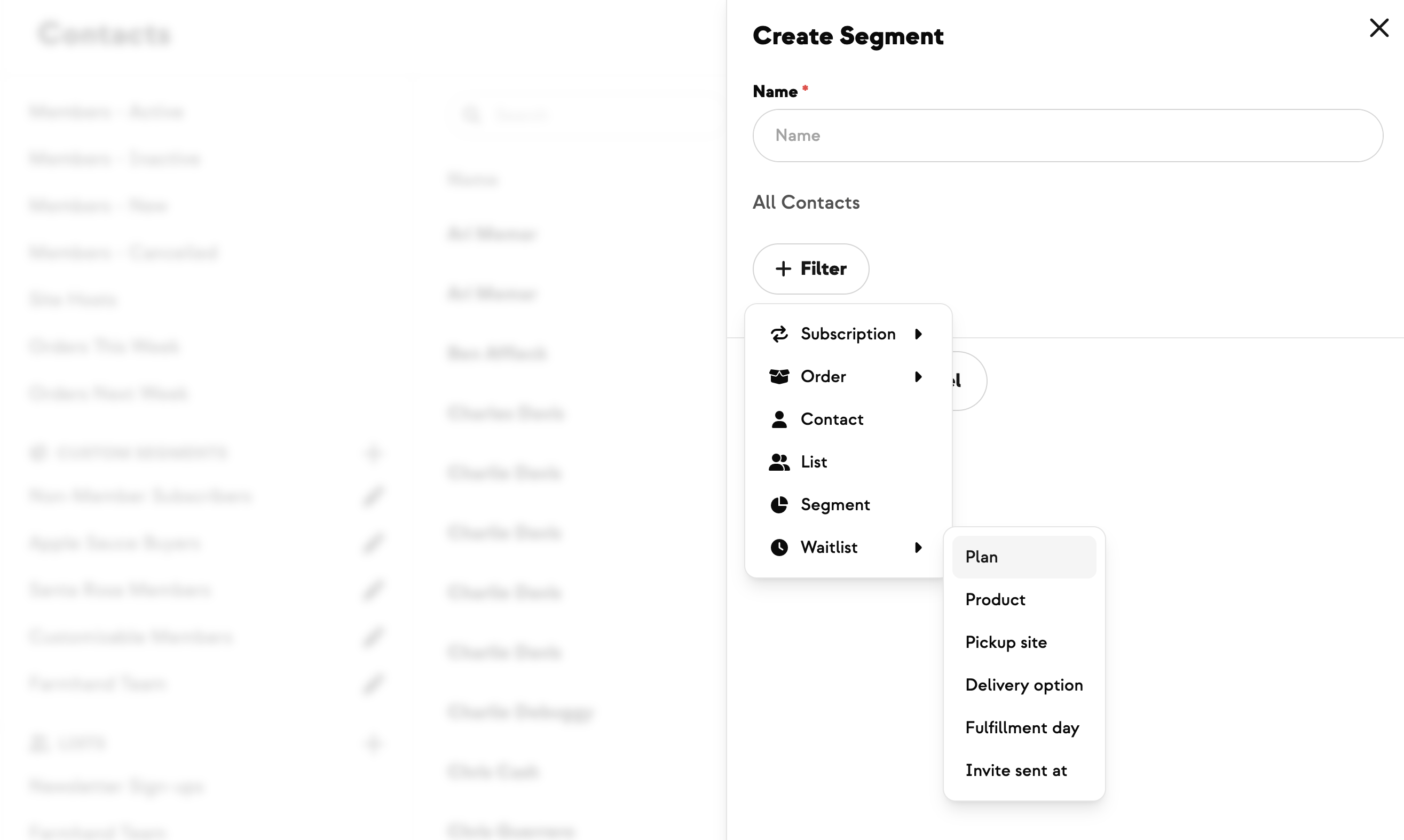
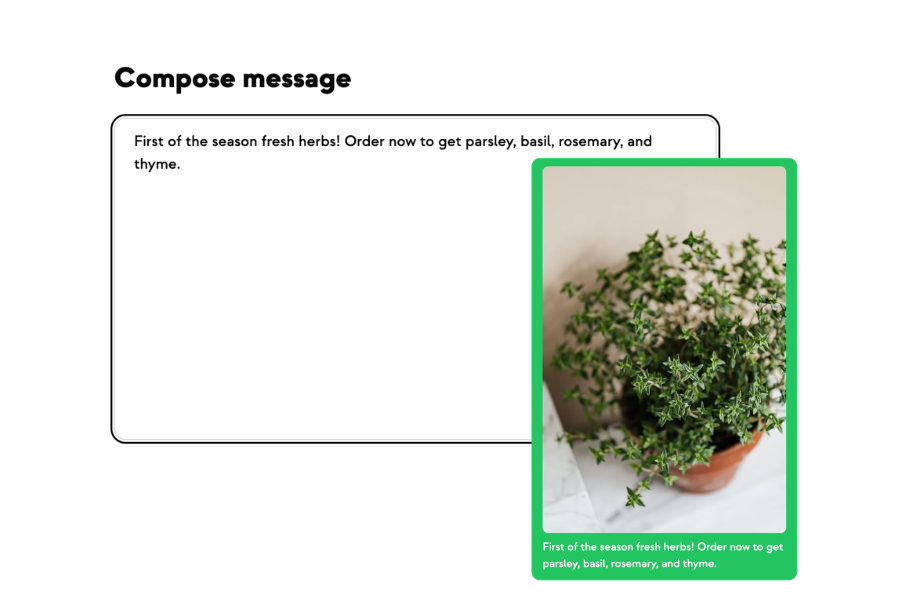
And you can still text one night's guests. A season-long event would otherwise make “everyone registered for Pizza Night” mean everyone, all season. Campaign audiences now filter by event date and by event time window, so a “see you tomorrow!” reminder reaches tomorrow's guests and nobody else. The time filters include the time you name rather than quietly dropping it, and the event dropdown labels a series as, for example, “Pizza Night — 8 dates” so you know to reach for the date filter underneath. One-time events work with both filters exactly as before.
It's ready to use now — the next time you set up something you run on repeat, pick Recurring instead of building it date by date.
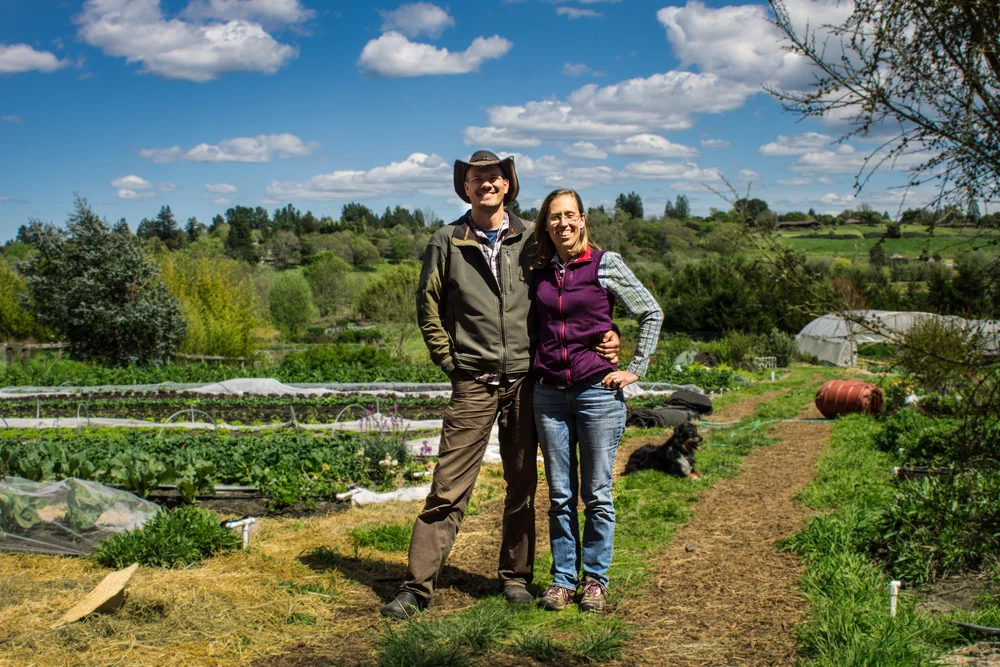
Built with Megan at Pure Land Farm, who runs a U-Pick every week and wanted the whole run managed in one place — and to text one day's pickers without reaching the entire season.




.jpeg)








-p-500.png)














.jpg)







.jpg)
.jpg)
.jpg)
.jpg)



.png)