Keep reading
All updates More in this category
Built with farmers.
Shipped in weeks.
Fifteen minutes with Ari. Bring the thing you wish your software did, and he'll tell you if it's already built.
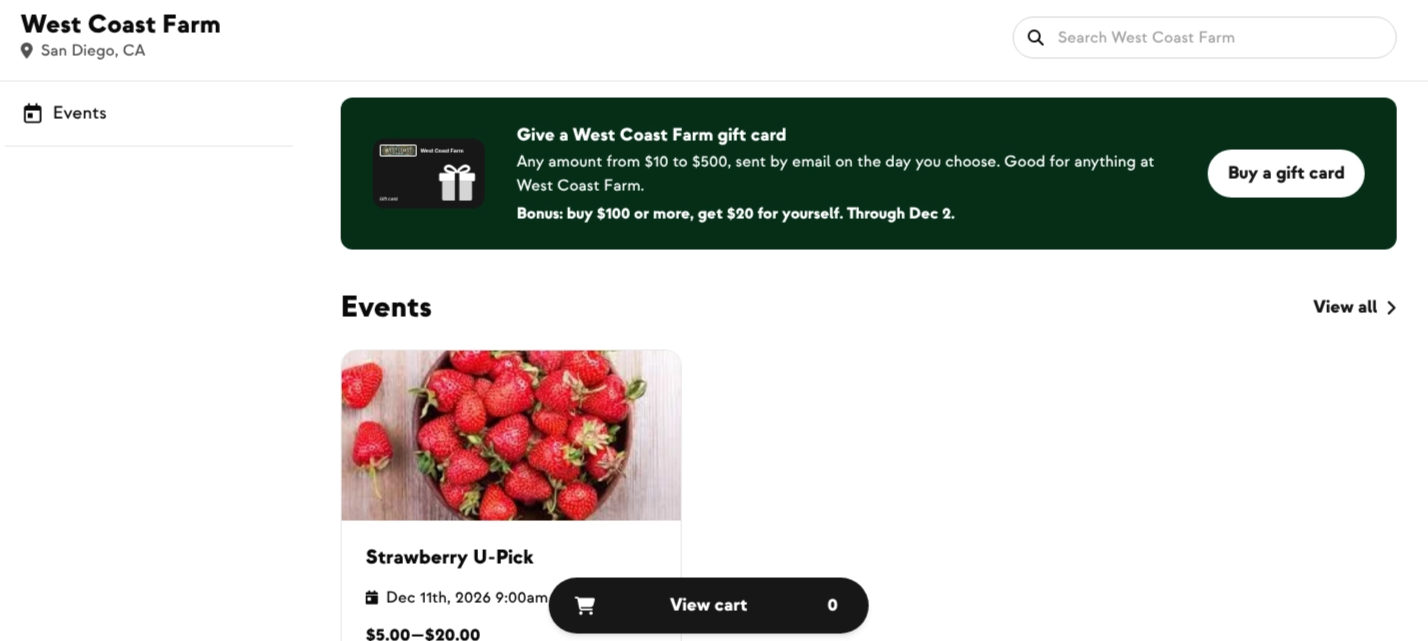
Gift cards are one of the most-requested features we've ever had, and they're here in time for holiday shopping. Your customers can now buy a gift card from your shop and send it to anyone. The recipient gets it as account credit at your farm, so every gift card is a new customer or an extra order.
Gift cards are turned on for every farm by default, so you can start selling with no setup. Turn them off or customize your program under Settings › Shop › Gift cards, or contact the Farmhand support team and we'll do it for you.
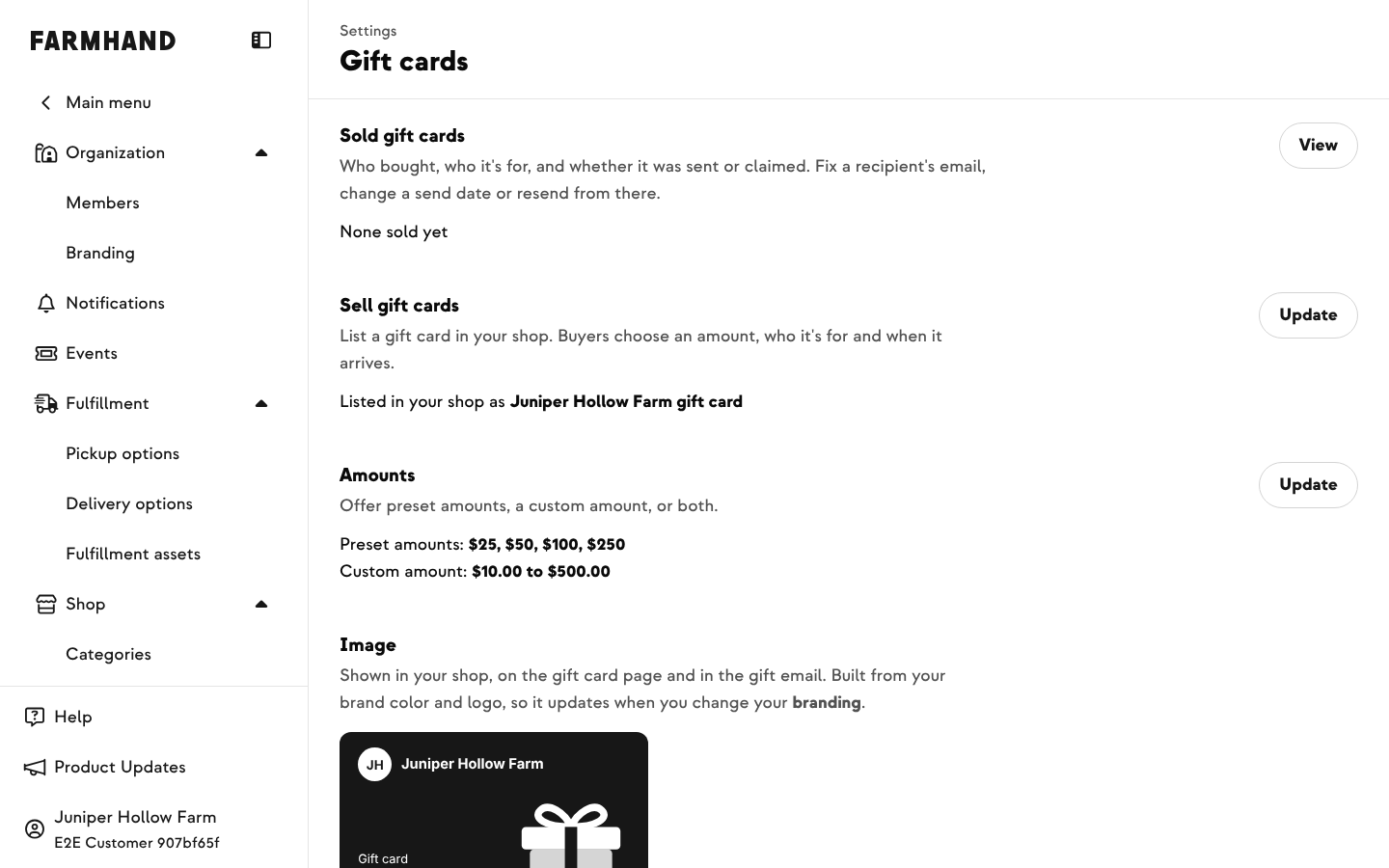
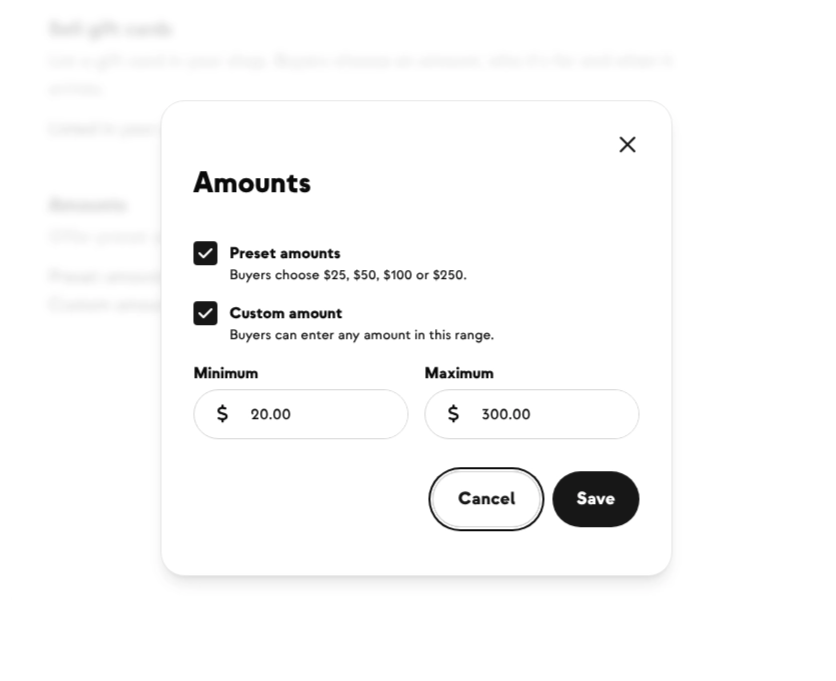
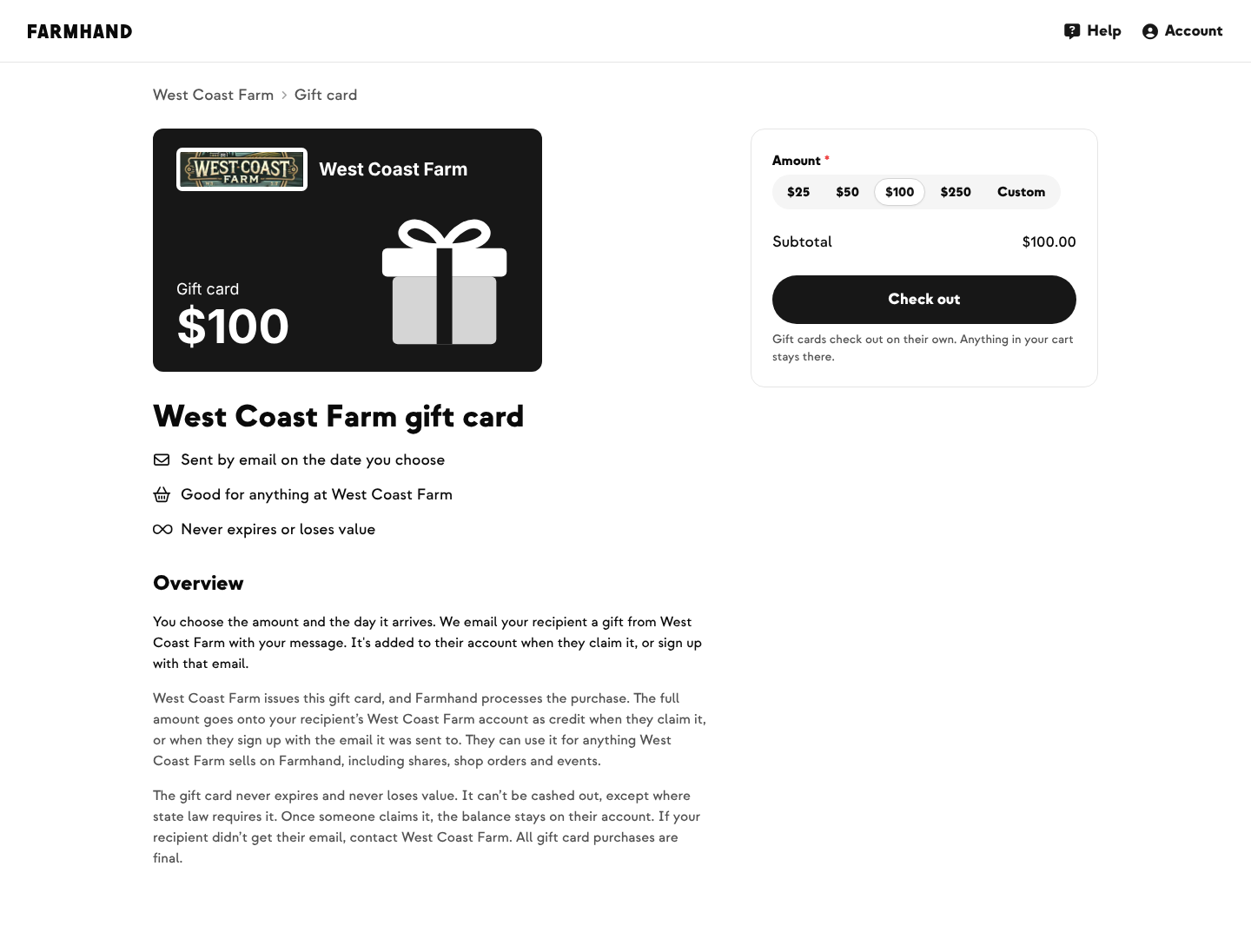
Buyers can pick a preset amount of $25, $50, $100 or $250, or enter their own amount from $10 to $500. You can turn either option off or change the custom range under Settings › Shop › Gift cards.
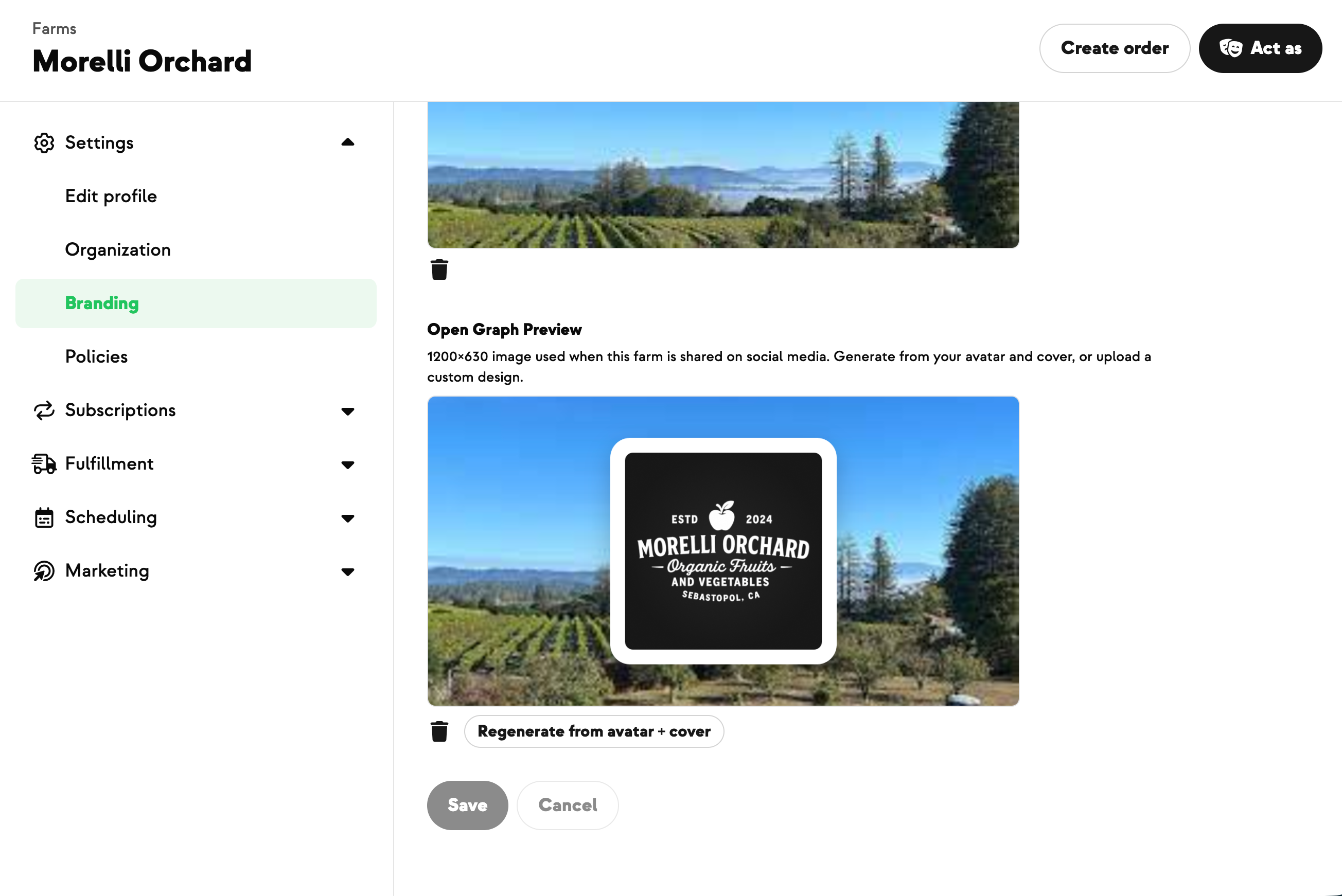
A banner at the top of your shop links to your gift card page. It's branded with your logo and colors, and it spells out the terms in plain language: the gift never expires or loses value, and it can be used for anything you sell on Farmhand, including shares, shop orders and events.
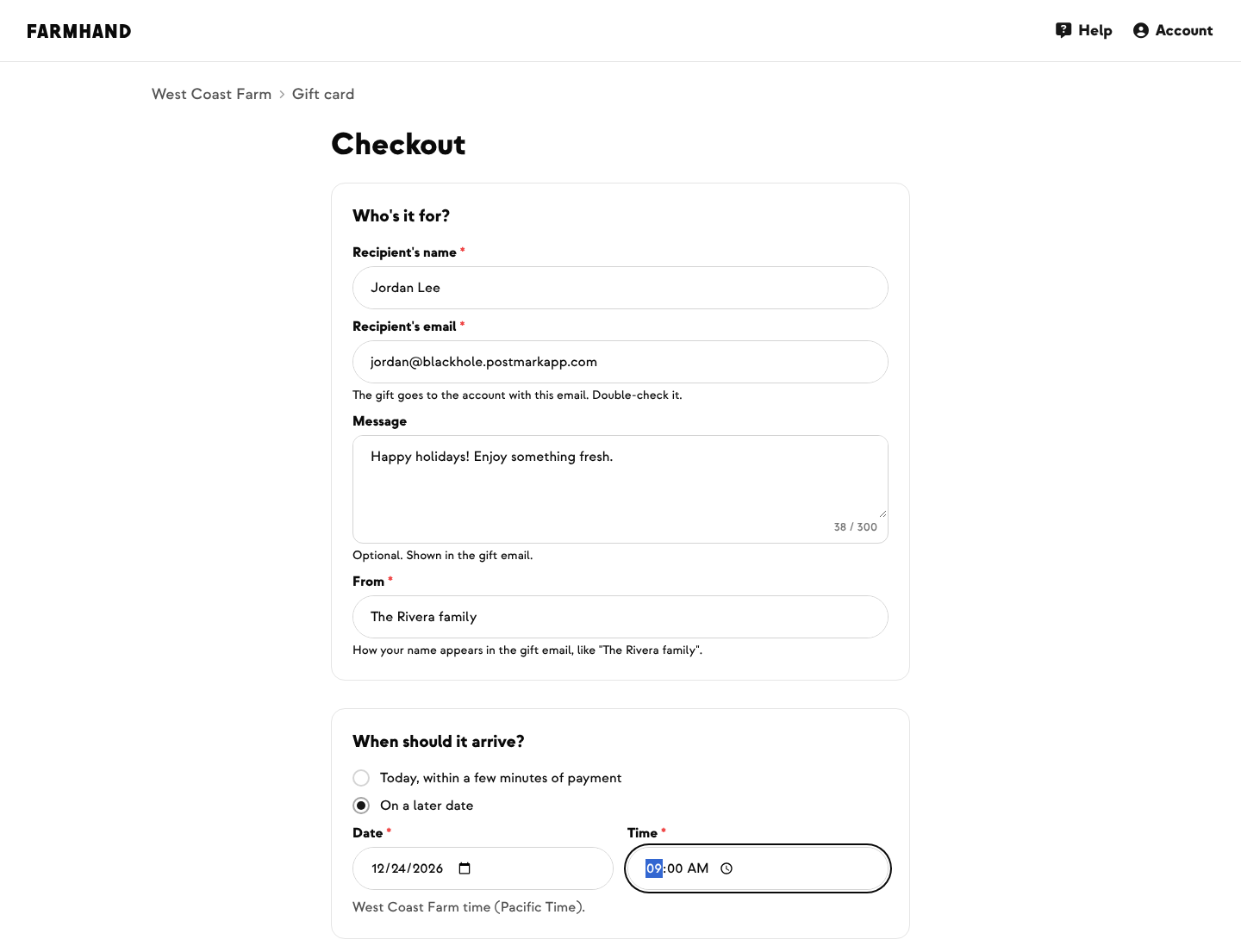
At checkout, the buyer enters who it's for, a personal message, who it's from, and when it should arrive: right away or on a future date, like a birthday or Christmas morning. Gift cards are paid by card.
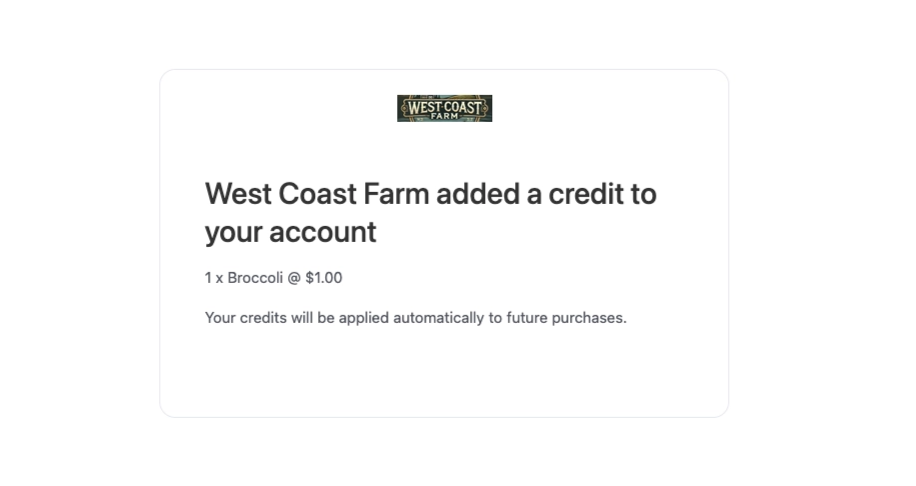
On the chosen day, the recipient gets an email from your farm with the gift amount, the message and a Claim your gift button.
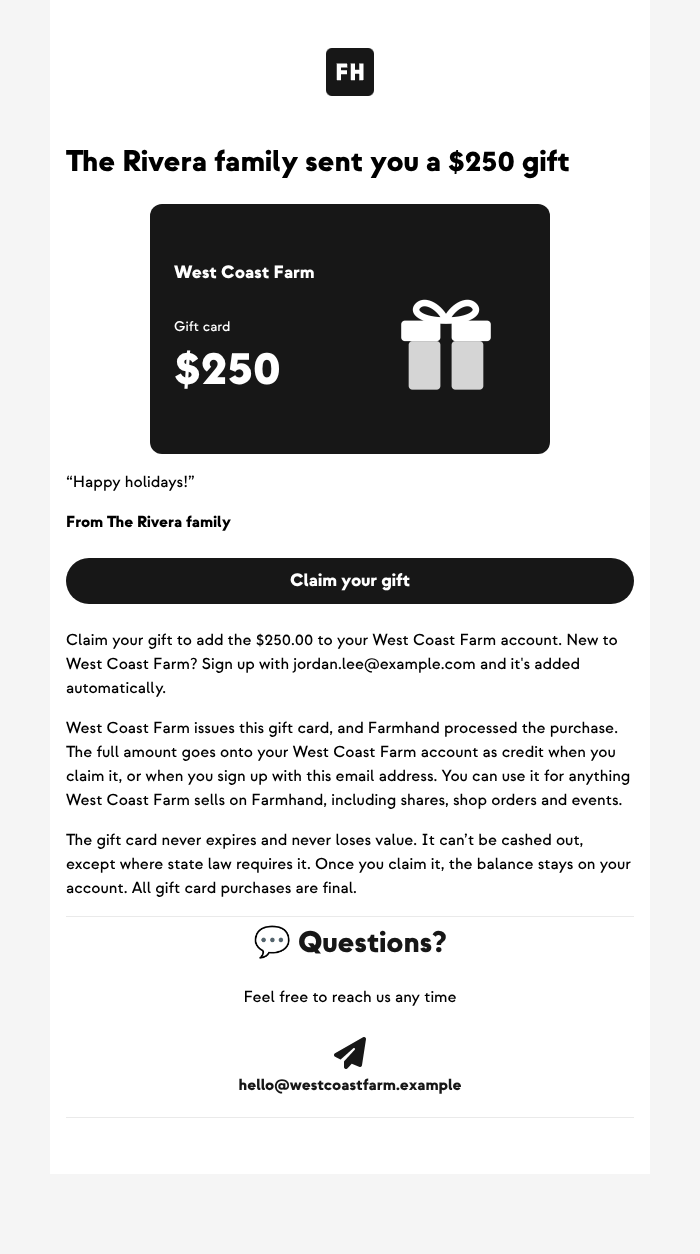
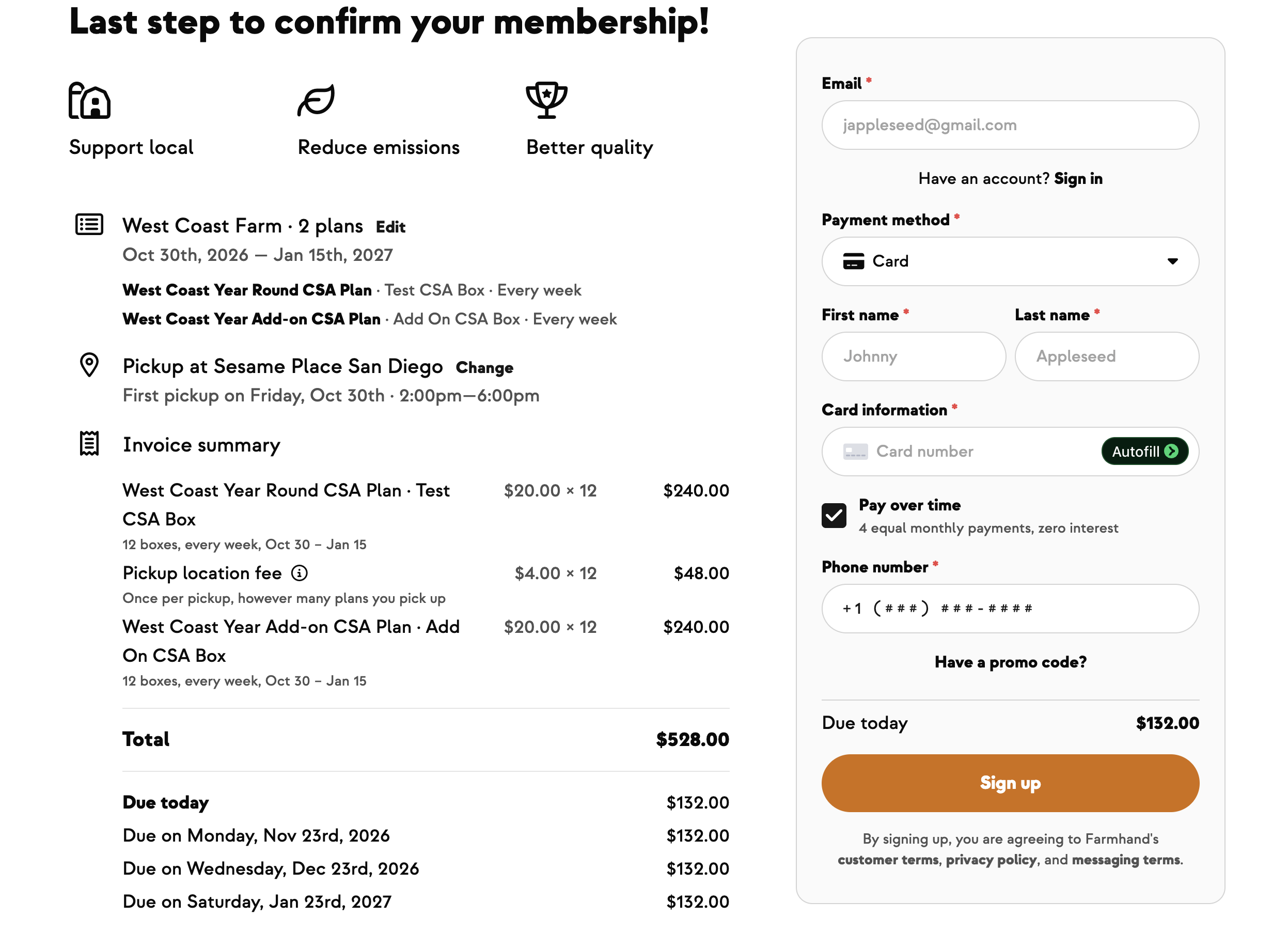
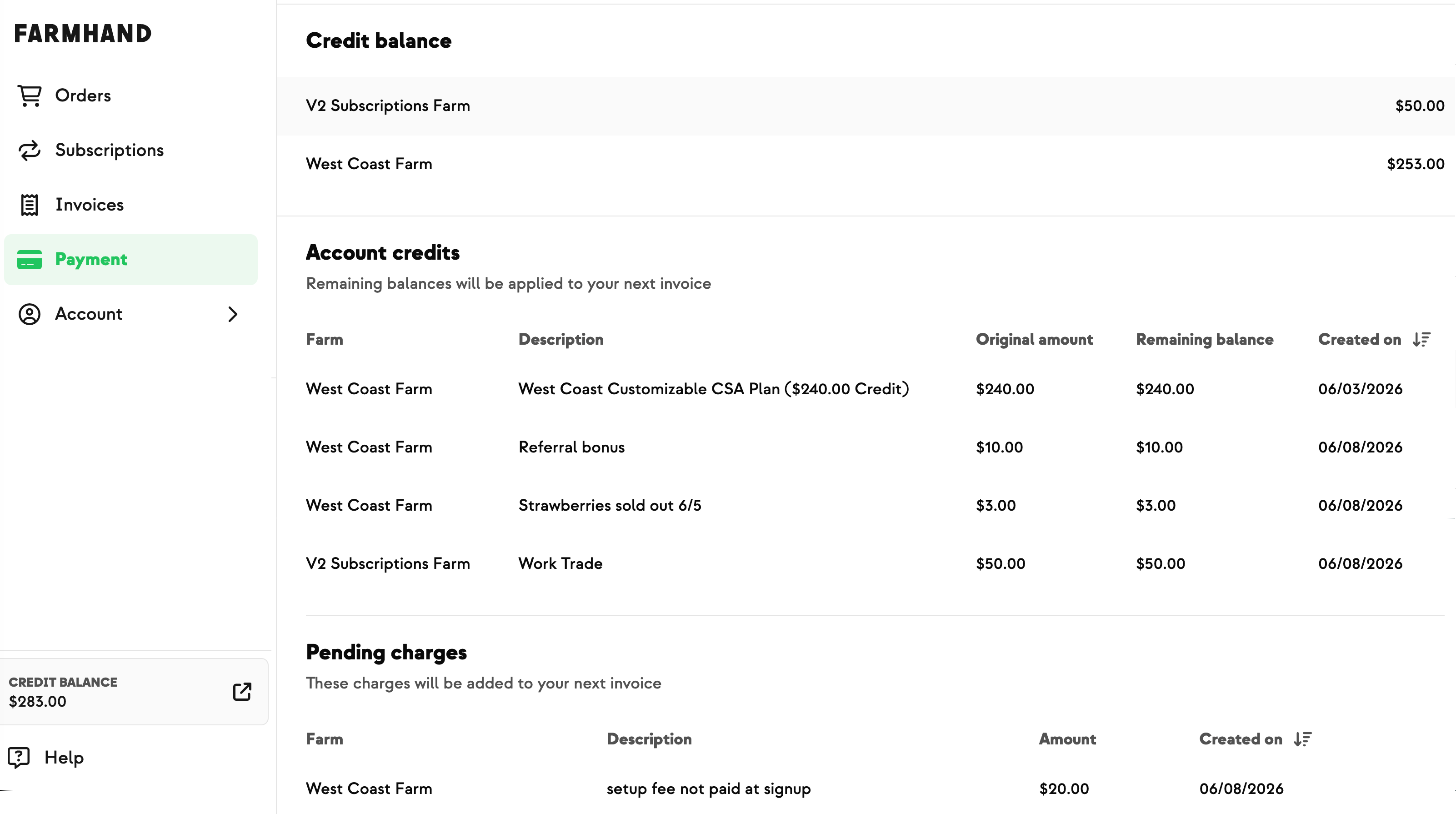
When the recipient claims their gift, the full amount goes on their account at your farm as credit. New customers see it applied when they sign up for your CSA or check out in your shop. If their order costs less than the gift, the rest stays on their account for next time.
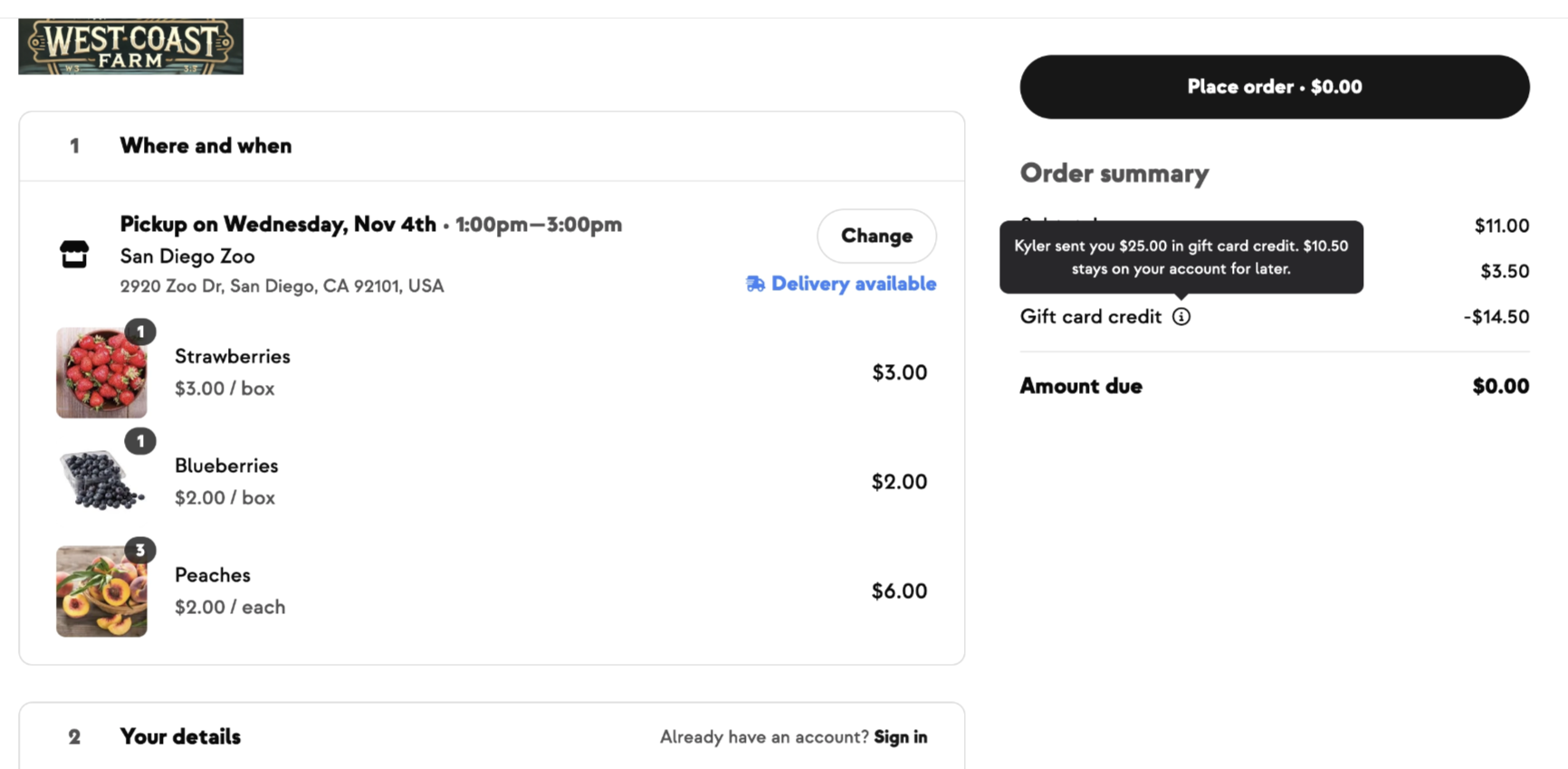
Give holiday shoppers a reason to buy bigger with a "buy more, get more" promotion, like "Buy $100 or more, get a $20 bonus." Set a minimum purchase, a bonus amount, and start and end dates. The offer shows on your shop banner, gift card page and checkout. When a qualifying gift card is paid, the bonus goes on the buyer's own account as credit, and the recipient still gets the full gift.
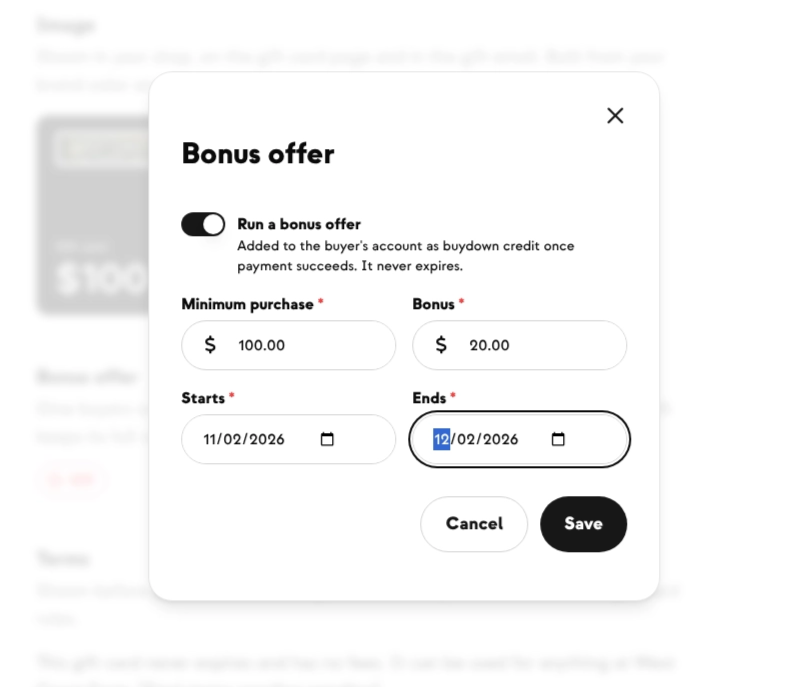
Turning the offer off keeps your settings, so you can switch it back on for the next promotion.
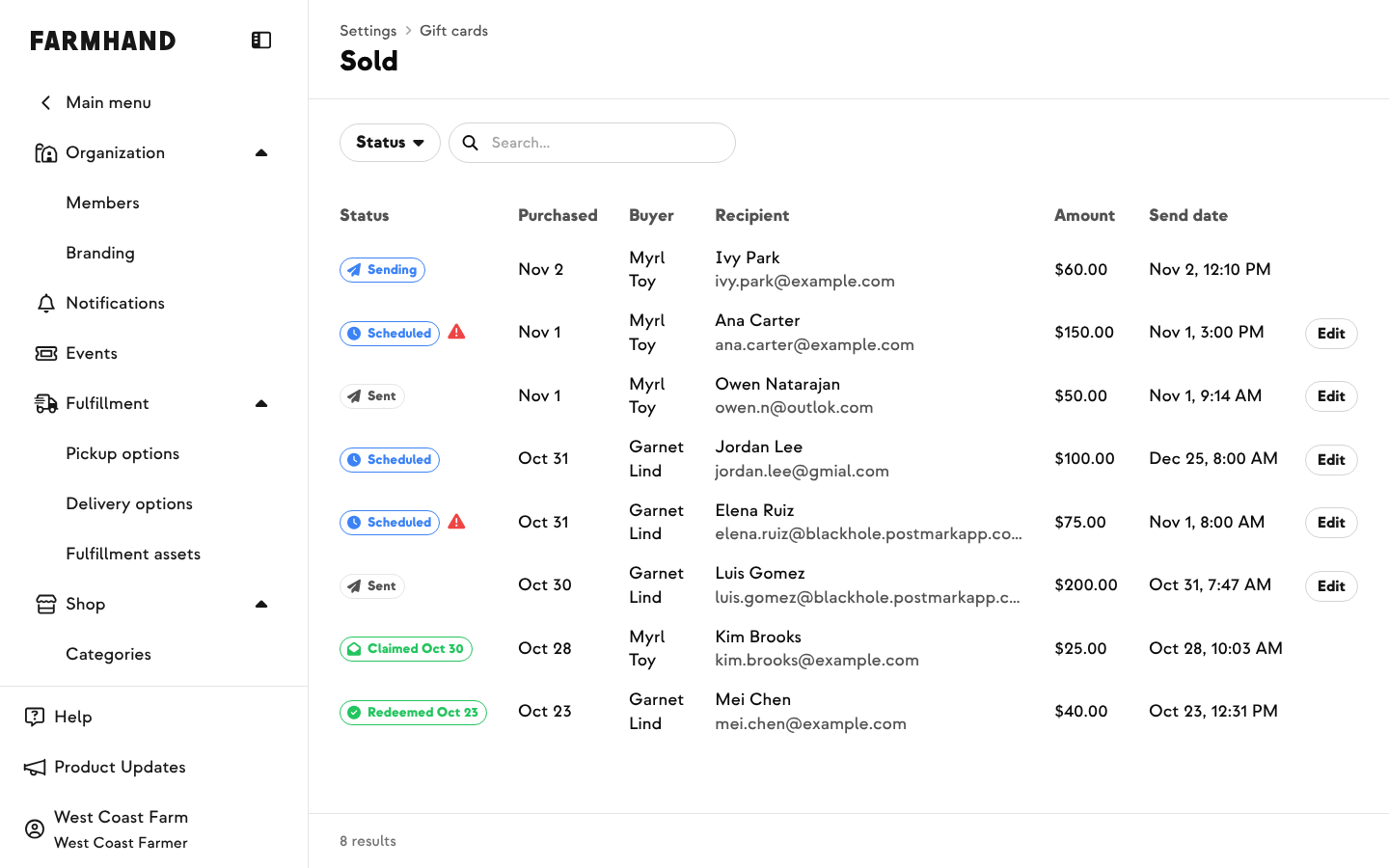
Under Settings › Shop › Gift cards › Sold, you can see every gift card with its buyer, recipient, amount, bonus, send date and status: Scheduled, Sent, Claimed or Redeemed. If a buyer mistyped the recipient's email, fix it and the gift is sent again. You can also change the send date or resend a gift the recipient can't find, without contacting support.
For refunds, contact the Farmhand support team.