Keep reading
All updates More in this category
Built with farmers.
Shipped in weeks.
Fifteen minutes with Ari. Bring the thing you wish your software did, and he'll tell you if it's already built.
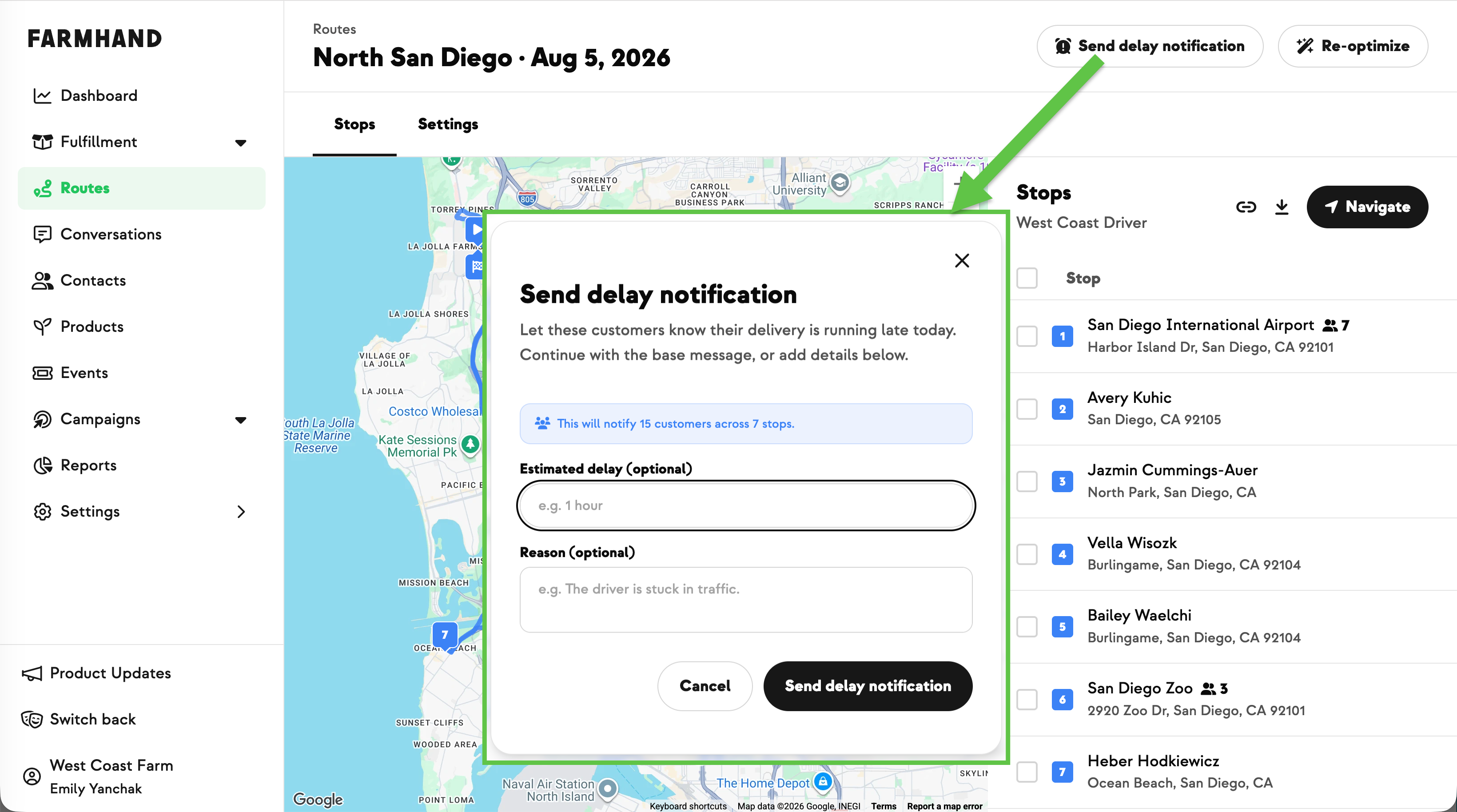

A vehicle won't start, a driver can't make it, or someone hits traffic on one leg of the route. Telling those members used to mean building an audience, writing the message, and sending a campaign — with no fast way to reach only the stops actually affected, and no way to get ahead of the "where's my order?" messages while the truck was still out.
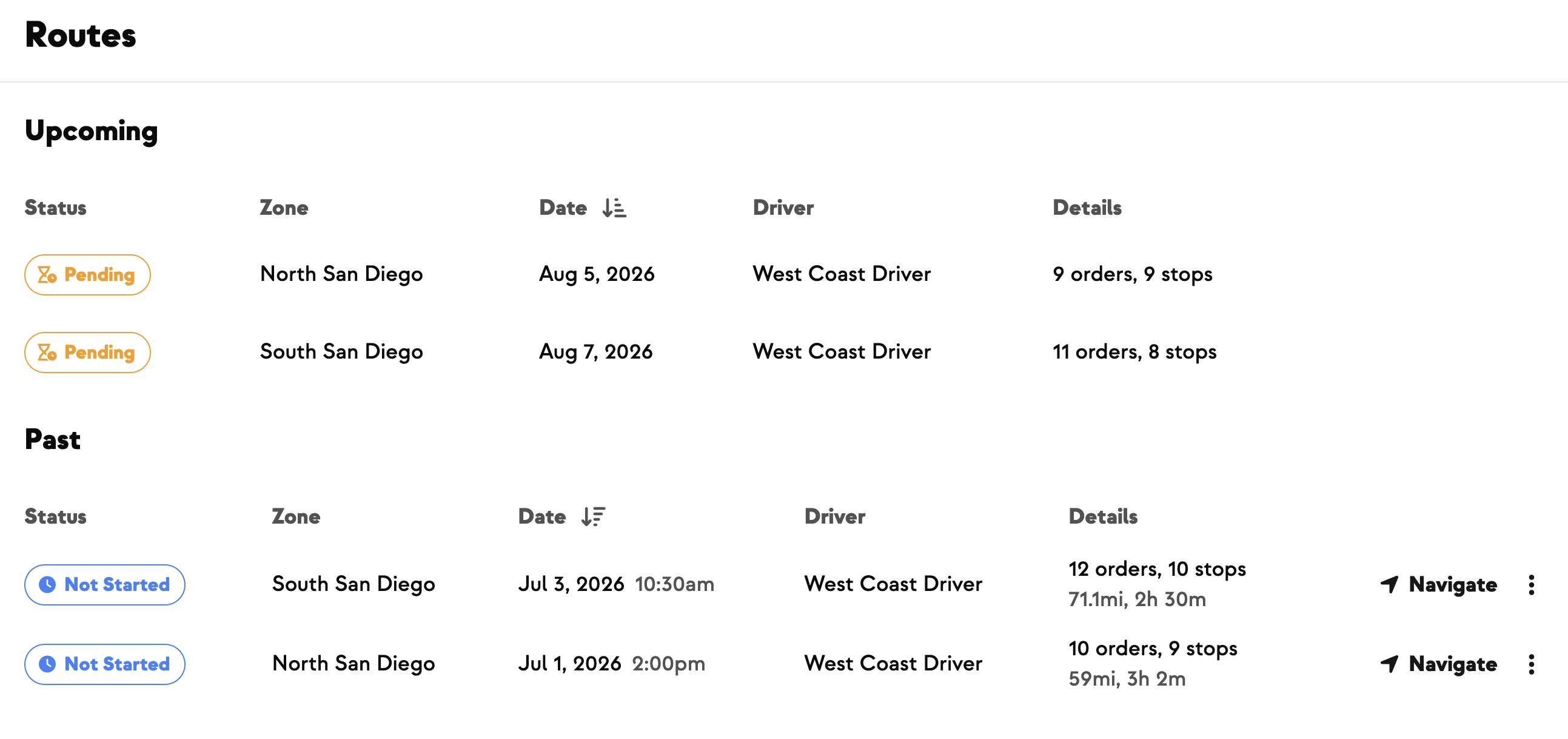
Now Routes has a Send delay notification action in two places. From the Routes feed, the ⋯ menu on a route messages everyone on it. From an individual Route page, you can send to the whole route from the header, or tick just the stops you need and use the quick-actions bar. You can optionally add how long the delay is and why, and both get folded into a ready-made message.
It also works once you're already on the road. Send from a route in progress and Farmhand automatically leaves out every stop you've already delivered, so only the members still waiting hear from you — no hand-picking required. A short summary confirms the audience first, along the lines of "This will notify 12 customers across 3 stops. 2 already-delivered stops are excluded." If every stop is done, the button switches off and tells you why, so nobody gets a running-late text an hour after their box landed.
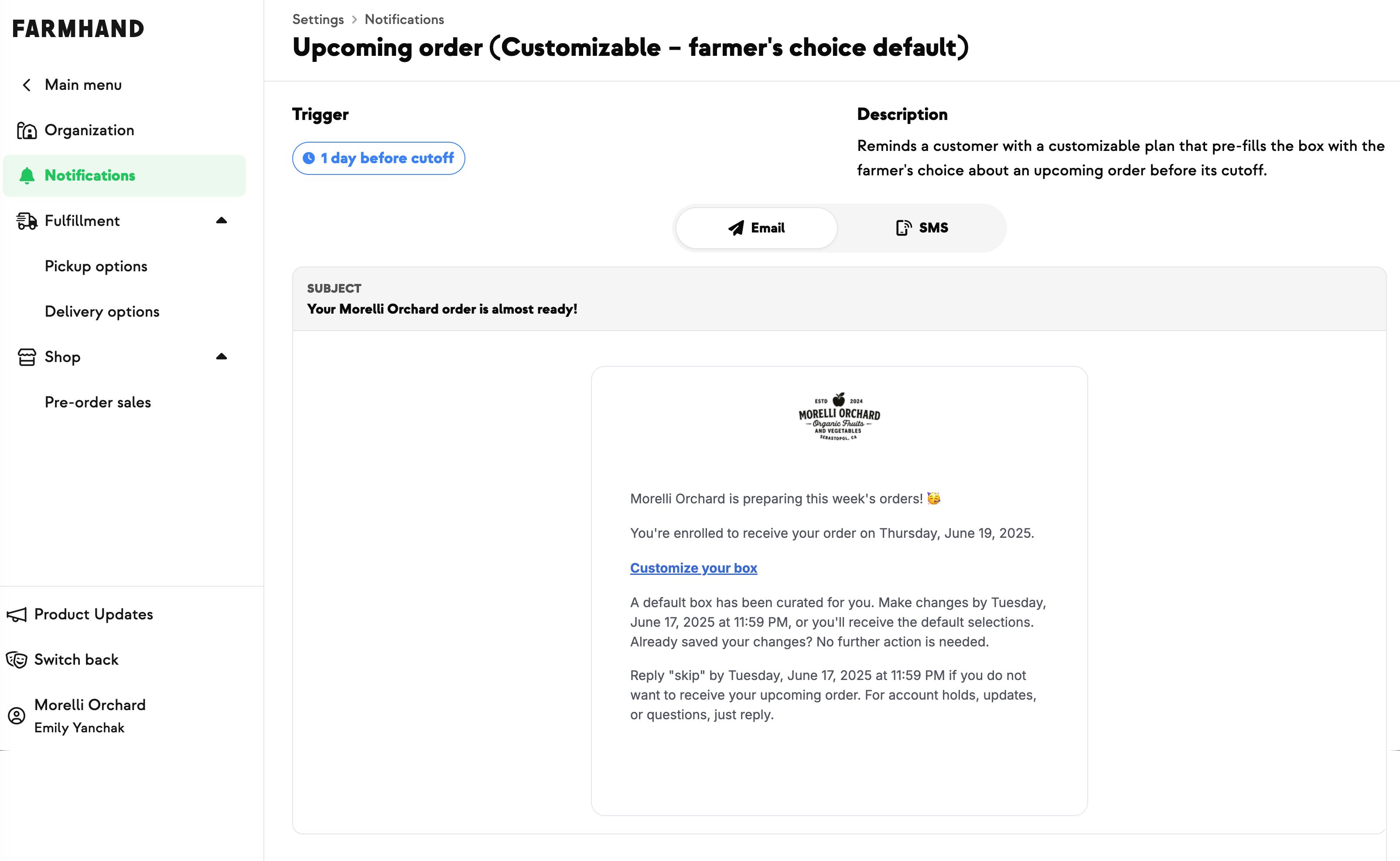
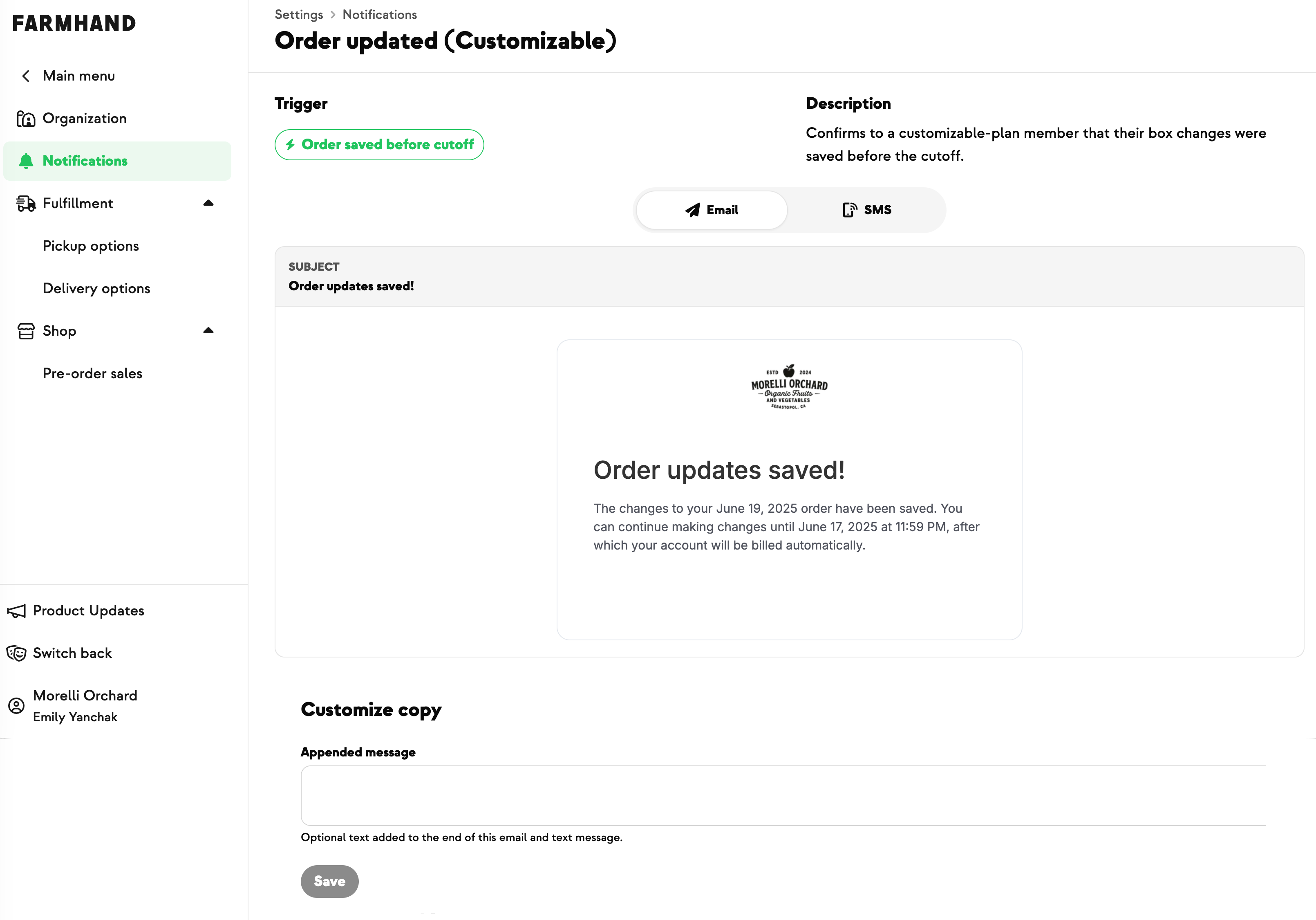
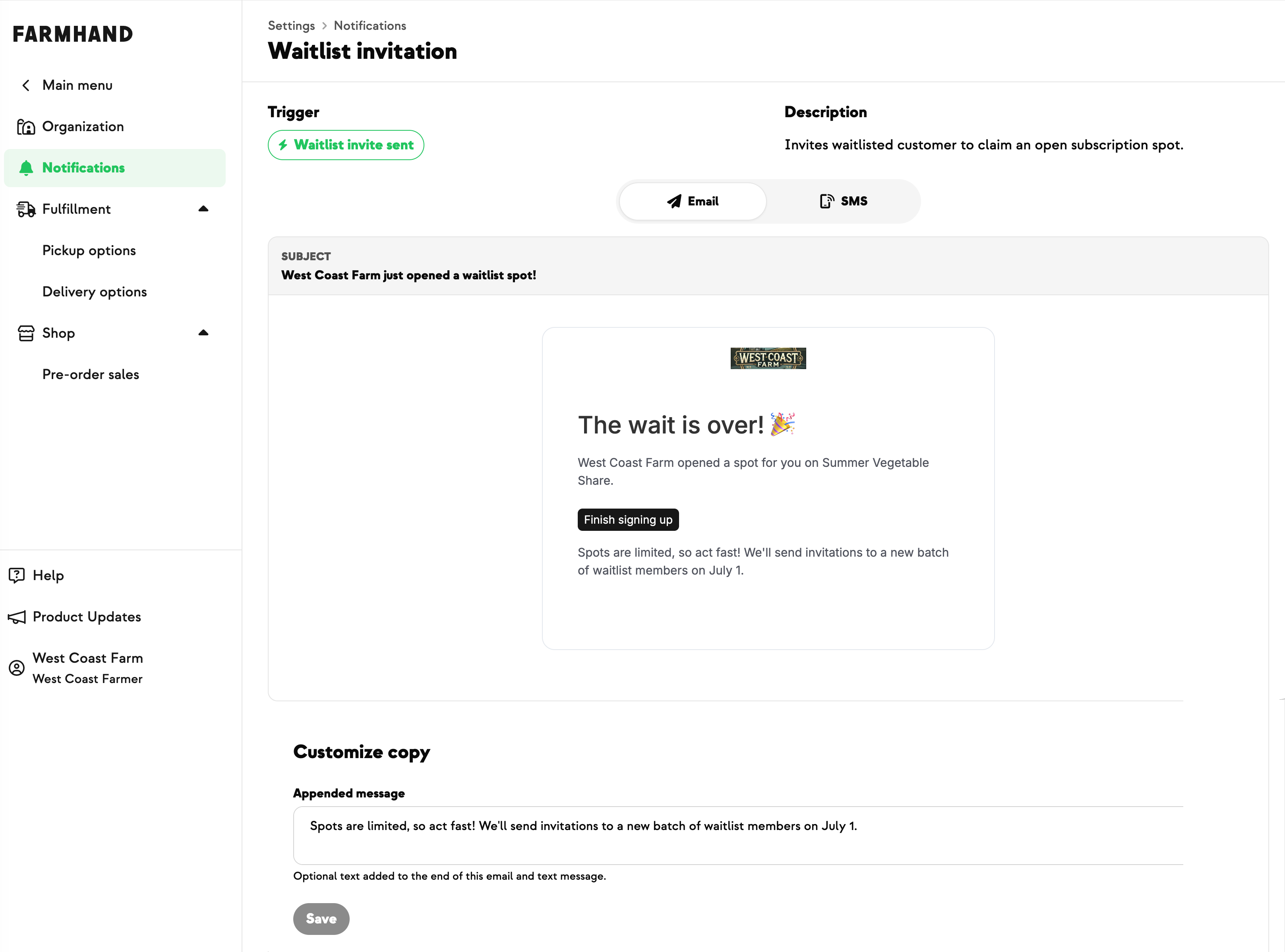
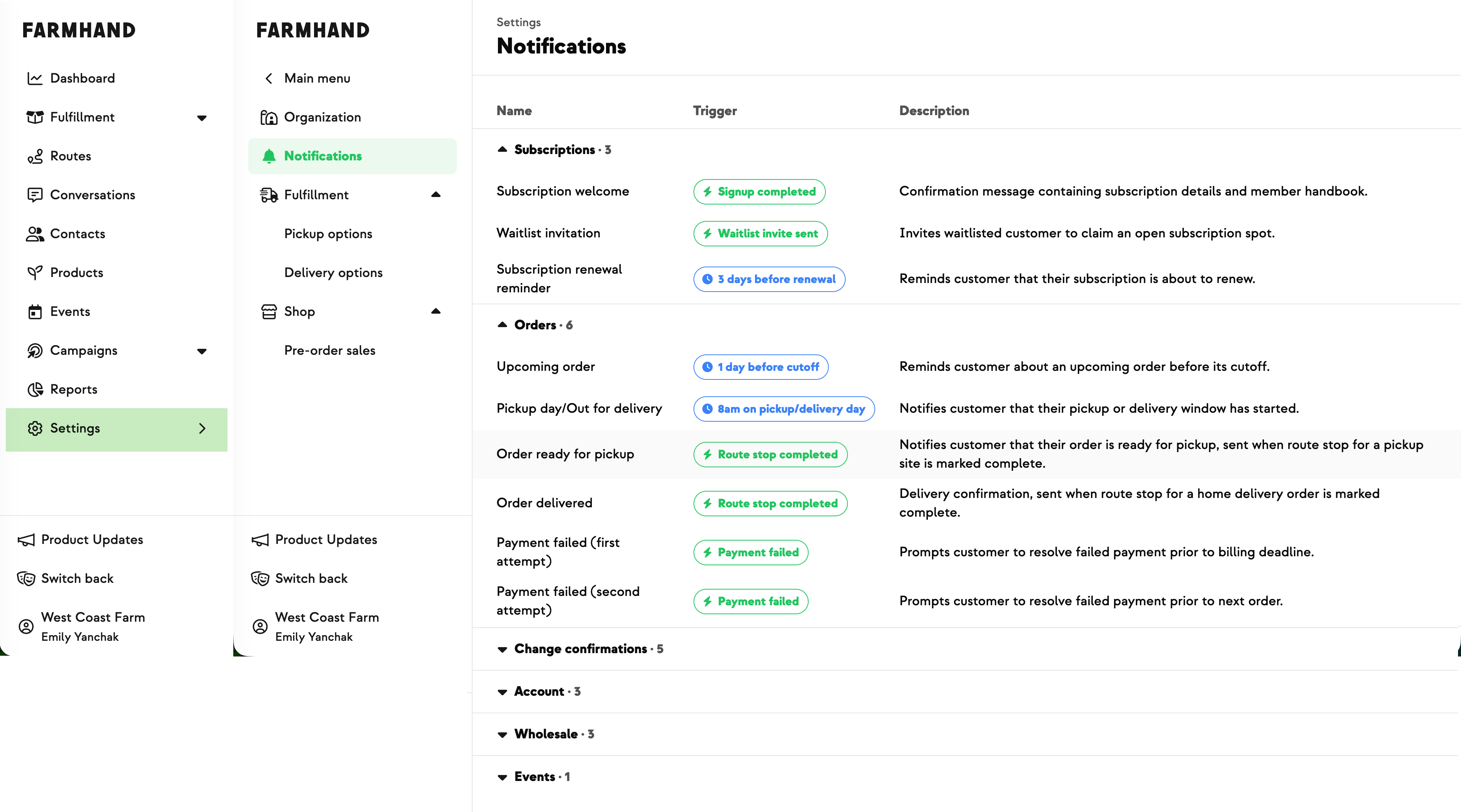
It covers home deliveries and pickup or drop sites alike, any farm role can send it, and members get it by email or text based on their own preferences. Because it's a fixed notification rather than a full campaign, you'll find the template under Settings → Notifications → Orders rather than in Campaigns → Sent.
Built with Meghan at Stargazer Hollow, who hit last-minute vehicle and driver trouble and needed to warn customers before they started asking where their order was.








.jpeg)













-p-500.png)

























.jpg)













.jpg)
.jpg)
.jpg)
.jpg)




.png)