
Customer experience
What your members see: the customer dashboard
Release Date:
May 12, 2026
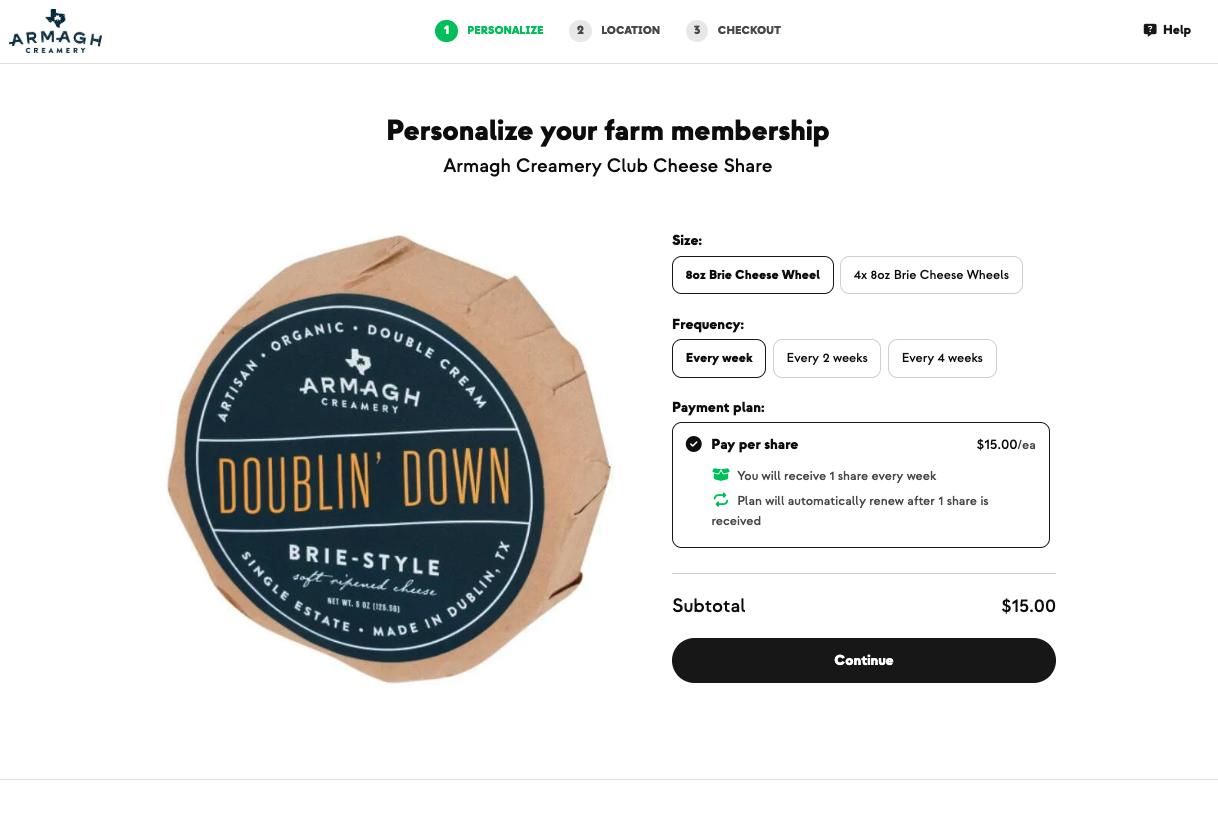
Show a new member their dashboard — what they can do without ever calling you.
Before you start: Have a test member account ready. Walk through with them on their first login if possible.
- Member logs in via one-time code (default) sent to their email or phone — no password needed.
- They see a calendar of virtualized orders — every upcoming delivery, with skip / pause options.
- Clicking into an upcoming order opens Shop Add-Ons — they can add one-time items to that specific order without touching their subscription.
- From the menu they can:
- Manage subscriptions (pause, change frequency, skip just one, cancel)
- View invoices and download them
- Add or update payment methods
- See credits balance
- Update contact info and notification preferences (opt out of text/email)
- Add secondary contacts (spouse/family for notifications)
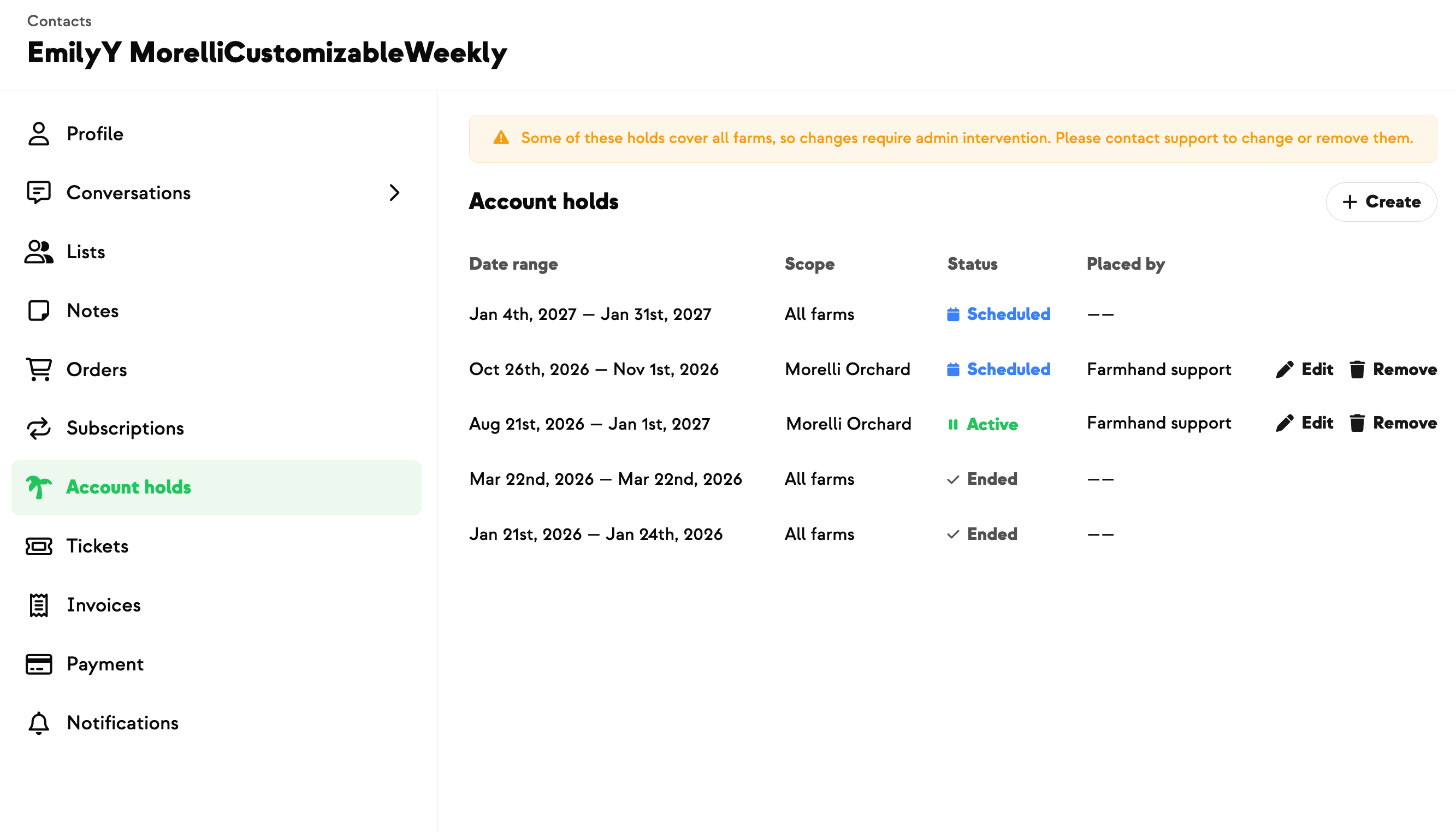
- Set extended holds (vacation mode)
- Optionally set a password for future logins
✅ Success: a new member can place an add-on, skip a future order, and add a secondary contact entirely on their own — zero calls to you.
⚠️ What to know
- Add-ons are SEPARATE from subscriptions. In Farmhand, add-ons attach to a single order — the subscription doesn't change.
- One-time code is the default login. Password is optional, not required. Members can set one from their account if they prefer.
- Secondary contacts get notifications too. Useful for couples where one person handles pickup, the other handles payment.
- Members can opt out of text or email independently from the same Preferences screen. They can't fully delete the account themselves — they have to ask.
Where to find this update:
Member-facing (your customer's login at gofarmhand.com/sign-in)
New on Farmhand
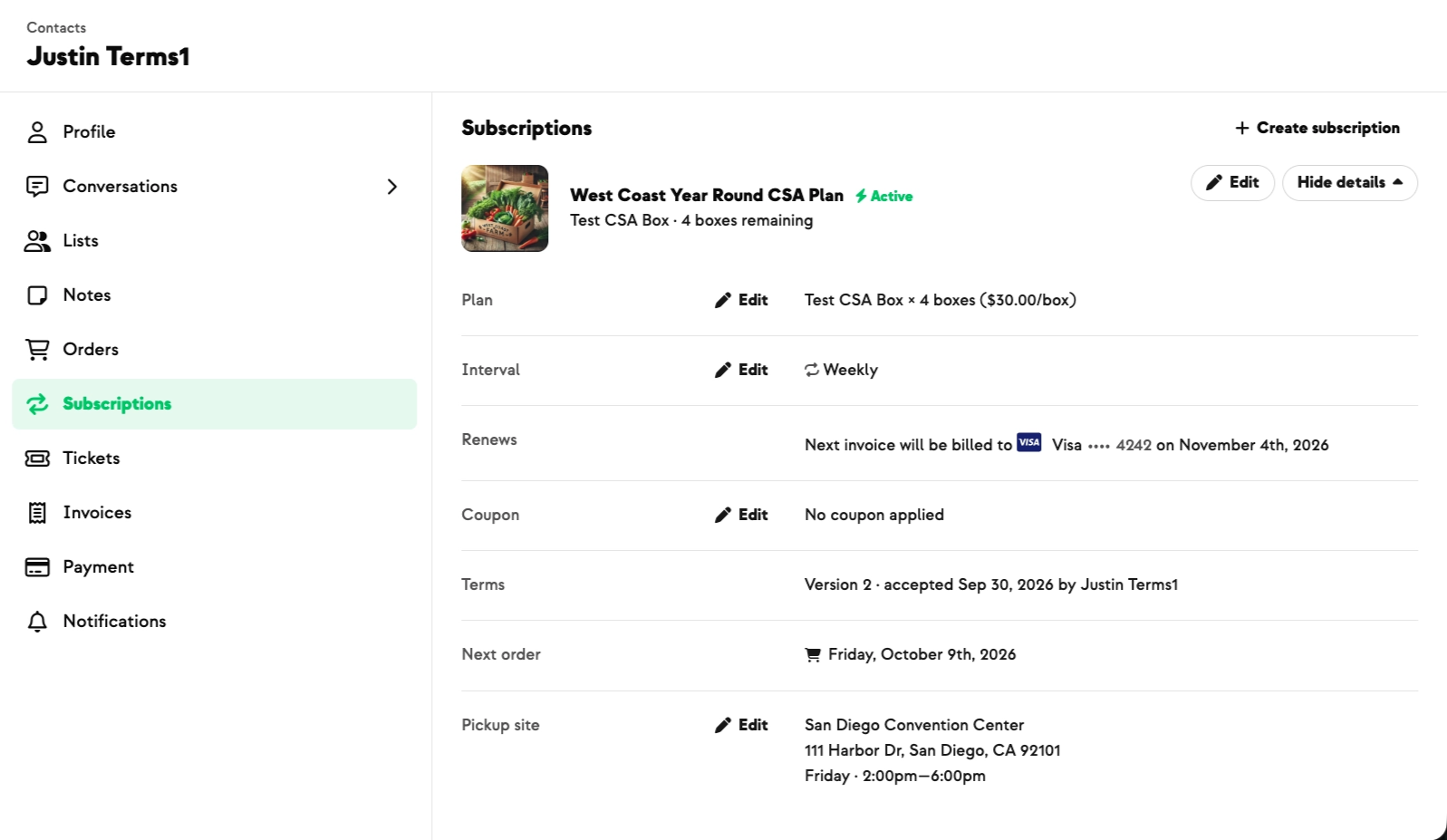



Your farm is growing.
Your platform should keep up.
Our roadmap is built from farmer conversations, not corporate planning cycles. You ask. We build. You see it live.